
qair-0.4.0 is not a library.
Visit the last successful build:
qair-0.7.0
qair
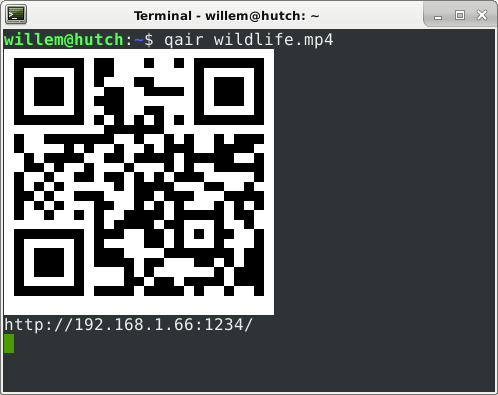
To send/receive files:
- Run
qair FILEorqair - Scan the QR code with your smartphone
- Tap the download/upload button.
That's all.
No more hassle:
- No cables
- No dedicated mobile app: The QR barcode is standard, so you do not need to install a dedicated app on you smartphone. You can use the barcode scanner of your camera app or browser, or any QR code reading app.
- No bluetooth pairing
- No signup, no account
- No internet server.
qairsends the file directly from your PC to your smartphone over HTTP over wifi. Your files do not go through a server/cloud. Your smartphone usually needs to be on the same wifi as your PC.
Install
- Linux & Windows : Download binaries
- MacOS X: Install rust and run
cargo install qair