# Putzen
> "putzen" is German and means cleaning. It helps keeping your disk clean of build and dependency artifacts safely.
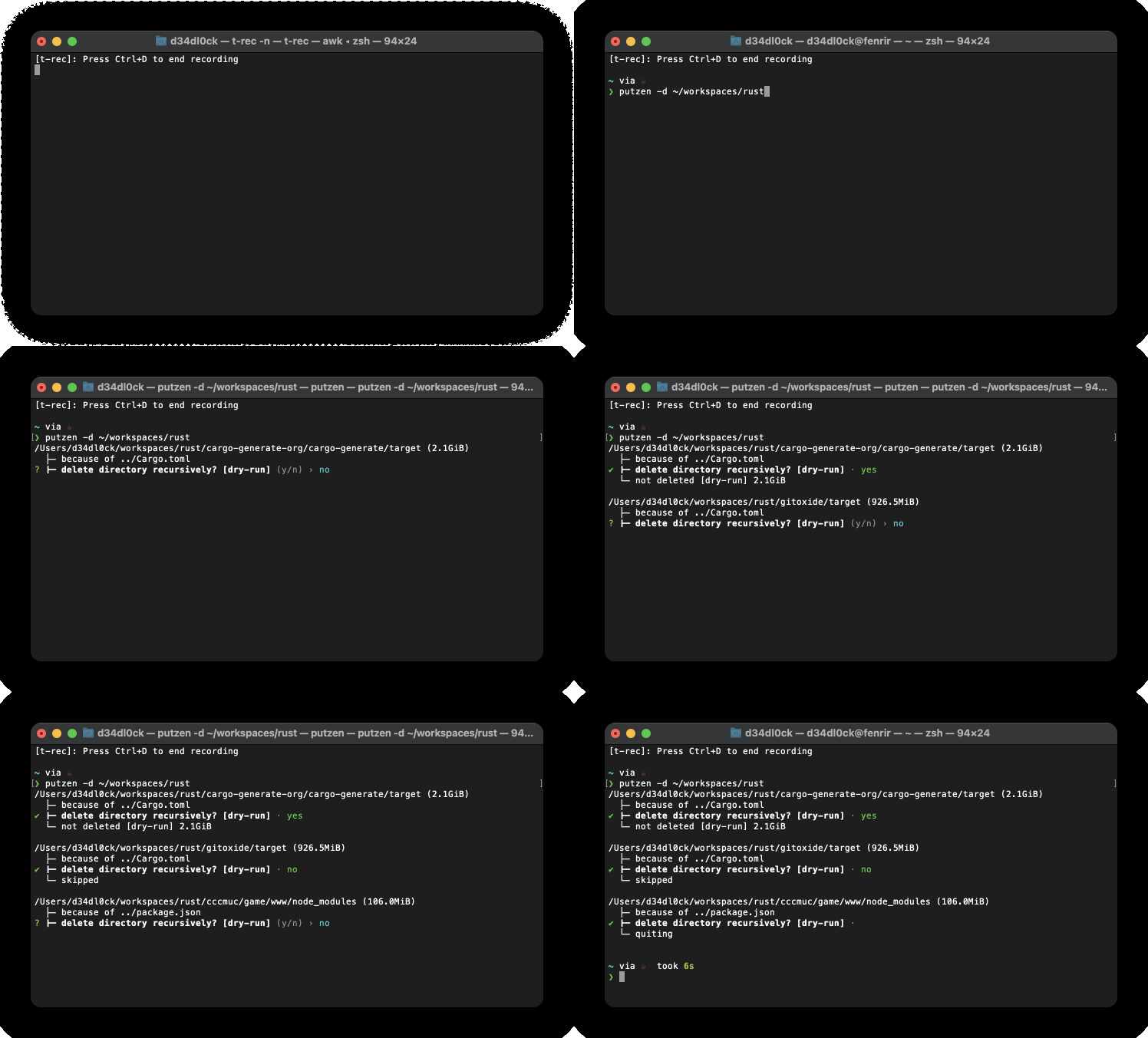
## What does putzen do?
In short, putzen solves the problem of cleaning up build or dependency artifacts.
It does so by a simple "File" -> "Folder" rule. If the "File" and "Folder" is present, it cleans "Folder"
It also does all this fast, means in parallel (if the filesystem supports it).
### Supported Artifacts
putzen supports cleaning artifacts for:
| rust | Cargo.toml | target |
| javascript | package.json | node_modules |
| CMake | CMakeLists.txt | build |
furthermore, it does also support:
- It can do run a dry-run (`-d`)
- Interactive asking for deletion
- Sums up the space that will be freed
## Quick Start
### Install
To install the `putzen`, you just need to run
```bash
cargo install putzen-cli
```
**Note** the binary is called `putzen` (without `-cli`)
to verify if the installation was successful, you can run `which putzen` that should output similar to
```sh
$HOME/.cargo/bin/putzen
```
### Usage
```sh
$ putzen --help
Usage: putzen <folder> [-d] [-y] [-L] [-a]
help keeping your disk clean of build and dependency artifacts
Positional Arguments:
folder path where to start with disk clean up.
Options:
-v, --version show the version number
-d, --dry-run dry-run will never delete anything, good for simulations
-y, --yes-to-all switch to say yes to all questions
-L, --follow follow symbolic links
-a, --dive-into-hidden-folders
dive into hidden folders too, e.g. `.git`
--help display usage information
```
## Alternative Projects
- [kondo](https://github.com/tbillington/kondo)
## License
[](https://www.gnu.org/licenses/gpl-3.0)
- **[GNU GPL v3 license](https://www.gnu.org/licenses/gpl-3.0)**
- Copyright 2019 © [Sven Assmann][me].
[me]: https://www.d34dl0ck.me