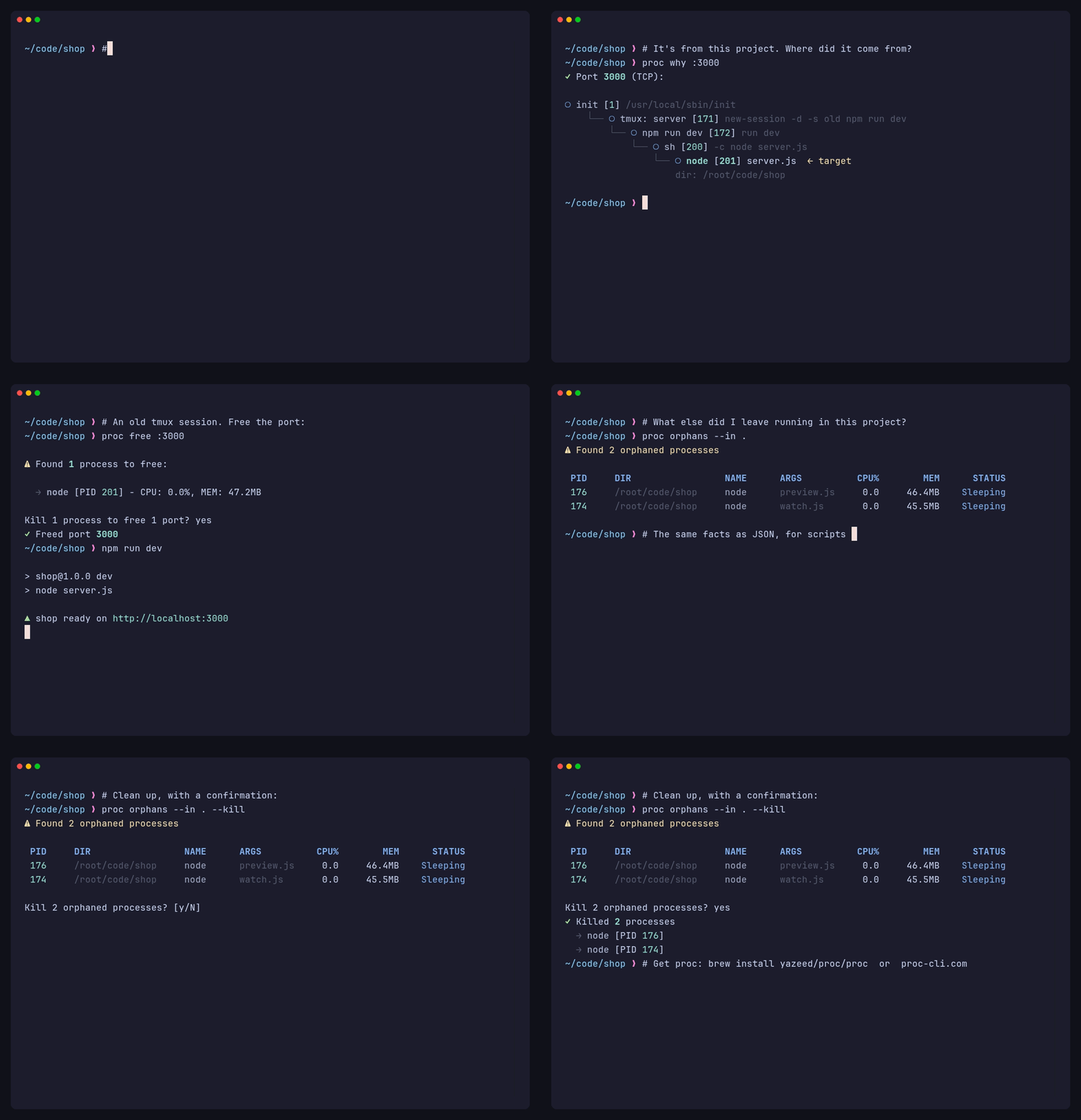
# proc demo: a port conflict, where it came from, and the leftovers.
# Rendered in Docker so no real machine's processes appear; see demo.Dockerfile
# for the two commands. Paths are relative to the repo root, mounted at /vhs.

Output demo.gif
Output docs/assets/demo.mp4

Set Shell "bash"
Set FontFamily "JetBrainsMono Nerd Font"
Set FontSize 18
Set LineHeight 1.25
Set Width 1100
Set Height 760
Set Padding 26
Set Margin 22
Set MarginFill "#11111b"
Set WindowBar Colorful
Set WindowBarSize 36
Set BorderRadius 12
Set Theme "Catppuccin Mocha"
Set TypingSpeed 45ms

# Off camera: a dev server left running in an old tmux session, plus a file
# watcher and a preview server whose terminal is long gone.
Hide
Type "source ~/.bashrc && cd ~/code/shop && tmux new-session -d -s old 'npm run dev' && (setsid node watch.js >/dev/null 2>&1 </dev/null &) && (setsid node preview.js >/dev/null 2>&1 </dev/null &) && sleep 1 && clear"
Enter
Sleep 2s
Show

# Scene 1: the port is taken
Type@20ms "# Start the dev server"
Enter
Type "npm run dev"
Enter
Sleep 1.8s
Type@20ms "# Port 3000 is taken. By what?"
Enter
Type "proc on :3000"
Enter
Sleep 3.5s

# Scene 2: where it came from
Hide
Type "clear"
Enter
Show
Type@20ms "# It's from this project. Where did it come from?"
Enter
Type "proc why :3000"
Enter
Sleep 4s

# Scene 3: free it and carry on
Hide
Type "clear"
Enter
Show
Type@20ms "# An old tmux session. Free the port:"
Enter
Type "proc free :3000"
Enter
Sleep 1.5s
Type "y"
Sleep 2s
Type "npm run dev"
Enter
Sleep 3s
Ctrl+C
Sleep 1s

# Scene 4: what else is still running here?
Hide
Type "clear"
Enter
Show
Type@20ms "# What else did I leave running in this project?"
Enter
Type "proc orphans --in ."
Enter
Sleep 3.5s
Type@20ms "# The same facts as JSON, for scripts and AI agents:"
Enter
Type "proc on :8080 --json | jq '.process | {pid, cwd, uptime_secs}'"
Enter
Sleep 4s

# Scene 5: clean up, then where to get it
Hide
Type "clear"
Enter
Show
Type@20ms "# Clean up, with a confirmation:"
Enter
Type "proc orphans --in . --kill"
Enter
Sleep 2s
Type "y"
Sleep 2.5s
Type@20ms "# Get proc: brew install yazeed/proc/proc  or  proc-cli.com"
Sleep 4.5s