<p align="center"><img src="assets/logo.svg" alt="Postvak" width="364"></p>
<p align="center">
<a href="https://github.com/postvak-app/postvak/actions/workflows/ci.yml"><img src="https://github.com/postvak-app/postvak/actions/workflows/ci.yml/badge.svg" alt="CI"></a>
<a href="https://postvak.pataar.nl/"><img src="https://img.shields.io/badge/docs-postvak.pataar.nl-orange" alt="Docs"></a>
<a href="LICENSE-MIT"><img src="https://img.shields.io/badge/license-MIT%20OR%20Apache--2.0-blue" alt="License: MIT OR Apache-2.0"></a>
</p>
# Postvak
Rules for your IMAP inbox. Test them with a dry run and undo any delete. Postvak syncs your mail into a local store and runs your rules: move mail into folders, mark it read, or delete transient mail such as sign-in codes and magic links once you no longer need it. Without rules, it leaves your mail alone.
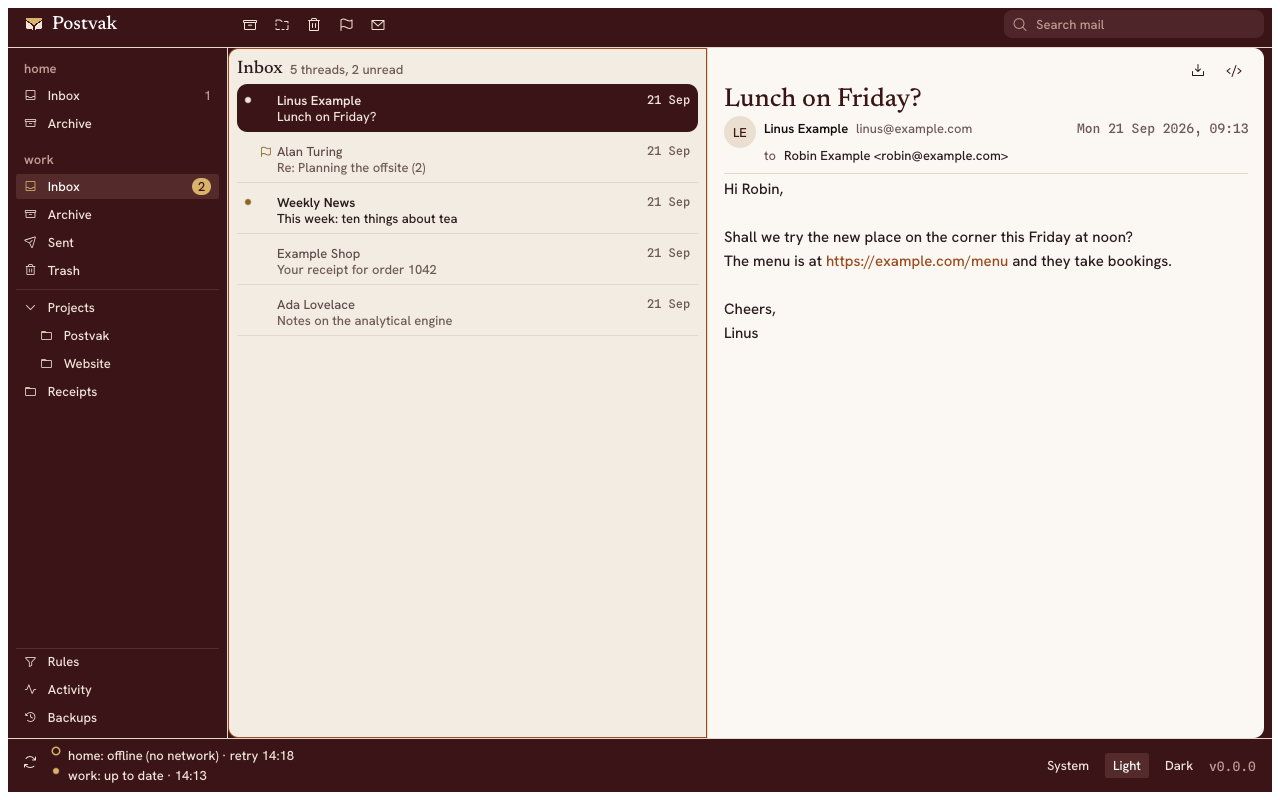
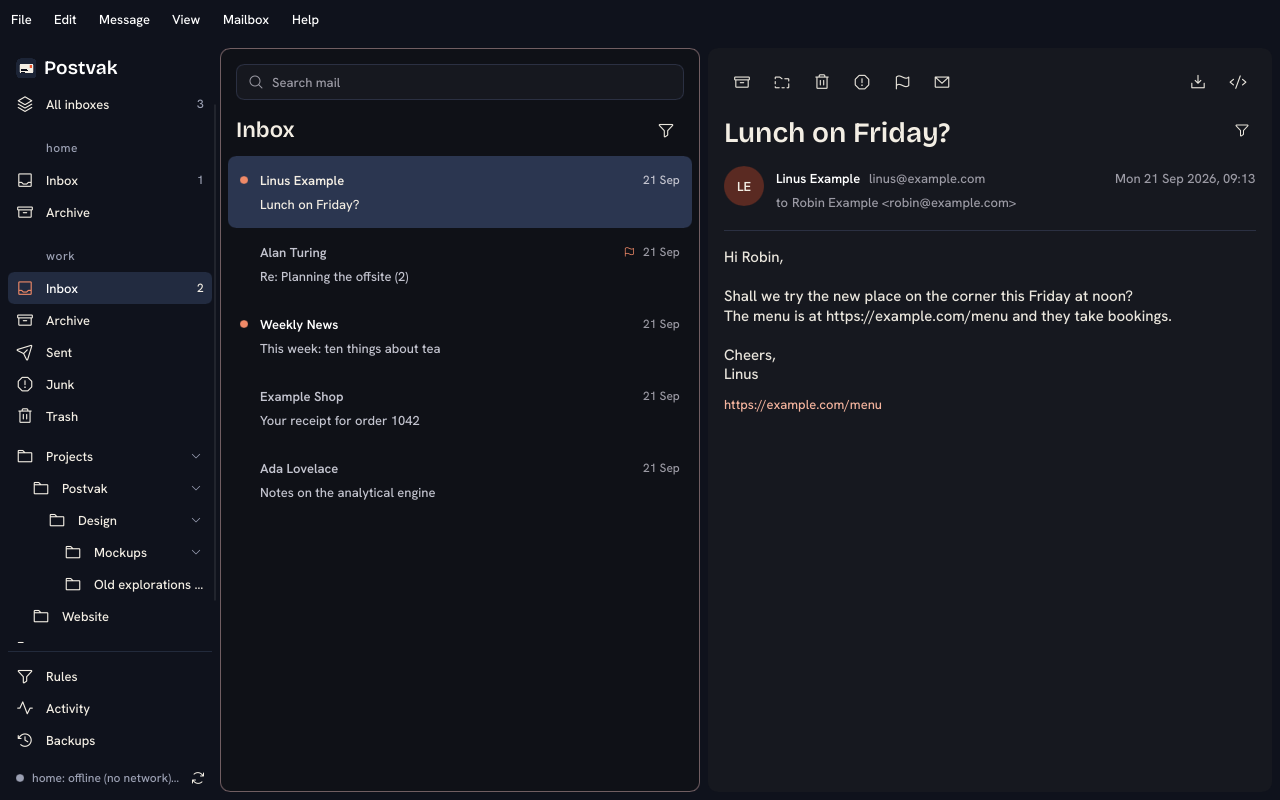
It runs headless as a background service, at login or on a server. On top come a keyboard-driven mail window for reading (`postvak gui`), a full command line, and an MCP server for agents (see [Agents over MCP](https://postvak.pataar.nl/mcp.html)). Postvak reads and sorts mail; it does not send it. It runs on macOS and Linux.
## Quickstart
```sh
brew install postvak-app/tap/postvak # or cargo, mise, the macOS app or an AppImage: see Install
postvak account add # asks for host, user and password, then tests the login
postvak sync # first sync of every folder
postvak list # newest mail in INBOX
postvak gui # the mail window
postvak mcp install claude-desktop # let Claude read your inbox and propose rules
```
Postvak ships with no rules. Add your own to `rules.toml` next to `config.toml`, in `~/.config/postvak/` on Linux or `~/Library/Application Support/postvak/` on macOS. For example, this one deletes read sign-in codes after an hour:
```toml
[[rules]]
name = "purge sign-in codes"
match.seen = true
actions = ["delete"]
```
```sh
postvak rules test # dry run: what would each rule do?
postvak run # keep syncing and applying rules in the foreground
postvak service install # run in the background at login
```
Deleted mail is kept as `.eml` for 30 days: `postvak trash list` and `postvak trash restore FILE`.
## Why not server-side filters?
- Works with any IMAP server, without Sieve or a webmail settings page.
- Rules run on every sync, not once on delivery, so they can act later: an hour after you read a sign-in code, or once a newsletter is a week old.
- `rules test` shows what every rule would do before it does it, and deleted mail can be restored.
- Agents over MCP get only the scopes you grant, so it stays privacy-friendly: by default they see headers but no message bodies, and propose rules instead of acting on mail.
- Passwords stay in the macOS Keychain or the Secret Service, or come from a command such as `pass`.
Postvak is licensed under MIT or Apache-2.0, at your option. The mail window's HTML view includes Stylo, the CSS engine from Servo and Firefox, which is under MPL-2.0.
## More
- [Documentation](https://postvak.pataar.nl/): install, accounts, rules, agent guide and CLI reference
- [Contributing](CONTRIBUTING.md) and [Code of Conduct](CODE_OF_CONDUCT.md)
- [Security policy](SECURITY.md): how to report a vulnerability
- [Changelog](CHANGELOG.md)