---
part: pixi/examples
title: Opencv example
description: How to run opencv using pixi
---
The `opencv` example is located in the pixi repository.
```shell
git clone https://github.com/prefix-dev/pixi.git
```
Move to the example folder
```shell
cd pixi/examples/opencv
```
## Face detection
Run the `start` command to start the face detection algorithm.
```shell
pixi run start
```
The screen that starts should look like this:
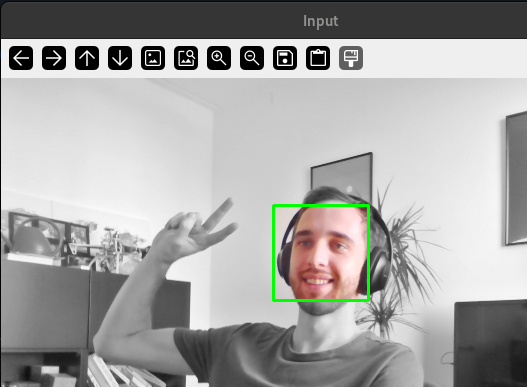
Check out the `webcame_capture.py` to see how we detect a face.
## Camera Calibration
Next to face recognition, a camera calibration example is also included.
You'll need a checkerboard for this to work.
Print this: [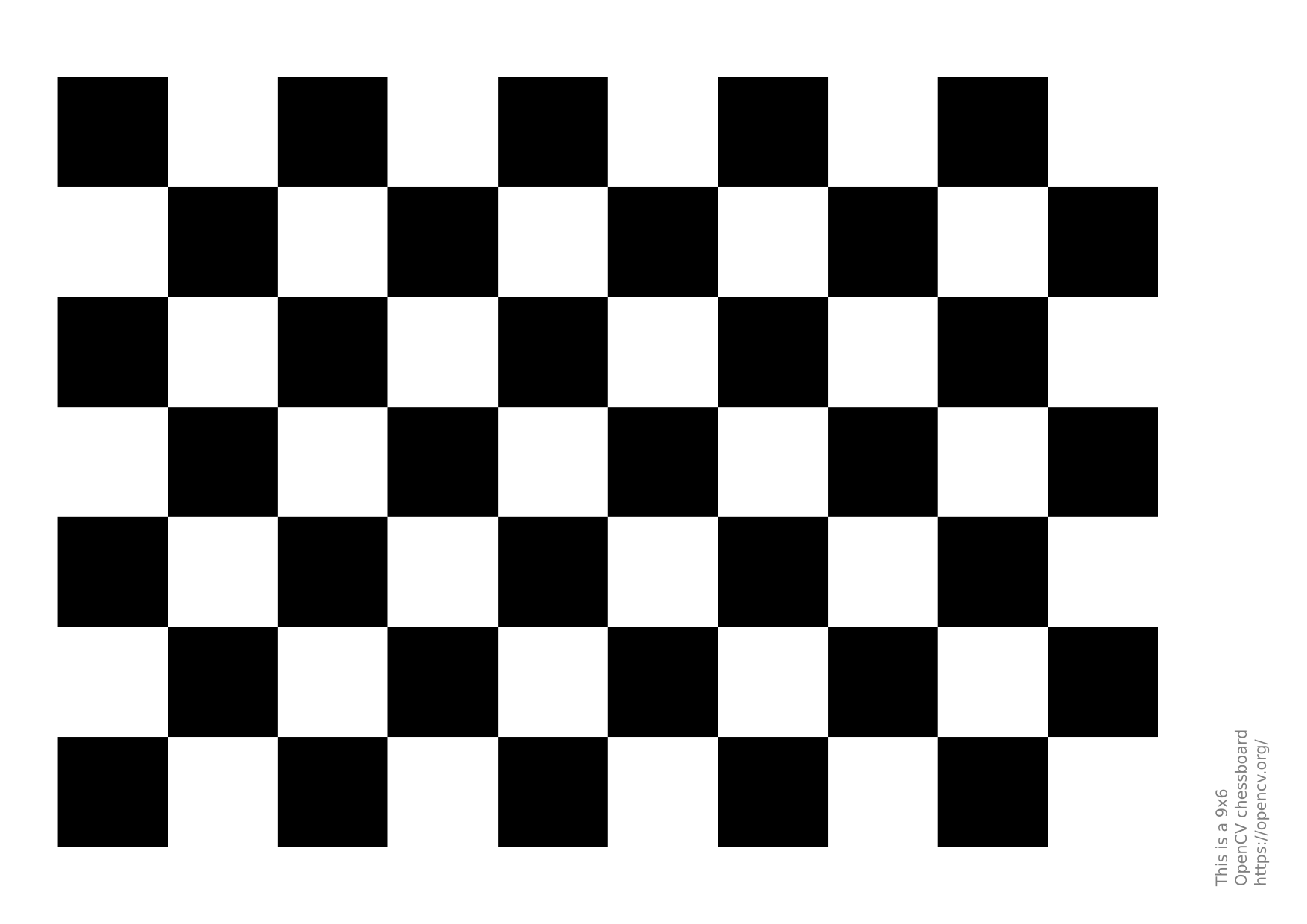](https://github.com/opencv/opencv/blob/4.x/doc/pattern.png)
Then run
```shell
pixi run calibrate
```
To make a picture for calibration press `SPACE`
Do this approximately 10 times with the chessboard in view of the camera
After that press `ESC` which will start the calibration.
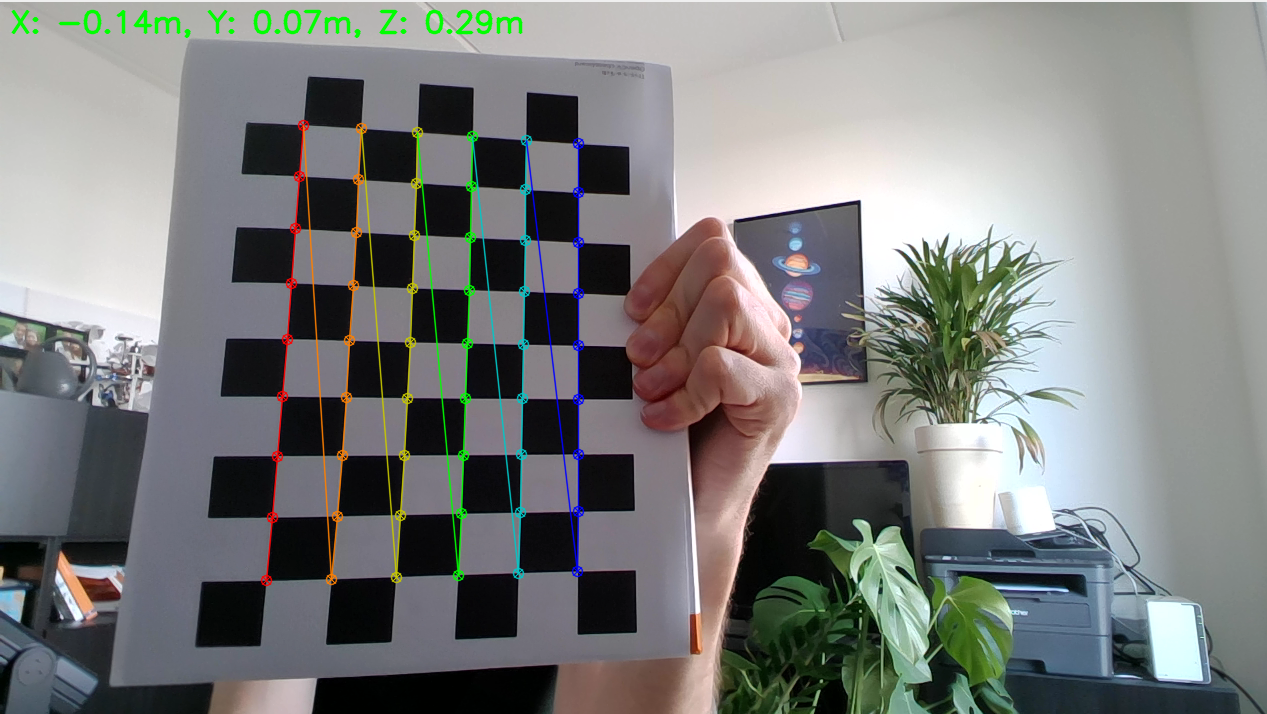
When the calibration is done, the camera will be used again to find the distance to the checkerboard.