
# openapi-tui
[](https://github.com/zaghaghi/openapi-tui/actions)
Terminal UI to list, browse and run APIs defined with OpenAPI v3.0 spec.
# Demo

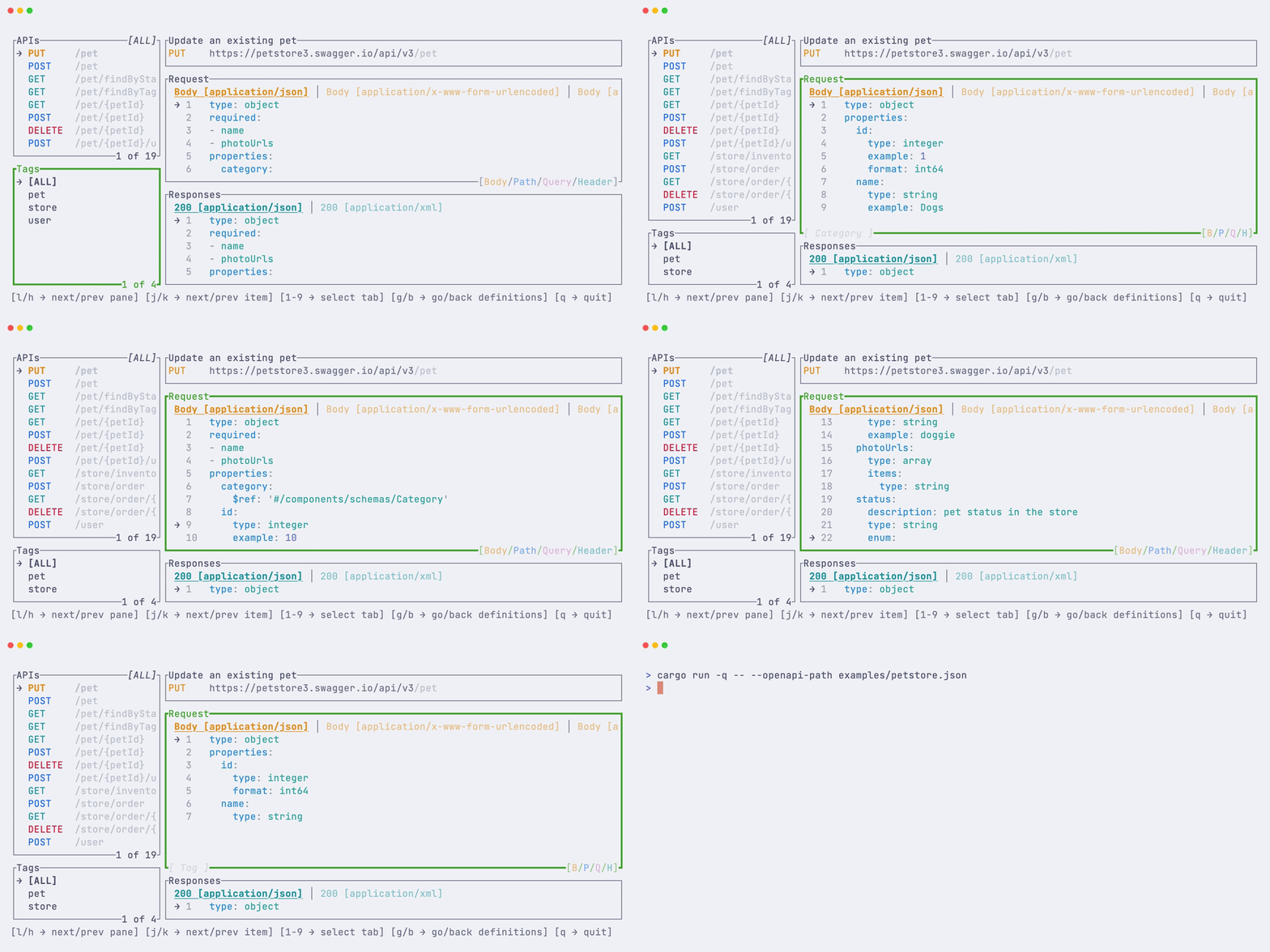
## Nested Components
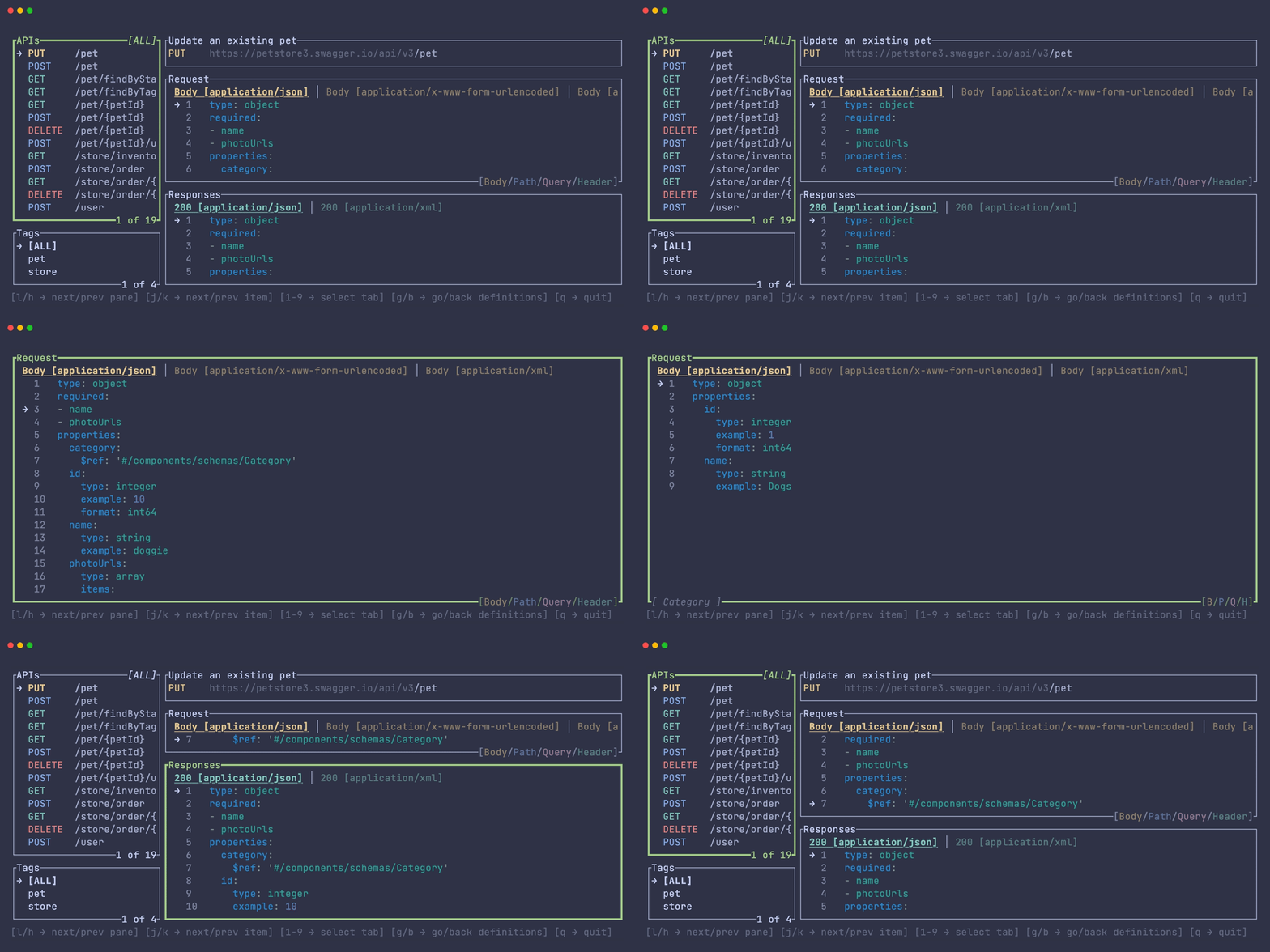
## Fullscreen
# Installation
Install from source:
```bash
❯ cargo install openapi-tui
```
Or download pre-built artifact from release page.
## Distro Packages
<details>
<summary>Packaging status</summary>
[](https://repology.org/project/openapi-tui/versions)
</details>
### Arch Linux
You can install using `pacman` as follows:
```bash
❯ pacman -S openapi-tui
```
# Usage
```bash
❯ openapi-tui --help
This TUI allows you to list and browse APIs described by the openapi specification.
Usage: openapi-tui [OPTIONS]
Options:
-o, --openapi-path <PATH> Input file, i.e. json or yaml file with openapi specification [default:
openapi.json]
-h, --help Print help
-V, --version Print version
```
# Keybindings
| `→`, `l`| Move to next pane |
| `←`, `h` | Move to previous pane |
| `↓`, `j` | Move down in lists |
| `↑`, `k` | Move up in lists |
| `1...9` | Move between tabs |
| 'f' | Toggle fullscreen pane|
| `g` | Go in nested items in lists|
| `Backspace`, `b` | Get out of nested items in lists|
# Milestones
- [X] Viewer
- [ ] OpenAPI v3.1
- [ ] Remote API specification
- [X] Pane Fullscreen Mode
- [X] Nested Components
- [X] Status Line
- [ ] Command Line
- [ ] Execute