[](https://travis-ci.org/roosta/oozz)
[](https://crates.io/crates/oozz)
Overview
========
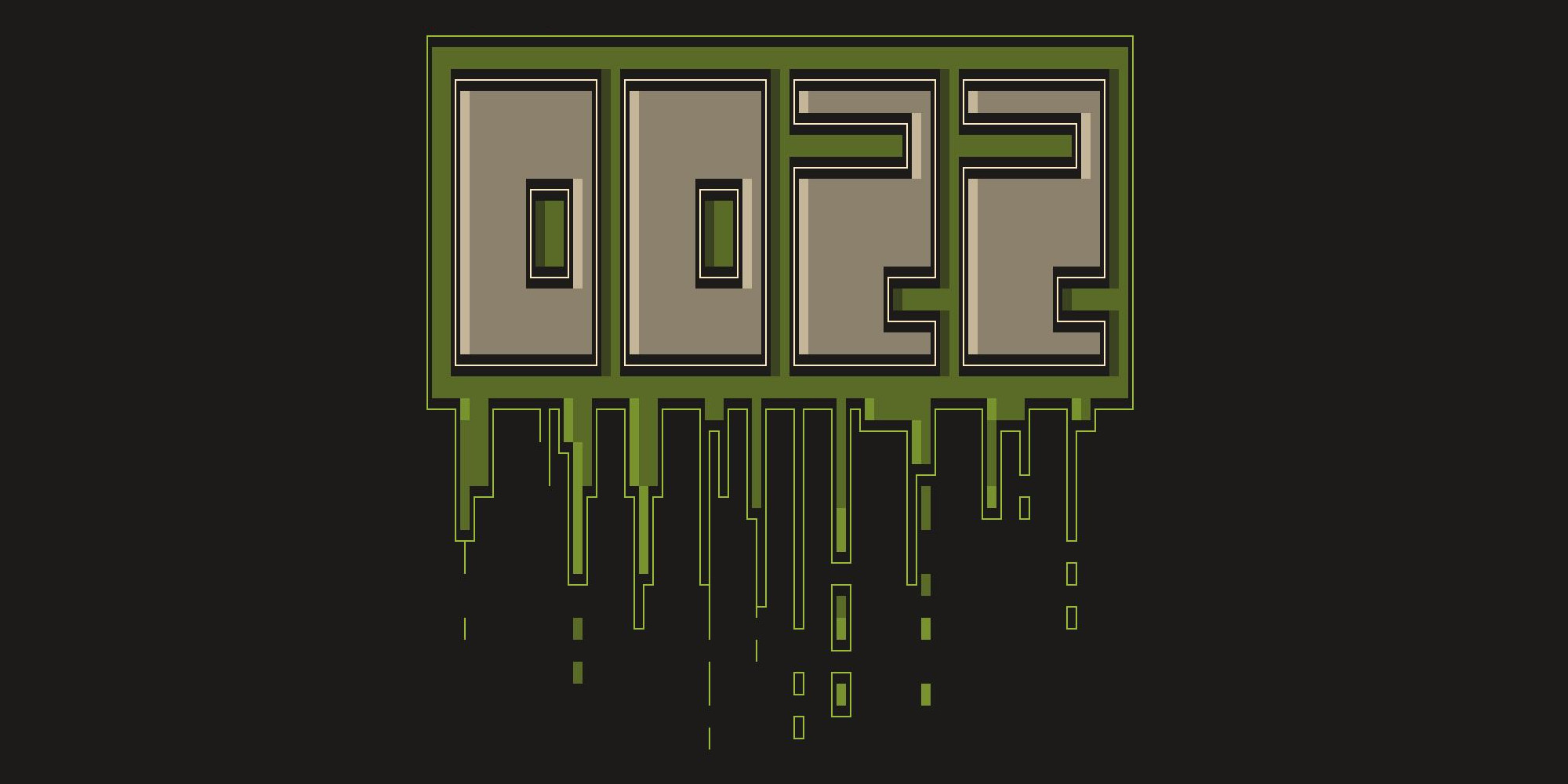
A CLI program that takes text and renders it in an ANSI art font, and
adds some colored oozz.
## Requirements
This program relies heavily on VT100 ANSI escape codes so your terminal would
have to support this. The output is intended for modern unicode terminals but
works in the virtual console, so long as the font has the required glyphs (box
drawing characters).
## Installation
[Rust](https://www.rust-lang.org/en-US/), and [Cargo](http://doc.crates.io/) is
required, and `oozz` can be installed using cargo like so:
```sh
cargo install oozz
```
Or alternatively, you can build a release binary,
```sh
cargo build --release
```
Then place said binary, located at `target/release/oozz`, somewhere on your `$path`.
Usage
=====
Basic usage would be calling `oozz` and the remaining input is
treated as a string
```sh
oozz some text
```
Supported characters are: `abcdefghijklmnopqrstuvwxyz. !` This somewhat
limited at the moment, but I plan to add more.
Options
=======
* **-c --color**: change the color of the 'oozz', to one of the 8 colors
supported by your terminal. Valid values are one of `black|red|green|yellow|blue|magenta|cyan|white`
* **-b --bold**: use the bold variant of the chosen color.
* **-C --center** center output horizontally on screen, if possible.
Building
========
Requires [Rust](https://www.rust-lang.org/en-US/) and
[Cargo](http://doc.crates.io/) installed on system, and can be built like
this:
```sh
cargo build
```
An optional requirement would be
[Recode](https://github.com/pinard/Recode/), a charset converter tool.
The artwork files comes in two flavours, `*.ans` and `*.latin1`, both
filetypes are tracked in the repo but if you for some reason want to
change the artwork, Recode is used for the conversion between the
filetypes. Just edit something and run:
```sh
make
```