# ontv
Reimagining of my old Python-based CLI application for tracking show
progress and what to watch next.
Still in the experimental stage. Users beware!
[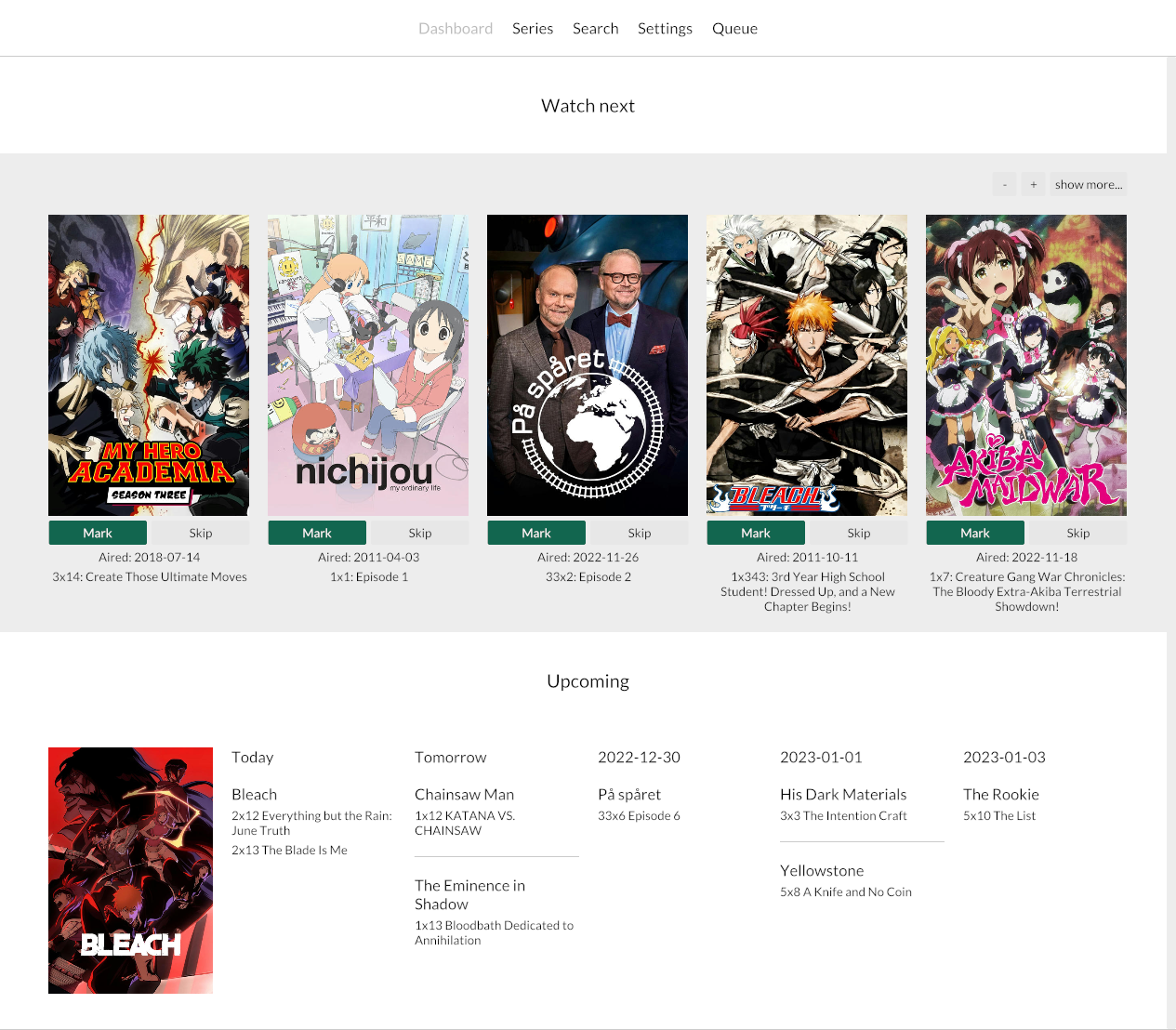](https://github.com/udoprog/ontv)
<br>
### Running ontv in read-only mode
If you for some reason want to run ontv in read-only mode you can do that
with the `--test` switch. I personally use this during development to make
sure I don't accidentally save bad data to my local database.
```rust
$ RUST_LOG=ontv=debug ontv --test
```
<br>
### Importing history from trakt.tv
You must run the application at least once, and go into `Settings` to
configure your themoviedb.com API key. Unfortunately I cannot help you with
this.
Next you'll need to export your existing history it using [this very helpful
service by Darek Kay](https://darekkay.com/blog/trakt-tv-backup/).
After you've unpacked the file, import the history by starting `ontv` like
this:
```rust
$ RUST_LOG=ontv=debug ontv --import-trakt-watched C:\Downloads\watched_shows.txt --import-missing
```
The process is incremental, so don't worry if you have to abort it. If any
episode already has a watch history it will simply skip over that episode.
This will take a while, so go get a ☕.
License: MIT/Apache-2.0