# MOROS: Obscure Rust Operating System

MOROS is a hobby operating system written in Rust by [Vincent Ollivier](https://vinc.cc).
It targets computers with a x86-64 architecture and a BIOS, so mostly from 2005
to 2020, but it also runs well on most emulators (Bochs, QEMU, and VirtualBox).
This project started from the [seventh post][1] of the second edition of
[Writing an OS in Rust][2] by Philipp Oppermann and by reading the
[OSDev wiki][3] along with many open source kernels.
[](https://travis-ci.org/vinc/moros/branches)
[](https://crates.io/crates/moros)
## Features
- [x] External bootloader (using [bootloader](https://github.com/rust-osdev/bootloader))
- [x] x86 CPU support (using [x86_64](https://crates.io/crates/x86_64))
- [x] Hardware interrupts (using [pic8259](https://crates.io/crates/pic8259))
- [x] PS/2 Keyboard (using [pc-keyboard](https://crates.io/crates/pc-keyboard))
- [x] VGA Text mode output
- [x] Serial output (using [uart_16550](https://crates.io/crates/uart_16550))
- [x] Paging
- [x] Heap allocation (using [linked_list_allocator](https://crates.io/crates/linked_list_allocator))
- [x] ACPI shutdown (using [acpi](https://crates.io/crates/acpi) and [aml](https://crates.io/crates/aml))
- [x] RTC clock
- [x] PCI enumeration
- [x] ATA PIO mode
- [x] Random number generator (using [rand_chacha](https://crates.io/crates/rand_chacha))
- [x] RTL8139 network card
- [x] AMD PCNET network card
- [x] DHCP/IP/TCP/UDP/DNS/HTTP protocols (using [smoltcp](https://crates.io/crates/smoltcp))
- [x] Basic filesystem
- [x] Basic shell
- [x] Basic text editor
- [x] Basic lisp interpreter
- [x] Basic file and network commands
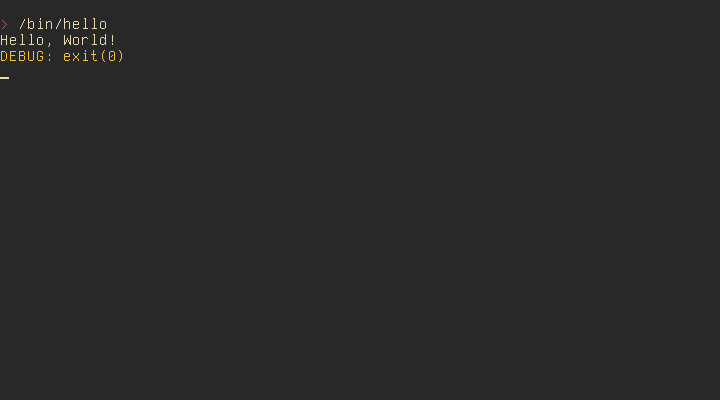
- [x] Basic userspace for nasm binaries
- [ ] Multitasking
## Setup
Install the required tools:
$ curl https://sh.rustup.rs -sSf | sh
$ rustup install nightly
$ rustup default nightly
$ rustup component add rust-src
$ rustup component add llvm-tools-preview
$ cargo install bootimage
Clone the repo:
$ git clone https://github.com/vinc/moros
$ cd moros
## Usage
Build the image to `disk.img`:
$ make image output=video keyboard=qwerty nic=rtl8139
Run MOROS in QEMU:
$ make qemu output=video nic=rtl8139
Run natively on a x86 computer by copying the bootloader and the kernel to a
hard drive or USB stick (but there is currently no USB driver so the filesystem
will not be available):
$ sudo dd if=target/x86_64-moros/release/bootimage-moros.bin of=/dev/sdx && sync
In both cases, MOROS will open a console in diskless mode after boot if no
filesystem is detected. The following command will setup the filesystem on the
first hard drive of the first ATA bus, allowing you to exit the diskless mode
and log in as a normal user:
> install
**Be careful not to overwrite the hard drive of your OS when using `dd` inside
your OS, and `install` or `disk format` inside MOROS.**
## Tests
Run the test suite in QEMU:
$ make test
## LICENSE
MOROS is released under MIT.
[1]: https://github.com/phil-opp/blog_os/tree/post-07
[2]: https://os.phil-opp.com
[3]: https://wiki.osdev.org