## mint
Build flash blocks from a layout file (TOML/YAML/JSON) and an Excel workbook, then emit hex files.
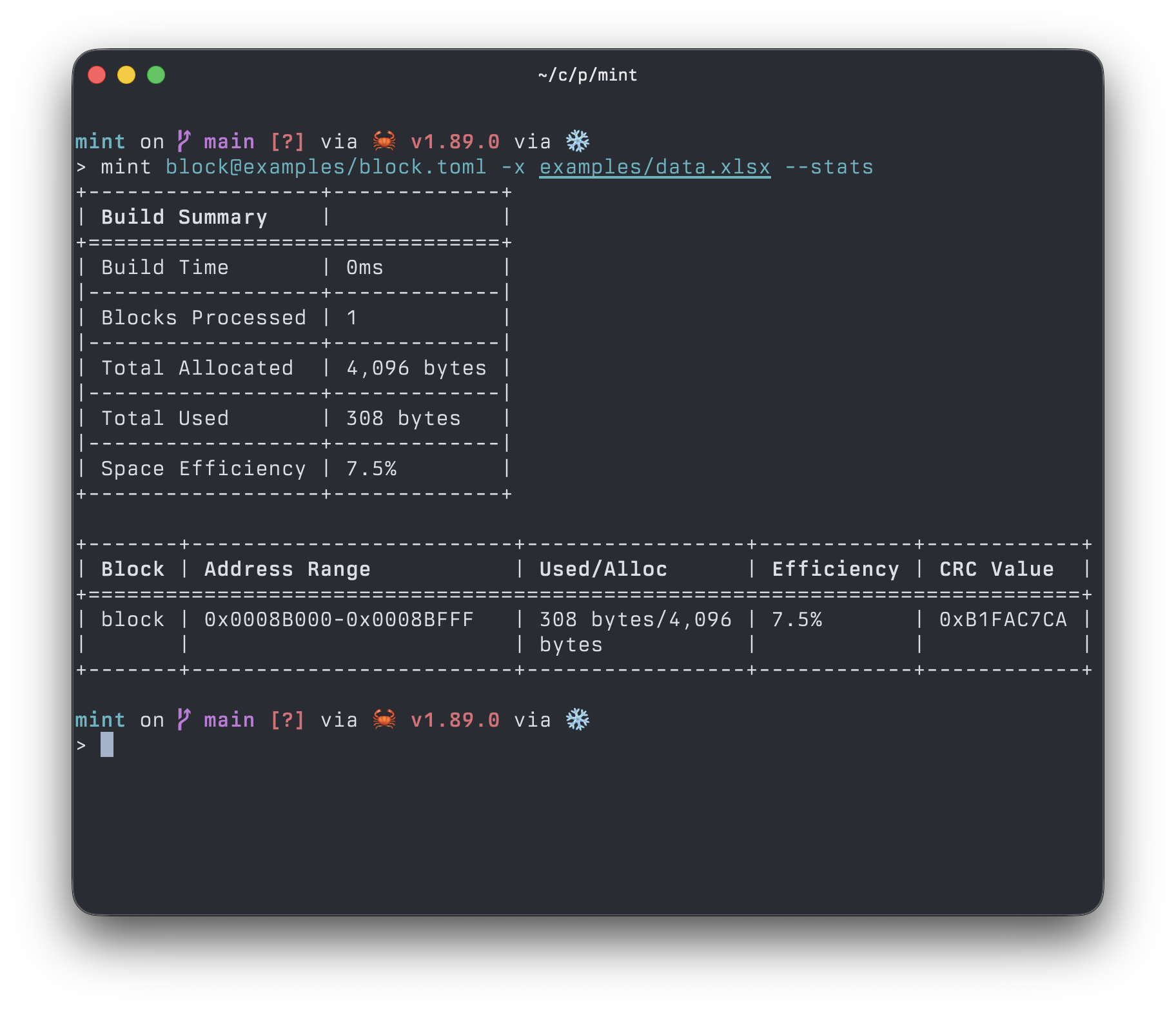
Install with `cargo install mint-cli` or via nix flakes.
Run `mint --help` for all available options. Example layouts and data are in the `examples/` directory.
### Input formats
Brief TOML illustrating common patterns (see examples: [`examples/block.toml`](examples/block.toml), [`examples/block.yaml`](examples/block.yaml), [`examples/block.json`](examples/block.json)):
```toml
[block.data]
# single numeric from Excel by name
device.info.version.major = { name = "FWVersionMajor", type = "u16" }
# fixed-size string from Excel (padded)
device.info.name = { name = "DeviceName", type = "u8", size = 16 }
# 1D numeric array from Excel sheet reference
calibration.coefficients = { name = "Coefficients1D", type = "f32", size = 8 }
# 2D numeric array from Excel sheet reference
calibration.matrix = { name = "CalibrationMatrix", type = "i16", size = [3, 3] }
# literals
message = { value = "Hello", type = "u8", size = 16 }
net.ip = { value = [192, 168, 1, 100], type = "u8", size = 4 }
```
Datasheet view (how the Excel workbook is interpreted). See workbook in [`examples/data.xlsx`](examples/data.xlsx).
Main sheet (first row is headers):
| DeviceName | MyDevice | | |
| FWVersionMajor | 3 | | 4 |
| Coefficients1D | #Coefficients1D | | |
| CalibrationMatrix | #CalibrationMatrix | | |
Notes:
- Precedence follows the order passed to `-v`/`--variant`. Supply columns separated by `/` (for example `-v Debug/VarA`). The first non-empty entry wins, falling back to `Default`.
- Cell starting with `#` is a sheet reference (for arrays); otherwise a string cell is literal bytes (for u8 strings).
Arrays from Excel sheets:
- First row is headers; width of the header row defines a 2D array's expected width.
- Values are taken only as complete rows until an empty cell is encountered.
| 1 | 2 | 3 |
| 4 | 5 | 6 |
| 7 | 8 | 9 |
| ... | ... | ... |
Strings and undersized arrays are padded to their expected size by default. If you want to enforce strict length, use the `SIZE` in place of `size` in the layout file (e.g. `SIZE = 8`).
