# mdbook-files
[](https://docs.rs/mdbook-files)
[](https://crates.io/crates/mdbook-files)
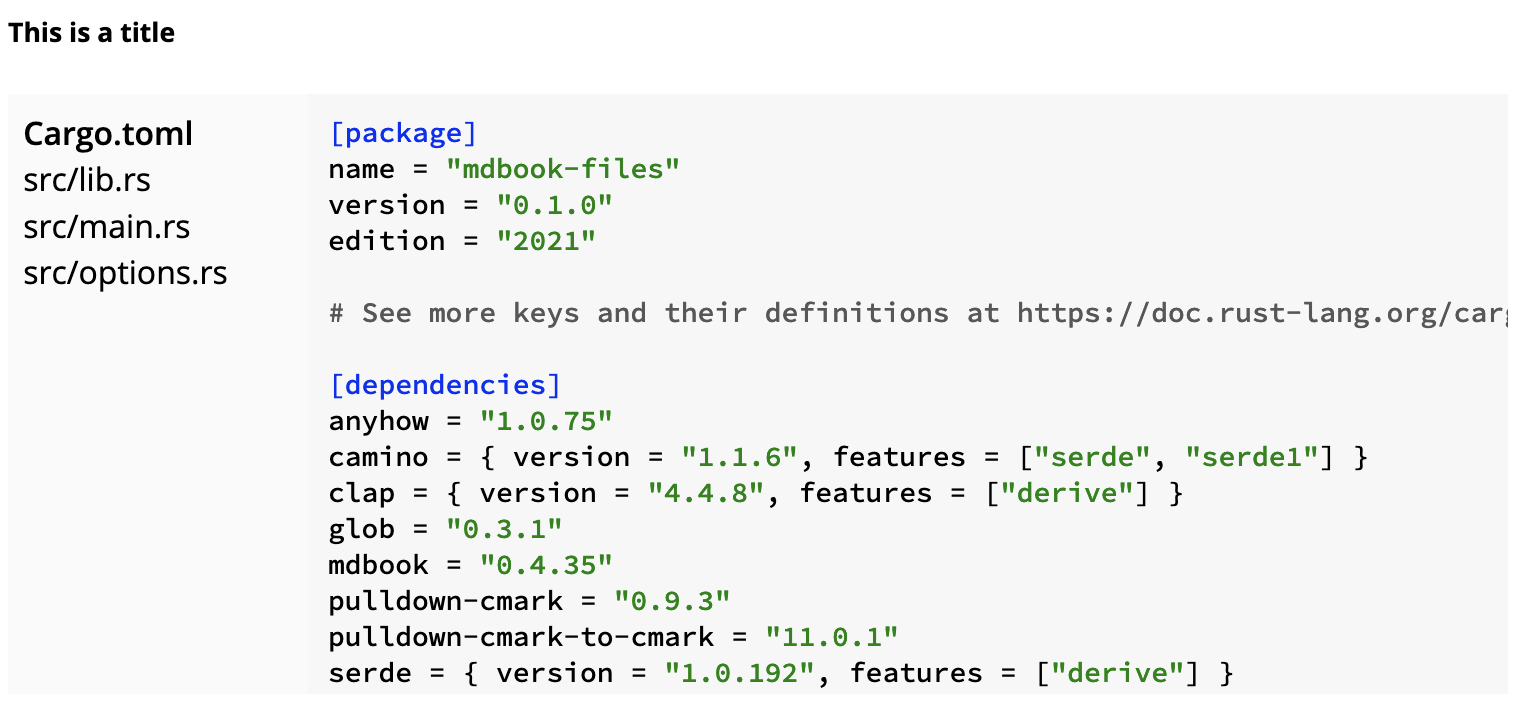
Preprocessor for [mdBook][mdBook] which renders files from a directory as an
interactive widget, with syntax highlighting.
## Example
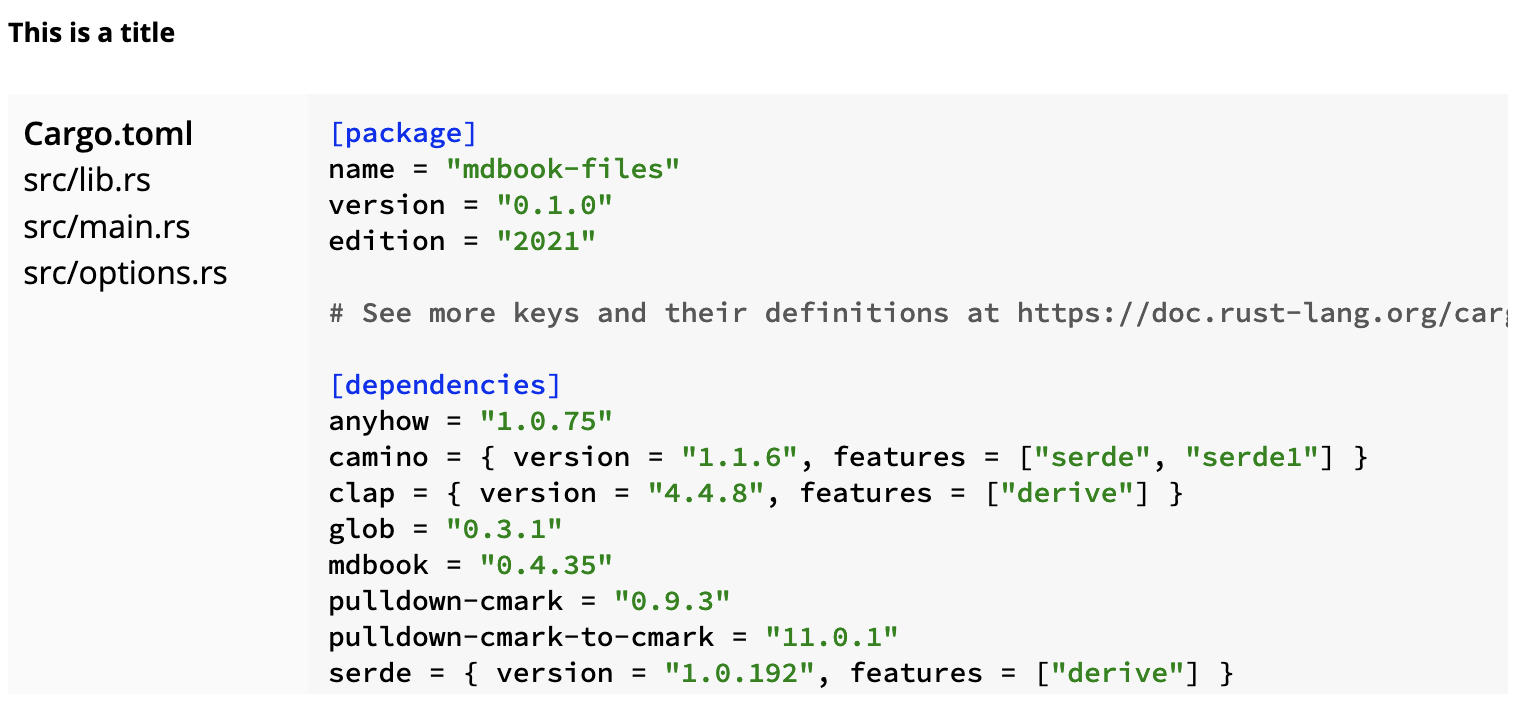
You can run the example by launching `mdbook` in the example directory in this
repository.
```
mdbook serve
```
## Usage
Install `mdbook-files` using `cargo`:
```
cargo install mdbook-files
```
Put the following into your `book.toml`:
```toml
[preprocessor.files]
prefix = "examples"
```
The prefix is a path, relative to which files are to be included. It is
mandatory to give a prefix. Every include path in the book must be within this
prefix.
You will also need to add the `style.css` from this repository to your list of
extra CSS files:
```toml
[output.html]
additional-css = ["style.css"]
```
To use it, add something like this to your book:
~~~markdown
```files
title = "Files in subfolder"
paths = ["subfolder/**"]
```
~~~
This will produce a widget with all files in `examples/subfolder`, with the given
title. The content of this is a TOML document which contains configuration.
## License
MIT.
[mdBook]: https://github.com/rust-lang/mdBook/