# Markless
Markless is a terminal markdown viewer with image support. It is focused on fast navigation, clear rendering, and sensible defaults for long documents.
## Screenshots


## Features
- Markdown rendering with headings, lists, tables, block quotes, code blocks, and footnotes
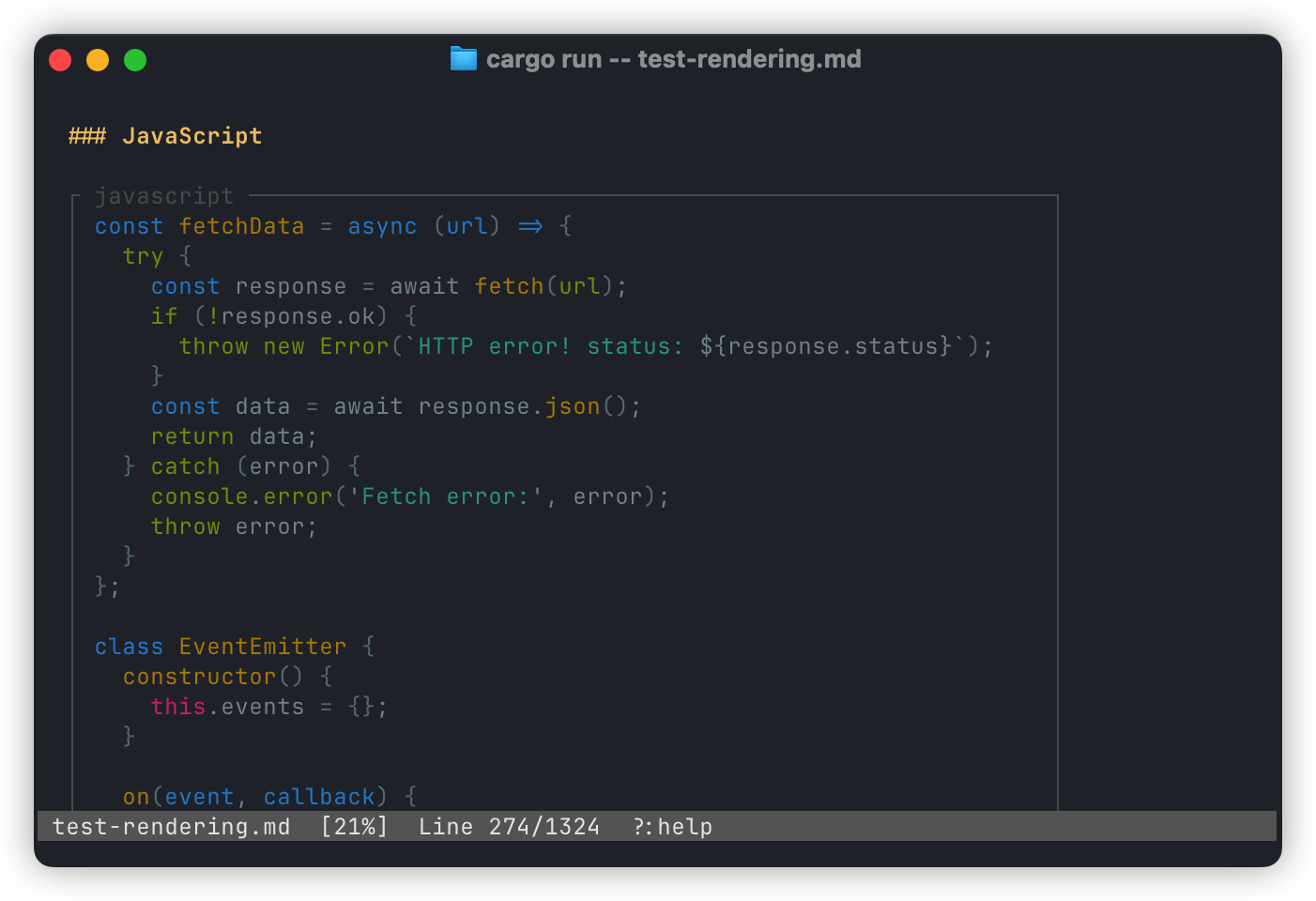
- Syntax-highlighted code blocks with lazy highlighting for performance
- Inline images (Kitty, Sixel, iTerm2, and half-block fallback)
- Table of contents sidebar with keyboard and mouse support
- Search with match navigation and highlight
- File watching for live reload
- Link hover and click (including image placeholders)
- Line selection with mouse drag and copy
- Fast scrolling with stable layout and reflow on resize
## Installation
### Development (from source)
```bash
cargo install --path .
```
### Production (from crates.io)
```bash
cargo install markless
```
## Usage
```bash
markless README.md
```
## Command Line Options
- `--watch` Auto-reload on file changes
- `--no-toc` Hide the table of contents sidebar
- `--toc` Start with TOC visible
- `--no-images` Disable inline image rendering (show placeholders only)
- `--force-half-cell` Force half-cell image rendering (debug)
- `--theme <auto|light|dark>` Force highlight theme background
- `--perf` Enable startup performance logging
- `--render-debug-log <PATH>` Write render/image debug events to a file
- `--save` Save current flags as defaults in the global config
- `--clear` Clear saved defaults in the global config
Config files:
- Global (macOS): `~/Library/Application Support/markless/config`
- Local override: `.marklessrc` in the current directory
## Key Bindings
Navigation
- `j` / `k` or arrows: scroll
- `Space` / `PageDown`: page down
- `b` / `PageUp`: page up
- `Ctrl-d` / `Ctrl-u`: half page
- `g` / `G`: top / bottom
Search
- `/`: start search
- `Enter`: next match
- `Esc`: clear search
TOC
- `t`: toggle TOC
- `T`: toggle + focus TOC
- `Tab`: switch focus
- `j` / `k`, arrows, `Enter` / `Space`: navigate + jump
Other
- `w`: toggle watch
- `r` / `R`: reload file
- `o`: open visible links (1-9)
- `?` / `F1`: toggle help
- `q` / `Ctrl-c`: quit
Mouse
- Scroll wheel: scroll
- Click links or images: open
- Hover link/image: show URL
- Click + drag: select lines and copy
## License
MIT