# mac-cli
A simple command-line tool to control your Mac from the terminal.
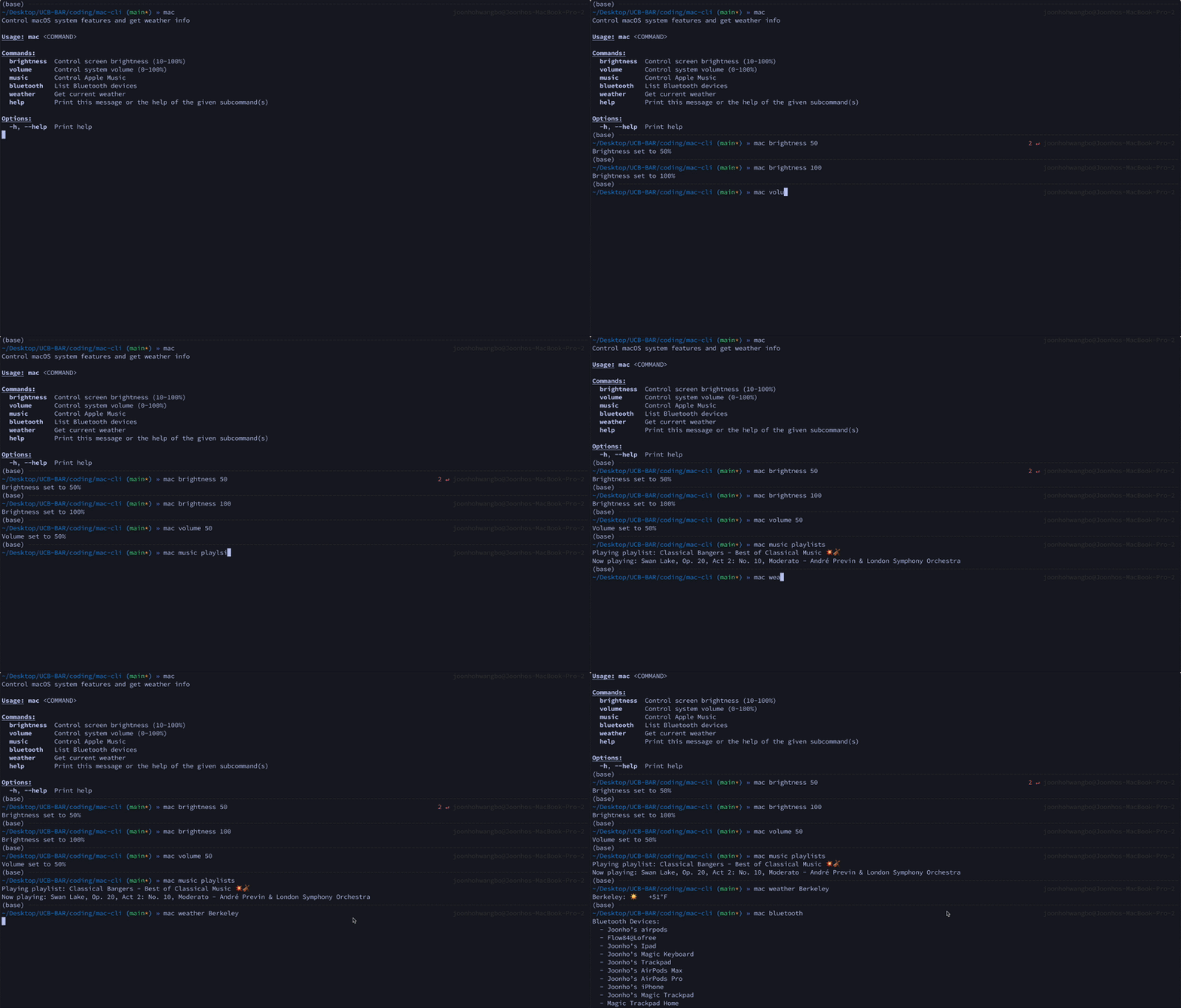
## Features
- Volume Control
- Brightness Control
- Apple Music: Control playback, navigate tracks, and manage playlists
- Bluetooth: List devices
- Weather: Get current weather for any location
## Installation
### From crates.io
```bash
cargo install mac-cli
```
### From source
```bash
git clone https://github.com/joonho3020/mac-cli.git
cd mac-cli
cargo install --path .
```
## Usage
The binary is called `mac`. Run `mac --help` to see all available commands.
### Brightness
```bash
# Get current brightness
mac brightness
# Set brightness to 50%
mac brightness 50
```
### Volume
```bash
# Get current volume
mac volume
# Set volume to 75%
mac volume 75
```
### Apple Music
Music control inspired by [appleMusic-cli-player](https://github.com/talz-a/appleMusic-cli-player).
```bash
mac music play
mac music pause
mac music next
mac music previous
mac music current
mac music playlists --list
mac music playlists "My Playlist"
mac music playlists
```
### Bluetooth
```bash
mac bluetooth
```
### Weather
```bash
mac weather
mac weather "San Francisco"
mac weather "London, UK"
```
## Requirements
- Rust 1.70+ (for building from source)
- `fzf` (optional, for interactive playlist selection)
## License
Licensed under the Apache License, Version 2.0. See [LICENSE](LICENSE) for details.