
lupa 🔍



Interactive object inspector for Rust – a drop‑in replacement for dbg! that opens a local web UI and a terminal interface (TUI) where you can explore your structs as a collapsible tree, diff snapshots, and search fields – all with zero configuration.
Web UI
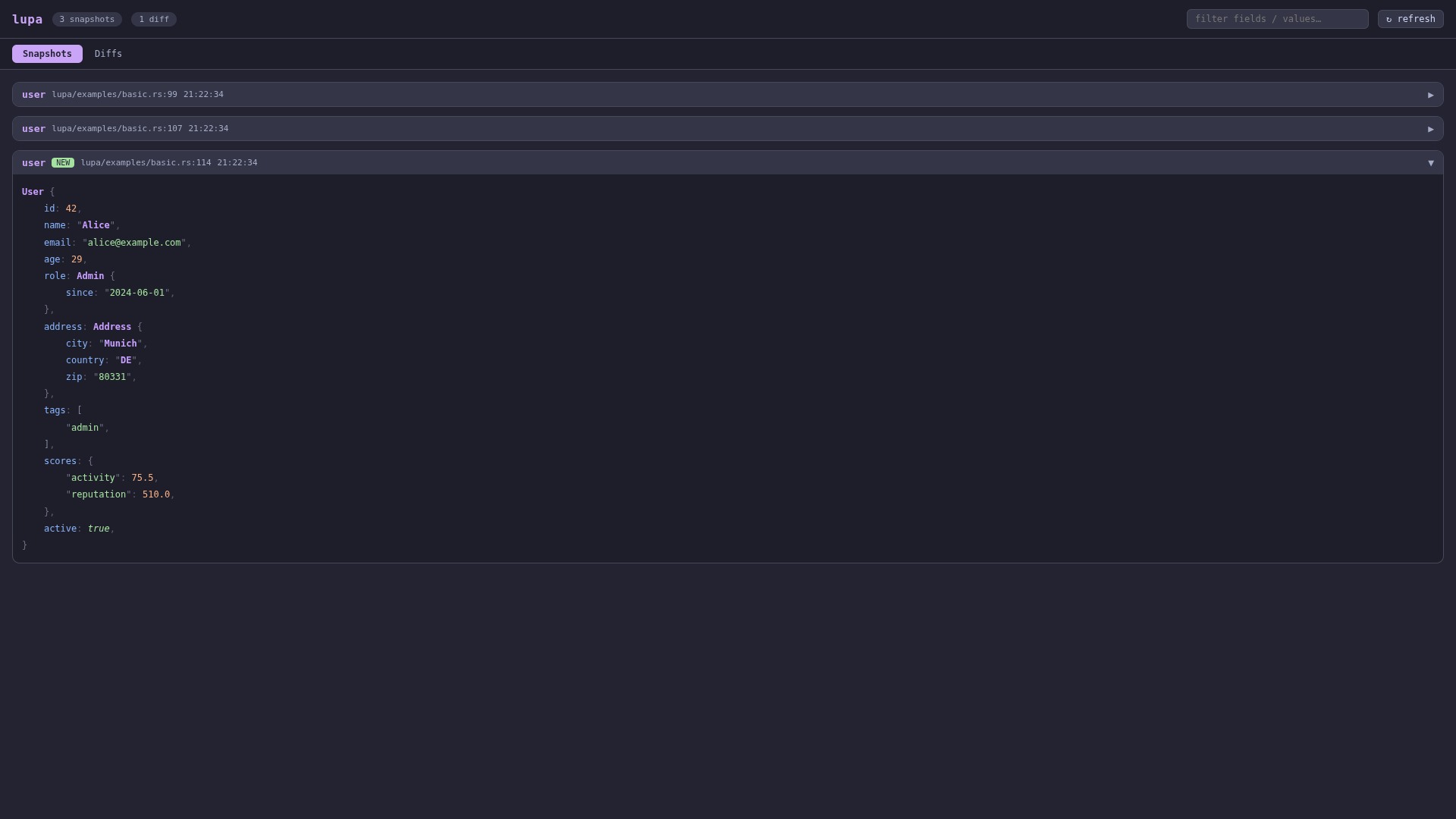
Snapshots tab – collapsible tree view with syntax highlighting
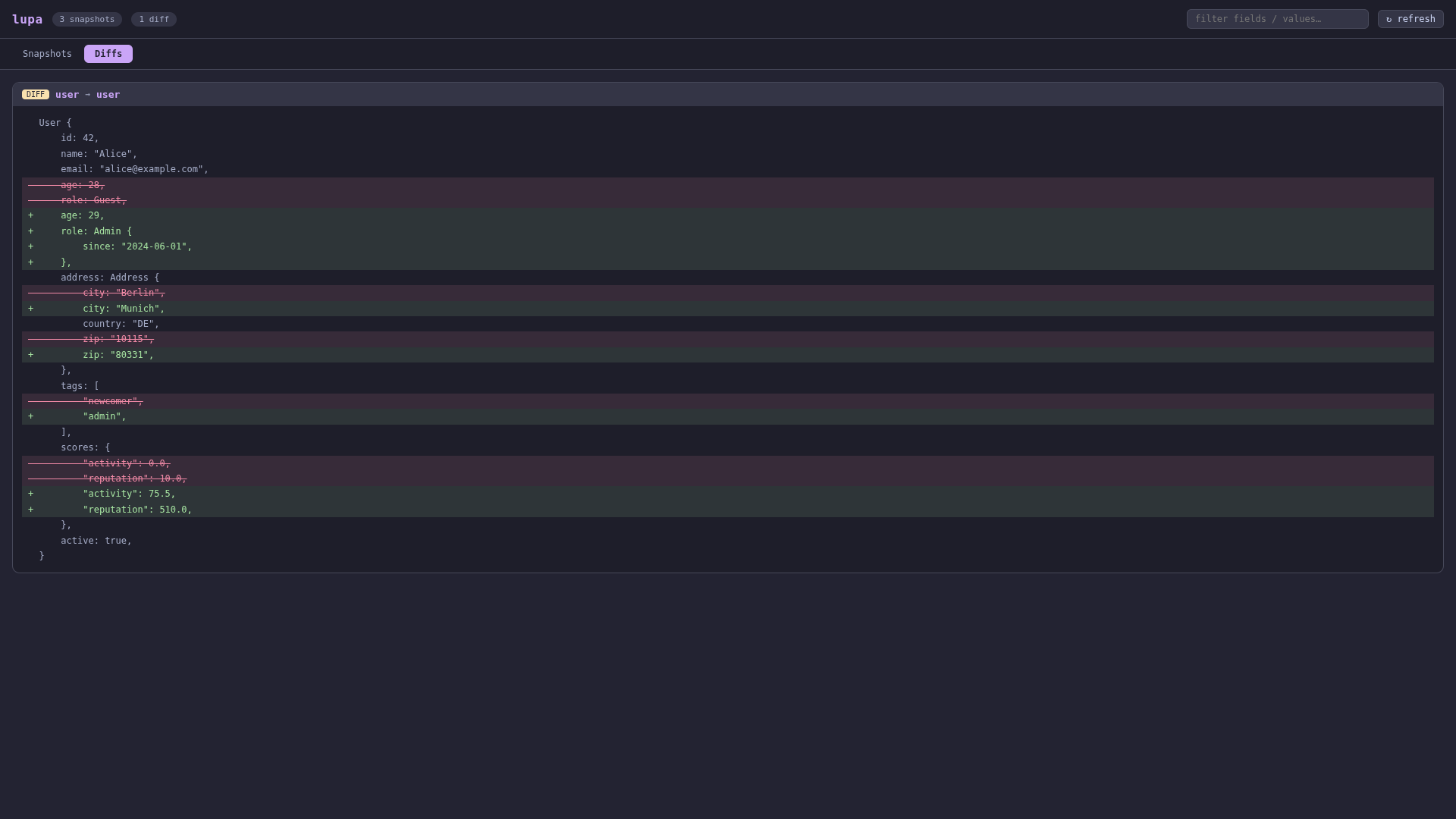
Diffs tab – line‑by‑line diff view
TUI
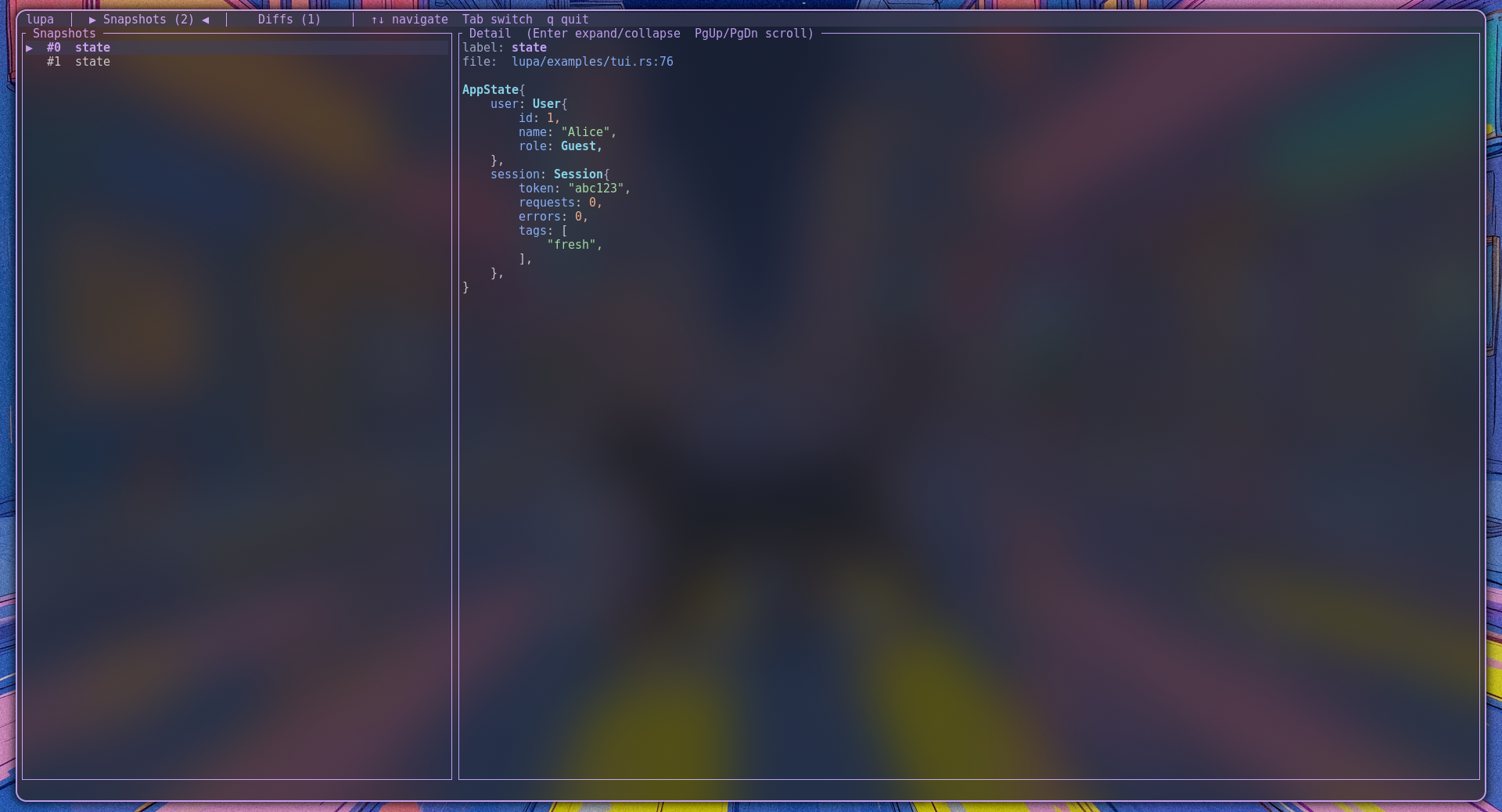
Snapshots panel – navigate with ↑/↓, expand with Enter
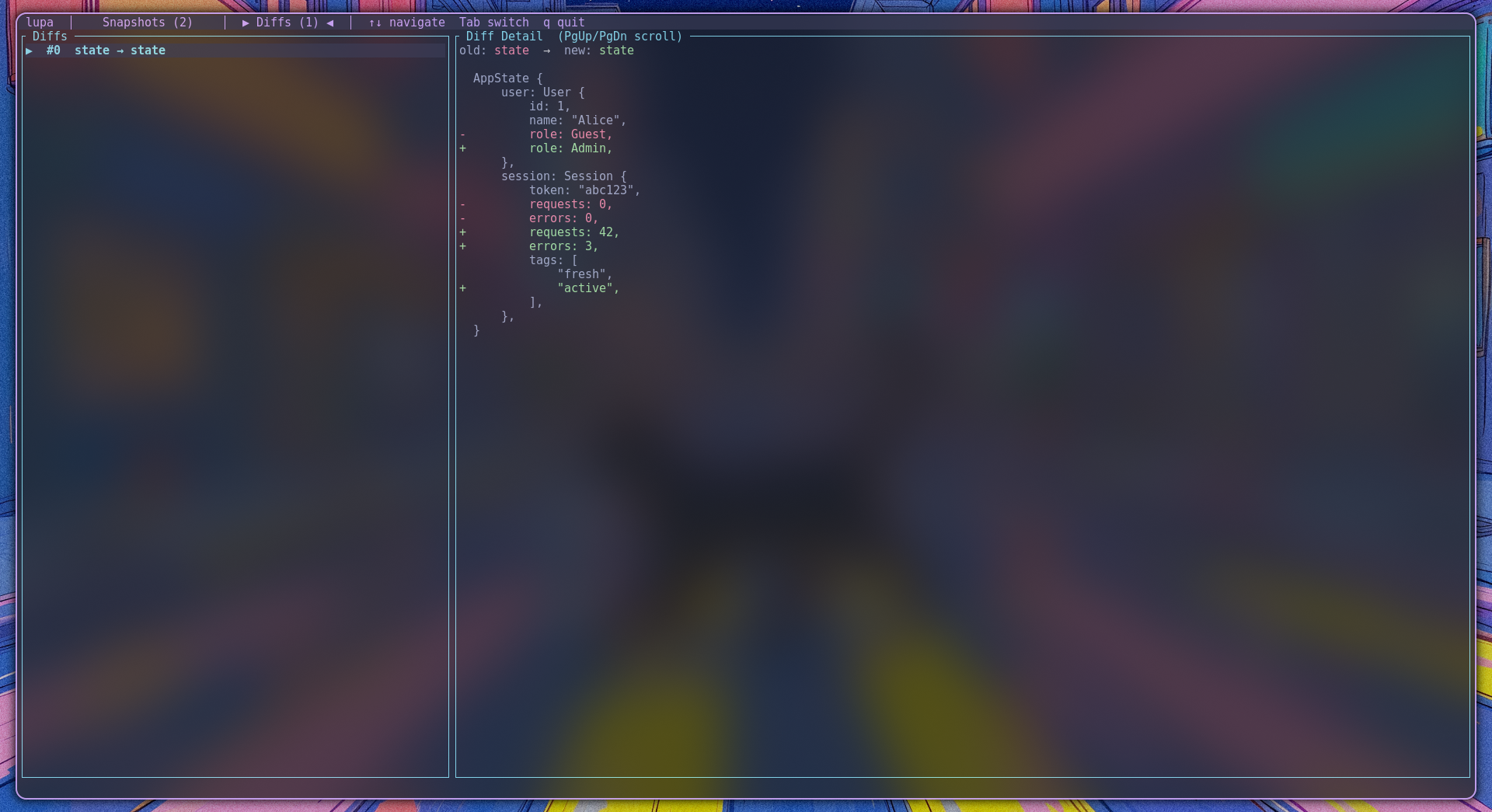
Diffs panel – coloured diff lines
Features
- Zero setup – just add
lupato yourCargo.tomland start usinginspect!. - Web inspector – automatic HTTP + WebSocket server on
localhost:7777with a modern, reactive UI. - Terminal inspector – full‑screen TUI with navigation, syntax highlighting, and diff view.
- Snapshot diffing – capture “before” and “after” states and see exactly what changed line by line.
- Works everywhere – in async runtimes (tokio, async‑std), in CLI tools, in web servers – anywhere Rust runs.
- Lightweight – only pulls in dependencies you need via feature flags (
webenabled by default,tuioptional).
Quick start
Add lupa to your Cargo.toml:
[]
= "0.1"
Then replace dbg! with inspect!:
use ;
Open http://localhost:7777 in your browser – you’ll see both snapshots and the diff.
Using the TUI (terminal interface)
Enable the tui feature:
= { = "0.1", = ["tui"] }
Then run the terminal inspector instead of the web server:
run_mode.unwrap;
Key bindings:
↑/↓– move selectionTab– switch between Snapshots and Diffs panelsEnter– expand / collapse the detail viewPgUp/PgDn– scrollq/Esc/Ctrl+C– quit
Runtime mode selection
When both web and tui features are enabled, you can choose which interface(s) to run:
use RunMode;
// Only web server (blocks until Ctrl+C)
run_mode.unwrap;
// Only TUI (blocks until user quits)
run_mode.unwrap;
// Both: web server in background, TUI in foreground
run_mode.unwrap;
The default lupa::run() automatically picks Web if only web is enabled, Tui if only tui is enabled, and Both if both are enabled.
Integration with web frameworks (Axum, Actix, etc.)
Because lupa stores all data in a global thread‑safe state, you can call inspect! from any thread, including inside async request handlers. Here is a complete example using Axum:
use State;
use ;
use ;
use ;
use TcpListener;
async
async
Every HTTP request that hits /inc will record a new snapshot and diff in the lupa inspector.
Macros reference
| Macro | Description |
|---|---|
inspect!(expr) |
Takes a debug‑printable expression, captures a snapshot, and sends it to the inspector. Returns a reference to the value. |
snapshot!(expr) |
Captures a snapshot and returns it as a lupa::Snapshot value for later diffing. |
snapshot_diff!(snapshot, expr) |
Compares an old snapshot with a new expression, computes a line diff, and sends it to the inspector. |
All macros automatically capture the source file path, line number, and the expression text as a label.
Feature flags
| Flag | Default | Description |
|---|---|---|
web |
✅ | Enables the HTTP + WebSocket server and the web UI. |
tui |
❌ | Enables the terminal interface (ratatui + crossterm). |
You can disable default features to use only the TUI:
= { = "0.1", = false, = ["tui"] }
Configuration
- Port: set the environment variable
LUPA_PORTto change the HTTP port (the WebSocket port becomesLUPA_PORT + 1). Default is7777.
How it works
inspect!andsnapshot!capture theDebugrepresentation of your value ({:#?}) together with the file, line, and a label.- All snapshots are stored in a global, thread‑safe
InspectorState(append‑only). - The web server serves the static UI and provides a JSON API for past snapshots/diffs.
- A WebSocket connection pushes every new snapshot/diff to all connected browsers in real time.
License
Licensed under the MIT license. See LICENSE for details.
Happy inspecting!