# lifecycler
[_bevy game jam #5 submission_](https://itch.io/jam/bevy-jam-5)
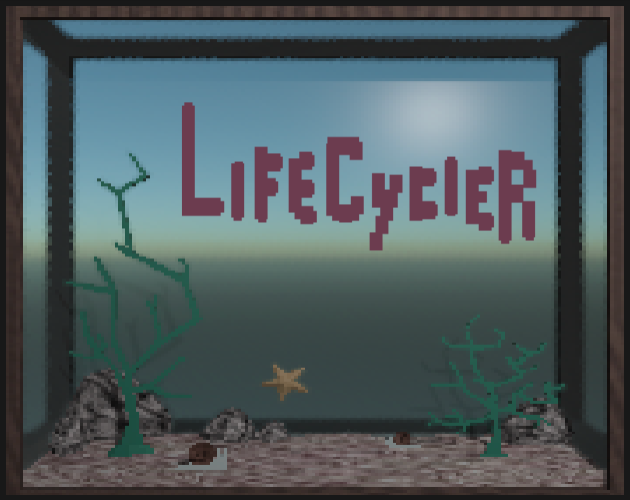
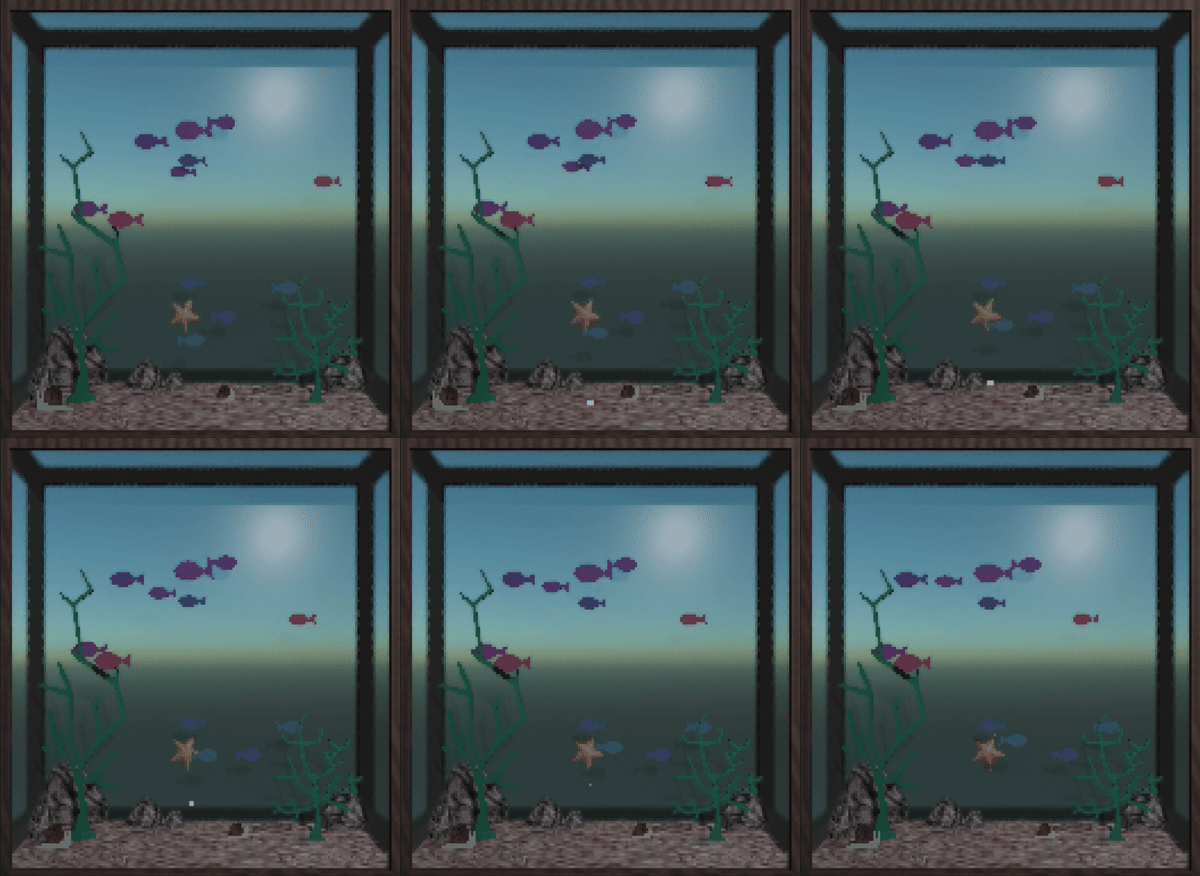
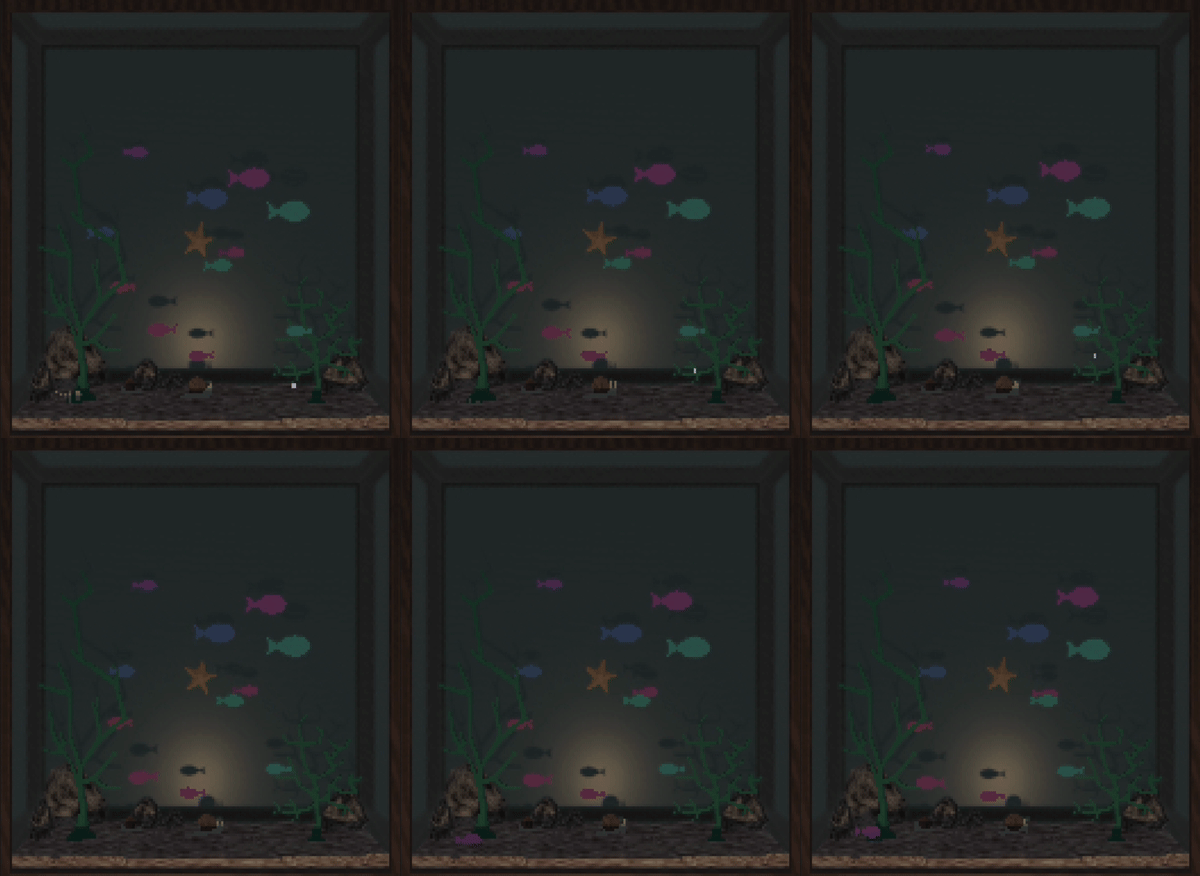
An aquarium that runs in your terminal!
A decoration/fidget-toy that lets you watch your fishes' lifecycle while you code. Test drive of my plugin [bevy_ratatui_render](https://github.com/cxreiff/bevy_ratatui_render).
## play with cargo
If you have [cargo](https://github.com/rust-lang/cargo) installed, you can simply run the following:
```sh
cargo install lifecycler --locked
```
...and then to launch the game:
```sh
lifecycler
```
## controls
| Left Click or Drag | Dispense a food pellet. |
| Right click | $80 |
| M | Mute/unmute sound effects. |
| Q | Quit the game. |
## manual installation
Alternatively you can manually download an executable from the [itch.io page](https://cxreiff.itch.io/lifecycler) or [github releases](https://github.com/cxreiff/lifecycler/releases).
If you manually installed the executable, you will have to include the path to launch it (e.g. `./lifecycler` if in the same directory).
On macOS you may need to Right-Click > Open With, selecting a supported terminal, and then selecting Open in order to bypass code signing (I haven't figured out code signing yet).
## compatibility
This requires that your terminal:
1. Supports 24bit color.
2. Has reasonably efficient rendering.
This includes a decent variety of terminals, but I have personally confirmed good results in the following:
- Alacritty
- Kitty
- WezTerm
- iTerm2
## gifs