
jk
jk is a jj-native terminal UI for Jujutsu.
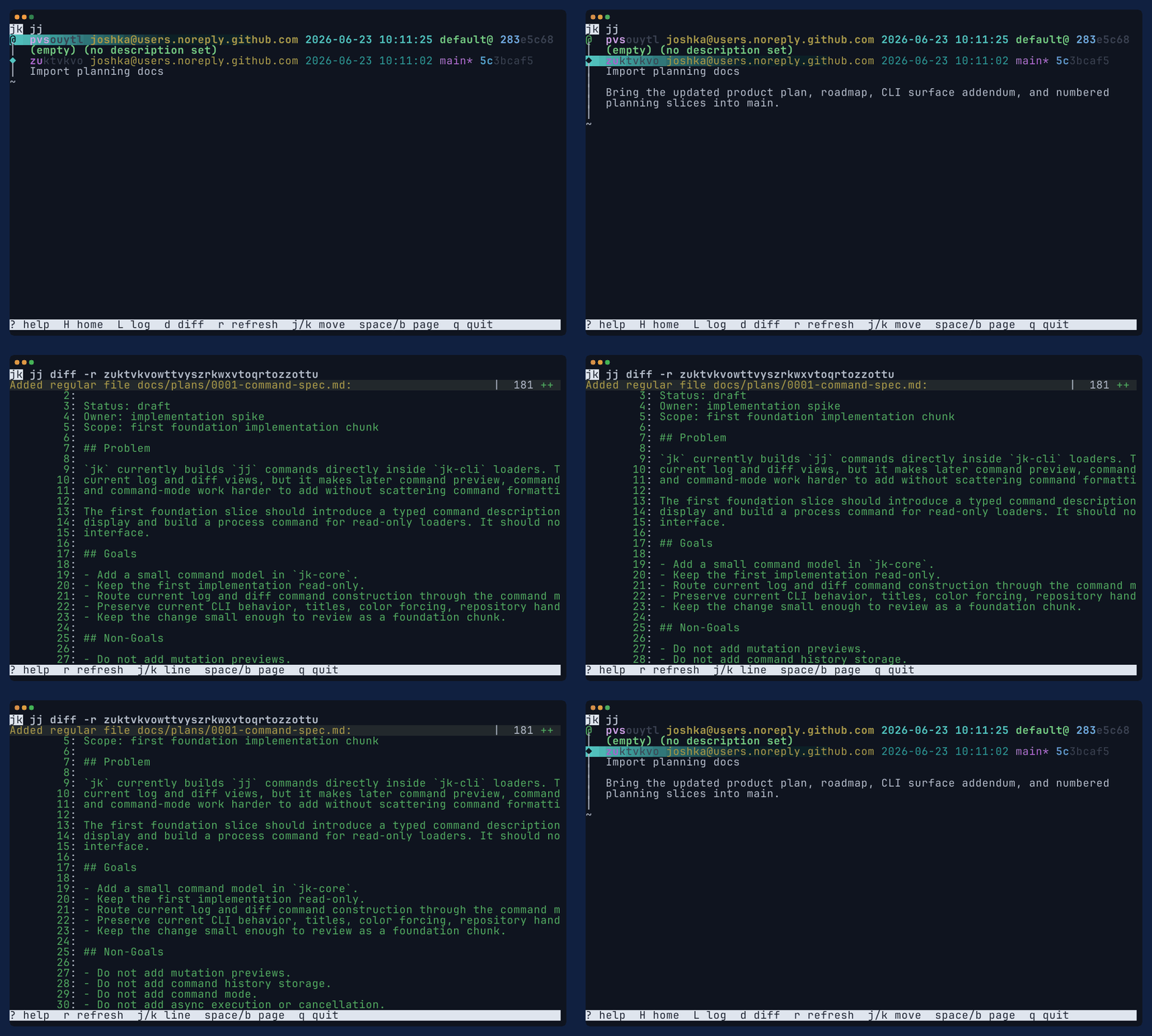
It keeps jj output as the source of truth and adds an interactive jj TUI around it: inspect
changes, run safe command previews, review command history, and recover through operation views
without losing terminal context.
Installation
Install with Homebrew:
The trust command scopes Homebrew's non-official tap trust to the jk formula.
Install prebuilt release assets with cargo-binstall:
Or build from the crates.io source package:
Current Status
jk currently focuses on the daily inspect-and-recover loop:
- inspect changes through log, show, diff, evolog, and status views;
- review diffs with file/hunk navigation, folding, search, and View Options;
- run direct
jjcommands from:command mode with captured output; - preview local mutations before describe, abandon, new, edit, undo, and redo;
- inspect Command History, Operation Log, and sibling jj workspaces, including workspace-scoped log/status/diff views.
Current limitations:
- command history is in-memory for the current
jksession; - rebase, squash, split, restore, bookmarks, fetch, and push are still planned workflows;
- direct
a,n, andemutation keys are dogfood shortcuts until the broader action menu exists.
Use ? inside the TUI for full screen-specific key help. The repository's
Using jk guide has
task-oriented examples for the current jk surface.
Commands
Bare jk follows jj's configured ui.default-command when that command is log-like enough for
navigation. Use jk log for the explicit log path.
Roadmap
The detailed roadmap lives in the repository docs:
Near-term work stabilizes this dogfoodable jk TUI for release before adding rebase-specific behavior.
See the repository README for the current status and development workflow.
License
jk is dual-licensed under either
MIT or
Apache-2.0.