# iro -色-
A CLI tool to print the hex color code, RGB, HSL and color name from color code, RGB, or color name(if exists, according to [jonathantneal/color-names](https://github.com/jonathantneal/color-names)).
## Installation
`cargo install iro`
## Usage
### from color code or rgb
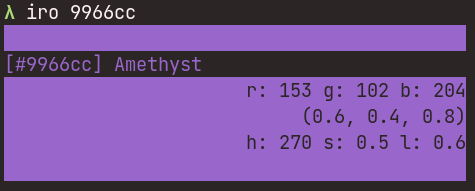
`iro <hex color code>`
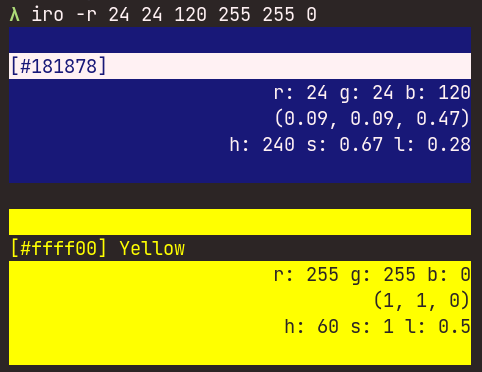
`iro -r(--rgb) <r g b>`
The color code do not need '#' at the beginning.
ex:
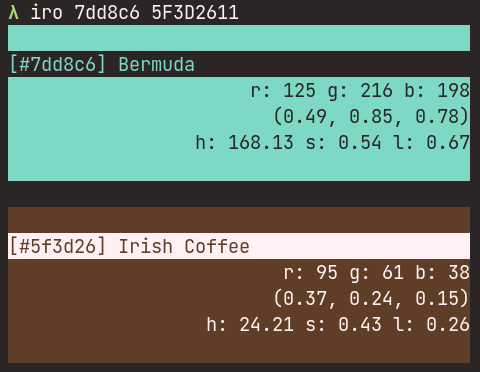
`iro ffffff` or `iro 123456 333333`
`iro -r 25 34 187` or `iro --rgb 0 0 255 120 120 240`
### from color name
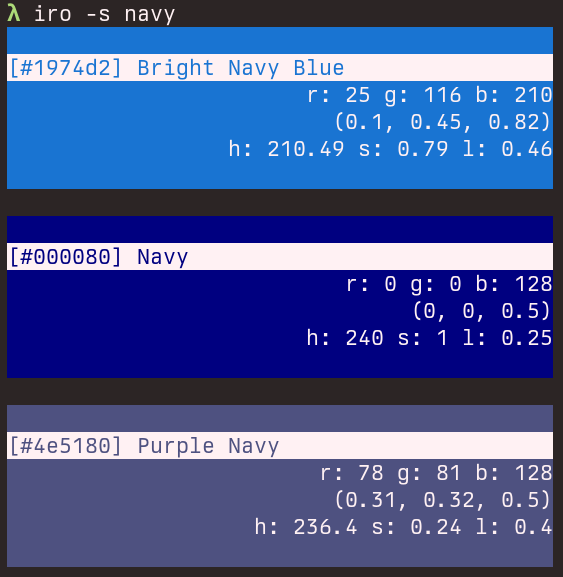
You can also search color name and print colors that match the queries.
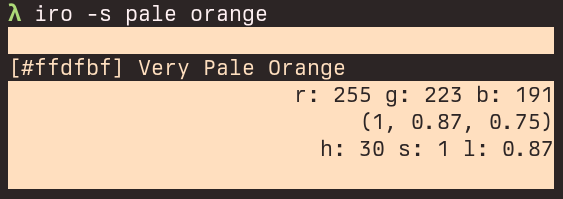
`iro -s(--search) <query>`
ex:
`iro -s your pink`
## Example
sample-1
sample-2
sample-3
sample-4
sample-5
## Motivation
When working on a GUI app launcher with [iced](https://iced.rs/), which is a really great framework, I was annoyed that it requires RGB tuples as 0.0 to 1.0. And of course there are a bunch of 'online converters' of the color code, but they do not work for me effectively because of the UI (they don't offer the 0-1 RGB converter, and we can't convert multiple color codes simultaneously). This is why I made this CLI app.