# Contributing

Thank you for considering contributing!

`inlyne` is just a standard Rust project, so if you're familiar with working on
those then you're likely prepared enough to contribute. Feel free to open or
comment on an issue/PR to get guidance from one of the maintainers

## Tooling

`inlyne` uses all the standard Rust tooling (`cargo` et al.)

If the change you're hacking on updates one of the results of the snapshot tests
then you'll want to install
[`cargo-insta`](https://crates.io/crates/cargo-insta). You'll get a message
about reviewing the changes when you run the test suite

```sh
cargo test
# ... Some test failure about snapshot changes
cargo insta review
# ... Review the changes to make sure they look right
```

# Release checklist

_If you're wondering 'Is this relevant to me?' Then the answer is probably no
;P_

- [ ] Check for unused dependencies
  - `$ cargo +nightly udeps`
- [ ] Bump `version` in `Cargo.toml`
- [ ] Propagate the change to `Cargo.lock`
  - `$ cargo check -p inlyne`
- [ ] Run the test suite to update version-dependent snapshots
  - `$ cargo test`
  - If needed: `$ cargo insta review`
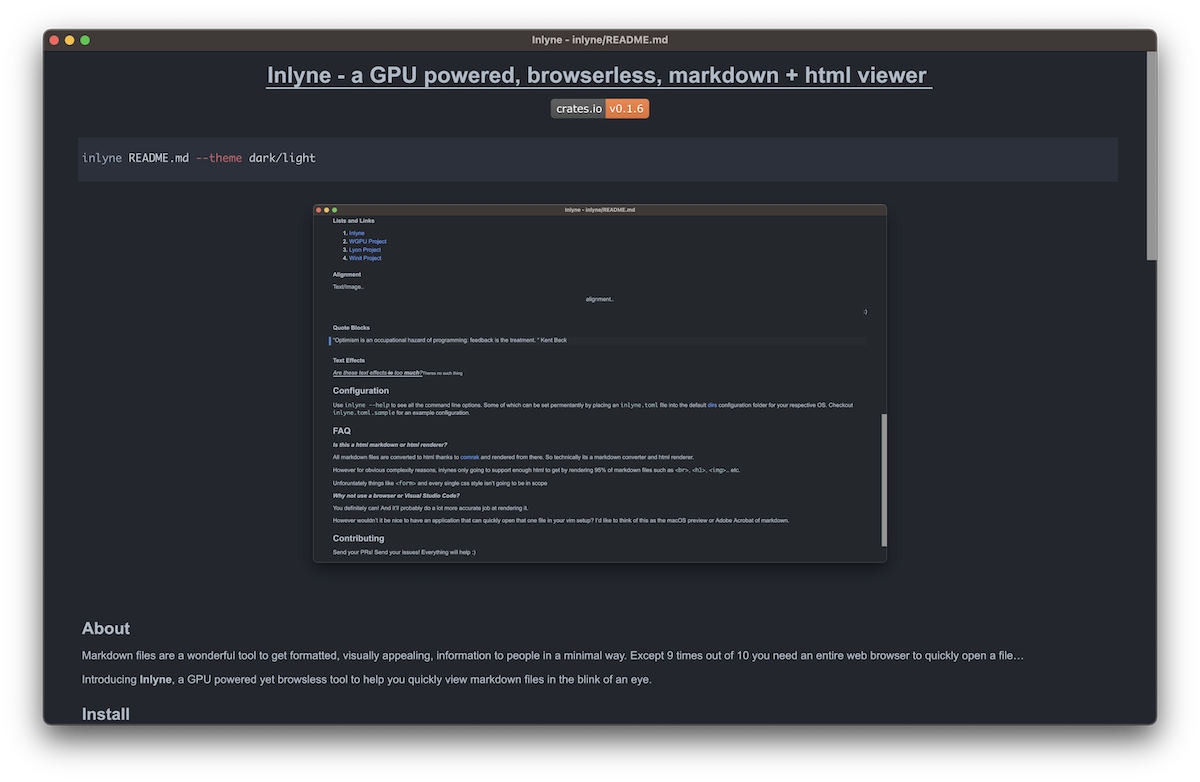
- [ ] Optional: If making a breaking release update the `example.png` link in
  the README to point to the appropriate release branch
- [ ] Update static assets
  - `$ cargo xtask gen`
- [ ] Update `rust-version` in `Cargo.toml`
  - `$ cargo msrv find --min 1.80 -- cargo check`
- [ ] Update the `CHANGELOG.md`
- [ ] Merge changes through a PR or directly to make sure CI passes
- [ ] Publish on GitHub by pushing a version tag
  - `$ git tag v{VERSION}` (make sure the branch you are on is up to date)
  - `$ git push upstream/origin v{VERSION}`
- [ ] Make a release announcement on GitHub after the release workflow finishes
- [ ] Publish on crates.io
  - `$ cargo publish`