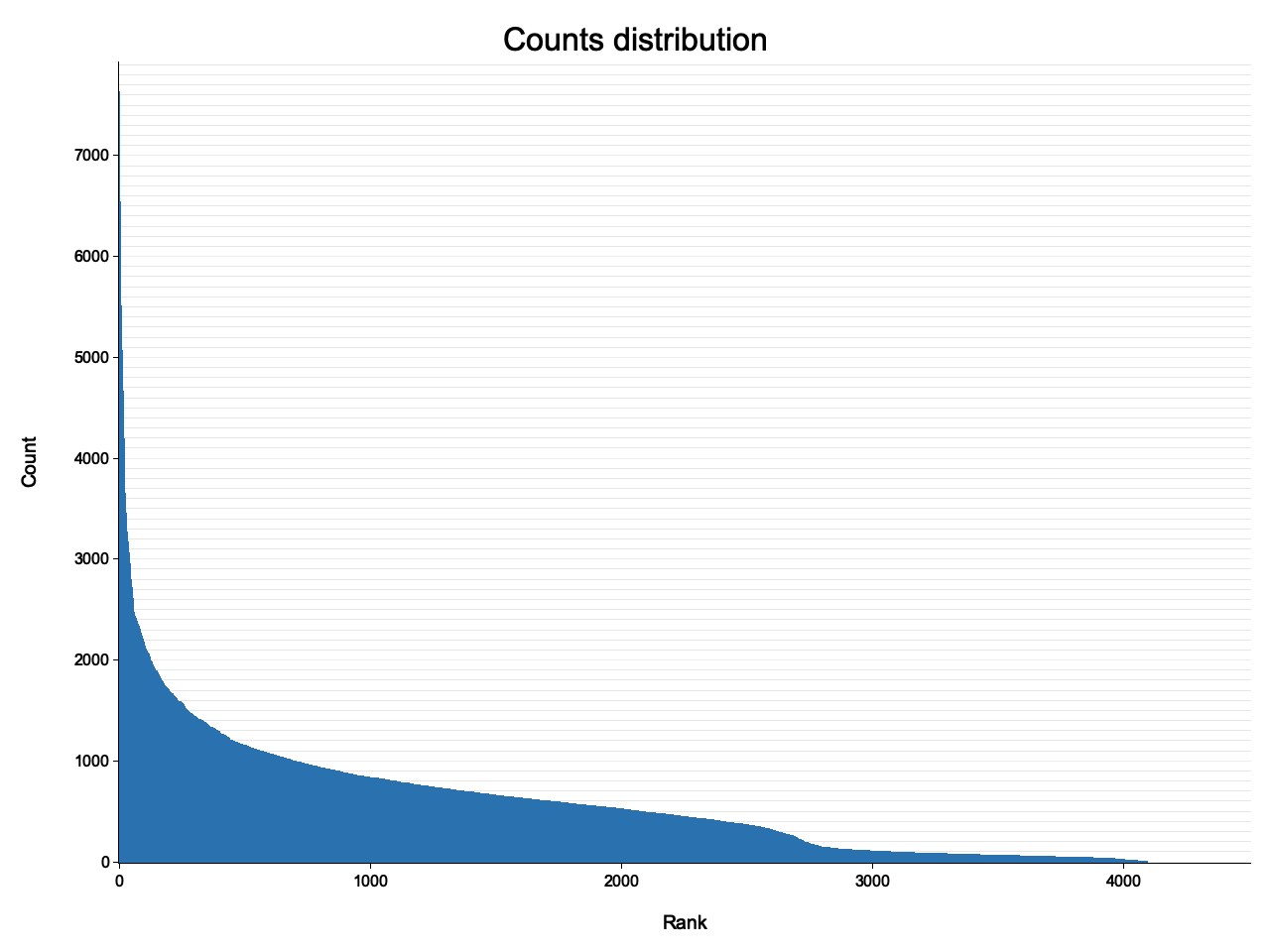
# hist
Commandline tool for plotting frequency ranked histograms of TSV/CSV data.
## Installation
```
$ cargo install hist-cli
```
## Usage
```
$ hist --help
hist 0.4.0
Plots histogram of input
USAGE:
hist [FLAGS] [OPTIONS] [input]
FLAGS:
-h, --help Prints help information
-n, --nooutput do not save a PNG plot to a file
-t, --textplot also plot a textplot to STDOUT
-V, --version Prints version information
OPTIONS:
-T, --Title <Title> optional title above the plot [default: Counts distribution]
-o, --output <output> file to save PNG plot to [default: histogram.png]
-s, --save <save> save counts data to file as TSV, use - for STDOUT
-s, --size <size> the x and y pixel sizes of the output file [default: 1280x960]
--xdesc <xdesc> x-axis label [default: Rank]
--ydesc <ydesc> y-axis label [default: Counts]
ARGS:
<input> optional file with on entry per line [default: STDIN]
```
Just piping from stdin:
```
$ hist < data.tsv
$ open histogram.png # on MacOS, on Linux maybe display or eog
```