---
title: Shell init (gcd helper)
description: Wire up `gwm shell-init` so `gcd <pattern>` and `gcd` (no arg) cd into a worktree in one keystroke.
---
# Shell init (`gcd` helper)
A binary by itself cannot change the parent shell's current directory — only the shell can. `gwm shell-init <shell>` prints a function (named `gcd`) that bridges two flows into one wrapper:
- `gcd <pattern>` → `gwm cd <pattern>` (fuzzy resolve, exits `0` on a hit, `1` on miss / ambiguous / not in a repo).
- `gcd` (no argument) → `gwm switch` (interactive picker; `Enter` to commit, `Esc` / `Ctrl-C` / `q` to cancel with exit code `1`).
In both cases the wrapper only performs the `cd` after a successful exit code, so a cancelled picker or a missed pattern never strands you in `$HOME`.
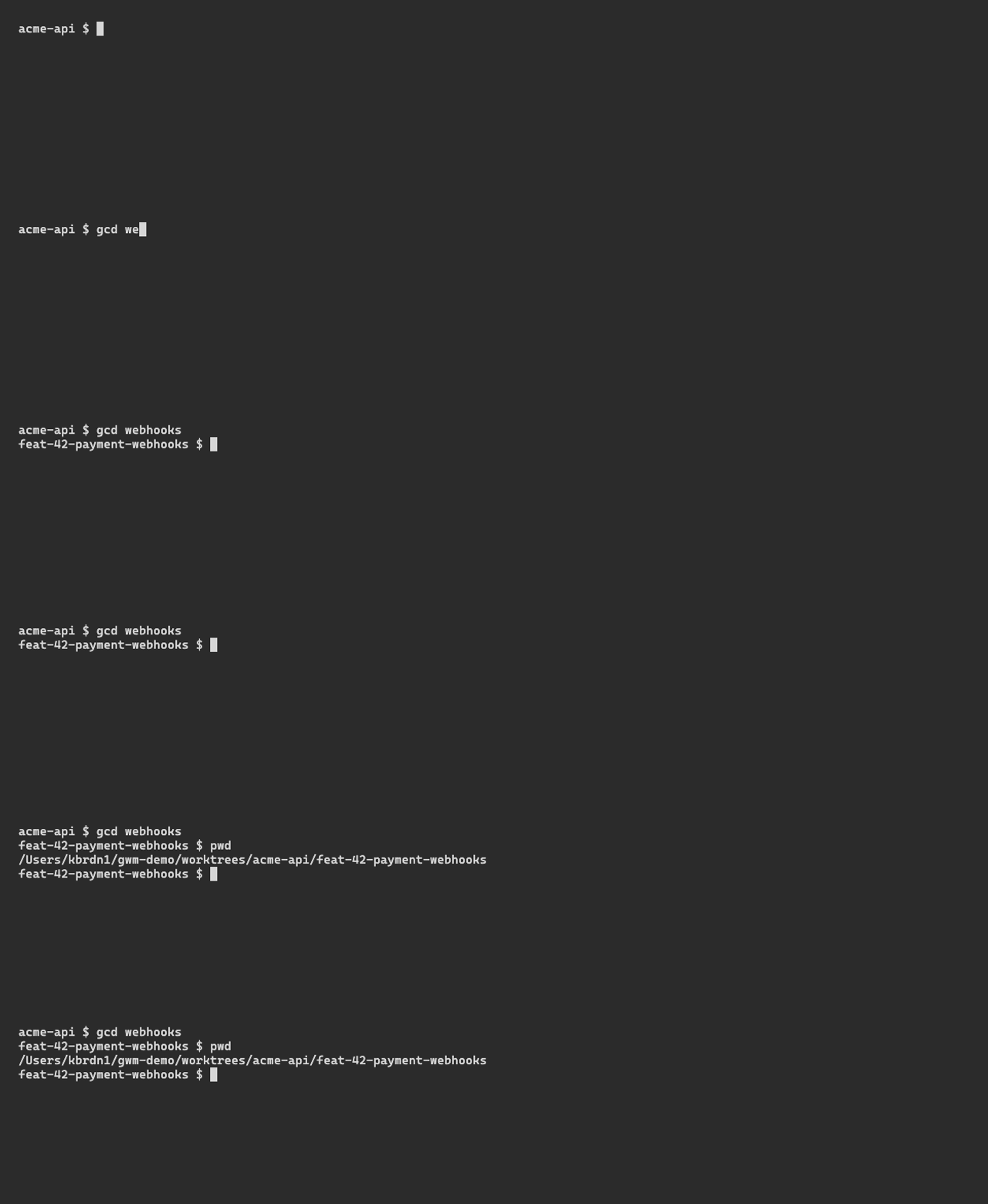
## install
`eval` the wrapper in your shell's rc file:
```bash
# zsh
echo 'eval "$(gwm shell-init zsh)"' >> ~/.zshrc
# bash
echo 'eval "$(gwm shell-init bash)"' >> ~/.bashrc
# fish — also persist by adding to ~/.config/fish/config.fish
gwm shell-init fish | source
# PowerShell — current session only
gwm shell-init powershell | Out-File -Append -Encoding utf8 $PROFILE
```
Open a fresh shell (or `source` the rc file) and `gcd` is on your `$PATH` as a shell function.
## use
```bash
gcd auth # → cd $(gwm cd auth)
# → e.g. ~/cc-worktree/myrepo/feat-99-user-authentication
gcd # → cd $(gwm switch)
# → opens the picker, cd's into the chosen worktree
```
The pattern is matched with the same fuzzy engine used by the TUI filter ([nucleo-matcher](https://docs.rs/nucleo-matcher)) — `auth` matches `feat-99-user-authentication`, `mig` matches `chore-12-rails-migration`, etc. Ambiguity (two worktrees match equally well) exits `1` and prints both candidates so the wrapper does not `cd`.
## raw form (no wrapper)
If you don't want to install the wrapper, the raw forms work too:
```bash
cd "$(gwm cd auth)" # fuzzy resolve, $(...) captures the path
cd "$(gwm switch)" # open picker, type to narrow, Enter to commit
gwm s # alias for `switch`
```
## related
- [TUI → Fuzzy filter](/tui/filter) — same engine, same matching rules
- [CLI → Subcommand reference](/cli/reference#gwm-path-pattern-alias-gwm-cd-pattern) — full `gwm cd` and `gwm switch` flags
- [CLI → Shell completions](/cli/completions) — drop a `_gwm` completer that knows about worktree names