# Animations
A value in guido can say how it moves. Declare a property with a motion and it
eases to each new value instead of jumping there; declare it with a timeline and
it plays a sequence whenever a trigger fires.
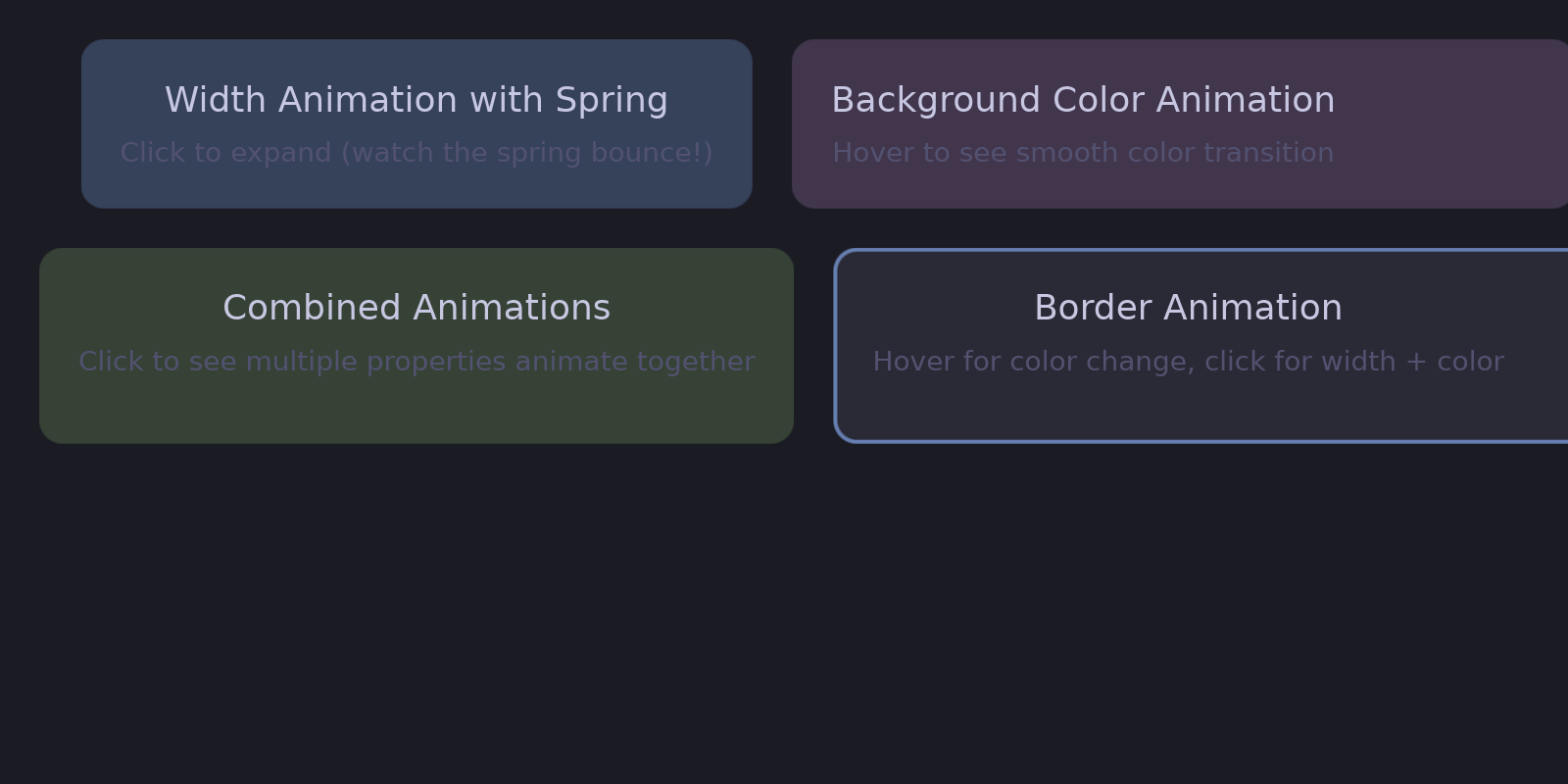
## The motion rides with the value
There is no separate declaration naming a property and saying how it animates.
The timing is part of what the property was *set to*, so it cannot name a
property that was never set and cannot disagree with the property it decorates:
```rust
# extern crate guido;
# use guido::prelude::*;
# fn main() {
container()
.background(Color::rgb(0.3, 0.5, 0.8).transition(200.0))
.when_hovered(|s| s.lighter(0.15))
# ;
# }
```
When the hover state changes, the background animates over 200ms. The state
layer supplies the *value*; the property carries the motion — see
[State Layers](../interactivity/state-layer.md).
A bare number is a duration in milliseconds, eased out. Where the curve matters,
name it:
```rust
# extern crate guido;
# use guido::prelude::*;
# fn main() {
# let c = Color::WHITE;
container().background(c.transition(Transition::new(200.0, TimingFunction::EaseInOut)))
# ;
# }
```
`.transition(..)` and `.timeline(..)` hang off everything a property setter
already accepts — a value, a signal, or a closure. The parentheses around a
closure are Rust's rule for calling a method on a closure literal, not a second
API:
```rust
# extern crate guido;
# use guido::prelude::*;
# fn main() {
# let open = create_signal(false);
container()
.width((move || if open.get() { 520.0 } else { 120.0 }).transition(200.0))
# ;
# }
```
## In This Section
- [Transitions](transitions.md) - Duration-based animations
- [Timing Functions](timing.md) - Easing curves for natural motion
- [Spring Physics](springs.md) - Physics-based animations
- [Keyframes](keyframes.md) - Sequences played on a trigger
- [Animatable Properties](properties.md) - What can be animated
## Two Types of Animation
### Duration-Based
Fixed duration with easing curve:
```rust
# extern crate guido;
# use guido::prelude::*;
# fn main() {
Transition::new(200.0, TimingFunction::EaseOut)
# ;
# }
```
Good for:
- UI state changes (hover, pressed)
- Color transitions
- Border changes
### Spring-Based
Physics simulation for natural motion:
```rust
# extern crate guido;
# use guido::prelude::*;
# fn main() {
Transition::spring(SpringConfig::BOUNCY)
# ;
# }
```
Good for:
- Size changes
- Position changes
- Transform animations
- Any motion that should feel physical
## Quick Reference
```rust
# extern crate guido;
# use guido::prelude::*;
# fn main() {
# let c = Color::WHITE;
container()
// Milliseconds, eased out
.background(c.transition(200.0))
// A curve by name
.border(
1.0.transition(Transition::new(150.0, TimingFunction::EaseInOut)),
c.transition(150.0),
)
// Spring physics
.scale(1.0.transition(SpringConfig::BOUNCY))
.width(200.0.transition(Transition::spring(SpringConfig::GENTLE)))
# ;
# }
```