# gtk [](https://travis-ci.org/gtk-rs/gtk) [](https://ci.appveyor.com/project/GuillaumeGomez/gtk-isosc) [](https://gitter.im/gtk-rs/gtk)
__Rust__ bindings and wrappers for __GLib__, __GDK 3__, __GTK+ 3__ and __Cairo__.
## Building
__gtk__ expects __GTK+__, __GLib__ and __Cairo__ development files to be installed on your system. Optionally, it is recommended to install the debug packages containing helpful debug symbols.
### Debian and Ubuntu
```Shell
> sudo apt-get install libgtk-3-dev
> sudo apt-get install libgtk-3-0-dbg libglib2.0-0-dbg libcairo2-dbg
```
### Fedora
```Shell
> sudo dnf install gtk3-devel glib2-devel
# Fedora 21 and earlier
> sudo yum install gtk3-devel glib2-devel
```
### OS X
```Shell
> brew install gtk+3
```
### Windows
Install [mingw-w64](http://mingw-w64.yaxm.org/) (select the win32 threading model) and download a __GTK+__ SDK:
* The GNOME project has an official distribution of GTK+ 3.6: [x86](http://www.gtk.org/download/win32.php), [x64](http://www.gtk.org/download/win64.php).
* [GTK+ for Windows Runtime Environment Installer: 64-bit](https://github.com/tschoonj/GTK-for-Windows-Runtime-Environment-Installer) supports GTK+ 3.14, its SDK downloads can currently be found [here](http://lvserver.ugent.be/gtk-win64/sdk/).
Make sure both mingw's and the sdk's `bin` directories are in your `PATH` e.g. (assuming mingw is installed in `C:\mingw-w64` and the SDK unpacked into `C:\gtk`)
```
C:\> set PATH="C:\mingw-w64\bin;C:\gtk\bin;%PATH%"
```
If your Rust installation has `gcc.exe` and `ld.exe` in its `bin` directory, you may
get a linking error `ld: cannot find -limm32`. In that case remove those executables,
they will be provided by mingw instead.
## Versions and features
__gtk__ targets __GTK+__ 3.6 and __Cairo__ 1.10 by default, other versions support is enabled by requesting a corresponding feature e.g.
```Shell
> cargo build --features gtk_3_10
```
Disabling the default GTK 3.6 support
```Shell
> cargo build --no-default-features --features gtk_3_4
```
Currently supported versions are __GTK+__ 3.4 to 3.14 and __Cairo__ 1.10 to 1.12.
We are currently targetting rust master compiler to build __gtk__, make sure you have the latest version before submitting any bugs.
Examples are providing in the [gtk-rs/examples](https://github.com/gtk-rs/examples) repository, you can find some tests showing off the functionality, these can be built and run as follows:
```Shell
> cargo build --release
# Or, if your system has GTK 3.10 or later
> cargo build --features gtk_3_10 --release
> ./target/release/gtktest
> ./target/release/cairotest
```
When building documentation don't forget to specify the feature set you're using:
```Shell
> cargo doc --feature gtk_3_12
```
Your local copy can be accessed using your browser at
`file:///{gtk_location}/target/doc/gtk/index.html`
## Including gtk as a cargo dependency
To include gtk as a cargo dependency you have to add it to your Cargo.toml and specify the GTK version you want using Cargo features:
```Toml
[dependencies.gtk]
git = "https://github.com/gtk-rs/gtk.git"
features = ["gtk_3_12"]
```
If it's lower than 3.6:
```Toml
[dependencies.gtk]
git = "https://github.com/gtk-rs/gtk.git"
features = ["gtk_3_4"]
default-features = false
```
For maximum compatibility the version you select here should be the lowest
that provides all of the GTK features needed by your project.
Don't just set it to match the libraries installed on your system.
## Use __gtk__
To implement __GTK+__ inheritance in rust, we implemented gtk superclasses as traits located in `gtk::gtk::traits::*`. The various widgets implement these traits and live in `gtk::gtk::*`.
For your convenience the various traits are reexported in the `gtk::*` namespace as `Gtk{trait_name}Trait` so you can just use...
```Rust
extern crate gtk;
use gtk::*;
```
...to easily access all the gtk widgets and all traits methods:
```Rust
let button = gtk::Button:new(); // You have access to the struct methods of gtk::Button aswell
// as the trait methods from gtk::traits::Button as GtkButtonTrait.
```
## Projects using gtk
* [SolidOak](https://github.com/oakes/SolidOak)
* [rrun](https://github.com/buster/rrun)
* [process-viewer](https://github.com/GuillaumeGomez/process-viewer)
If you want yours to be added to this list, please create a Pull Request for it!
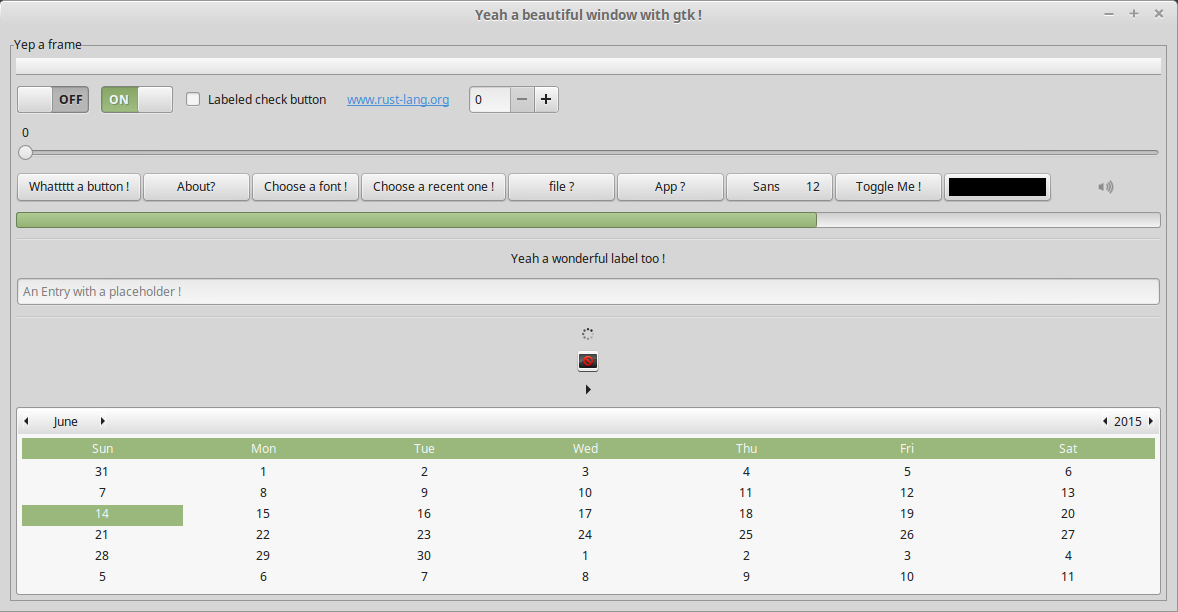
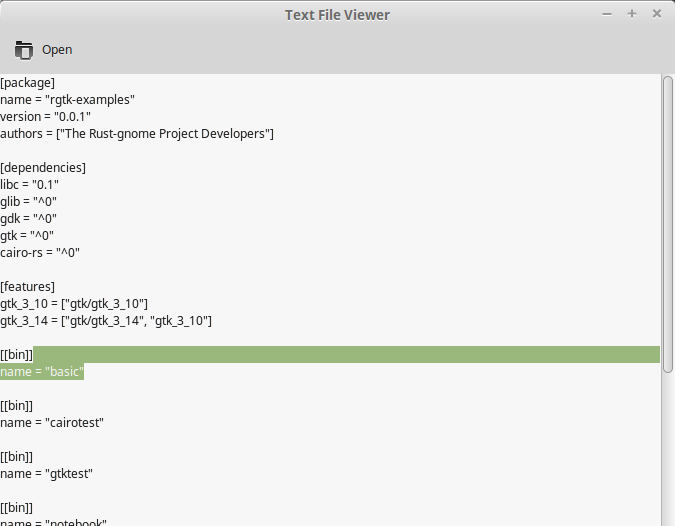
##Screenshots
## Contribute
Contributor you're welcome!
You probably know but __Gtk+__ uses its own GObject system: inherited class and interface.
To respect this design, I follow a special design on __gtk__:
* Interface -> Implement them on a trait with only default methods.
* Class -> Implement the construct on the class impl and other methods on a traits.
* Sub-class -> Implement all the methods on the class.
Example for GtkOrientable, GtkBox, GtkButtonBox:
GtkOrientable is an interface with all methods implemented as default method of the trait gtk::traits::Orientable.
GtkBox is a class with constructors implemented on the struct `gtk::Box`, and the other method as default methods of the trait `gtk::traits::Box`. So `gtk::Box` implements `gtk::traits::Orientable` and `gtk::traits::Box`.
GtkButtonBox is a sub-class of GtkBox, the struct `gtk::ButtonBox` implements all the methods of GtkButtonBox and the traits `gtk::traits::Orientable` and `gtk::traits::Box`.
Finally, all the gtk widgets implement the trait gtk::traits::Widget.
## License
__gtk__ is available under the MIT License, please refer to it.