## golden-tests
Golden tests is a golden file testing library configured so that tests
can be created and edited from the test files alone without ever touching
the rust source code of the test.
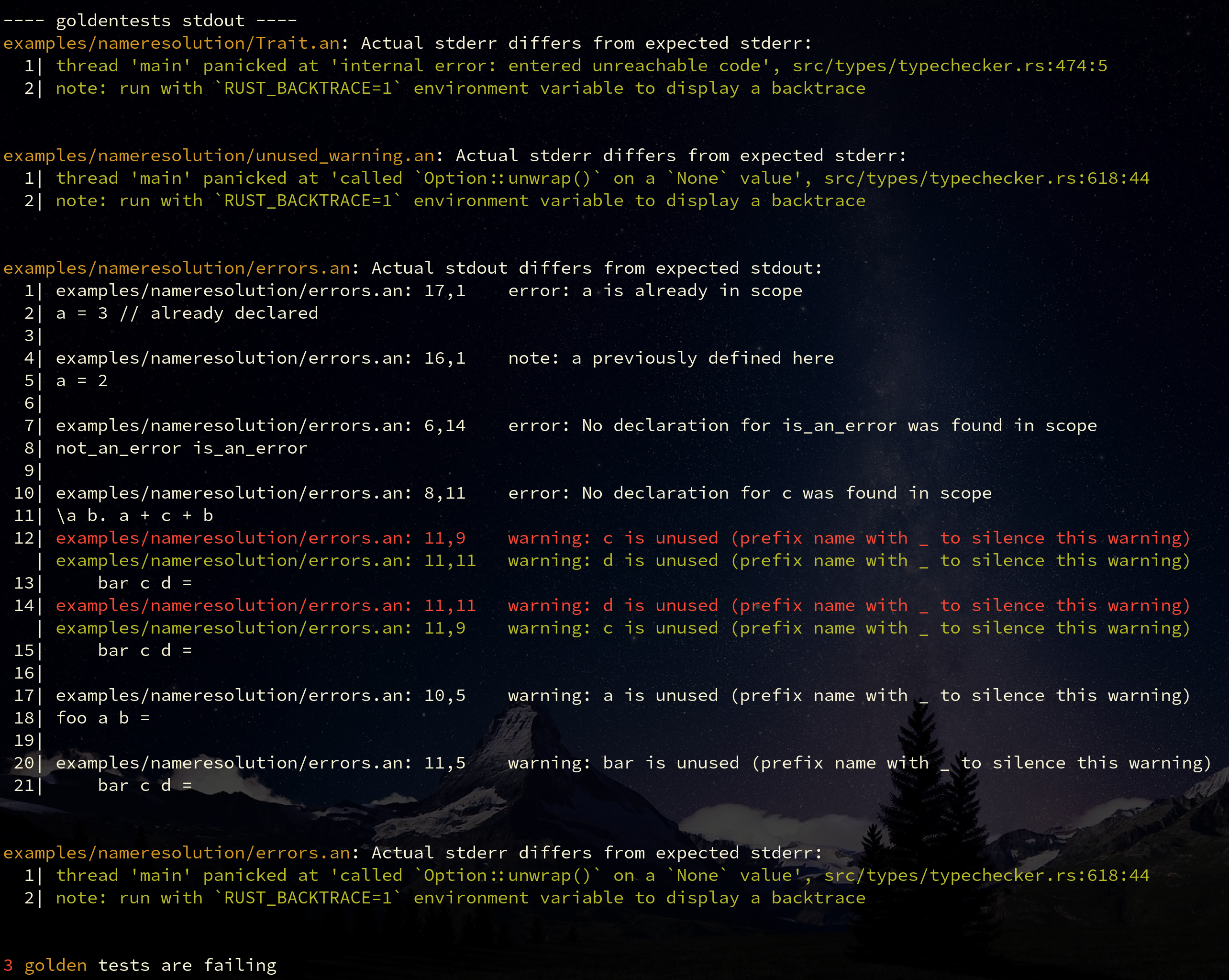
### Getting Started
To get started plop this into your `Cargo.toml`:
```toml
golden-tests = "0.2.0"
```
And create an integration test in `tests/goldentests.rs`. The specific name
doesn't matter as long as the test can be picked up by cargo. A typical usage
looks like this:
```rust
use goldentests::{ TestConfig, run_tests };
#[test]
fn run_golden_tests() -> Result<(), Box<dyn Error>> {
let config = TestConfig::new("target/debug/my-binary", "my-test-path", "// ");
run_tests(&config)
}
```
This will tell golden-tests to find all files recursively in `my-test-path` and
run `target/debug/my-binary` to use the files in some way to produce the expected
output. For example, if we're testing a compiler for a C-like language a test
file for us may look like this:
```c
puts("Hello, World!");
// args: --run
// expected stdout:
// Hello, World!
```
This will run the command `target/debug/my-binary --run my-test-path/example.c` and will issue
an error if the output of the command is not "Hello, World!".
Note that there are test keywords `args:` and `expected stdout:` embedded in the comments.
This is what the `"// "` parameter was in the rust example. You can change this parameter
to change the prefix that golden-tests looks for when parsing a file. For most languages,
this should be a comment of some kind. E.g. if we were testing haskell, we would use `-- `
as the test-line prefix.
### Advanced Usage
Here is the full set of keywords golden-tests looks for in the file:
- `args: <single-line-string>`: Anything after this keyword will be used as the command-line arguments for the
program that was specified when creating the `TestConfig`. Each argument is separated by spaces.
- `expected stdout: <multi-line-string>`: This keyword will continue reading characters, appending
them to the expected stdout output until it reaches a line that does not start with the test prefix
("// " in the example above). If the stdout when running the program differs from the string given here,
an appropriate error will be issued with a given diff. Defaults to `""`.
- `expected stderr: <multi-line-string>`: The same as `expected stdout:` but for the `stdout` stream. Also
defaults to `""`.
- `expected exit status: <i32>`: If specified, golden-tests will issue an error if the exit status differs
to what is expected. Defaults to `None` (exit status is ignored by default).
You can even configure the specific keywords used if you want. For any further information,
check out golden-test's documentation [here]().
