# GlyphWeave
[](https://crates.io/crates/glyphweave)
[](https://github.com/Acture/glyphweave/actions/workflows/release.yml)
[](LICENSE)
## Shape-constrained SVG word clouds, built for speed.
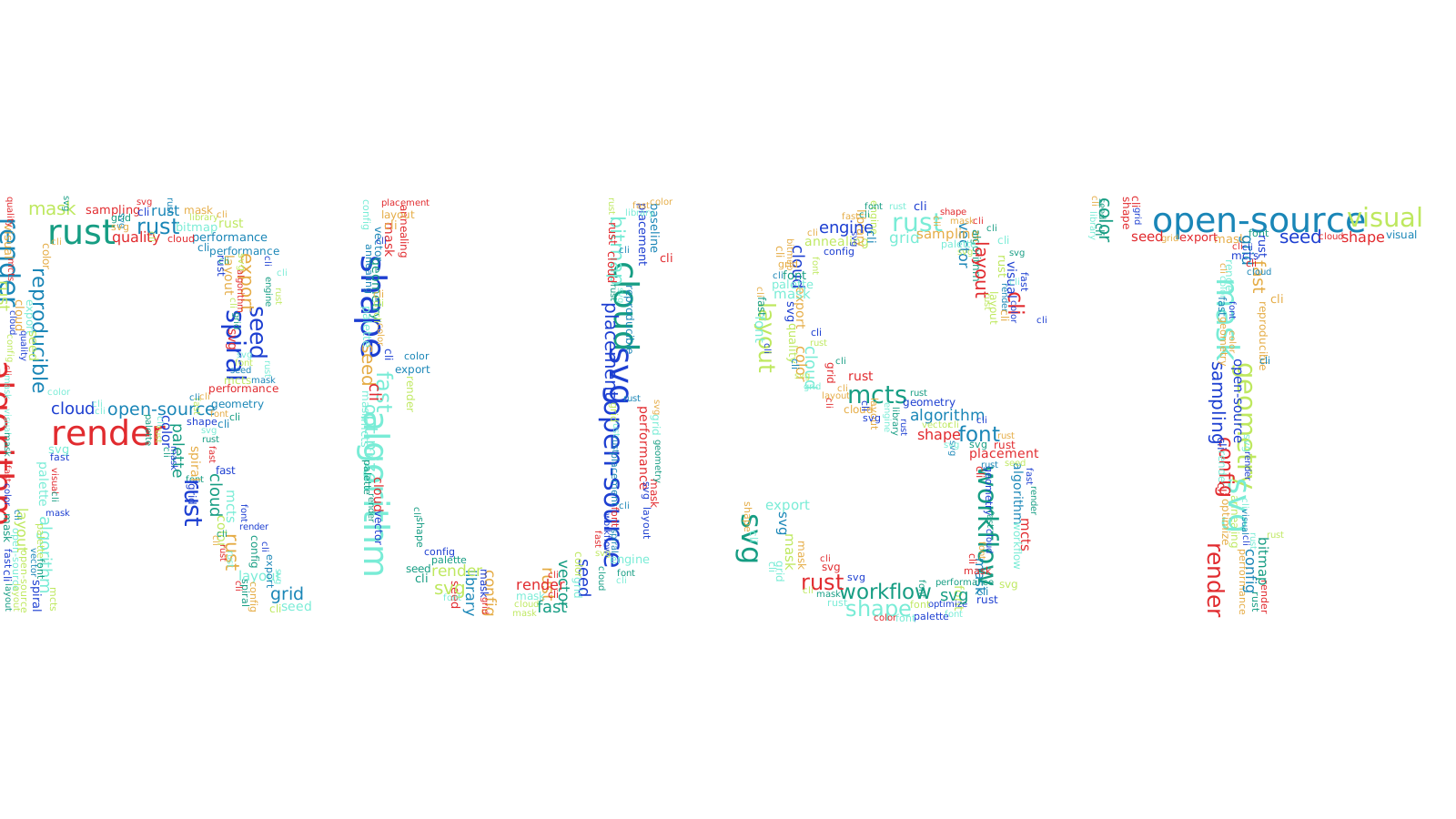
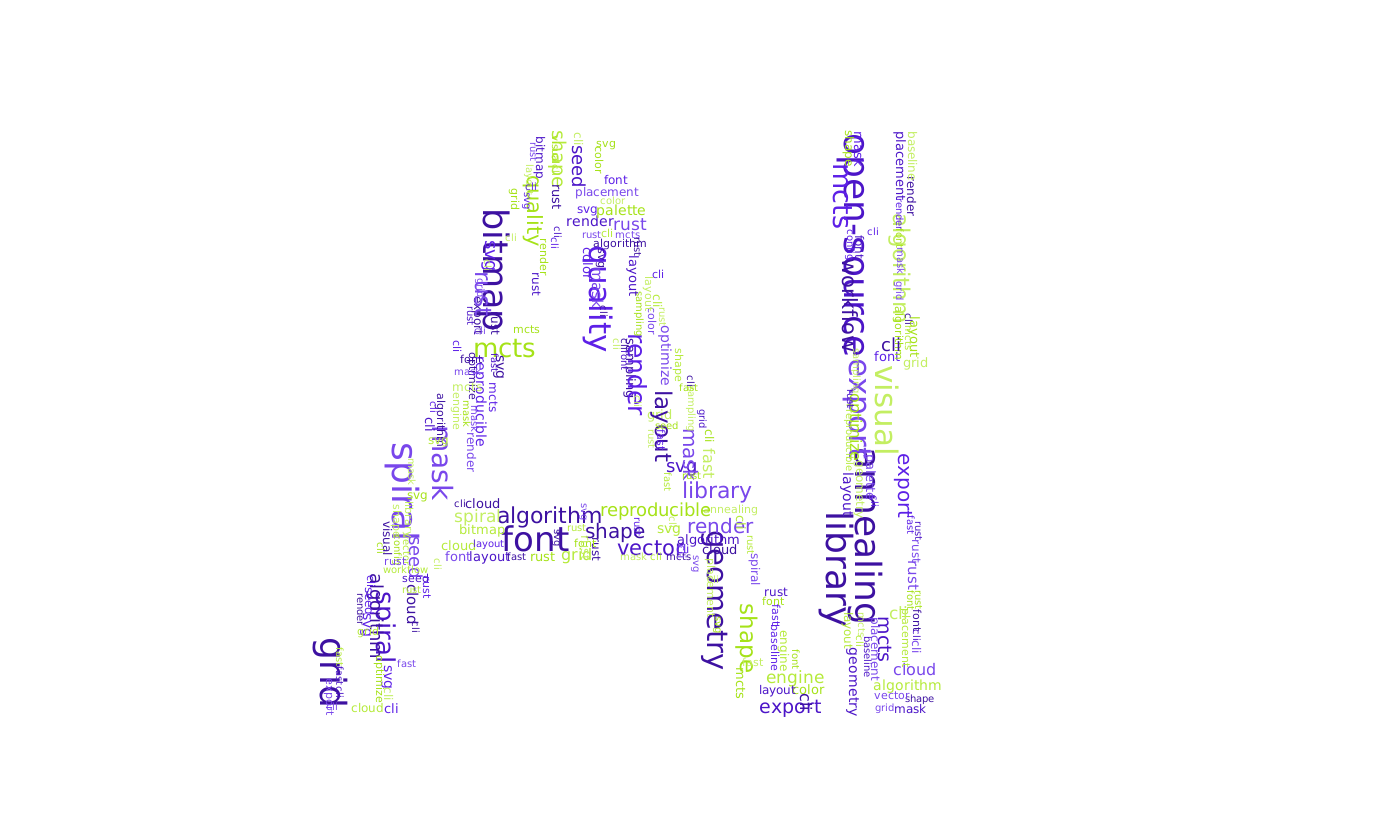
GlyphWeave is a fast Rust CLI + library for generating bold SVG word clouds inside text and shape masks with multiple layout engines, reproducible runs, and palette control.
- Fast by default
- Visual by design
- CLI + library
## Example Gallery
Generated with fixed seeds, `fast-grid`, and `fonts/Roboto-Regular.ttf`.
|  |  |
| 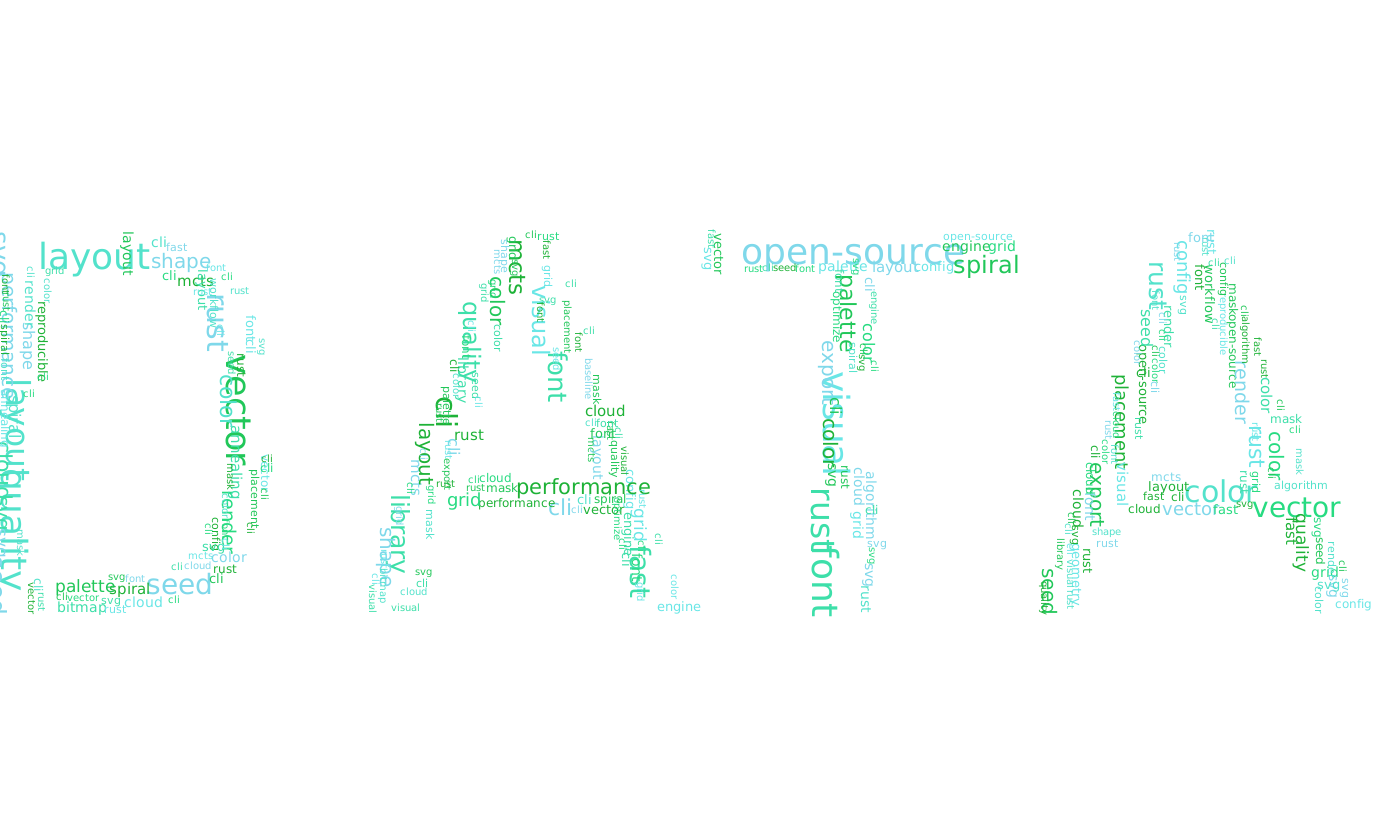 | 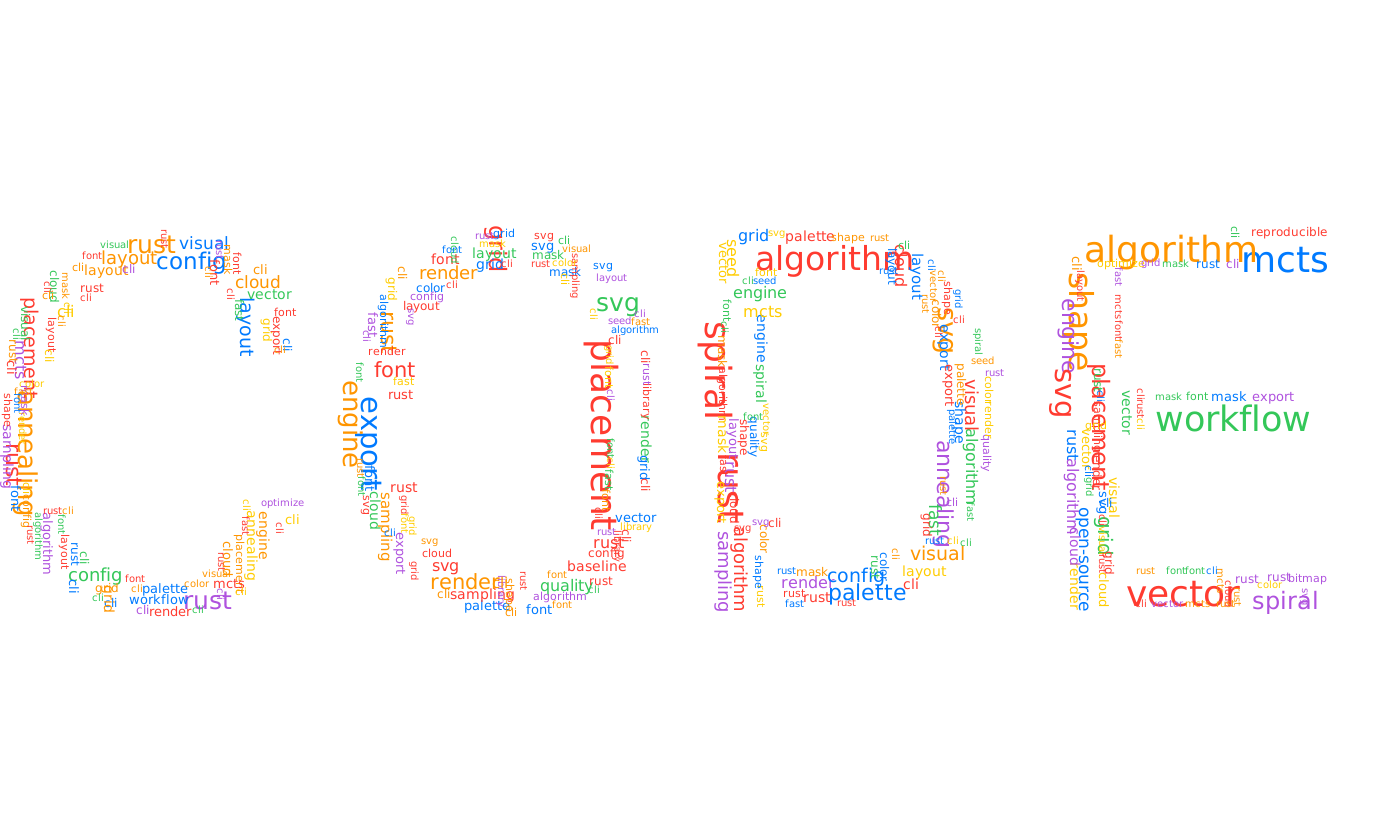 |
Reproduce these assets:
```bash
bash docs/examples/generate.sh
```
## Why It Feels Different
- Fast layouts out of the box with `fast-grid`, plus `mcts`, `simulated-annealing`, `spiral-greedy`, and `random-baseline`
- Strong visual control with palette strategies, weighted words, rotations, and SVG output
- Reproducible runs through `--seed`, config files, and library integration for automation
## Install
```bash
cargo install glyphweave
```
Optional: include embedded Noto Sans SC at build time.
```bash
cargo install glyphweave --features embedded_fonts
```
## Quick Start
```bash
glyphweave \
--text "RUST" \
--words "cloud,speed,layout,mask,svg,grid" \
--canvas-size 1400,800 \
--algorithm fast-grid \
--palette auto \
--seed 42 \
--output output.svg
```
Use weighted input from file:
```text
# words.txt
rust,3
cloud,2
layout,2
mask
svg
```
```bash
glyphweave --text "AI" --word-file words.txt --algorithm spiral-greedy --rotations 0,90 --output ai.svg
```
Show all flags:
```bash
glyphweave --help
```
## Use Cases
- Design assets and posters with text-shaped SVG output that stays easy to post-process
- Data storytelling visuals where the shape matters as much as the words
- Scripted and batch generation pipelines through the Rust API or CLI configs
## Library Example
```rust
use glyphweave::{
generate, load_font_from_file, AlgorithmKind, CanvasConfig, CloudRequest, FontSizeSpec,
RenderOptions, ShapeConfig, StyleConfig, WordEntry,
};
use std::{path::Path, sync::Arc};
let font = load_font_from_file(Path::new("fonts/NotoSansSC-Regular.ttf"))?;
let result = generate(CloudRequest {
canvas: CanvasConfig { width: 1200, height: 700, margin: 12 },
shape: ShapeConfig { text: "DATA".into(), font_size: FontSizeSpec::AutoFit },
words: vec![WordEntry::new("rust", 2.0), WordEntry::new("svg", 1.0)],
style: StyleConfig::default(),
algorithm: AlgorithmKind::FastGrid,
ratio_threshold: 0.85,
max_try_count: 10_000,
seed: Some(7),
font: Arc::new(font),
render: RenderOptions::default(),
})?;
std::fs::write("cloud.svg", result.svg)?;
# Ok::<(), Box<dyn std::error::Error>>(())
```
## Algorithm Cheat Sheet
| `fast-grid` | High | High | Default production choice |
| `mcts` | Medium-Low | High | Search-driven quality improvements |
| `simulated-annealing` | Medium-Low | Medium-High | Stochastic optimization and exploration |
| `spiral-greedy` | Medium | Medium-High | Center-focused, stable visual structure |
| `random-baseline` | Low | Medium | Baseline and regression comparison |
## Fonts
- Default behavior: try system fonts automatically
- Use `--font <path>` to pin a `.ttf/.otf`
- Use `--choose-system-font` for interactive font selection
- Embedded font feature: `embedded_fonts` (off by default)
- Embedded font: Noto Sans SC, SIL Open Font License 1.1
- License text: `fonts/OFL-NotoSansSC.txt`
## Config
Config precedence (later overrides earlier):
1. `~/.config/glyphweave/config.toml` (or `$XDG_CONFIG_HOME/glyphweave/config.toml`)
2. `.glyphweave.toml` in current directory
3. `--config <path>`
4. CLI flags
Minimal example:
```toml
canvas_size = [1600, 900]
algorithm = "fast-grid"
palette = "analogous"
palette_base = "#0EA5E9"
ratio = 0.85
max_tries = 12000
rotations = [0, 90]
```
## Documentation
- [Architecture](docs/architecture.md)
- [Library API](docs/library-api.md)
- [Algorithms](docs/algorithms.md)
- [Tuning](docs/tuning.md)
- [Migration v0.2](docs/migration-v0.2.md)
## For Maintainers
The `Release` workflow supports tag-driven and manual publishing to GitHub Releases, crates.io, and the `Acture/homebrew-ac` tap.
- Secrets: `CARGO_REGISTRY_TOKEN`, `HOMEBREW_TAP_TOKEN`
- Manual inputs: `tag`, `upload_assets`, `publish_cargo`, `update_homebrew`
- Use the `release` environment if you store publish credentials as environment secrets
## License
AGPL-3.0. See [LICENSE](LICENSE).