# vscode-gluon
An extension for for [Visual Studio Code][] which provides syntax hightlighting and completion for the programming language [gluon][].
## Installing the language server
The language server is available at [crates.io][] and can be installed by running `cargo install gluon_language-server`. After installing the extension you will need to either make the language server executable available in `$PATH` or set the `gluon.language-server.path` option to exectuables path.
```json
{
"gluon.language-server.path": "gluon_language-server",
// Gluon specific settings can be specified with
"[gluon]": {
"editor.formatOnSave": false
}
}
```
## Features
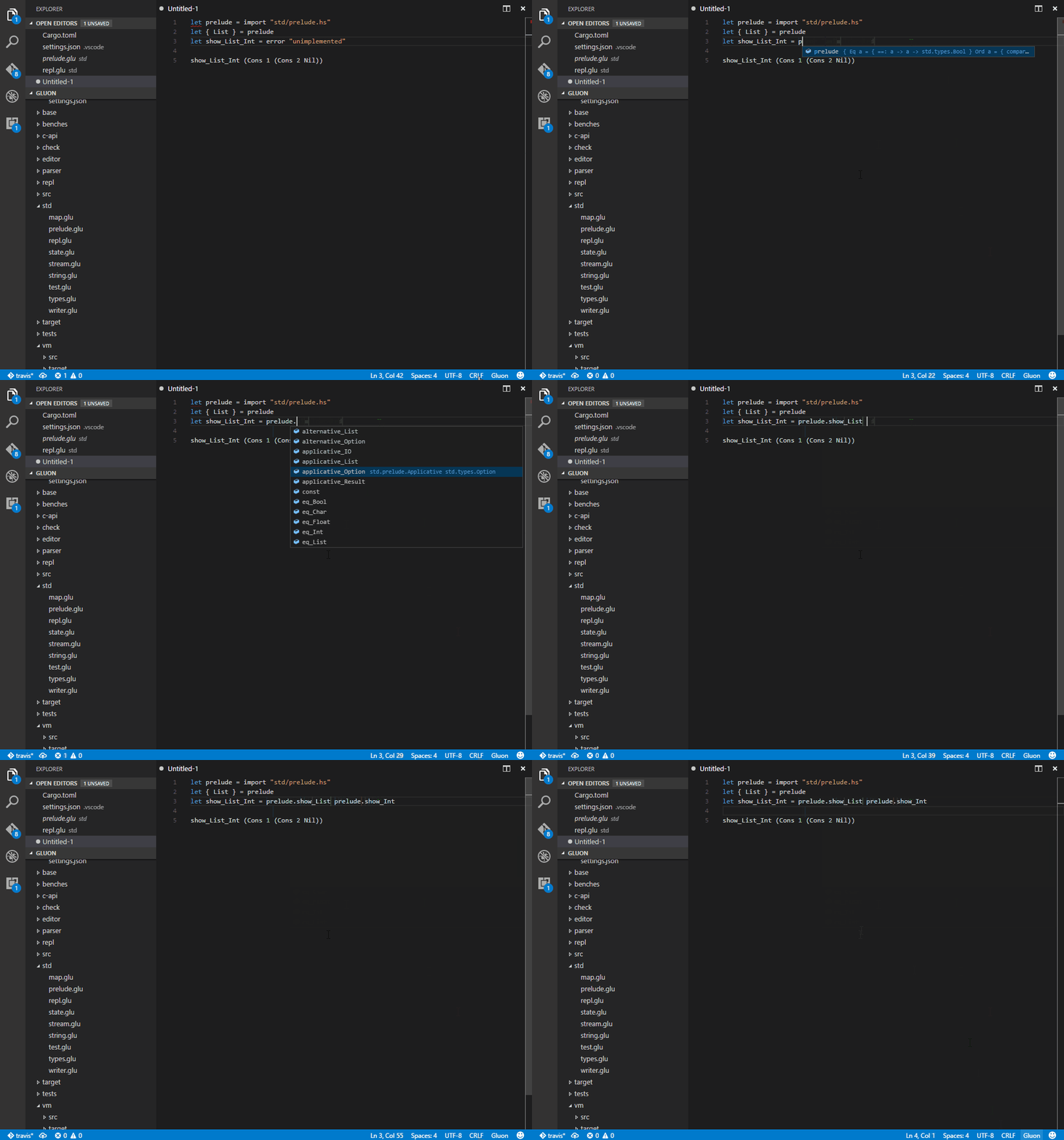
* Code completion
* Hover support
* Symbol highlighting
* Symbol lookup
* Code formatting (May still eat your laundry)
## Example
[Visual Studio Code]:https://code.visualstudio.com/
[gluon]:https://github.com/gluon-lang/gluon
[crates.io]:https://crates.io/