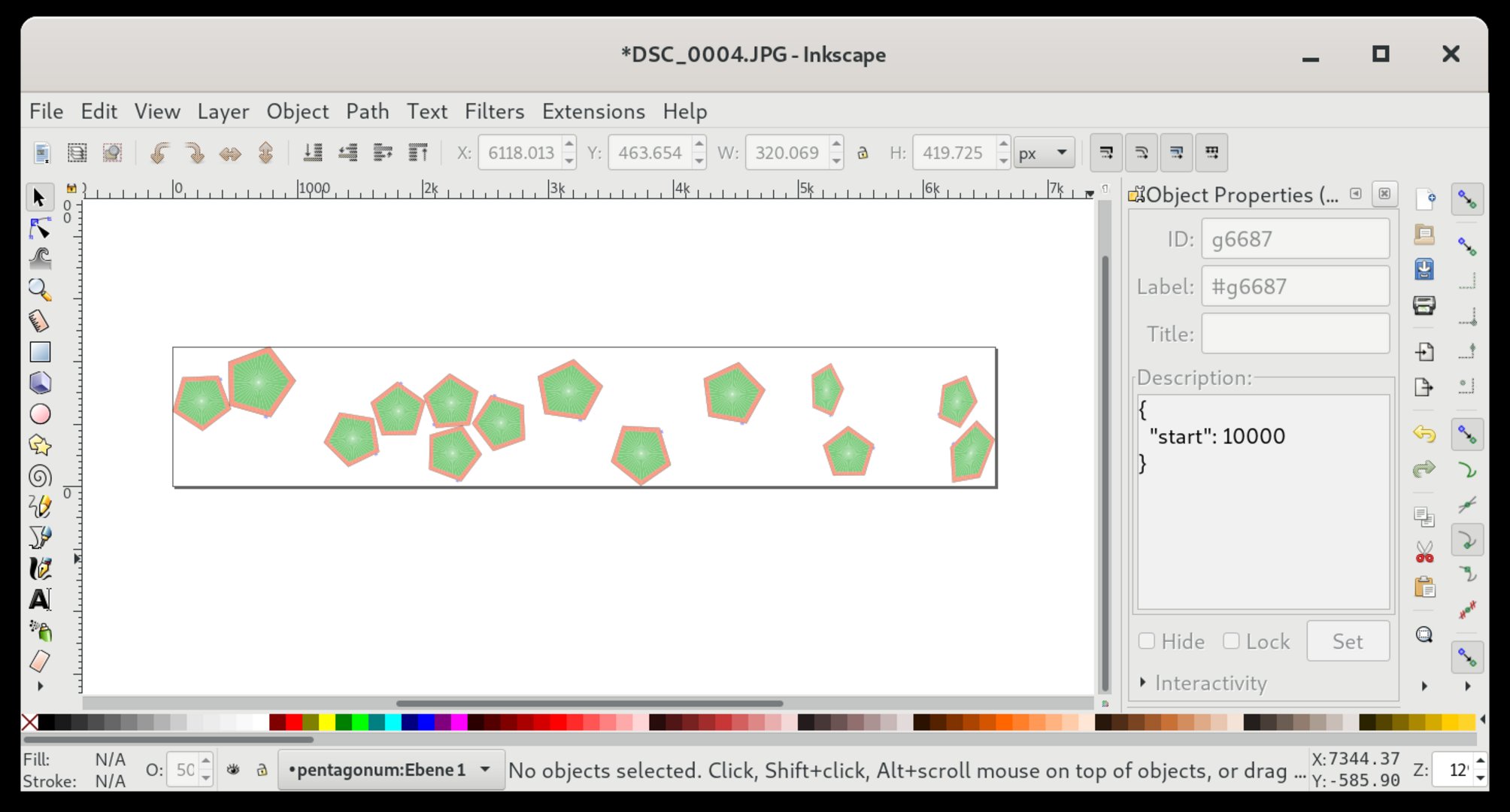
# Creating a SVG file for a lamp
Create a svg file and set parameters of nodes by writing the parameters as [Hjson](https://hjson.github.io/) into description fields.
All fields are optional.
## Parameters
```hjson
{
groups: ["bla", "blub"],
start: 42,
universe: 100,
count: 100
}
```
### groups
If groups are set, the whole tree under a node is added to these groups.
**default**: *[]*
### start
Start is summed up. If a group has start `10` and a child node of this group has start `5`, the child node has start `15`. The number is used as the start address of the lamp * 3, because each lamp has 3 channels (RGB).
**default**: *0*
### universe
Each string of lamps should get its own universe. These (gled) universes must be patched in Project->Output Routing to your output device universes. If a lamp has more than 170 LEDs, it will be split into multiple universes:
* Lamp `170` gets addresses `508-510`
* Lamp `171` gets addresses `0-2` in `universe + 1`
**default**: *0*
### count
You can have multiple lights all at the same positions but with different addresses. If you are setting this values on a svg path, gled sets all light at uniformly distributed positions on the path.
**default**: *1*
## Example
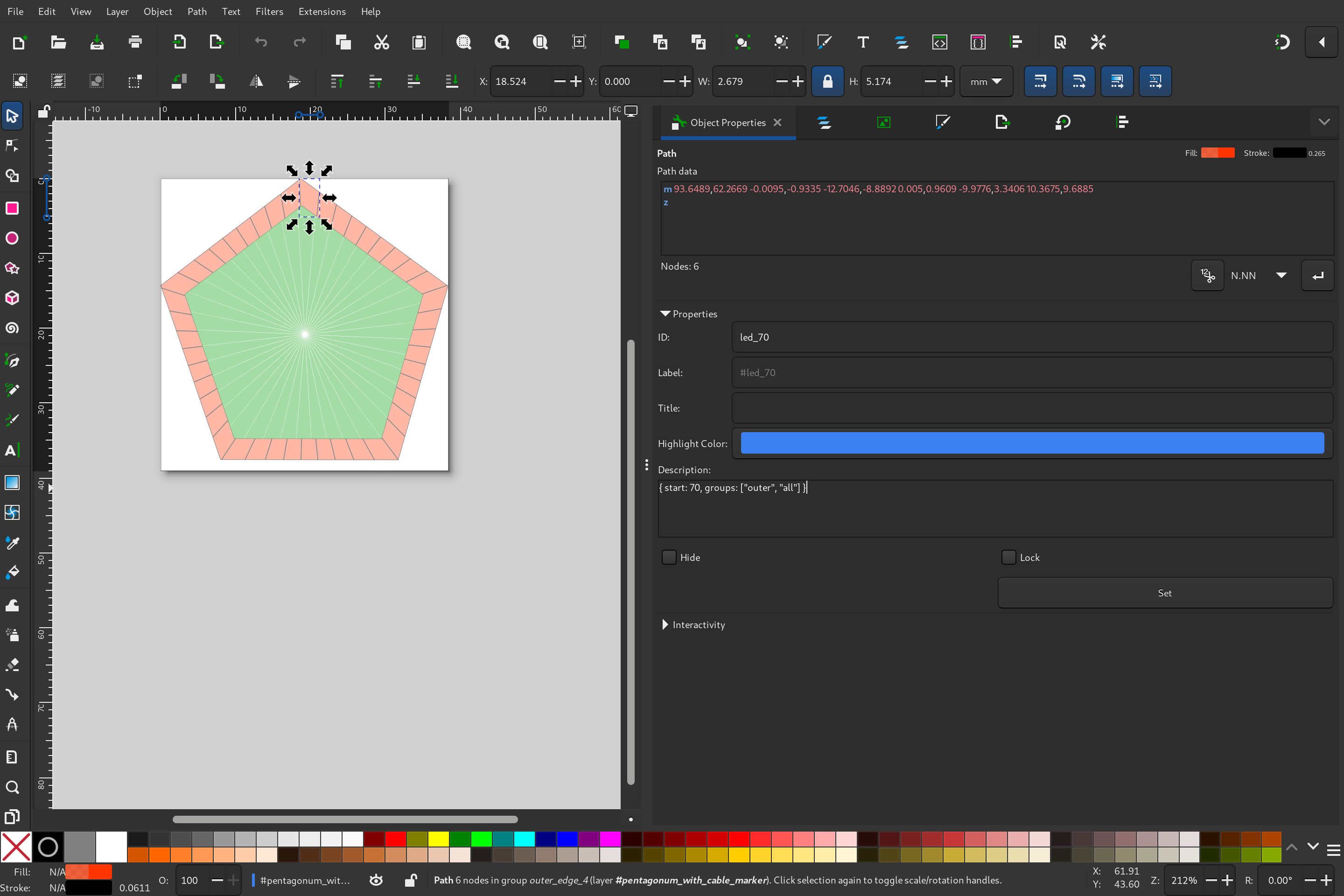
> Be carefull to always press the **Set** button in inkscape!