# Setting up an installation
## SVG File
1. Take a picture of your installation and open it in Inkscape.
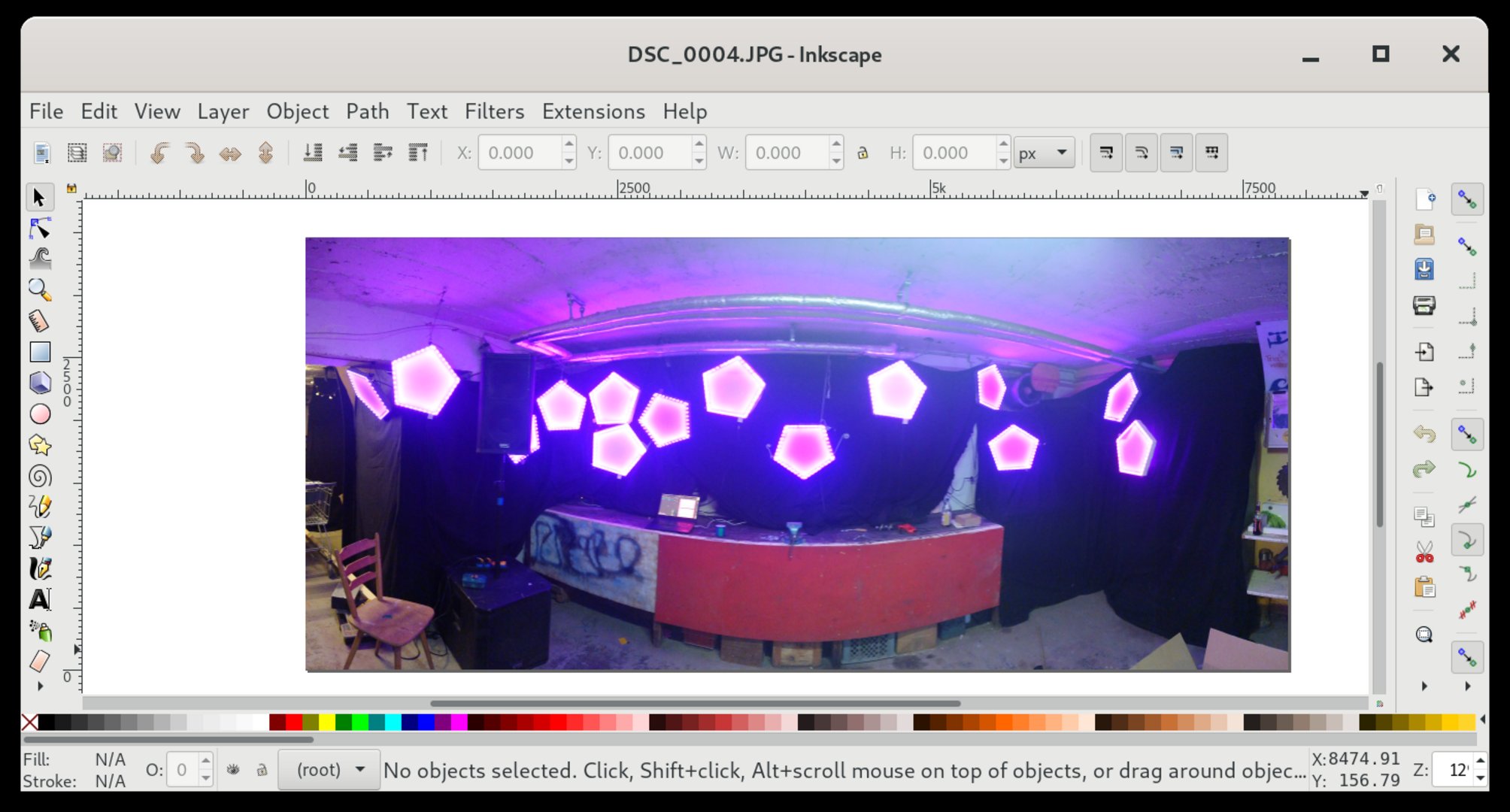
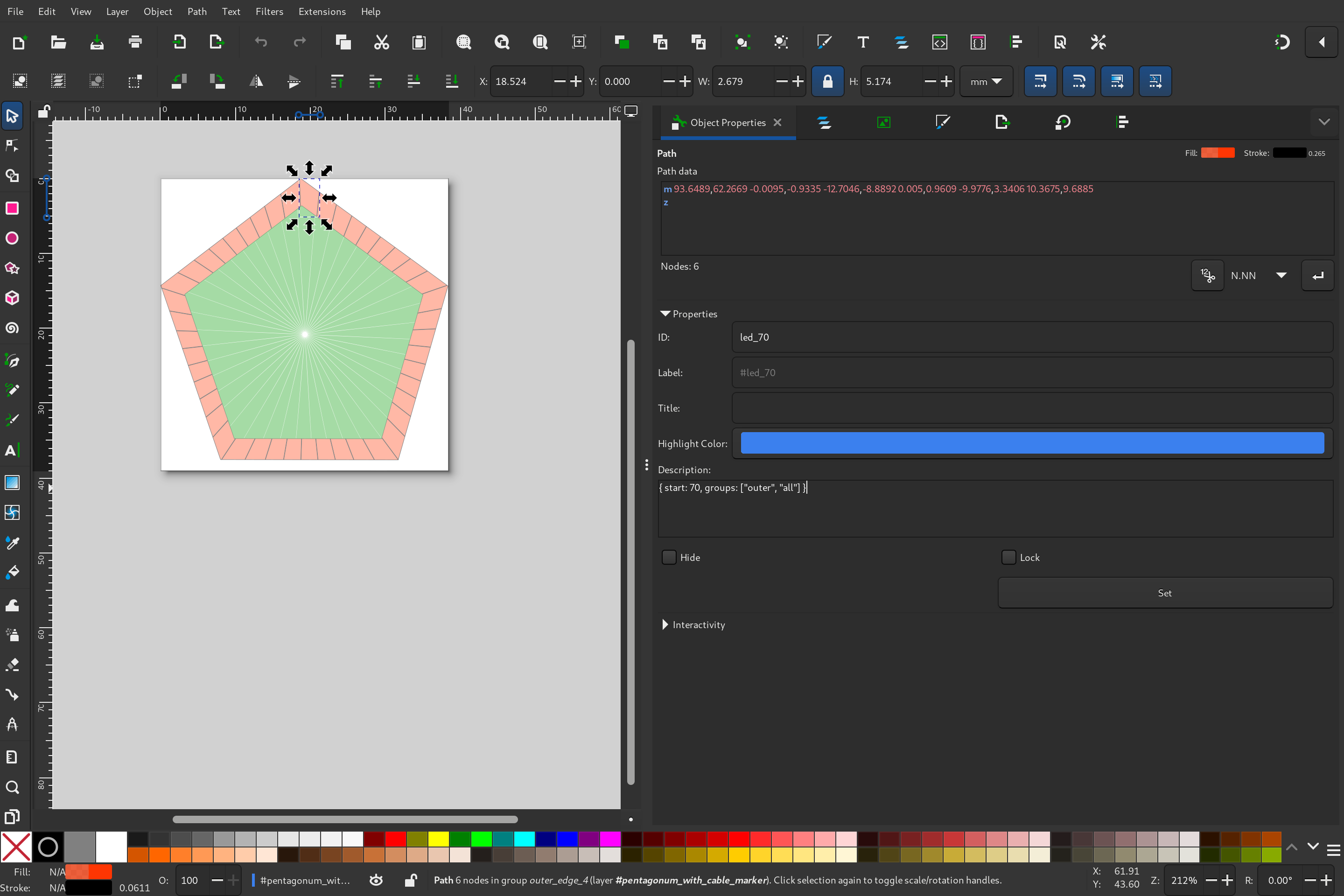
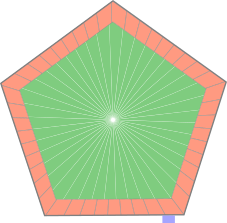
2. Include, clone and place your lamps in the right position, set the start addresses and universes of your lamps. We use far away universes for the lamps, so we have no overlap when we have more than 170 leds on a set of connected lamps.
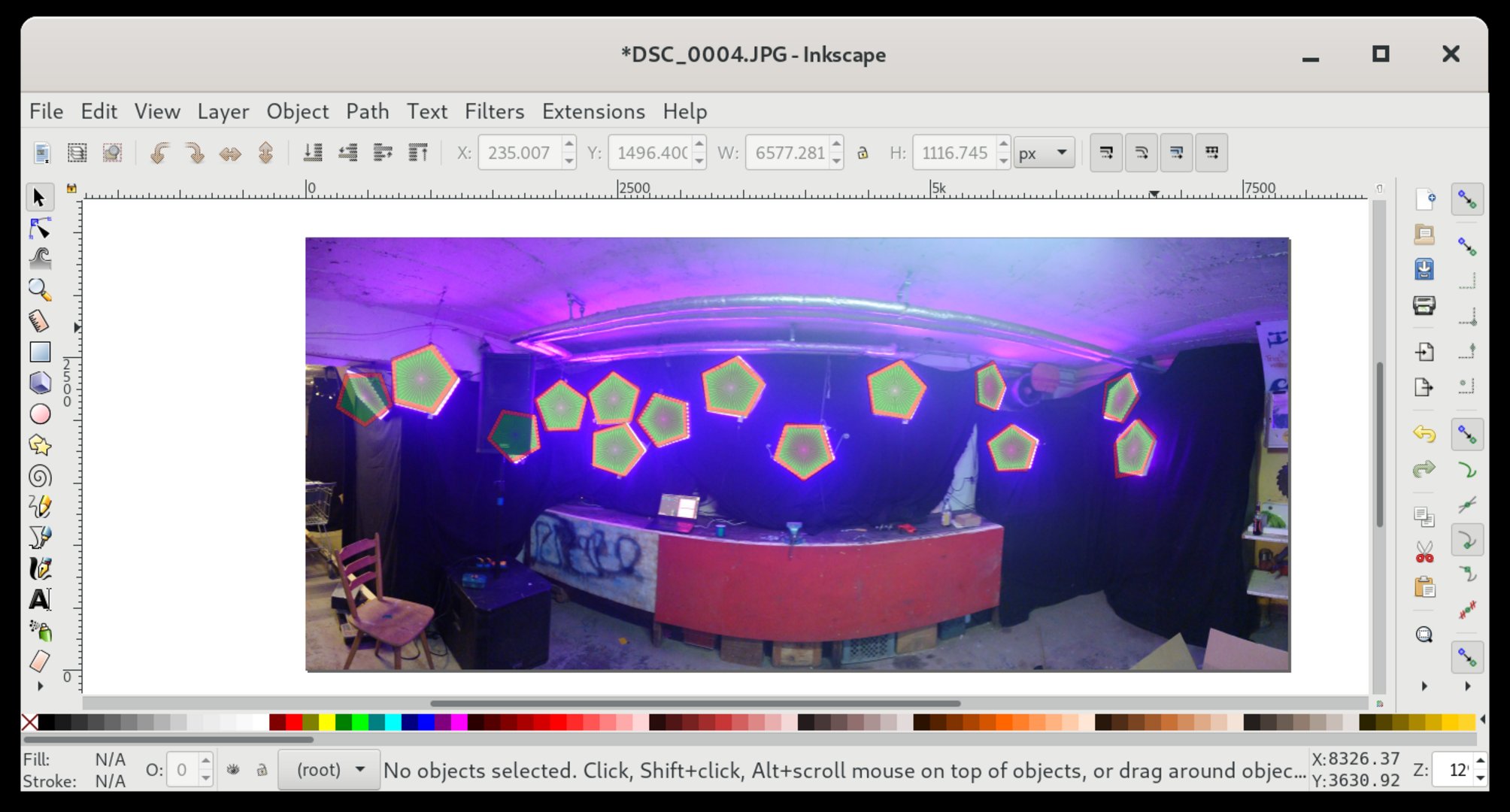
3. Remove picture and set svg window to your needs. We normaly choose a midpoint which fits the installation best.
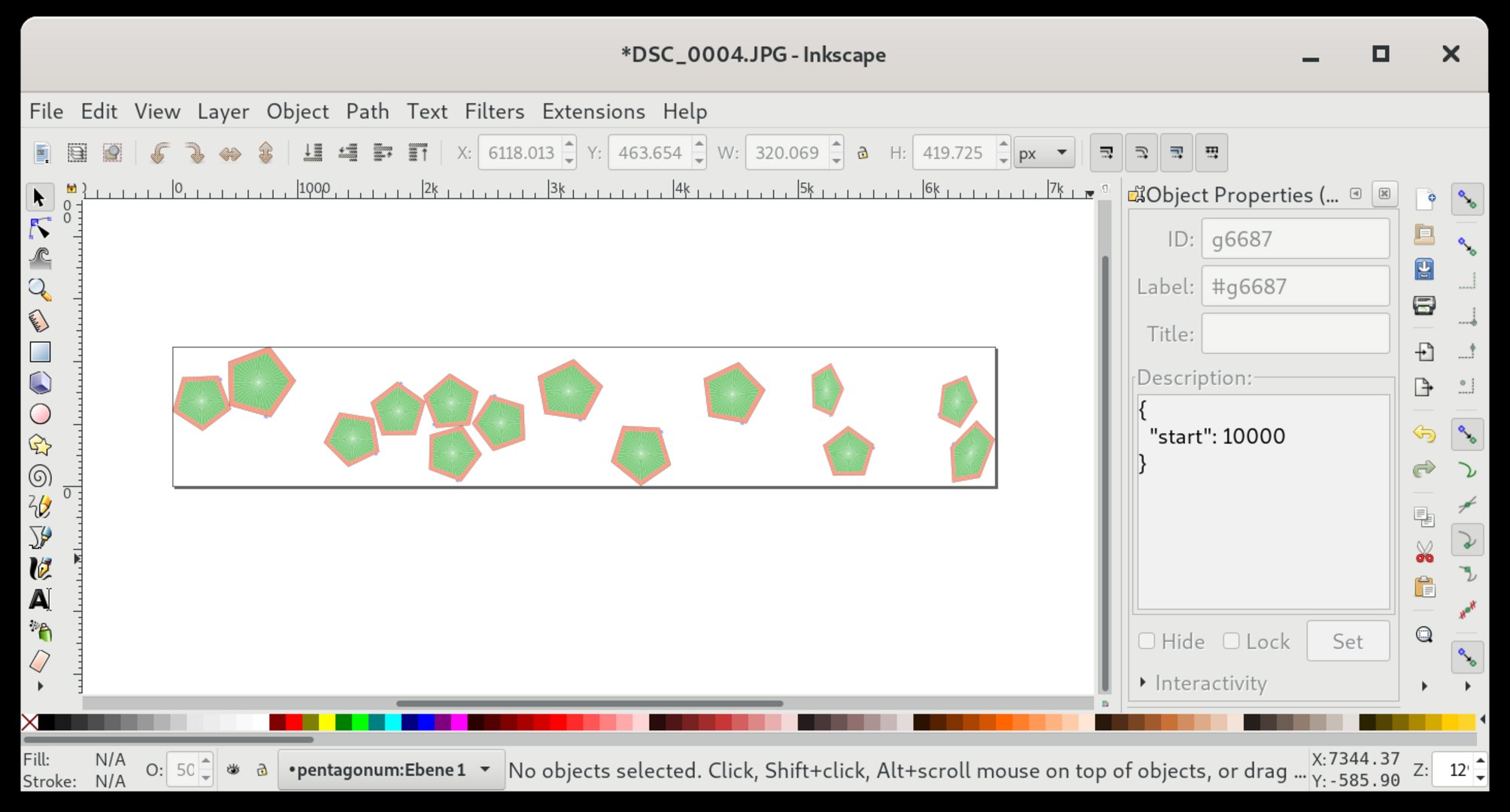
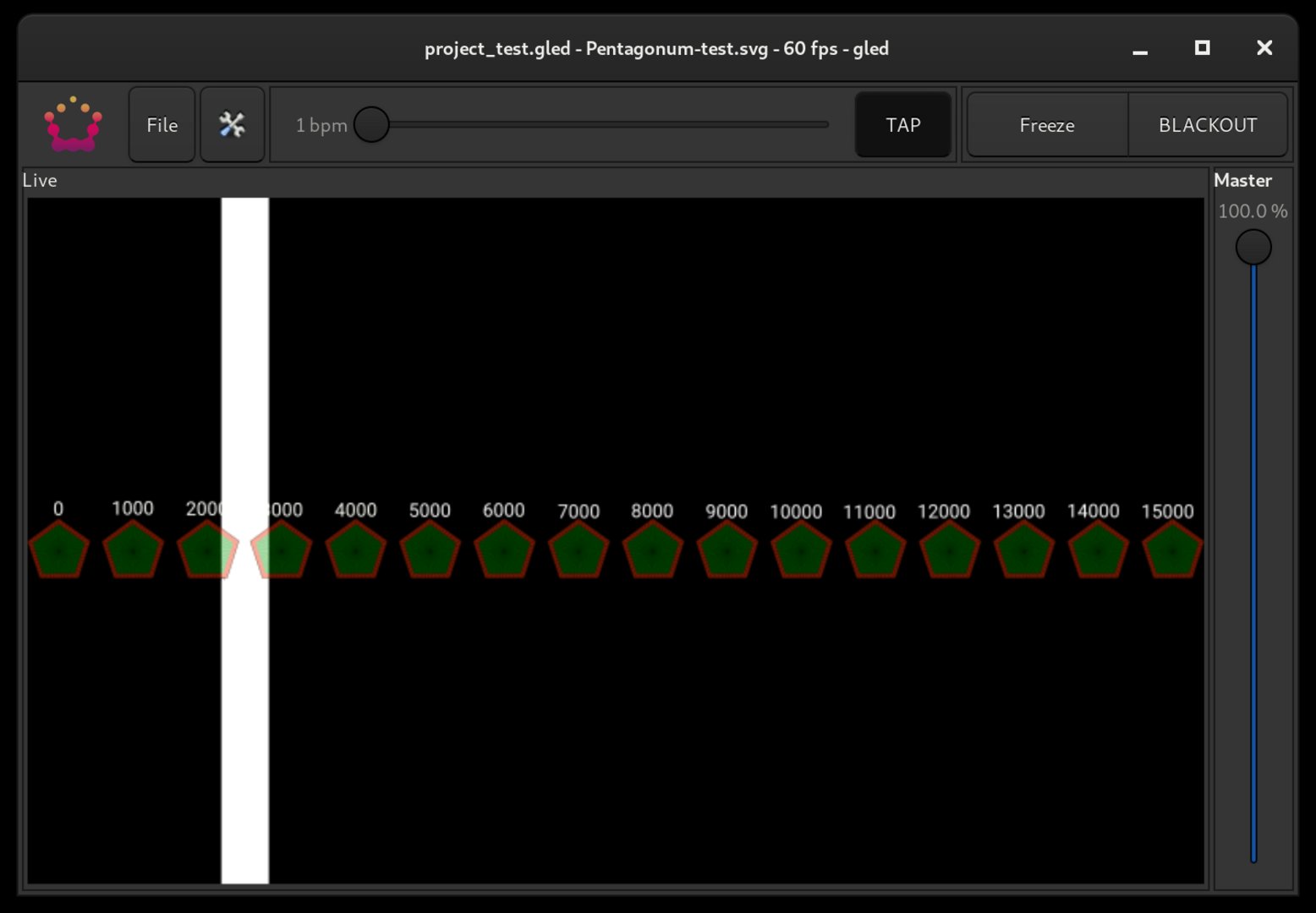
4. Import your svg file in a GLED project.
## Output Routing
1. Go to `Project` -> `Output Routing`.
2. Find the correct output universe for each gled universe:
* Our strategy is to set the first lamp to each output universe until we see some lights flashing up.
* Now we know the output universe of these lights.
* We look for the internal universe in the svg file and set the correct gled universe to the output universe
* Repeat until all output universe are correctly set up.