# gitcal
A CLI tool for calendar visualization
# Installation
```shell
cargo install gitcal --locked
```
# Usage
```shell
Usage: gitcal [OPTIONS]
Options:
--username <NAME> GitHub username (defaults to token owner)
--block Use block icons
--half Use block icons without spaces
--circle Use circle icons
--base <HEX> Set base color
--text <HEX> Set text color
--color0 <HEX> Set color for no contributions
--color1 <HEX> Set color for first quartile
--color2 <HEX> Set color for second quartile
--color3 <HEX> Set color for third quartile
--color4 <HEX> Set color for fourth quartile
--year Display the past year's worth of data
--month Display the past month's worth of data
--token <GITHUB_TOKEN> GitHub PAT token (uses $GITHUB_TOKEN if not specified)
--hide-days Hide day-of-the-week string
--hide-months Hide months in header
-h, --help Print help
```
## GitHub Token
To use this, you need an API token for GitHub. This can be created by going to GitHub, then `Settings > Developer Settings > Personal access tokens`. Current advice from GitHub recommends making a [`fine-grained token`](https://github.com/settings/tokens?type=beta). This token should be passed to `gitcal` via `--token` argument, or you can set the `$GITHUB_TOKEN` environment variable.
# Options
## Display Modes
There are several unicode characters which can be used to display the calendar information. See the images below for examples of each:
`(default)`
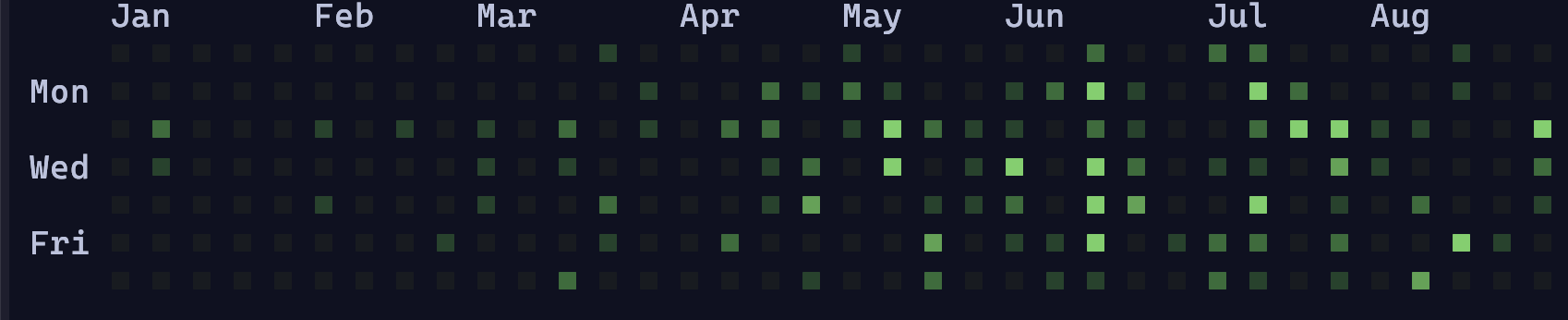
`--block`
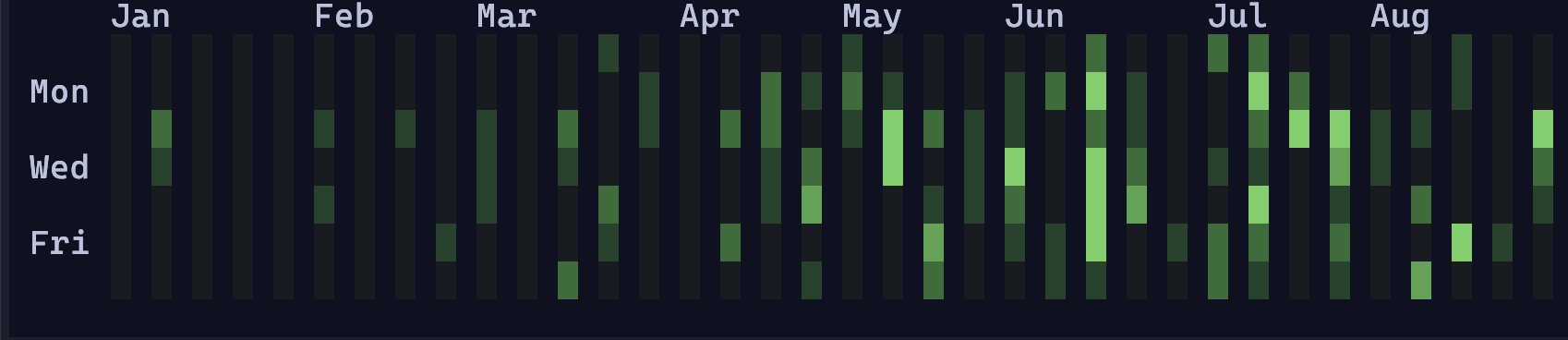
`--circle`
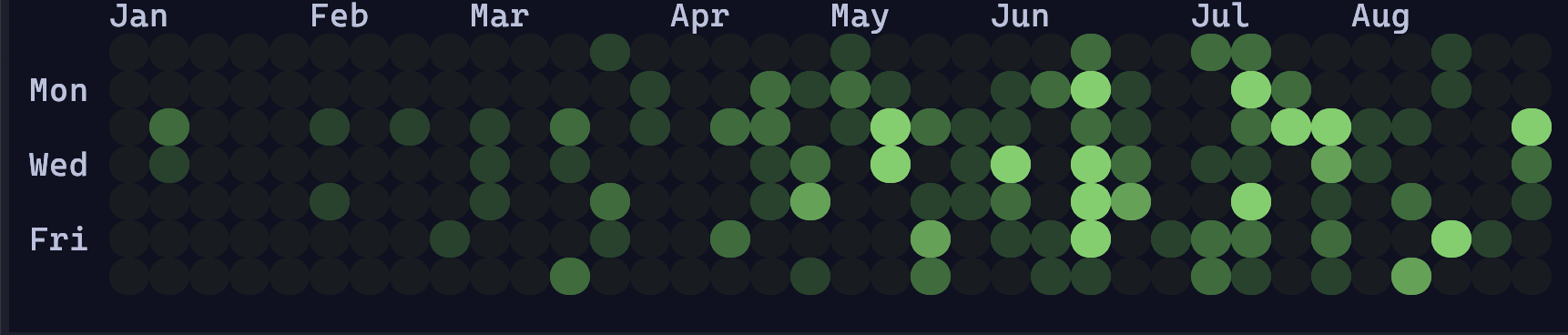
`--half`
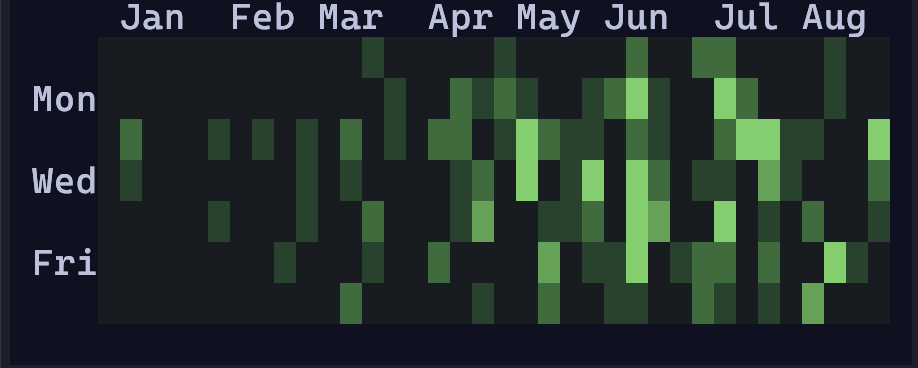
## Colors
Custom colors can be used by passing them as hex strings to the respective CLI arguments. For example, `gitcal --base "#FFFFFF"` will make the background color white.
```
gitcal --base "#eff1f5" --text "#4c4f69" --color0 "#7287fd" --color1 "#179299" --color2 "#df8e1d" --color3 "#e64553" --color4 "#8839ef"
```

## Hiding Headers
The `--hide-days` and `--hide-months` arguments can be used to hide the respective day column and month row.
## Time
By default, `gitcal` will display the year-to-date information. However, the `--year` and `--month` arguments can be used to instead use the past 365 days and the days since the beginning of the month respectively.