



About
Interactively switch branches or fuzzy search for that forgotten branch name.
All powered by the speed ⚡️ of rust 🦀.
Installation
If you have Rust installed (using the recommended rustup installation method) then you can install the binary from the crate using cargo:
For Homebrew users, you can install the binary using the following command:
You can also install the binary directly from GitHub Releases
&&
Usage
Start by running:
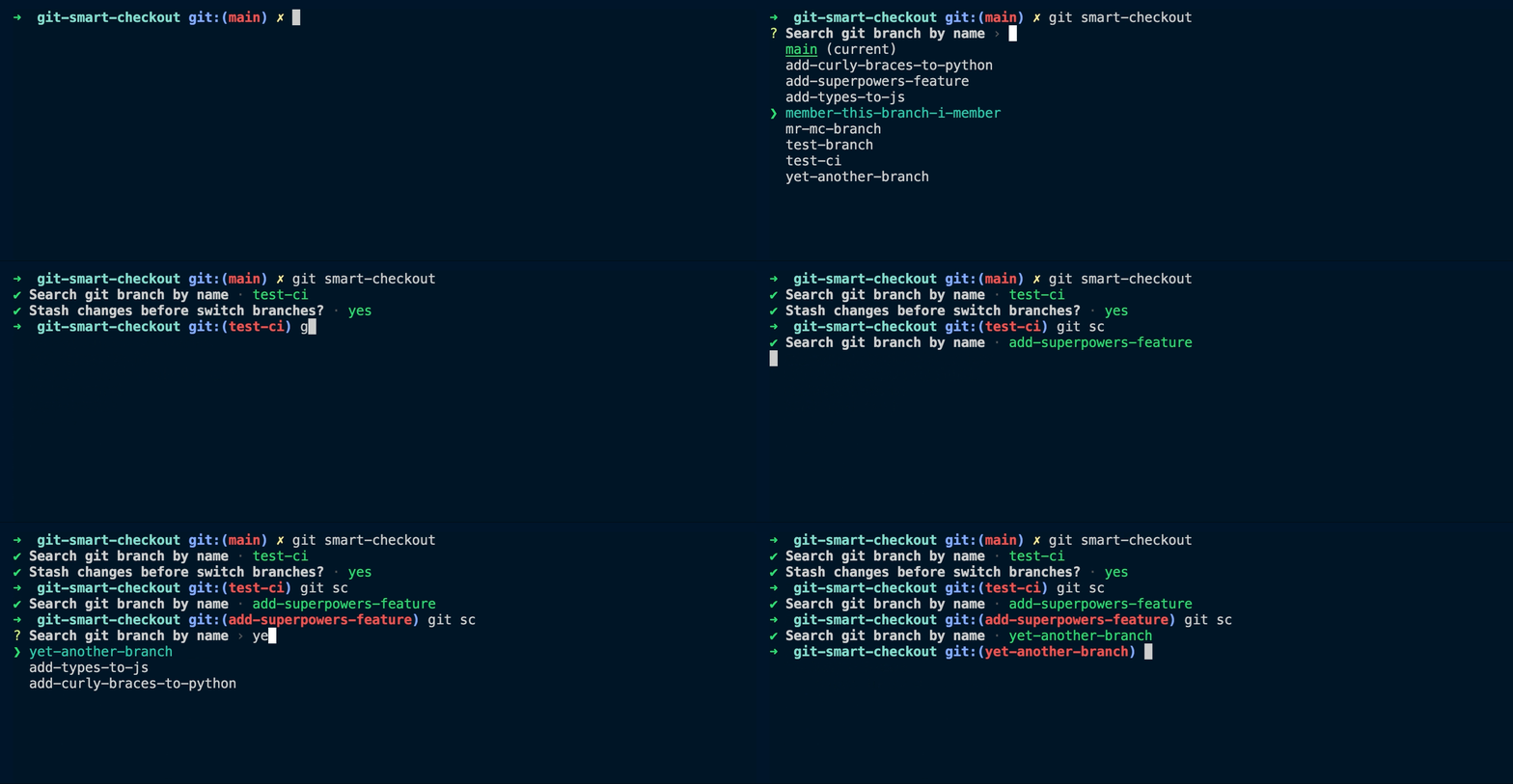
Once the interactive window is visible you can navigate with keyboard arrows ↑ or ↓ and select the git branch you are looking for by pressing Enter. If you know the name of the branch you can start typing to search for that particular branch, the search is using a fuzzy algorithm so you don't need to match the exact name of the branch it will also match partial terms.
Git alias
To save typing time you can use a regular git alias for git smart-checkout. The following command will add the alias git sc to your git config, however feel free to use whatever works best for you: