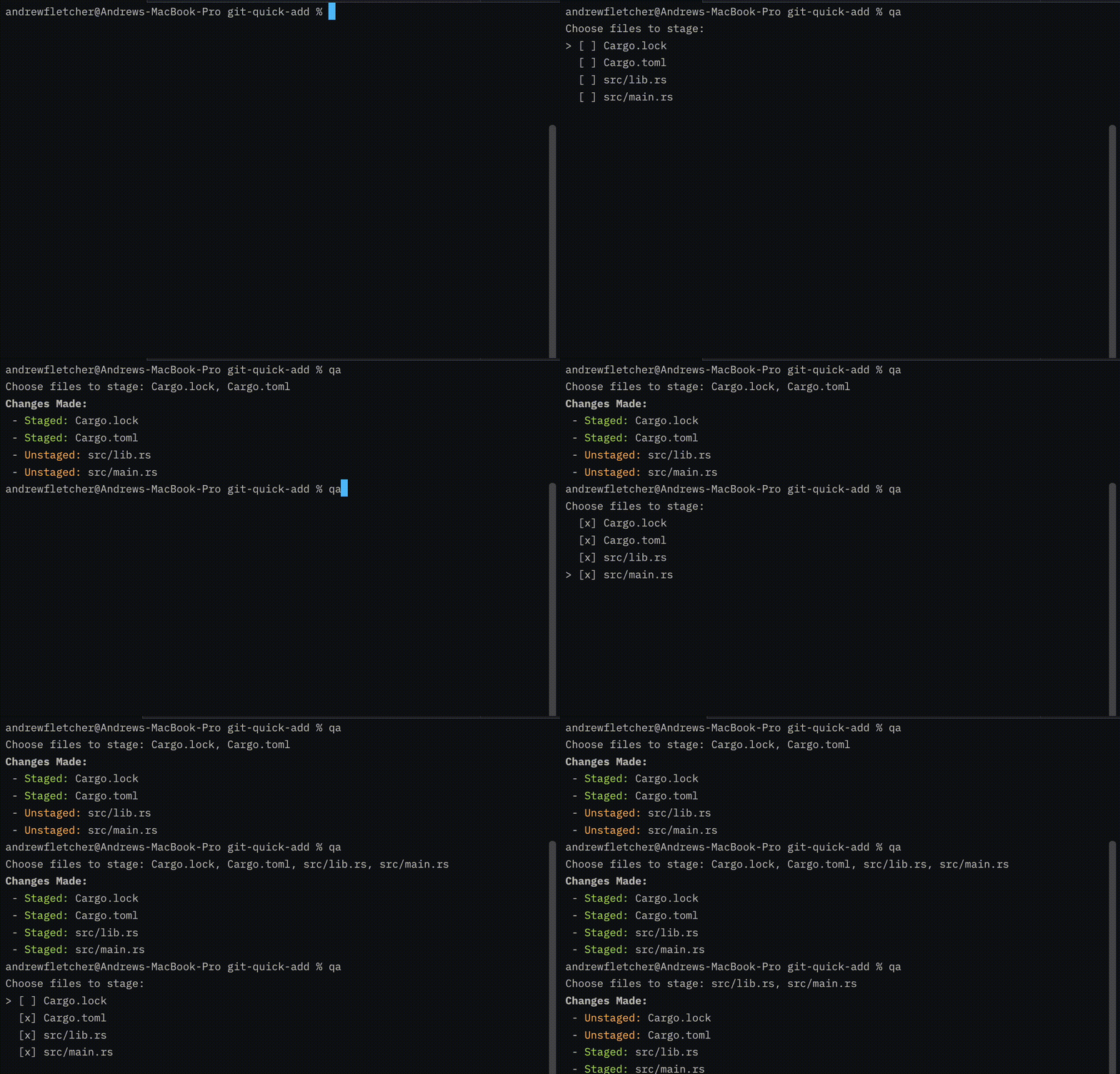
Just run `qa` and select the files you want to `git add` using the interactive menu.
Create `~/.config/git-quick-add/config.toml` and add:
```toml
uppercase = true
```
When `uppercase` is `true`, the branch-derived `reference_id` in the commit message is converted to uppercase.