
Please check the build logs for more information.
See Builds for ideas on how to fix a failed build, or Metadata for how to configure docs.rs builds.
If you believe this is docs.rs' fault, open an issue.
AGB Font
Bitmap fonts for GBA/AGB: convert Aseprite/PNG font sheets at compile time, and render them.
Building
All five crates are members of one workspace, but they don't all build for the same target.
gba_agb_font_renderer and font_tester depend on agb, so each has its own
.cargo/config.toml and rust-toolchain.toml pinning nightly, build-std and
thumbv4t-none-eabi. Cargo reads config from the current directory upwards, so those settings
apply when you build from inside those directories and not otherwise.
The consequence is that --workspace doesn't work from the root, it would try to build the
agb-dependent crates for the host. Name the host crates instead:
&& && Fonts
Fonts in examples/ can be used by anyone for any purpose and are provided without license.
| Filename | Description | Average letter size | Biggest glyph size | Kind | Monospace | Screenshot | File |
|---|---|---|---|---|---|---|---|
limited_blocky_3x5_text15 |
Tiny text, not recommended for general text | 3x5 | 3x5 | Limited | Yes | 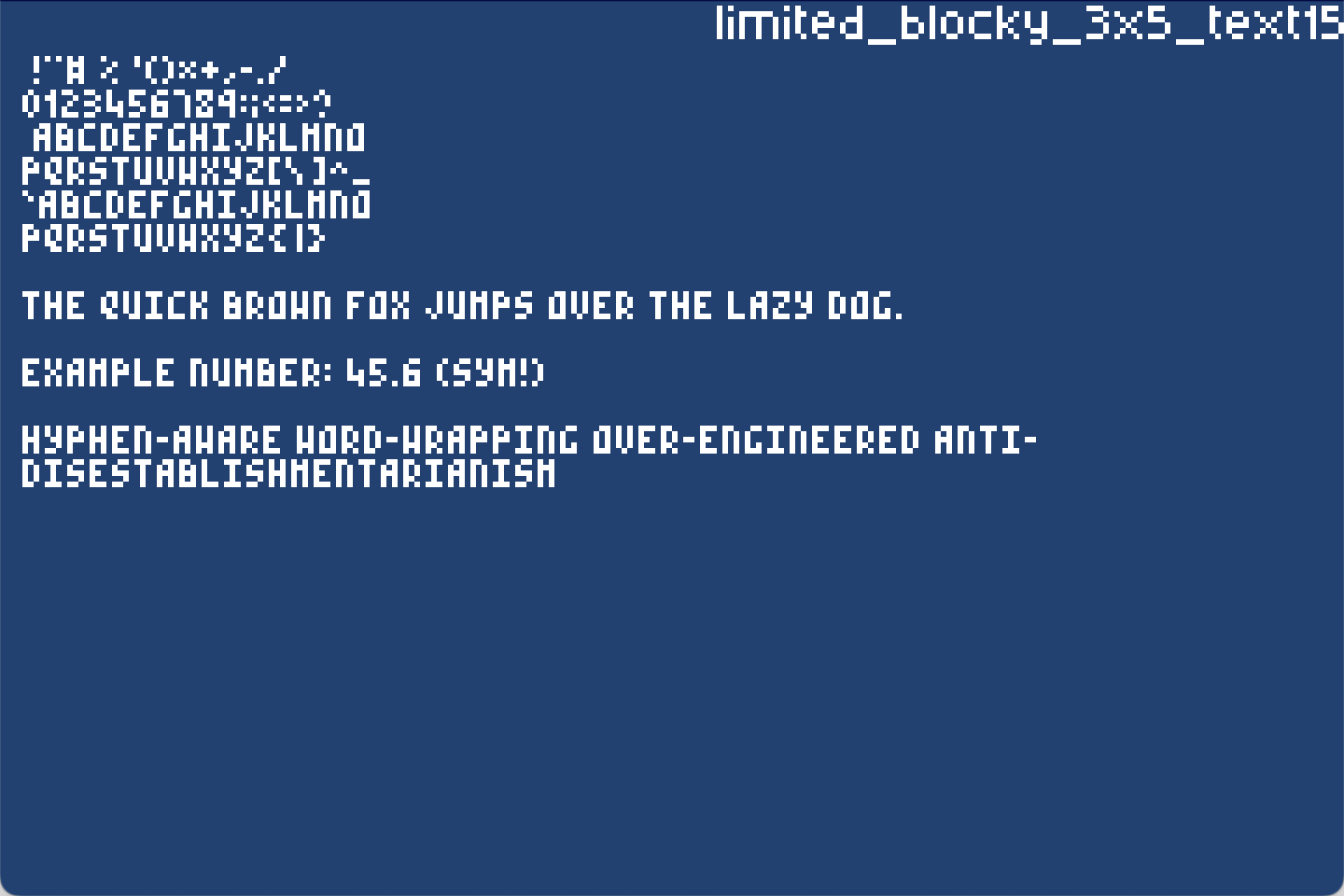 |
Font file |
blocky_3x7_text15 |
Same as above with lowercase letters | 3x7 | 3x7 | Printable | Yes | 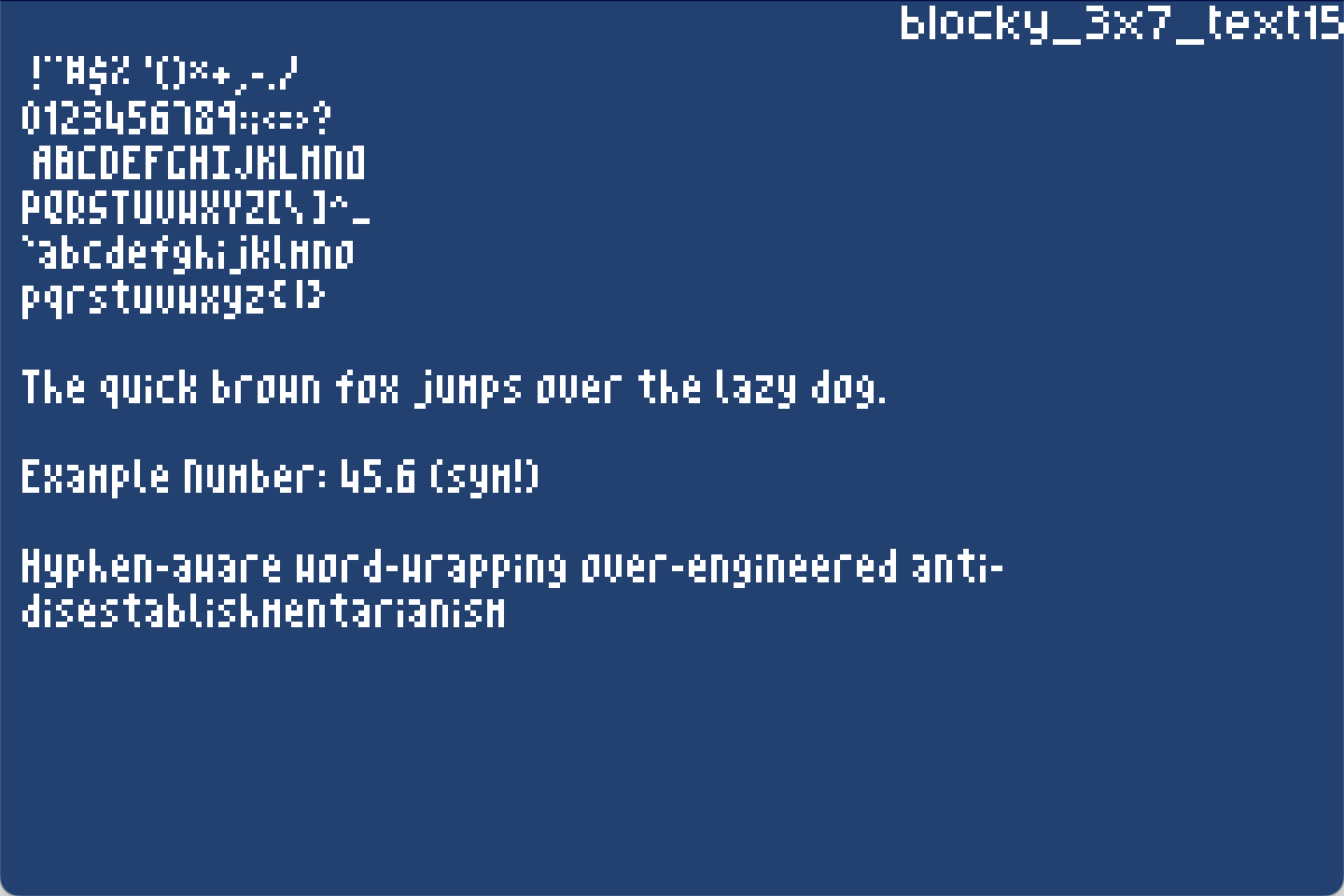 |
Font file |
vhs_10x16_text15 |
Designed to look like VHS/old TV text | 10x16 | 10x16 | Printable | Yes | 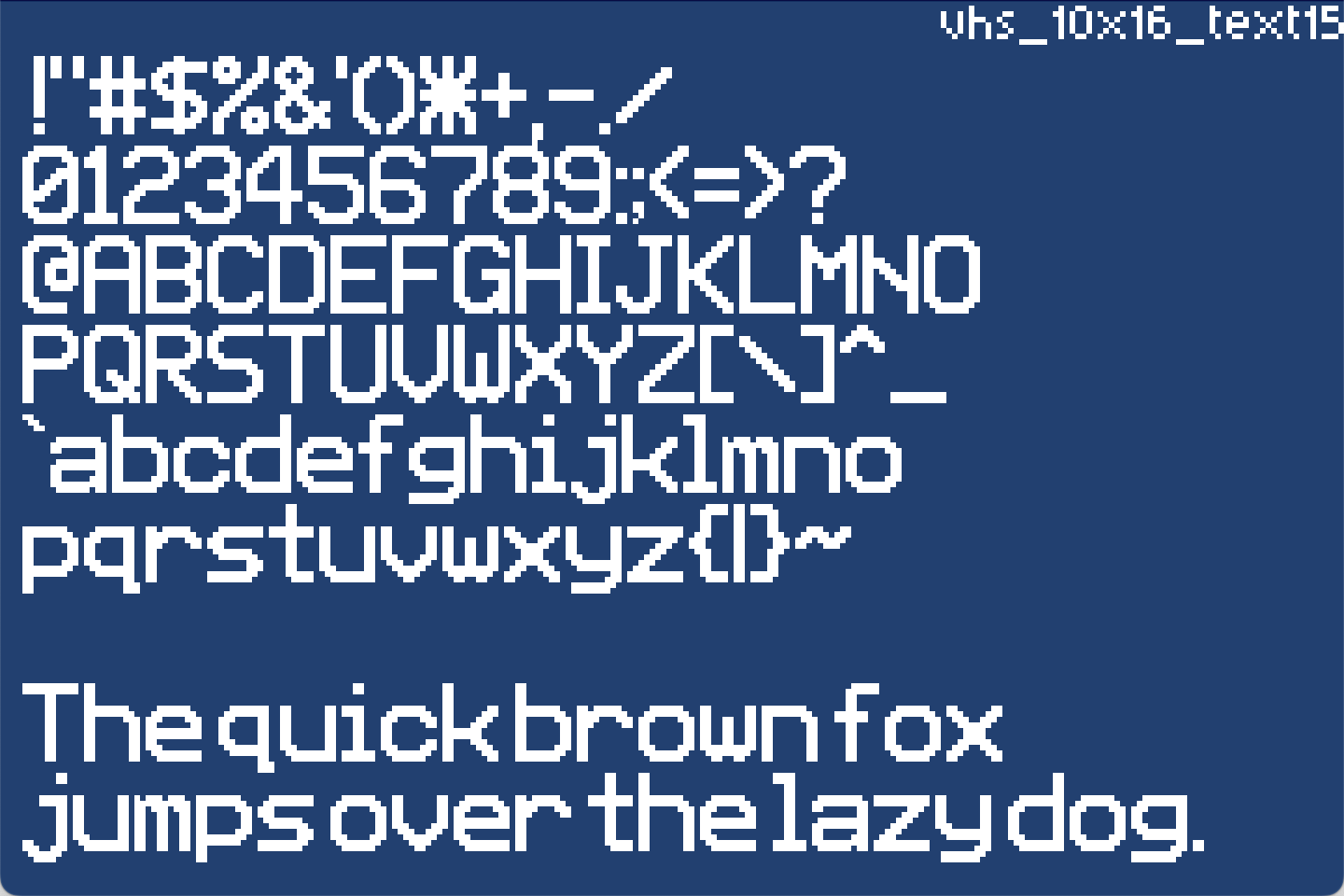 |
Font file |
segment_8x8_text15_shadow14 |
Psuedo 8 segment typeface | 5x7 (+1,+1 for shadow) | 5x7 (+1,+1 for shadow) | Limited | Compatiable | 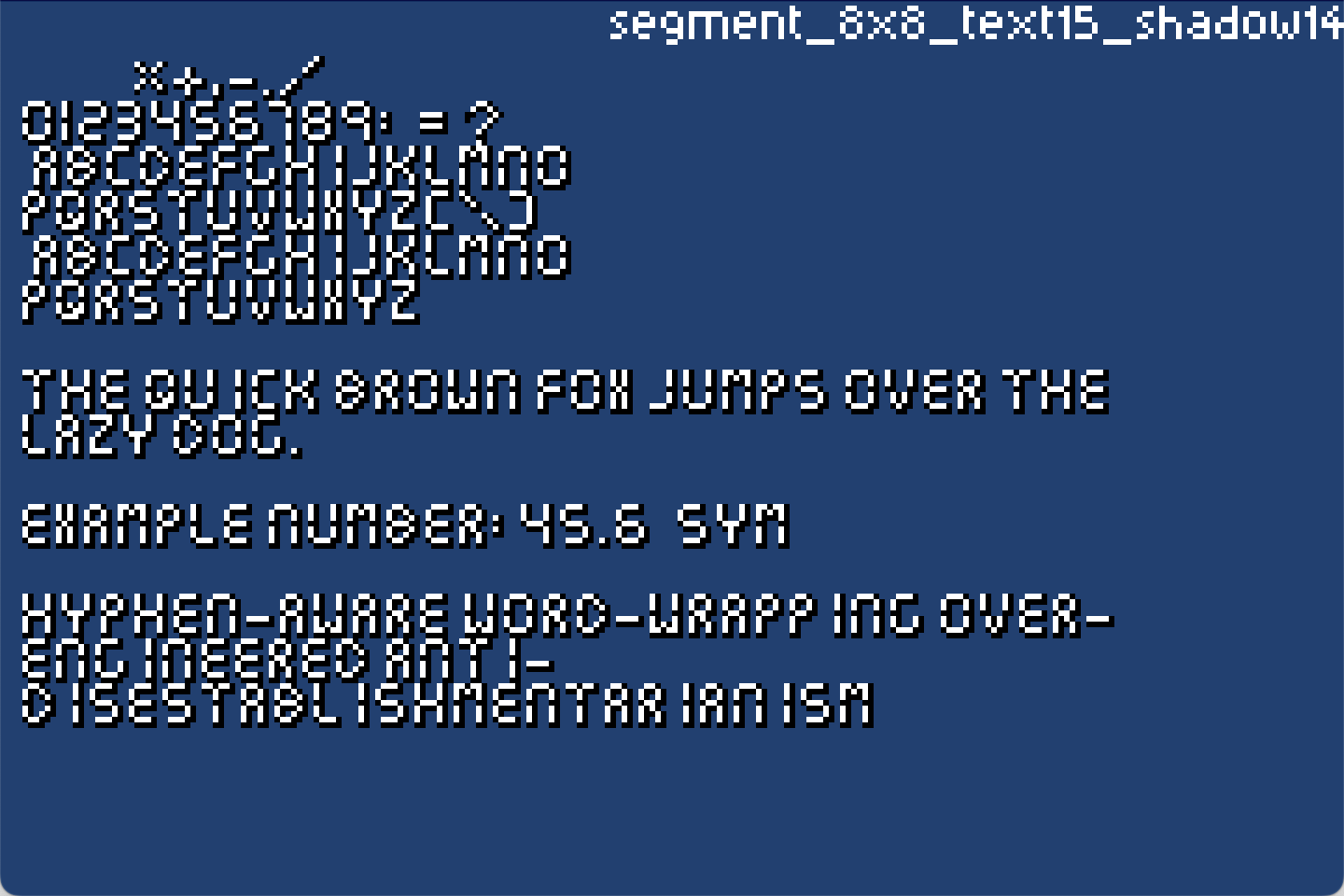 |
Font file |
balloon_14x14_text15_shadow14_outline13 |
Balloon typeface | 10x12 (+1,+1 for shadow) | 12x12 (+1,+1 for shadow) | Limited | Not recommended | 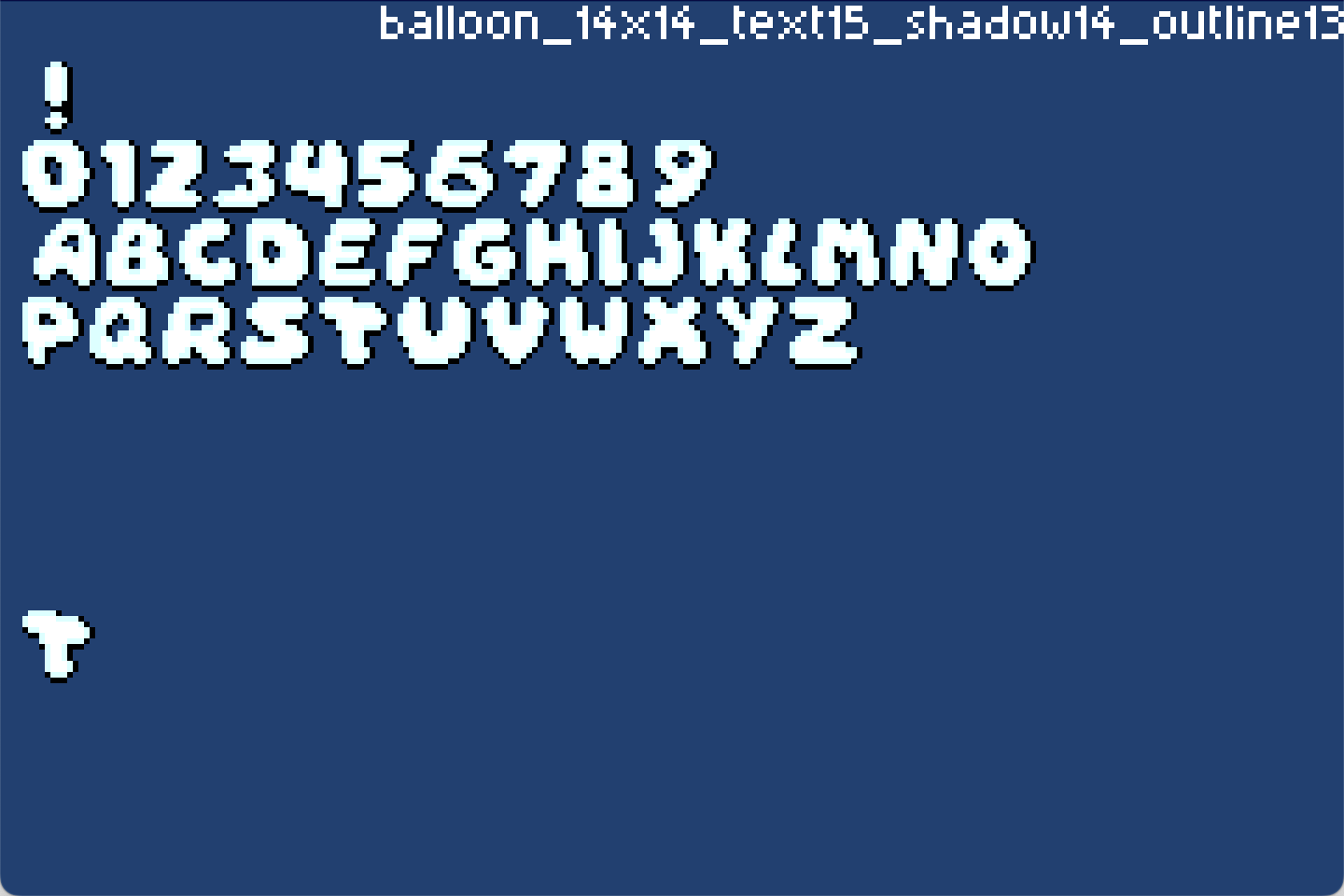 |
Font file |
western_13x14_text15 |
Western poster typeface | 9x11 | 13x11 | Printable | Not recommended | 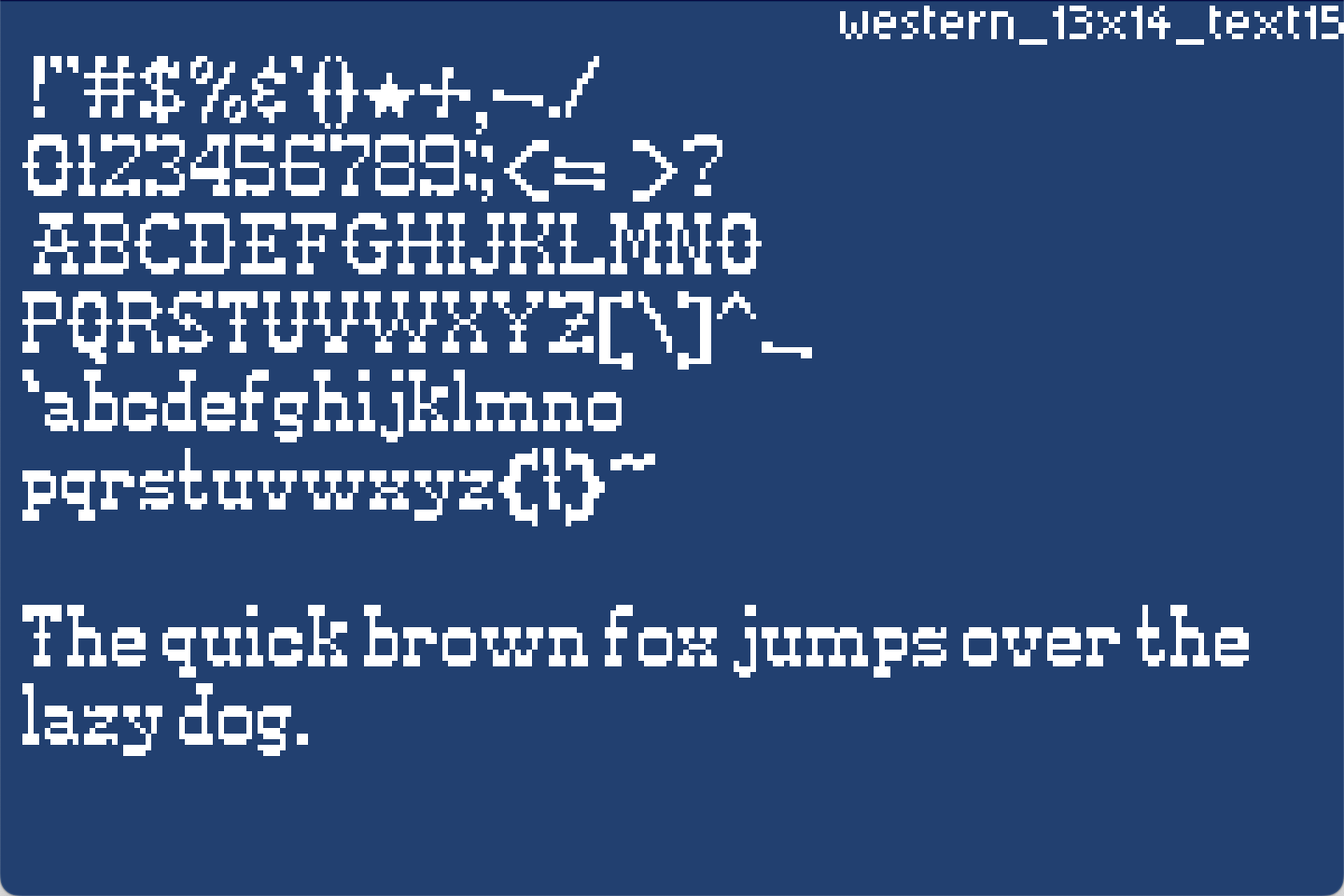 |
Font file |
serif_7x10_text15_shadow14 |
Serif typeface | 6x7 | 7x7 | Printable | Compatiable | 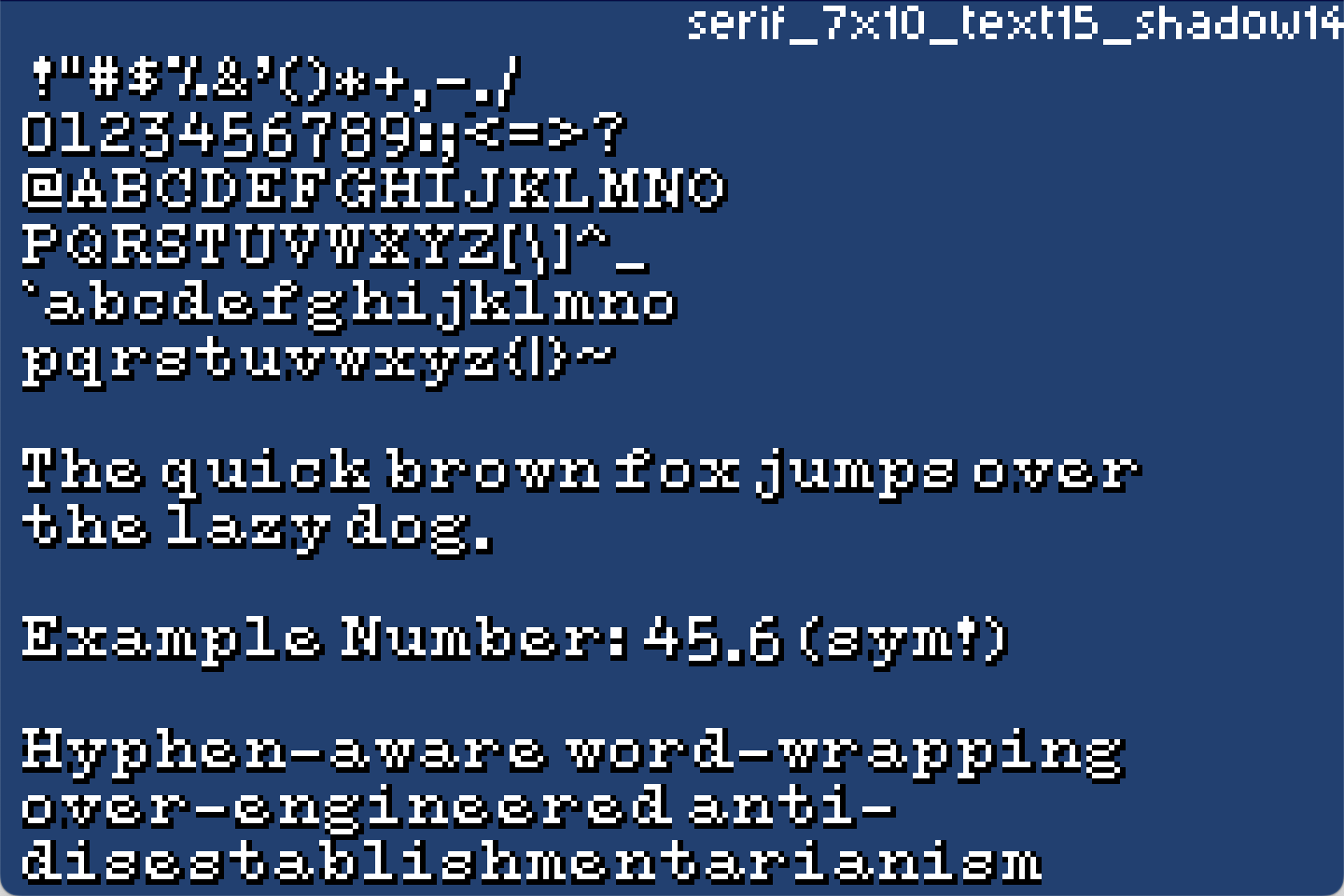 |
Font file |
serif_9x10_text15 |
Serif typeface | 6x7 | 9x7 | Printable | Not recommended | 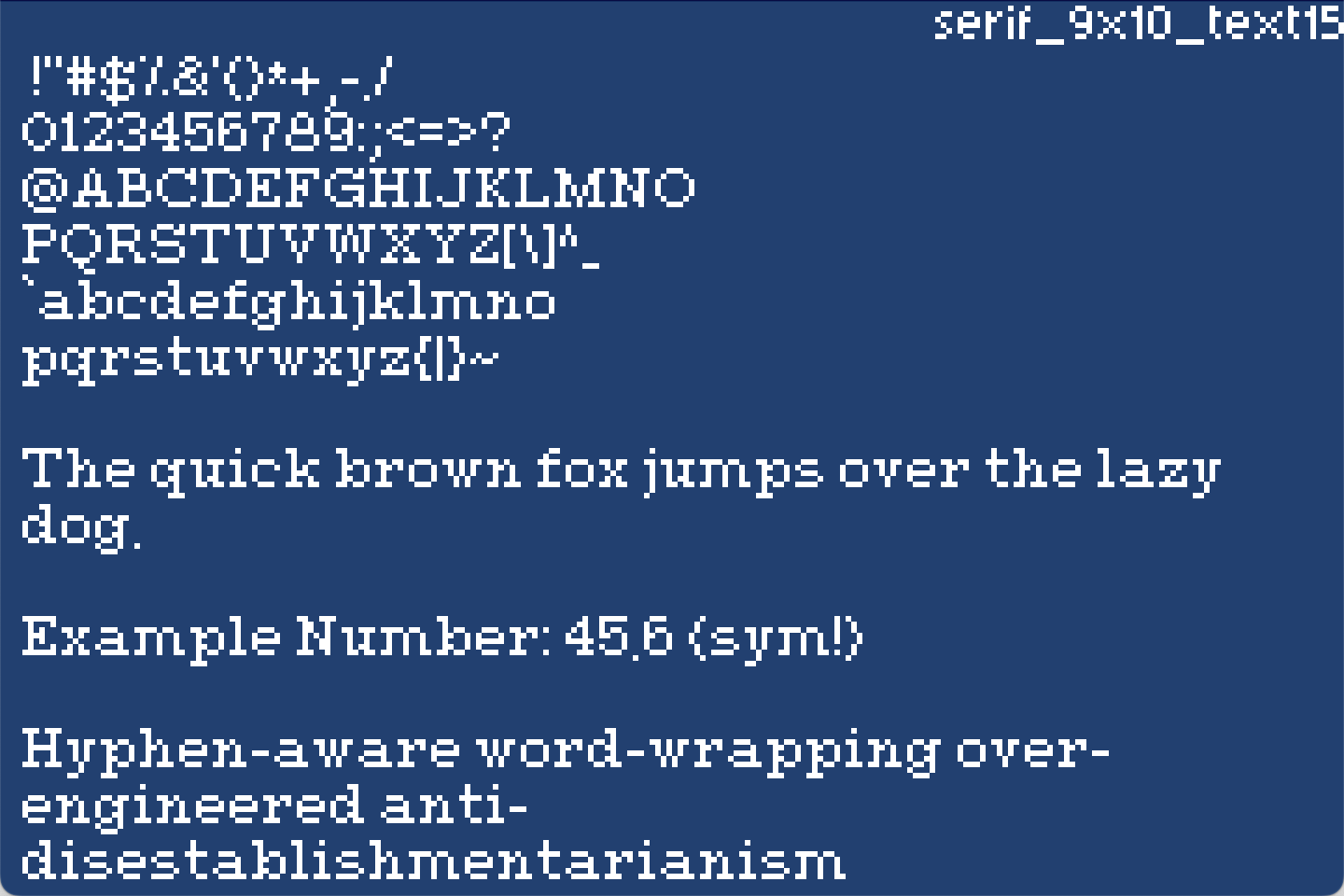 |
Font file |
serif_11x10_text15 |
Serif typeface | 7x8 | 11x8 | Printable | Not recommended | 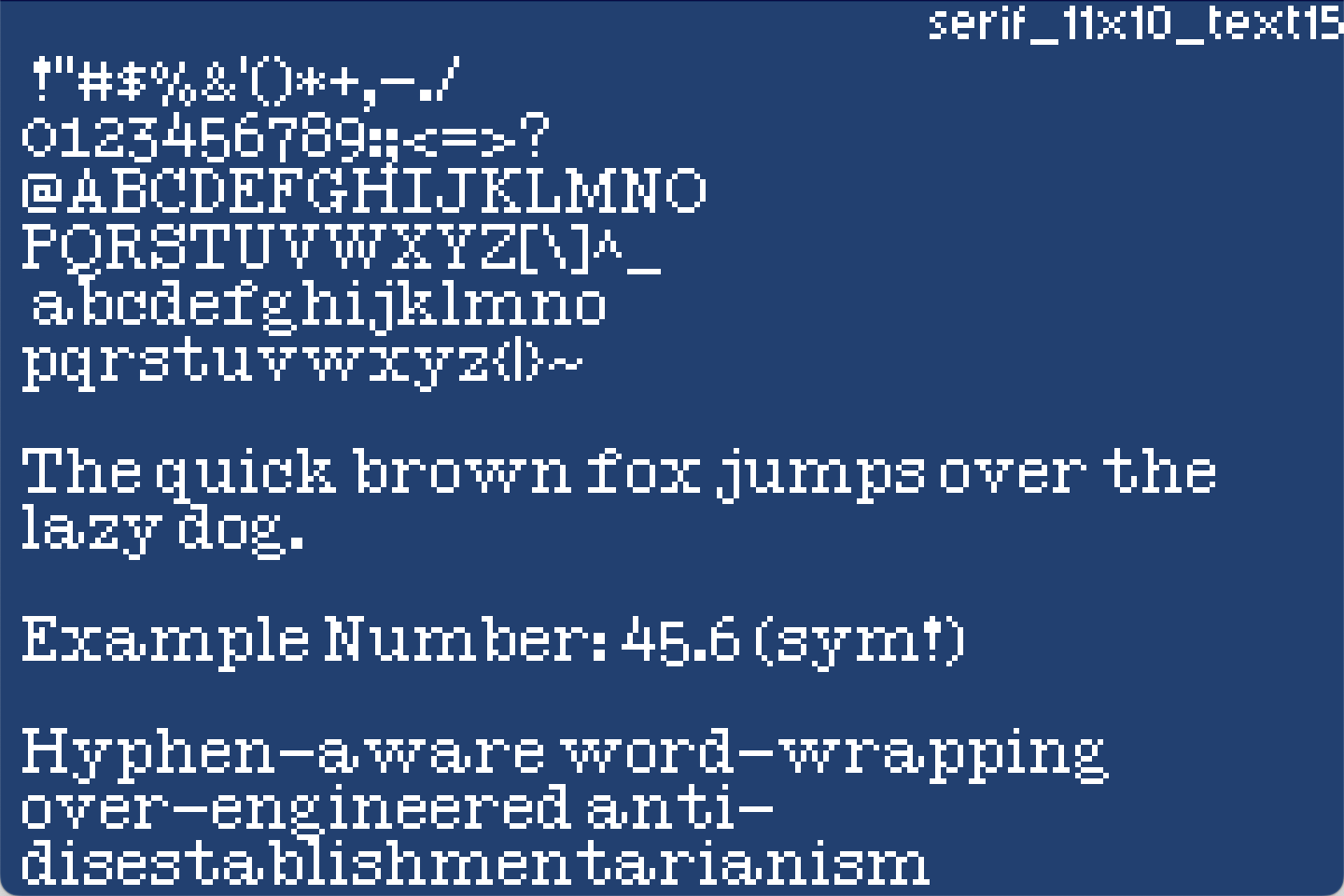 |
Font file |
gothic_16x14_text15 |
Gothic typeface, recommended to set width of q to 5 |
7x9 | 16x9 | Printable | Not recommended | 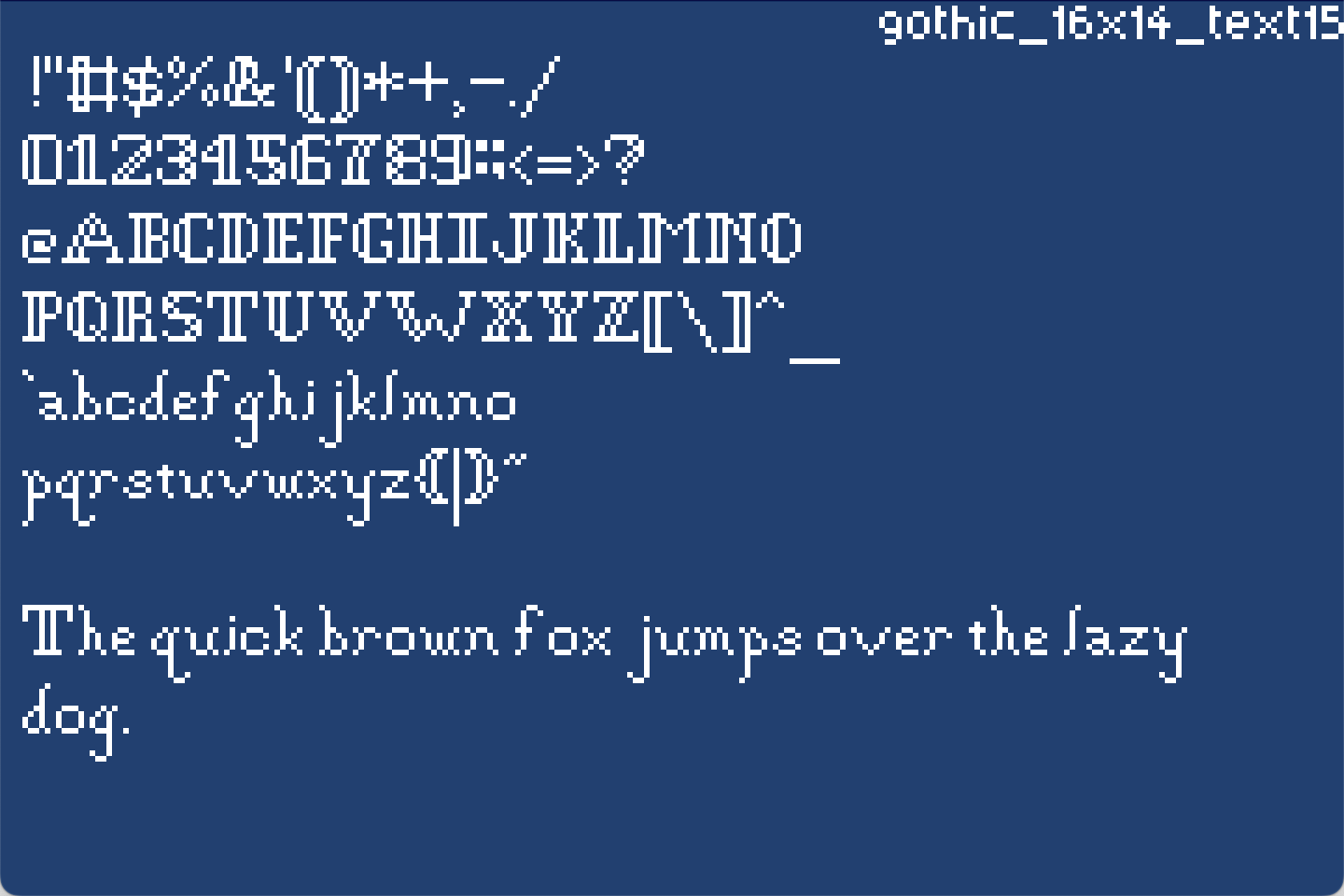 |
Font file |
plain_8x8_text15 |
Simple typeface | 4x6 | 7x5 | Printable | Not recommended | 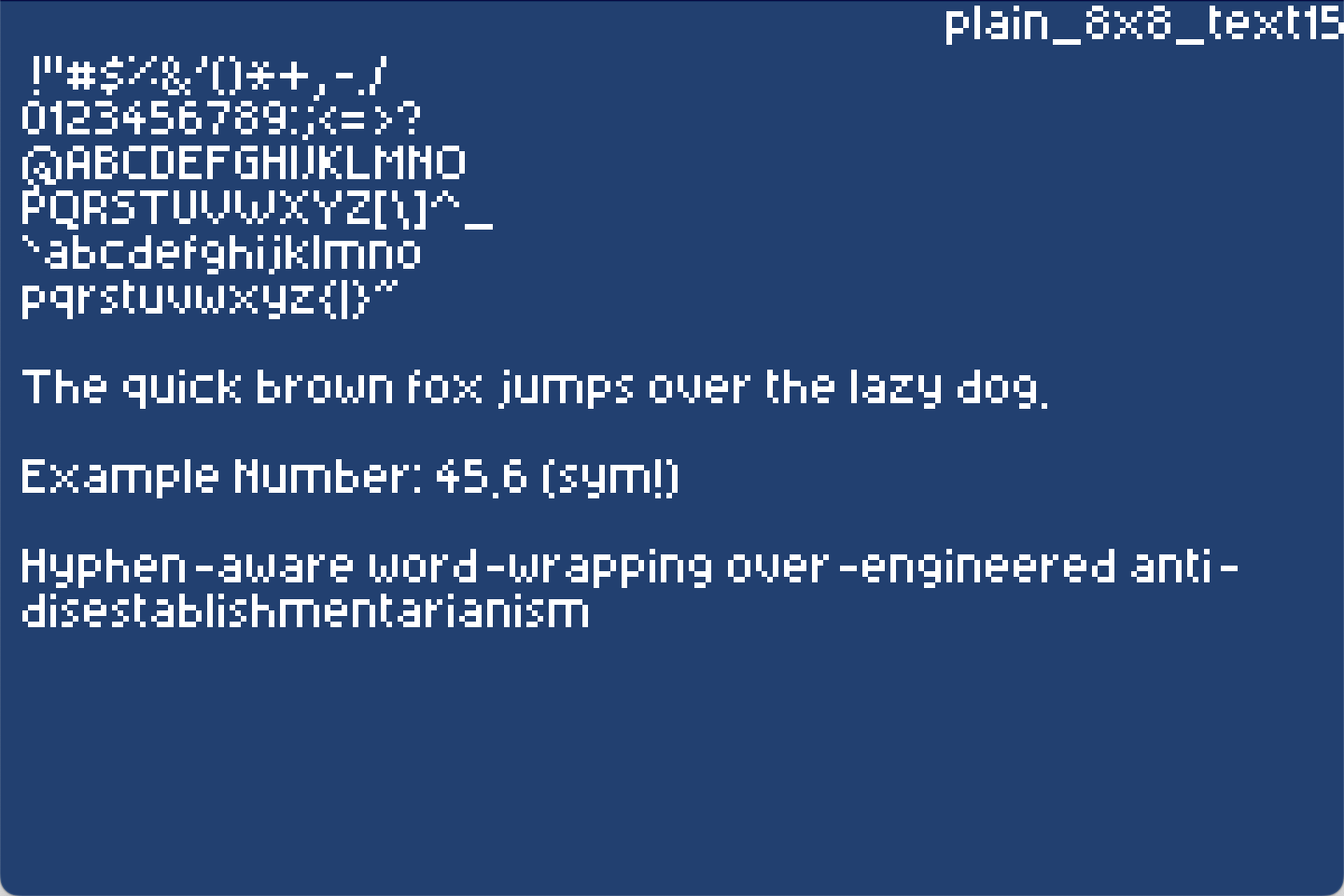 |
Font file |
simple_8x8_text15_shadow14 |
Simple typeface | 7x7 | 7x7 | Printable | Compatiable | 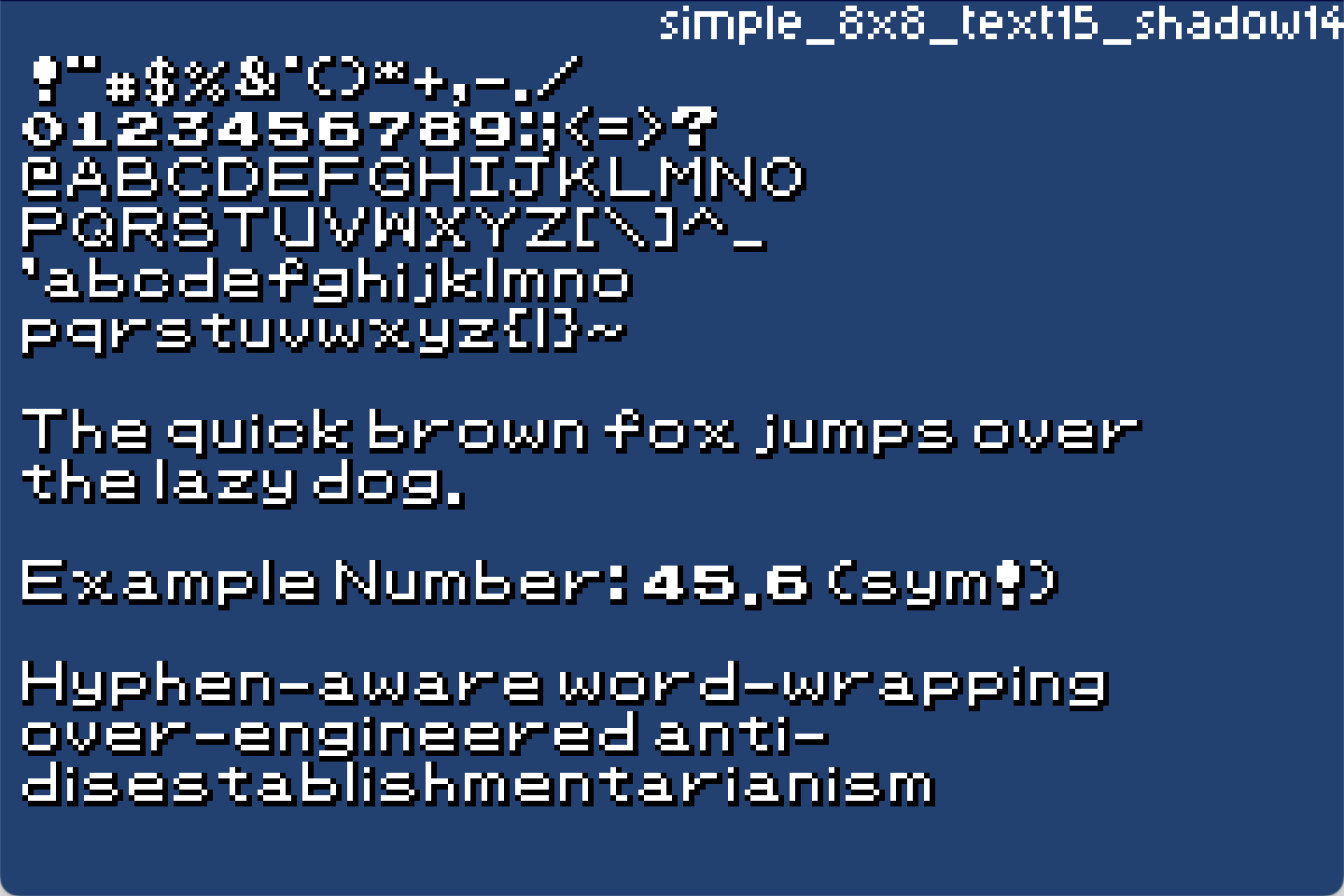 |
Font file |
simple_12x14_text15 |
Simple typeface | 11x11 | 11x11 | Printable | Compatiable | 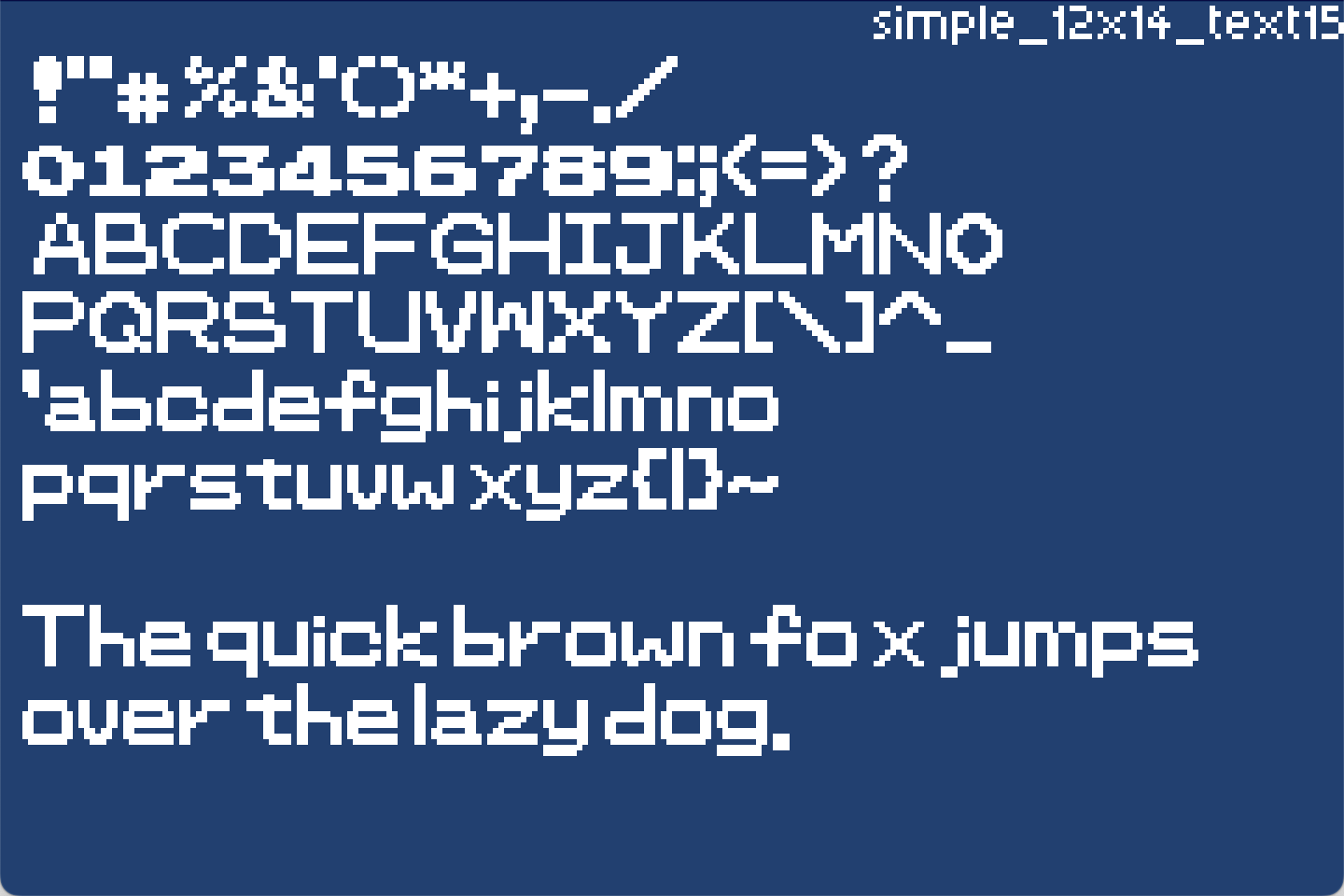 |
Font file |
simple_16x16_text15_shadow14 |
Simple typeface | 14x14 | 14x14 | Printable | Compatiable | 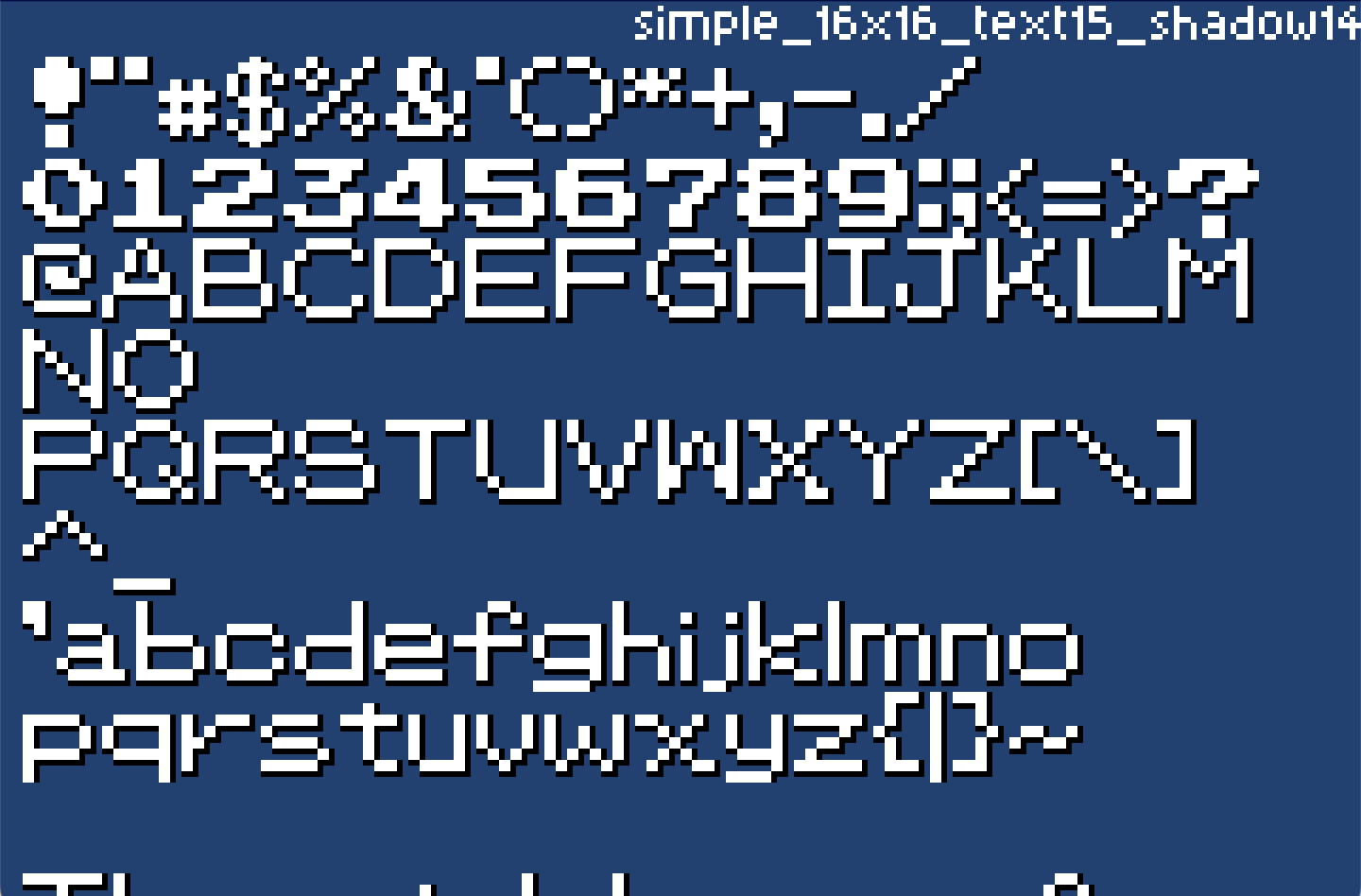 |
Font file |
retro_8x9_text15 |
Retro/Gameboy typeface | 6x6 | 6x6 | Limited | Compatiable | 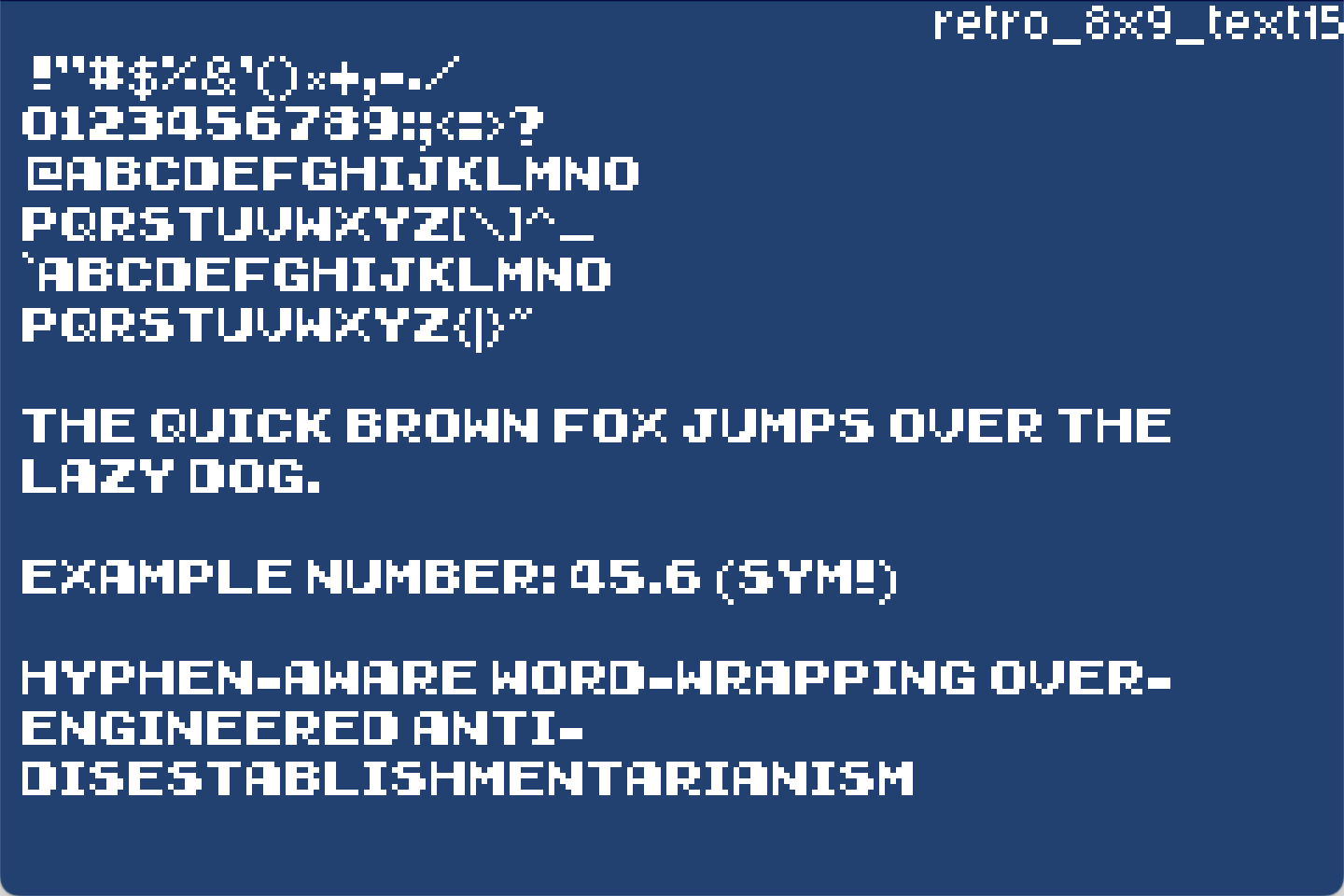 |
Font file |
script_12x15_text15 |
Script/fantasy typeface | 9x11 | 11x11 | Printable | Not recommended | 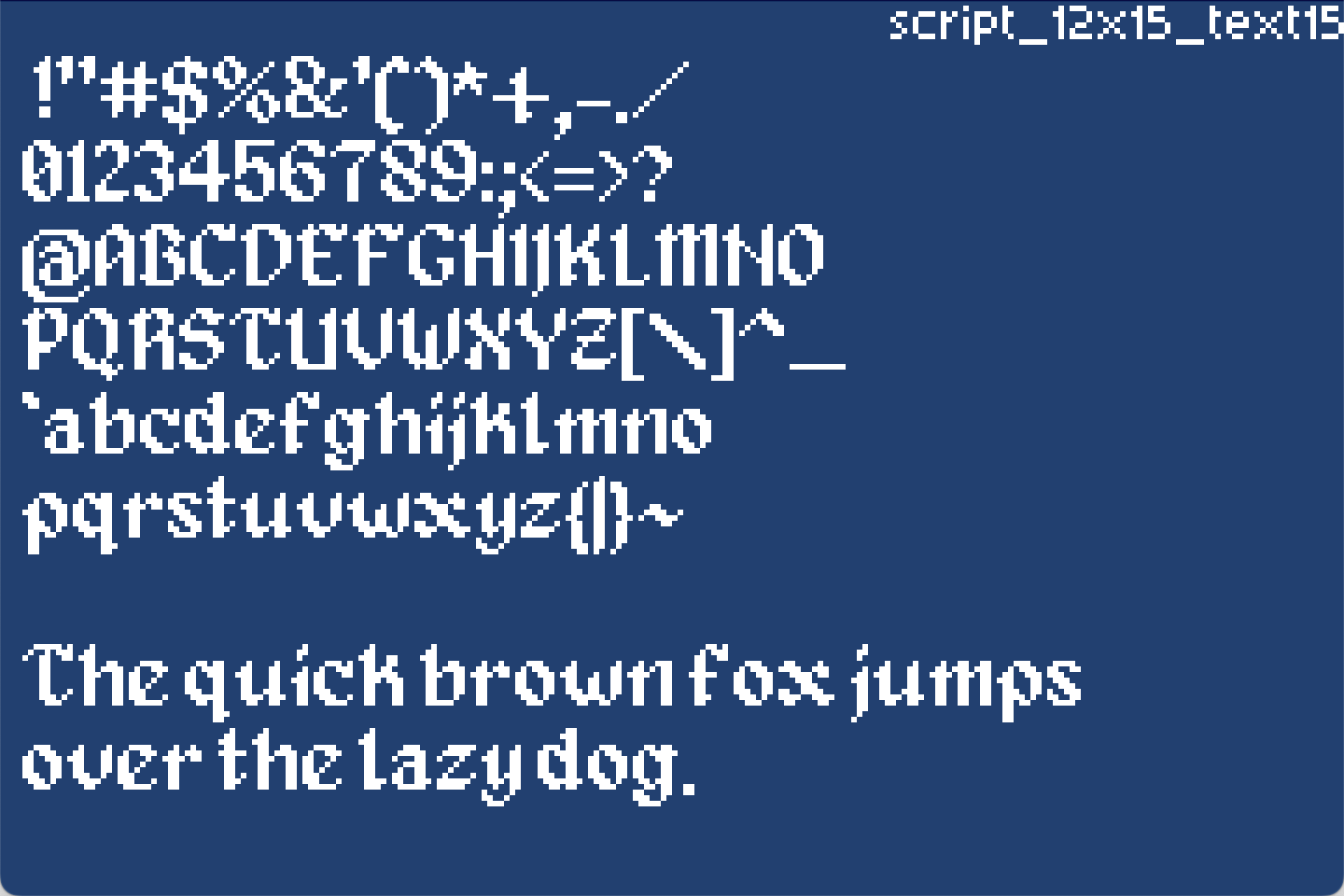 |
Font file |
dot_16x16_text15 |
Dot matrix typeface | 11x14 | 14x14 | Limited | Not recommended | 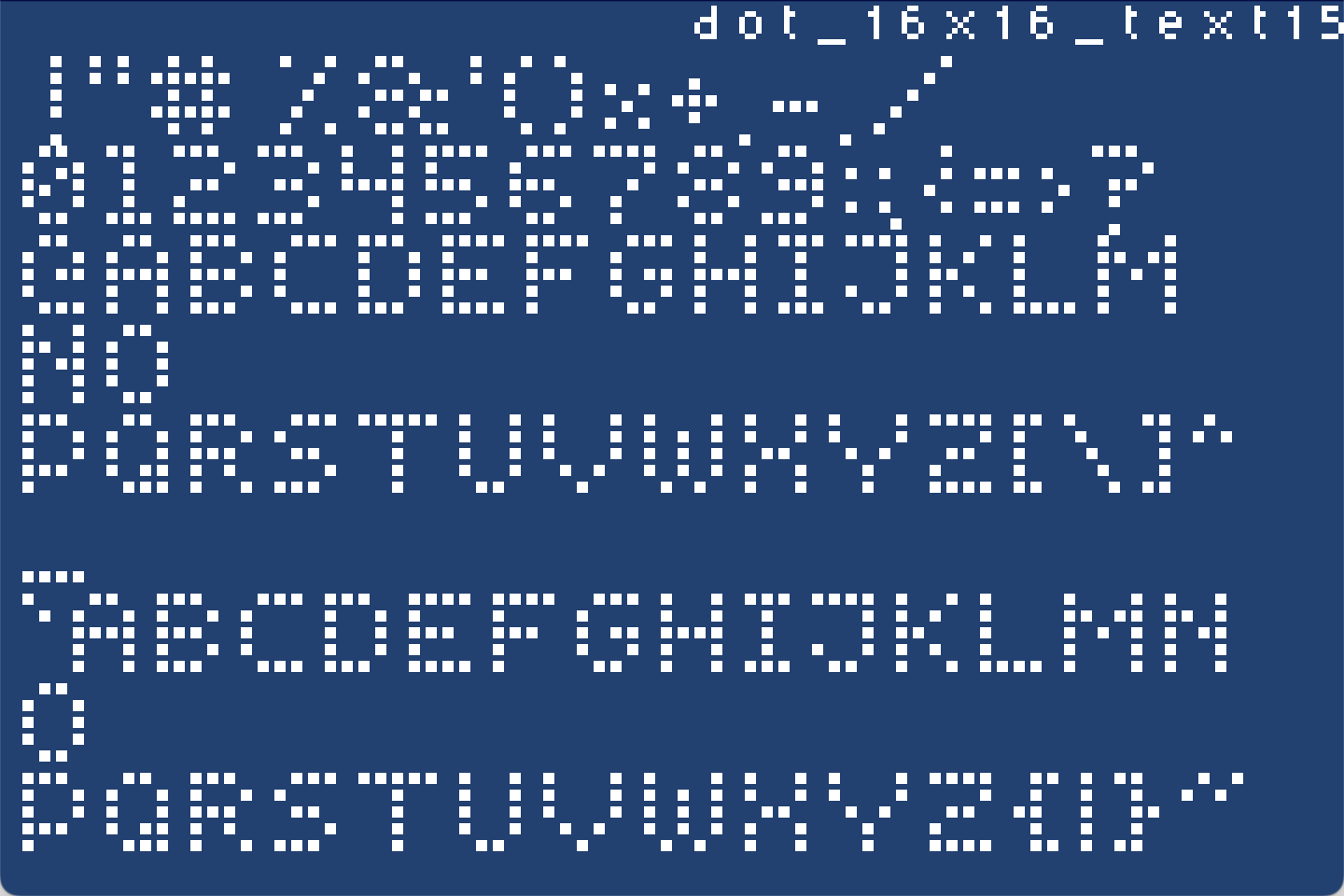 |
Font file |
fantasy_8x10_text15_shadow14 |
Typeface based on Final Fantasy | 5x7 (+1,+1 for shadow) | 5x7 (+1,+1 for shadow) | Printable | Compatiable | 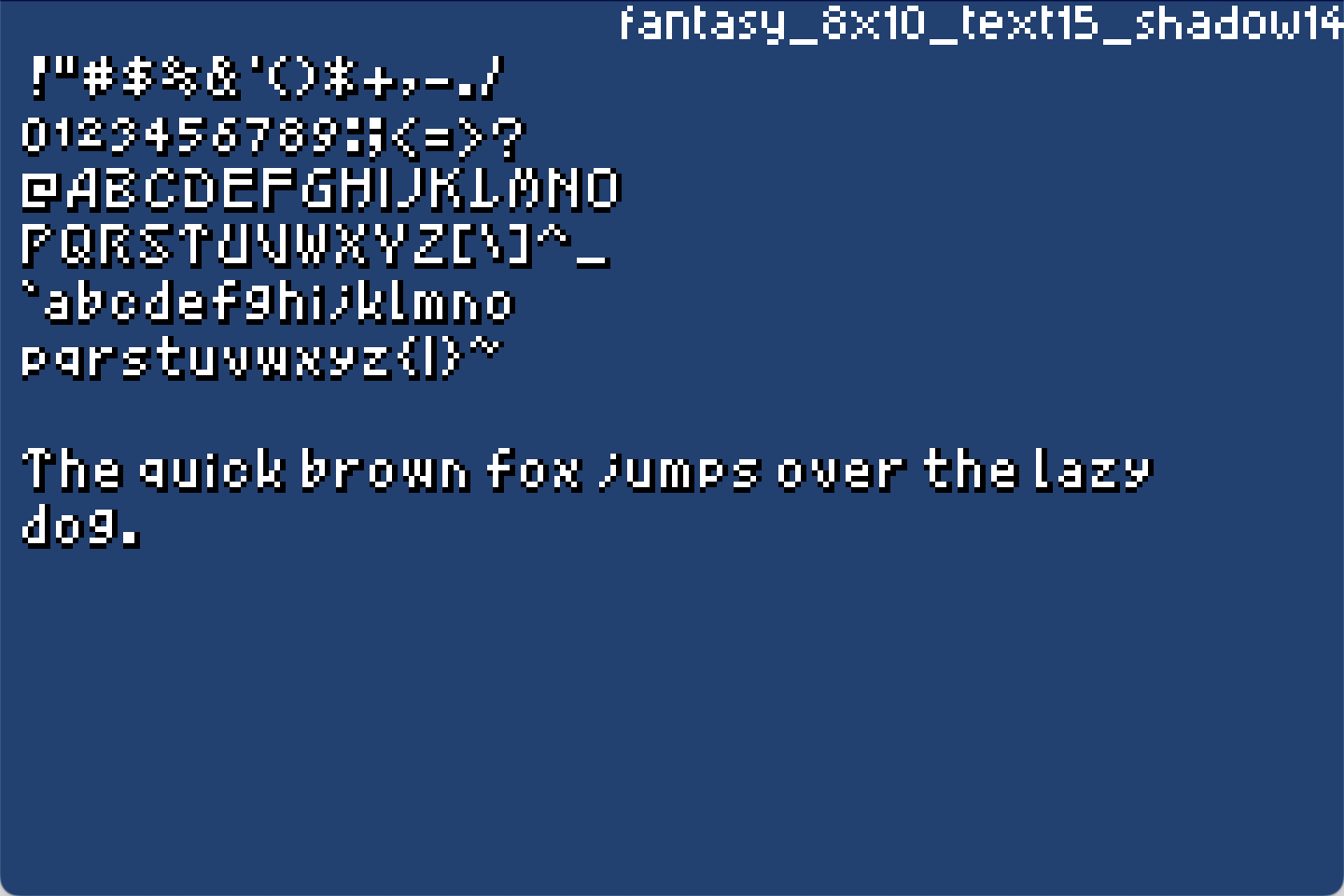 |
Font file |
Filename
Format is <name>_<cell_size>_<colors>
Cell Size
Normally only needed if editing the typeface as the macro will calculate automatically.
Colors
Refers to which gray index is assigned to what part of the typeface, see Image Format below
Kind
PrintableAll printable ASCII, space to~LimitedLess than printable, typically upper case, numbers and symbols with no lower case
Monospace
YesAll, or nearly all, gylphs are the same sizeCompatiableLarge sections (e.g. all upper case) are the same sizeNot recommendedGlyph size varies a lot
Macro
Usage
Cargo.toml
= "0.25" #renderer, re-exports the macro and the font models
That one dependency is enough, the renderer re-exports include_agb_font! and the font
models, so use gba_agb_font_renderer::prelude::*; brings in the macro, PrintableFont and
FullFont together.
The other two crates are only needed directly if you are not using the renderer, or want to name them explicitly:
= "0.25" #macro to load fonts
= "0.25" #the font models
[!NOTE] Version should match AGB version
Syntax
include_agb_font!([vis] NAME, "path" [, full | size(cols, rows)] [, monospace [= PX]] [, widths = { ... }] [, bold [= N]] [, recolor = { FROM = TO, ... }] [, debug]);
| Argument | Description |
|---|---|
vis |
Visibility (pub, pub(crate), etc.), optional, defaults to private |
NAME |
Name of the generated static |
"path" |
Image path relative to CARGO_MANIFEST_DIR |
| (no grid given) | Small font: a 16 x 6 sheet |
full |
Full font: a 16 x 16 sheet |
size(cols, rows) |
Sheet grid in cells, for any other layout |
monospace |
Use the widest glyph's advance width for all glyphs |
monospace = N |
Force all advance widths to exactly N pixels |
widths = { ... } |
Per-character width overrides - wins over monospace |
bold / bold = N |
Thicken glyphs at pack time, strength N (bare = 1, 0 = off) |
recolor = { ... } |
Remap grey bands (palette indices), e.g. recolor = { 15 = 8 } |
debug |
Print the computed advance widths at compile time |
Width override keys can be a character literal ('A'), a decimal code point (65), or a hex code point (0x41).
The generated static is a PrintableFont (95 ASCII glyphs) or FullFont (256 Latin-1 glyphs), chosen by the number of cells in the grid.
Cell size
Cell dimensions are not passed in, they are the image dimensions divided by the grid. A
128x48 sheet with the default 16 x 6 grid has 8x8 cells; the same sheet at 128x128 with full
also has 8x8 cells, 256 of them. size(16, 6) and size(16, 16) are those two defaults
written out, so size is only needed for a sheet laid out some other way.
The image has to divide exactly into the grid. A sheet with slack pixels around the cells is a compile error naming the offending dimension, rather than a font that is quietly misaligned by a pixel.
The image path is resolved relative to the CARGO_MANIFEST_DIR of the crate calling the macro. The image file is also registered as a include_bytes! dependency, so the crate rebuilds automatically when the font sheet changes.
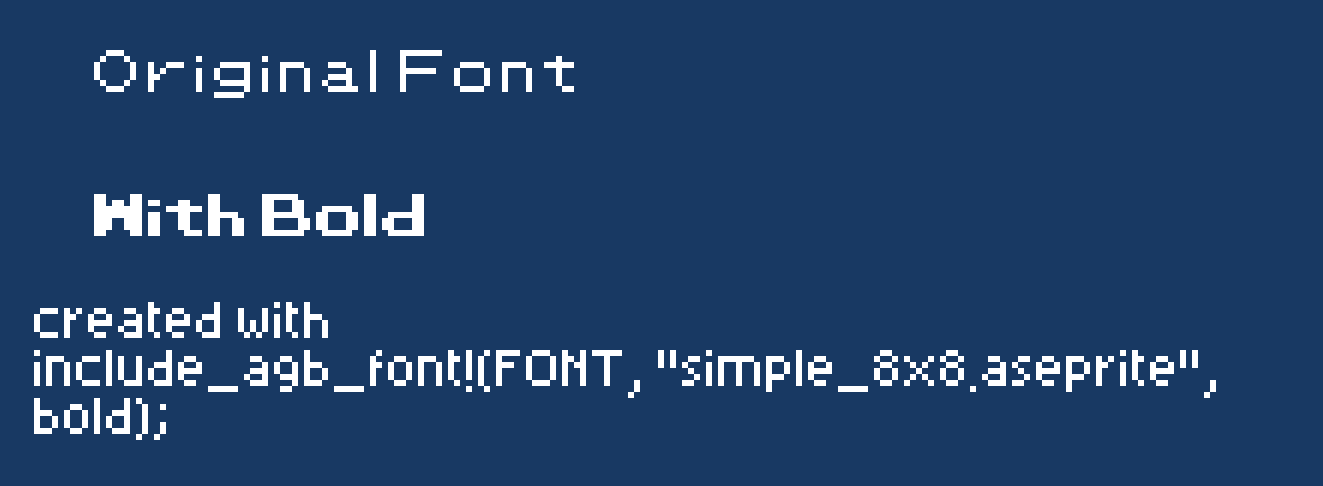
Bold
bold thickens the glyphs at pack time, so a bold variant is just a second
include_agb_font! of the same sheet, no extra artwork needed. Bare it means strength 1;
= N sets the strength (= 0 is off, the same as omitting it). Each glyph is thickened by
smearing every pixel over its N left neighbours, keeping the brightest shade where they
overlap.
Advance widths are measured before styling, so text metrics (measuring, centring, wrapping)
match the unstyled sheet exactly and the thickened ink overhangs into the following letter
like natural kerning. The maximum overhang, bold pixels, is stored in the font and the
renderers automatically widen their clear/erase regions by it; with Center/Right
alignment or wrapping, ink may extend that many pixels past the measured edge.
The packed cell is automatically widened by bold pixels so the smeared ink always fits,
even when glyphs are drawn flush against the right edge of their cell; sheets need no right
padding of their own. The widened cell must still fit the format's 255px limit (a compile
error otherwise).
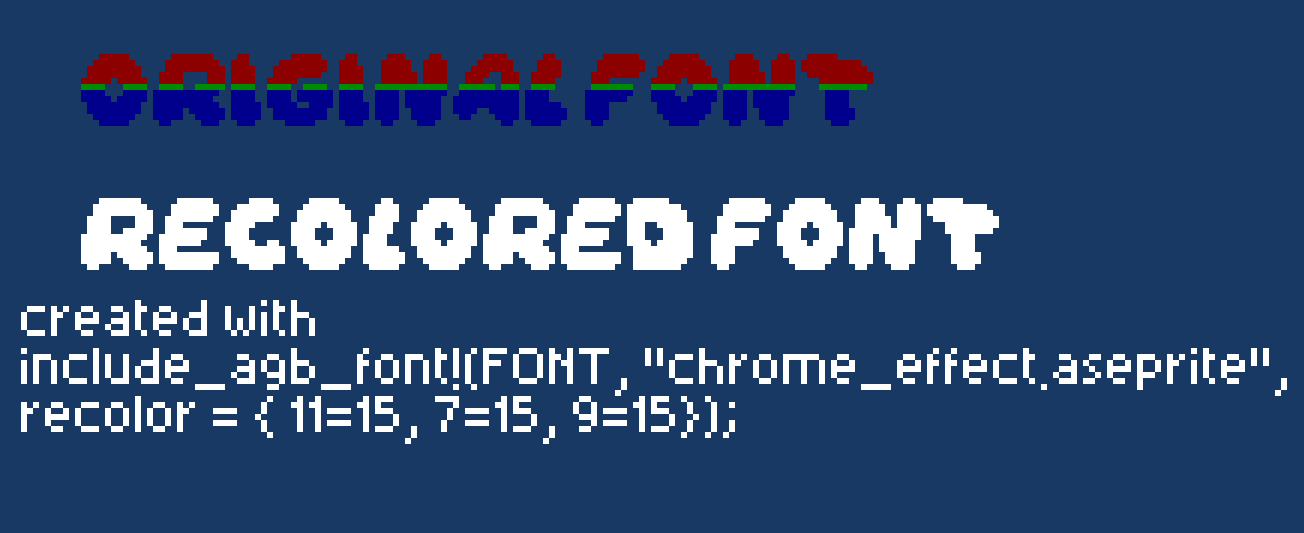
Recolor
recolor = { from = to, ... } remaps the sheet's grey bands at pack time. A band is a
palette index, 0-15, as produced by the grey ranges in Image Format, so
recolor = { 15 = 8 } turns the white band into mid-grey. The map is applied simultaneously:
recolor = { 15 = 14, 14 = 15 } swaps two bands without chaining, and unmapped bands pass
through unchanged.
Band 0 is the transparent background and cannot be a from key (a compile error). Remapping
to 0 makes those pixels transparent, e.g. recolor = { 14 = 0 } deletes a shadow band;
advance widths are always measured from the sheet as drawn, so this never changes spacing.
Recoloring runs after bold, so the thickening uses the original shades.
Examples
// Private static, variable-width, 16 x 6 sheet
include_agb_font!;
// All 256 Latin-1 glyphs, from a 16 x 16 sheet
include_agb_font!;
// A sheet laid out some other way
include_agb_font!;
// Monospace: use widest glyph width
include_agb_font!;
// Monospace: force all widths to exactly 8px
include_agb_font!;
// Override individual character widths
include_agb_font!;
// Monospace base with per-character overrides
include_agb_font!;
// Print the computed widths during compilation
include_agb_font!;
// Bold variants of the same sheet
include_agb_font!;
include_agb_font!;
// Recolor: darken the main text band, make the shadow band transparent
include_agb_font!;
Examples:
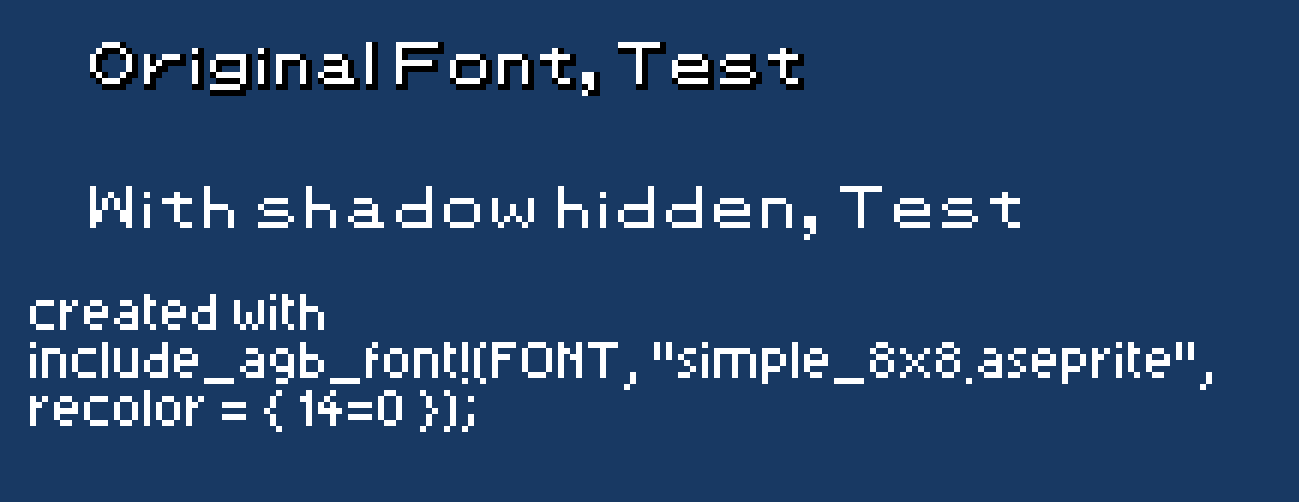
Debug output
Widths are derived automatically from the pixel data, so debug is the way to see what a
sheet actually produced. It prints during compilation:
include_agb_font!(FONT), /path/to/font.aseprite
  small font, 95 glyphs, grid 16x6, cell 6x6, 2380 bytes
  widths = {
    ' ' = 1,  '!' = 3,  '"' = 4,  '#' = 4,  '$' = 1,  '%' = 1,  '&' = 1,  '\'' = 2,
    '(' = 3,  ')' = 4,  '*' = 1,  '+' = 4,  ',' = 3,  '-' = 3,  '.' = 2,  '/' = 4,
    ...
  }
The widths shown are the final ones, after monospace and widths have been applied, the
header line lists which of those are in effect. The block is valid widths = { ... } syntax, so
it can be pasted back into the macro and edited to correct individual glyphs.
A row of unexpected = 1 entries (the width given to an empty glyph) usually means the cell
size is wrong and glyphs are being sampled off-centre.
[!NOTE] The output only appears when the calling crate is actually recompiled. If a cached build hides it, touch the source file or run
cargo clean -p <crate>.
Font modes
The mode is auto-detected from the sheet grid: 256 or more cells (cols * rows) makes a full font, fewer makes a small font.
Full, 256 glyphs
Image is a 16x16 grid of cells, one glyph per Latin-1 code point (0–255).
See examples/full_font.aseprite.
Small, 95 glyphs
Image is a 16x6 grid of cells covering ASCII 32–126 (space through ~), in code-point order.
See examples/plain_8x8_text15.aseprite.
Image format
PNG and Aseprite files are supported (frame 0 is used for Aseprite). Images can use up to 15 shades of gray. Alpha < 50% is treated as transparent (palette index 0).
| Grey | Palette index |
|---|---|
| 0–15 | 0 (transparent) |
| 16–31 | 1 |
| 32–47 | 2 |
| 48–63 | 3 |
| 64–79 | 4 |
| 80–95 | 5 |
| 96–111 | 6 |
| 112–127 | 7 |
| 128–143 | 8 |
| 144–159 | 9 |
| 160–175 | 10 |
| 176–191 | 11 |
| 192–207 | 12 |
| 208–223 | 13 |
| 224–239 | 14 |
| 240–255 | 15 |
Glyph widths
Each glyph's advance width is computed automatically: the rightmost non-transparent pixel column determines the width. Empty glyphs default to width 1. Use monospace to force all glyphs to the same width, or widths = { ... } to adjust individual glyphs. Pass debug to see what the sheet produced.