# `$ flake-edit` - edit your flake inputs with ease
[](https://builtwithnix.org) [](https://crates.io/crates/flake-edit)
[](https://docs.rs/flake-edit)
[](https://matrix.to/#/#flake-edit:matrix.org)
- [`$ flake-edit` - edit your flake inputs with ease](#flake-edit-edit-your-flake-inputs-with-ease)
- [`$ flake-edit` - usage](#-flake-edit---usage)
- [`$ flake-edit add`](#-flake-edit-add)
- [`$ flake-edit remove`](#-flake-edit-remove)
- [`$ flake-edit update`](#-flake-edit-update)
- [`$ flake-edit list`](#-flake-edit-list)
- [`$ flake-edit pin`](#-flake-edit-pin)
- [`$ flake-edit unpin`](#-flake-edit-unpin)
- [As a library](#as-a-library)
- [Status](#status)
- [License](#license)
## `$ flake-edit` - usage
`flake-edit` has the following cli interface:
```
Edit your flake inputs with ease.
Usage: flake-edit [OPTIONS] <COMMAND>
Commands:
add
Add a new flake reference
remove
Remove a specific flake reference based on its id
list
List flake inputs
update
Update inputs to their latest specified release
pin
Pin inputs to their current or a specified rev
unpin
Unpin an input so it tracks the upstream default again
help
Print this message or the help of the given subcommand(s)
Options:
--flake <FLAKE>
Location of the `flake.nix` file, that will be used
--diff
Print a diff of the changes, will not write the changes to disk
--no-lock
Skip updating the lockfile after editing flake.nix
-h, --help
Print help
-V, --version
Print version
```
### `$ flake-edit add`
```
Add a new flake reference
Usage: flake-edit add [OPTIONS] [ID] [URI]
Arguments:
[ID]
The name of an input attribute
[URI]
The uri that should be added to the input
Options:
--ref-or-rev <REF_OR_REV>
Pin to a specific ref_or_rev
-n, --no-flake
The input itself is not a flake
-h, --help
Print help
```
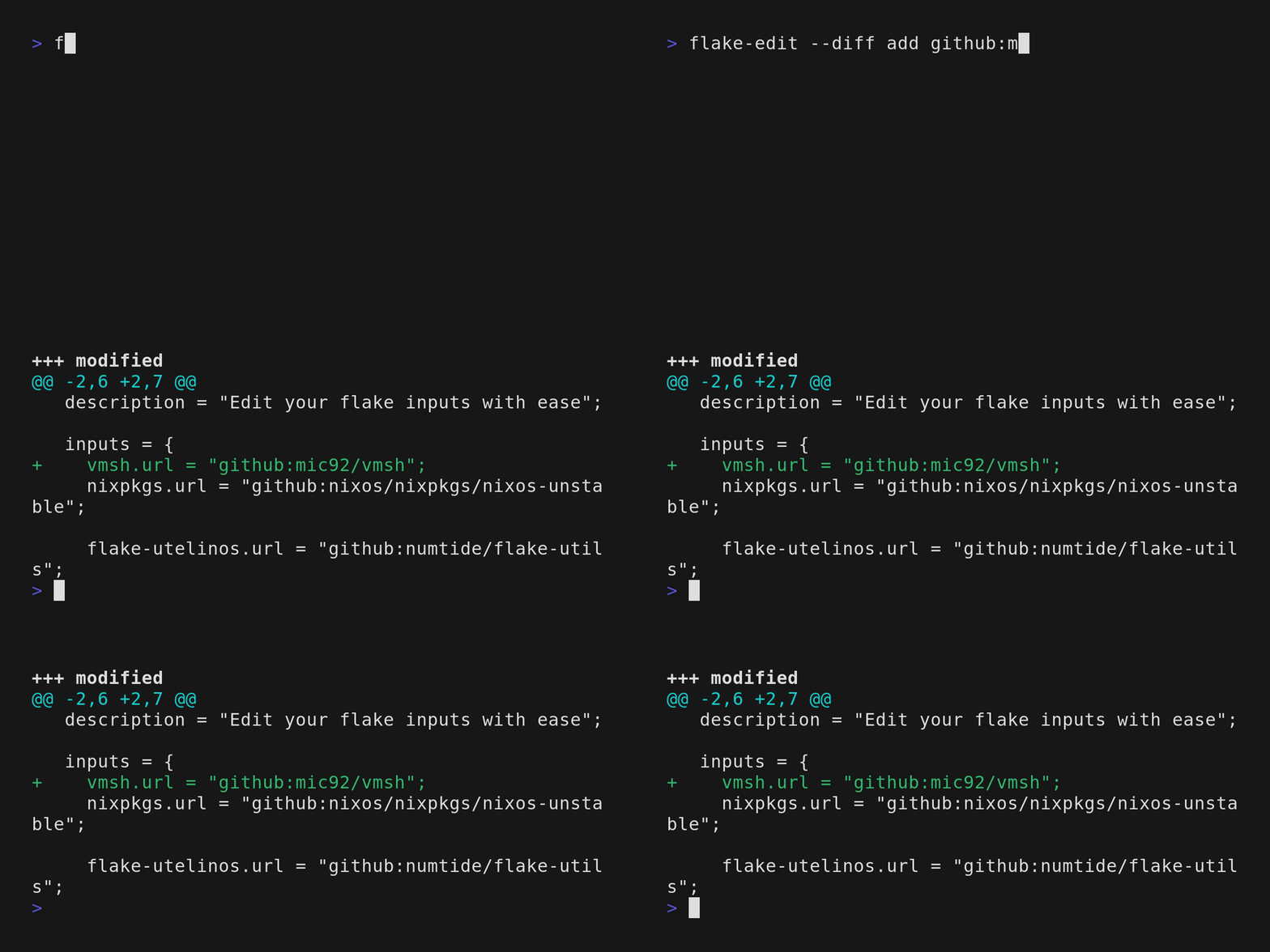
For some types, the id will be automatically inferred.
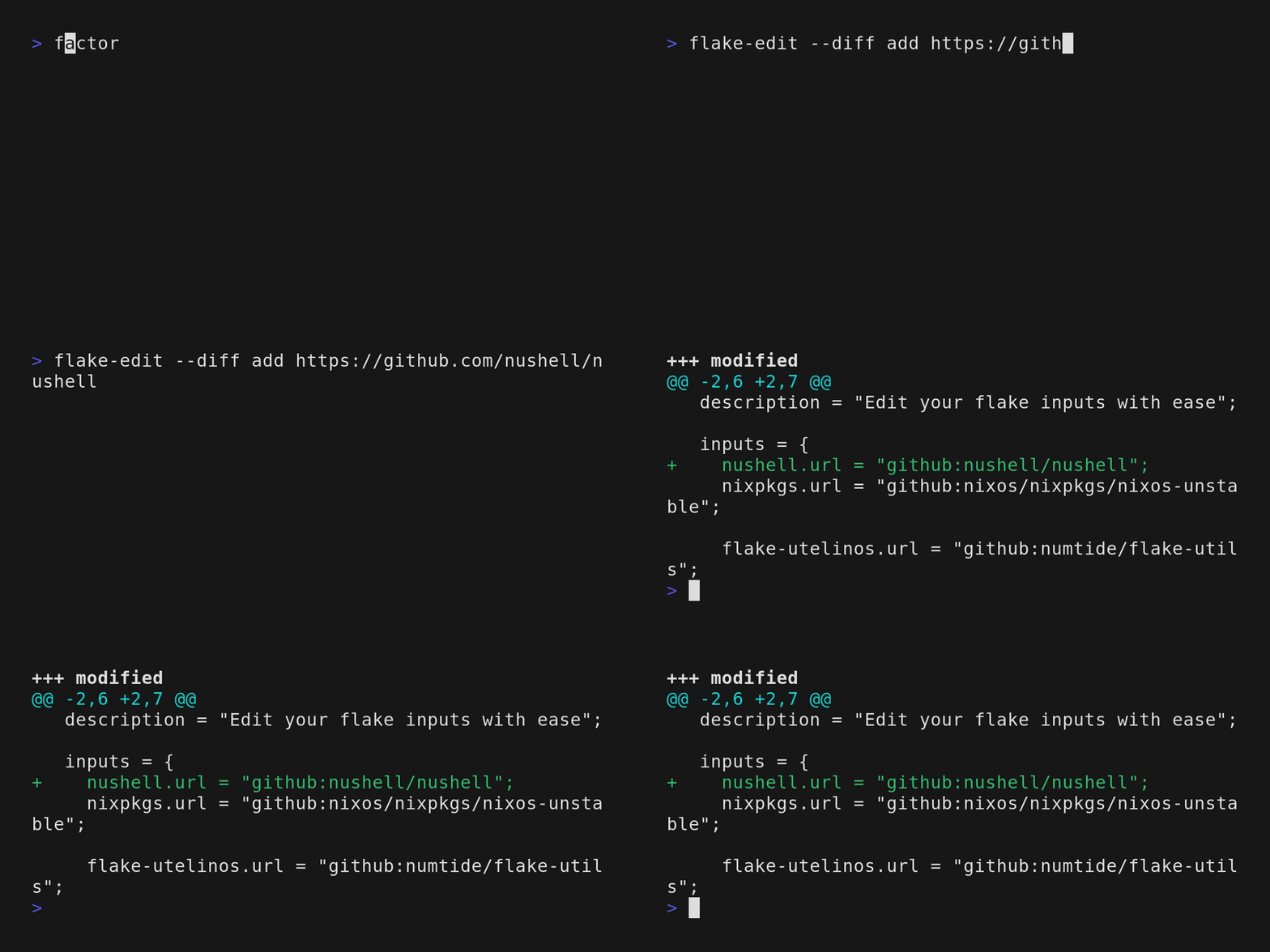
For some inputs, the uri can be put in directly and the id and type will be inferred.
### `$ flake-edit remove`
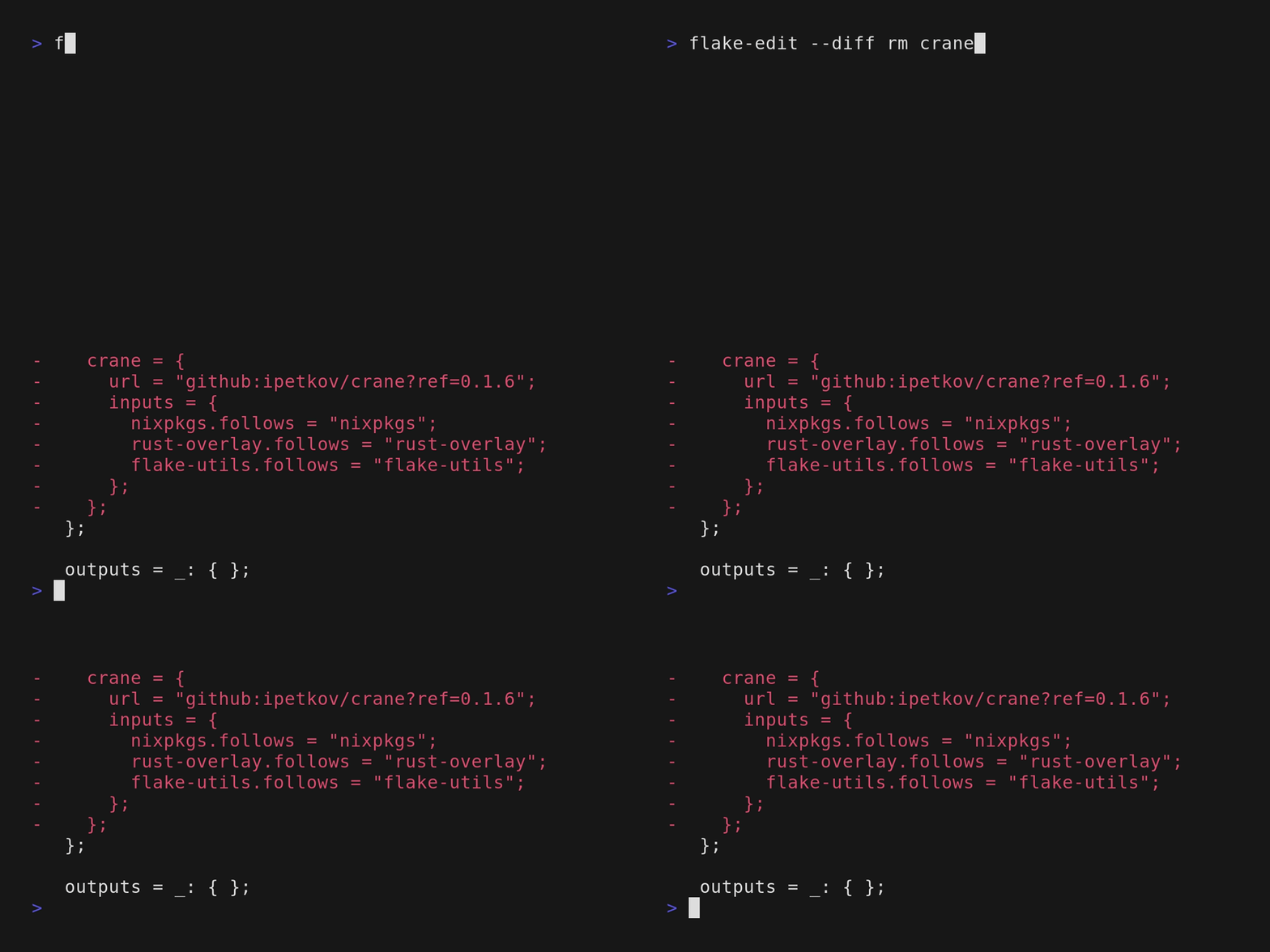
```
Remove a specific flake reference based on its id
Usage: flake-edit remove [ID]
Arguments:
[ID]
Options:
-h, --help
Print help
```
### `$ flake-edit update`
```
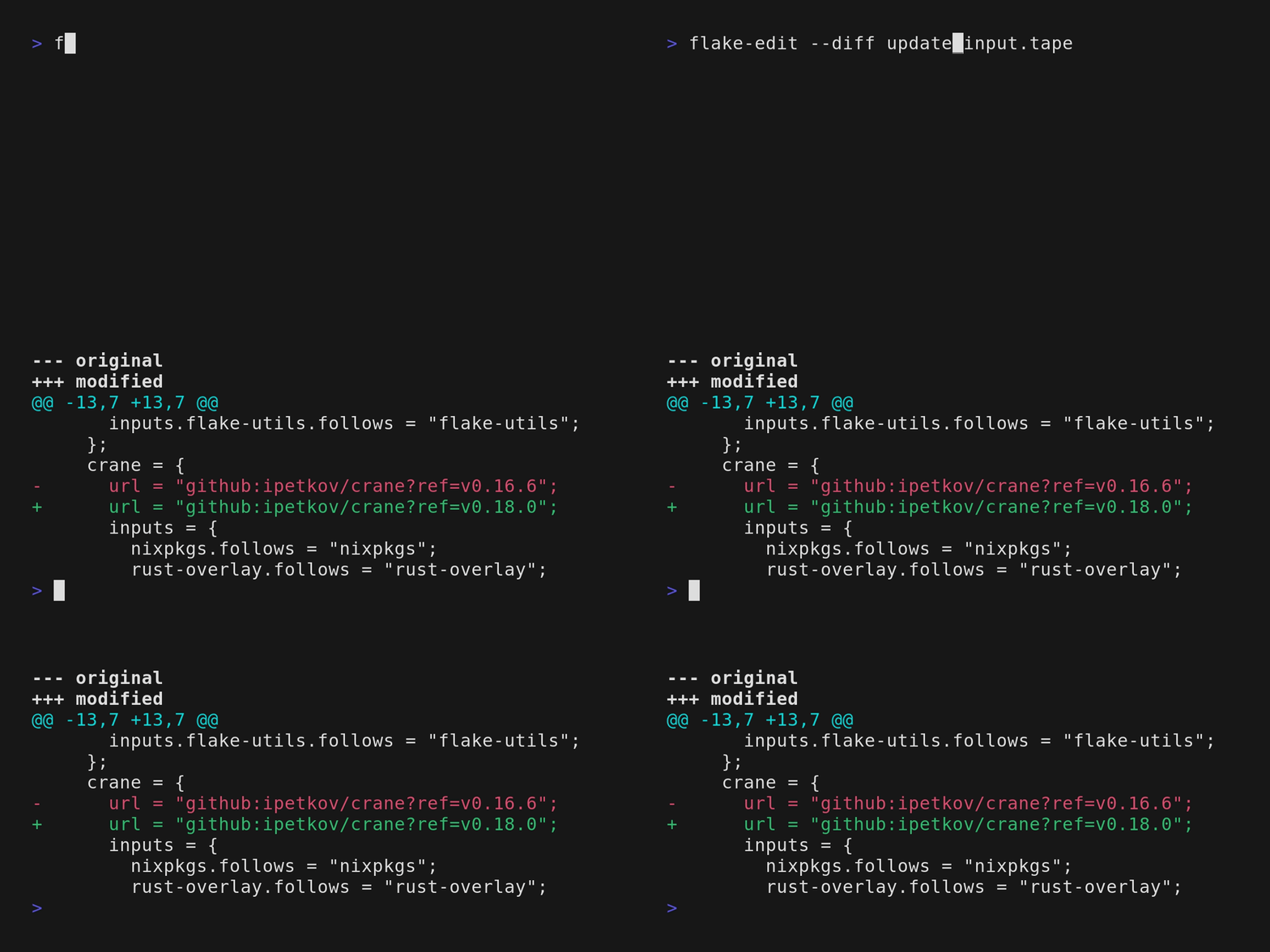
Update inputs to their latest specified release
Usage: flake-edit update [OPTIONS] [ID]
Arguments:
[ID]
The id of an input attribute. If omitted will update all inputs
Options:
--init
Whether the latest semver release of the remote should be used even thought the release itself isn't yet pinned to a specific release
-h, --help
Print help
```
### `$ flake-edit list`
```
List flake inputs
Usage: flake-edit list [OPTIONS]
Options:
--format <FORMAT>
[default: detailed]
-h, --help
Print help
```
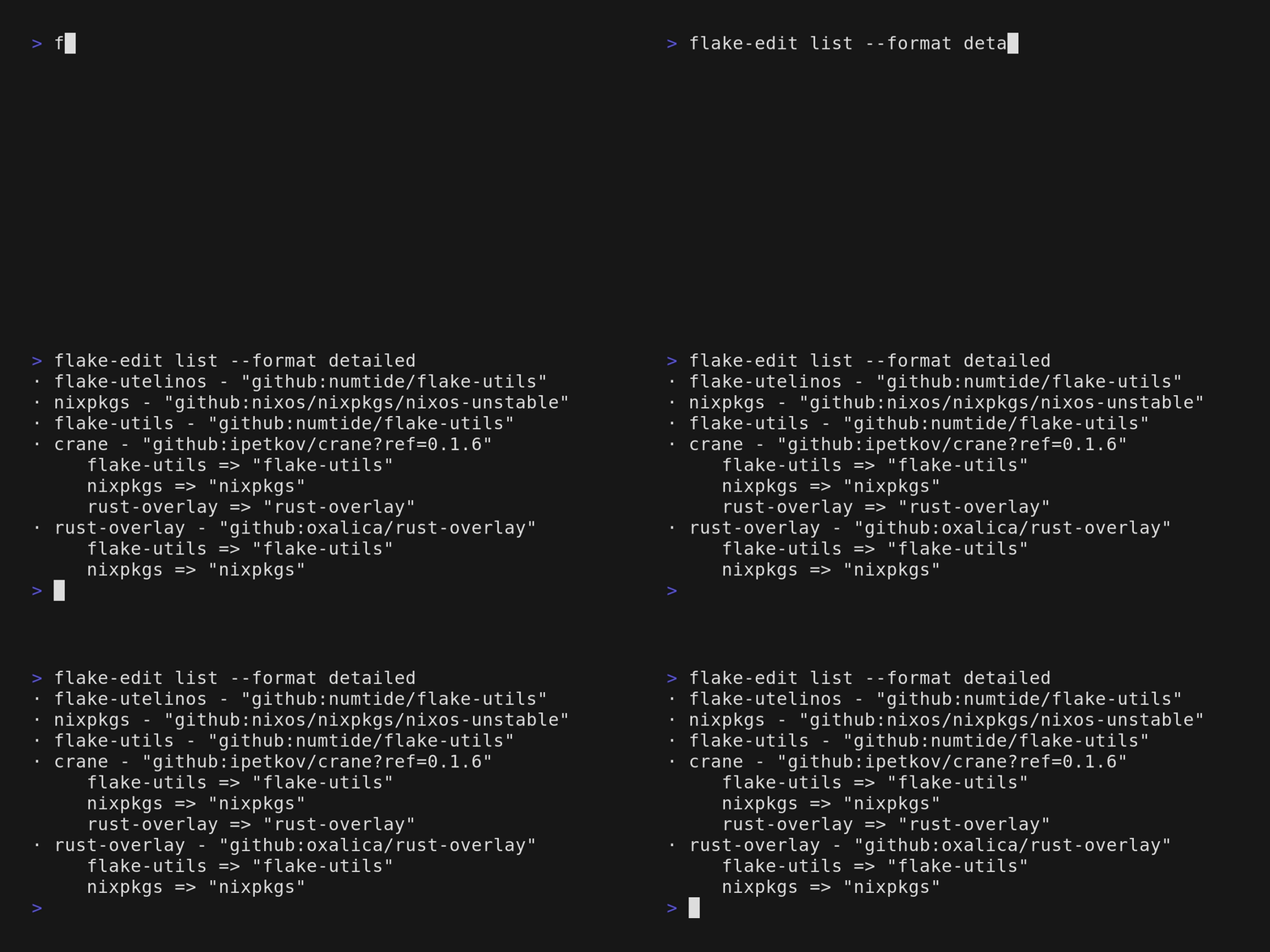
List the outputs, that are specified inside the inputs attribute.
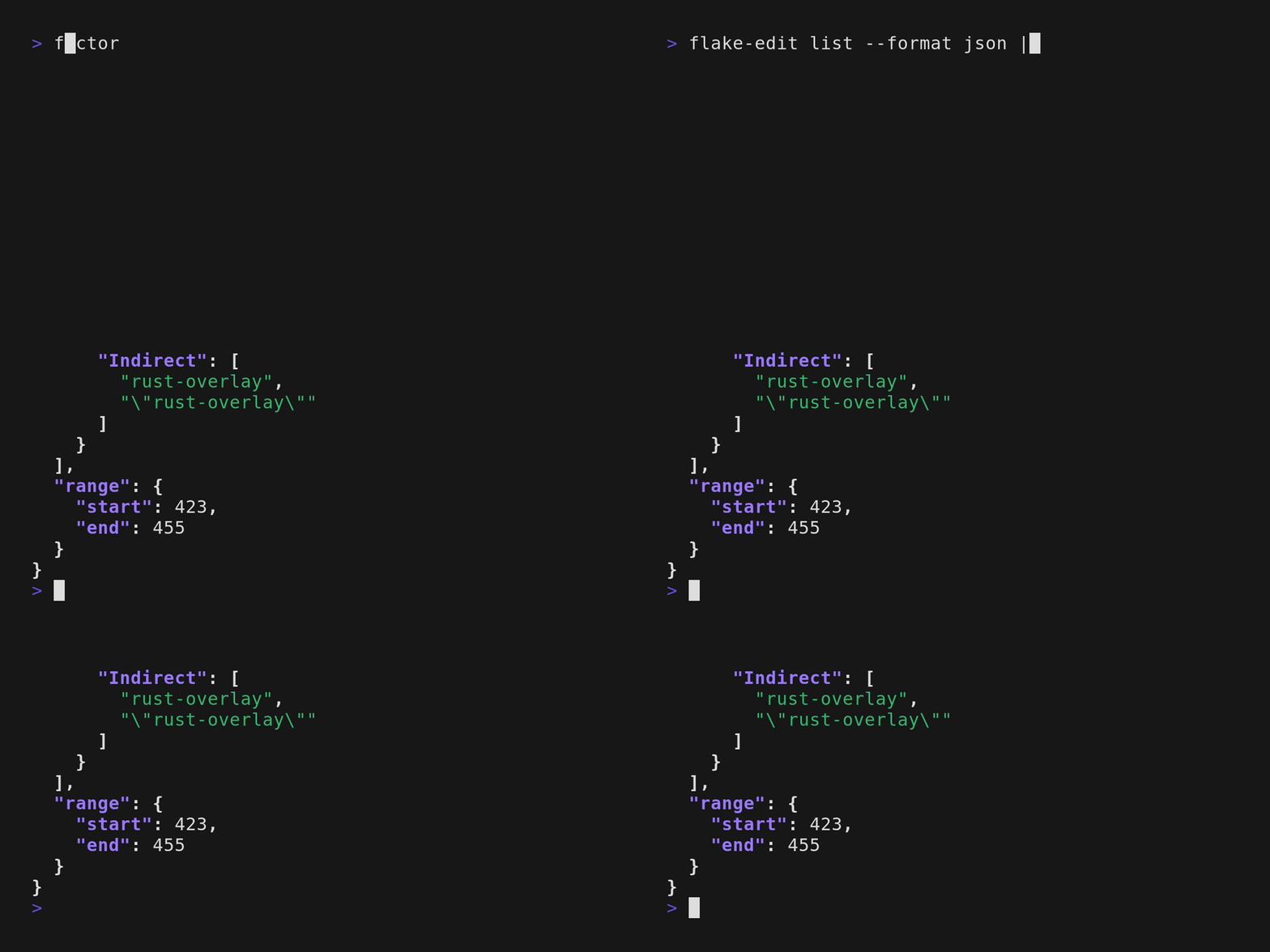
List the outputs, that are specified inside the inputs attribute, in json format.
### `$ flake-edit pin`
```
Pin inputs to their current or a specified rev
Usage: flake-edit pin <ID> [REV]
Arguments:
<ID>
The id of an input attribute
[REV]
Optionally specify a rev for the inputs attribute
Options:
-h, --help
Print help
```
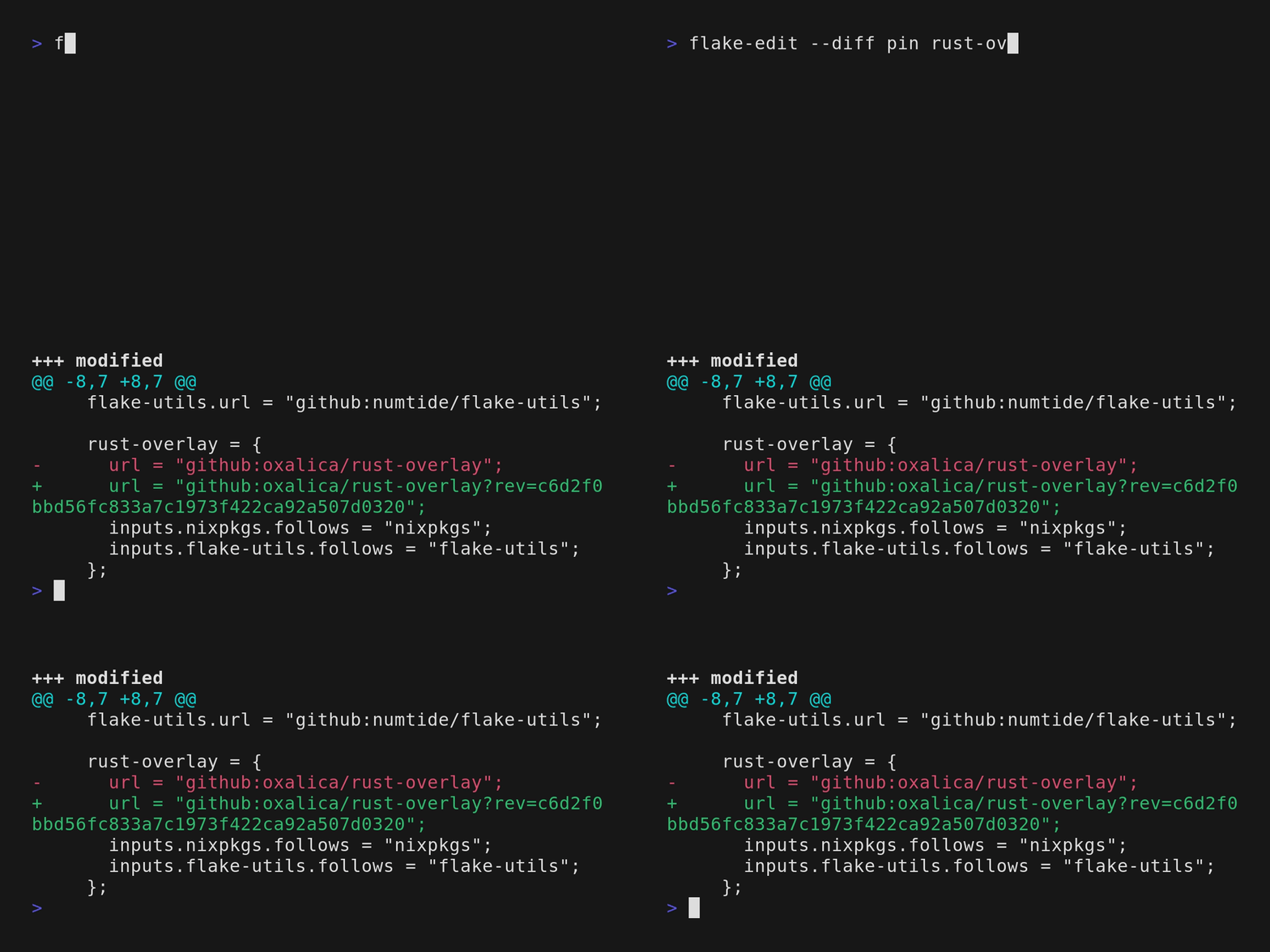
Pin a specific input to it's current revision (rev).
### `$ flake-edit unpin`
```
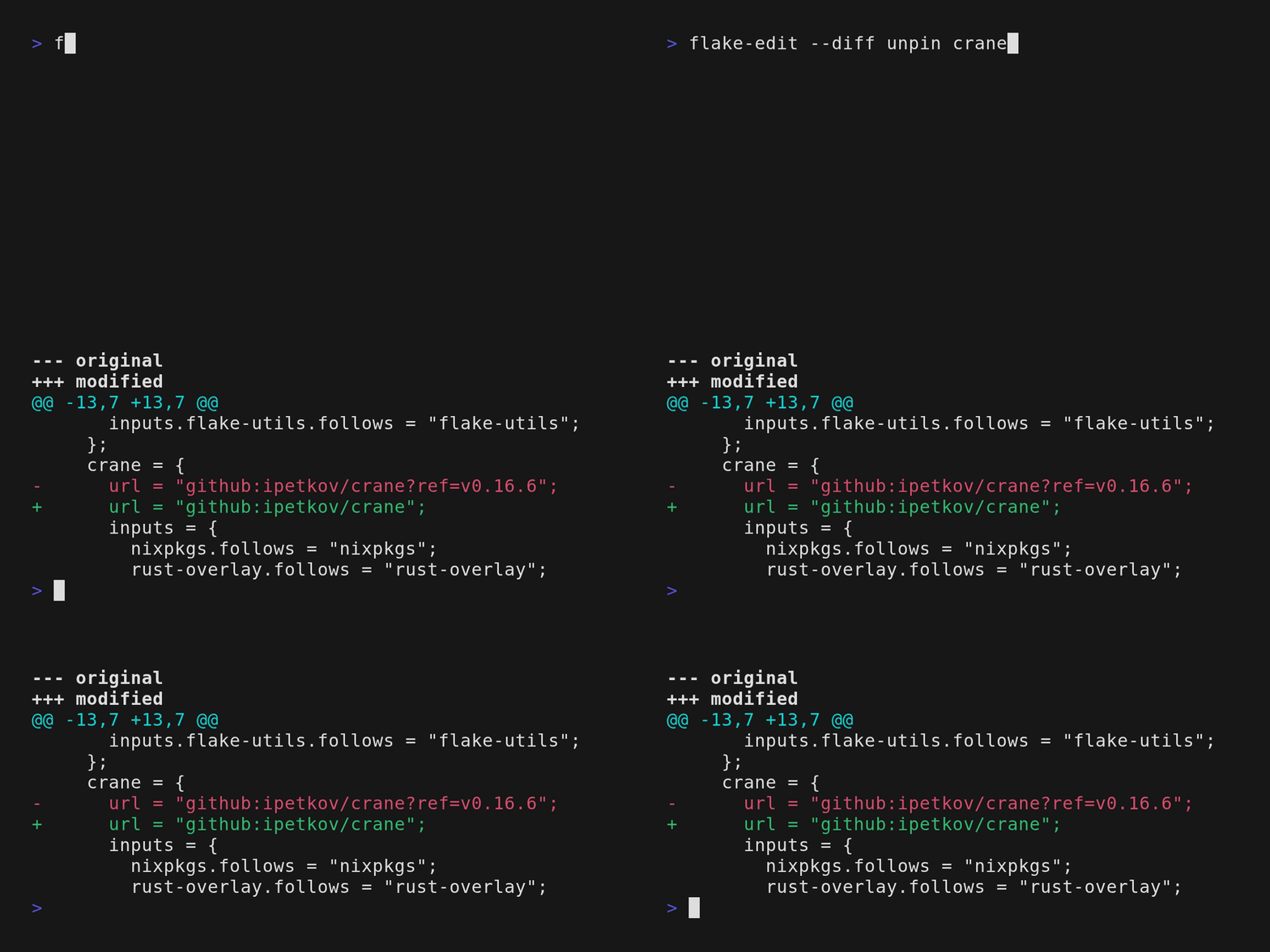
Unpin an input so it tracks the upstream default again
Usage: flake-edit unpin <ID>
Arguments:
<ID>
The id of an input attribute
Options:
-h, --help
Print help
```
## As a library
Add `flake-edit` as a library by running:
```
cargo add flake-edit --no-default-features
```
Be aware that the `lib` interface is still unstable.
Though we are already happy to get feedback.
## Status
> [!NOTE]
> This project is currently in active development and should be considered a work in progress.
> The goal of `flake-edit` is to provide a robust and well-tested interface to flake inputs.
> Many edge cases are not covered yet, if you find any issues please consider opening an issue, or a pr.
> And we would be happy for feedback of the cli interface especially.
## Contributing
We welcome contributions from the community!
Check out the [Contributing Guidelines](./doc/CONTRIBUTING.md) on how to get started.
## Release Notes
Stay updated with the latest changes by viewing the [Changelog](./CHANGELOG.md).
## License
MIT