<div align="center">
# Fire >_
### Terminal fire animation written in Rust.
<p align="center">
<img width="1286" height="614" alt="Fire CLI Splash" src="https://raw.githubusercontent.com/horizonwiki/fire/main/.github/images/splash.png" />
</p>
</div>
---
## ☁️ Overview
**Fire CLI** is an ultra-lightweight utility written in **Rust** that turns your terminal into a cozy fireplace. Thanks to direct buffer manipulation and zero heavy dependencies, the animation stays smooth even on the weakest hardware.
### Why is this cool?
* **OS-Agnostic**: Works anywhere Rust and `libc` are supported — Windows, macOS, Linux distros, or BSD.
* **Zero Logic Clutter**: All visuals are built on standard output streams, guaranteeing operation in minimalist environments.
---
## ✨ Key Features
| **🎚️ Customization** | Full control over burn speed and flame intensity. |
| **🎨 Themes** | A set of preset color schemes — from classic fire to magical blue. |
| **🌚 Monochrome** | A dedicated mode for fans of classic ASCII art without color. |
| **🚀 Performance** | Minimal resource usage thanks to the efficient Rust engine. |
> [!TIP]
> **ASCII Engine**: The fire visualization is based on ANSI escape sequences. For a perfect gradient, your terminal must support 24-bit color (TrueColor).
---
## 💻 Terminal Compatibility
On legacy systems (Windows 10 and below), standard consoles like `cmd.exe` or `PowerShell.exe` often struggle with intensive dynamic output, causing several visual issues:
* ⚠️ **Artifacts**: "Garbage" control characters like `←[0K` appearing on top of the animation.
* 📉 **Tearing**: Slow stream processing causes noticeable frame tearing and flickering.
* 🚫 **TrueColor issues**: Older consoles do not support 24-bit color.
**For a flawless picture, use any modern terminal with Virtual Terminal (VT) Sequence support:**
* 🎨 **Recommended:** [**Windows Terminal**](https://aka.ms/terminal), [**Alacritty**](https://alacritty.org/), or [**WezTerm**](https://wezfurlong.org/wezterm/).
* 🚀 **Also great:** **Kitty**, **Foot**, **Konsole**, or any other emulator with 24-bit color support.
* 🛠️ **Key requirement:** The terminal must correctly handle control codes for the Rust engine's magic to work smoothly.
> [!TIP]
> If you see strange symbols like `←[0K` or the animation stutters — your current terminal is technically outdated. Time to upgrade!
---
## 🎮 Usage & Controls
Launch the animation with the simple `fire-cli` command. Use the following flags for fine-tuning:
### ⚙️ Launch Options
| `-f` | `--fps` | Set the frame rate | `15–120` (default: `30`) |
| `-t` | `--theme` | Set theme (default: `std`) | — |
| `-n-c` | `--no-color` | Disable colors (ASCII mode) | — |
| `-h` | `--help` | Show the help menu | — |
| `-v`| `--version`| Show version info | — |
### 🎨 Themes
> [!TIP]
> Usage: -t or --theme [name]
| `ash` | 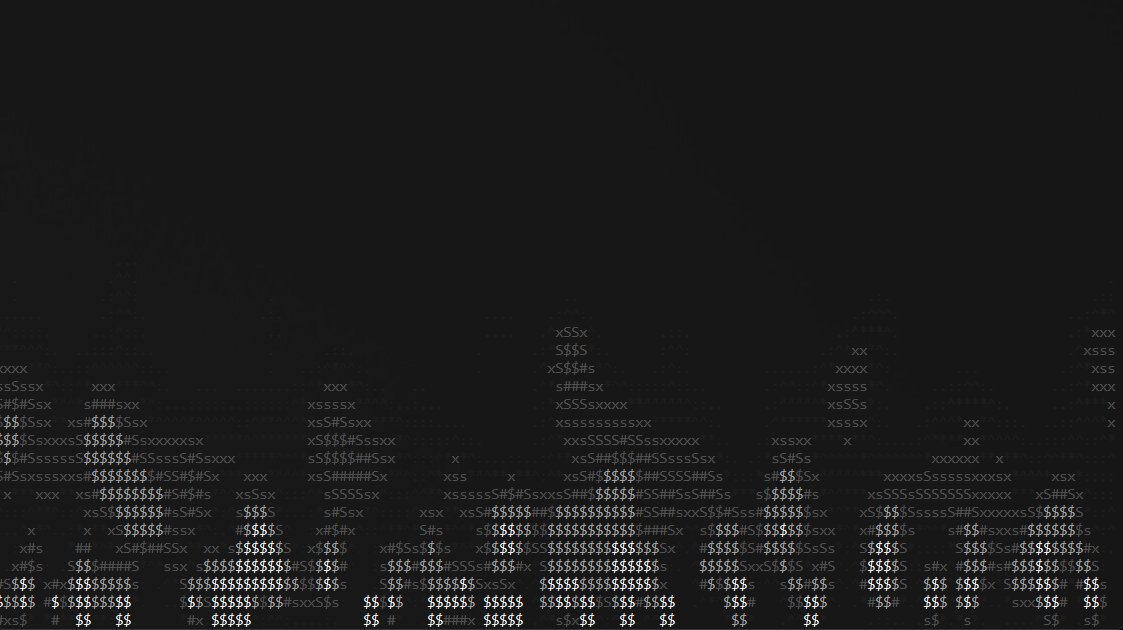 | monochrome smoke & gray fire |
| `aurora` | 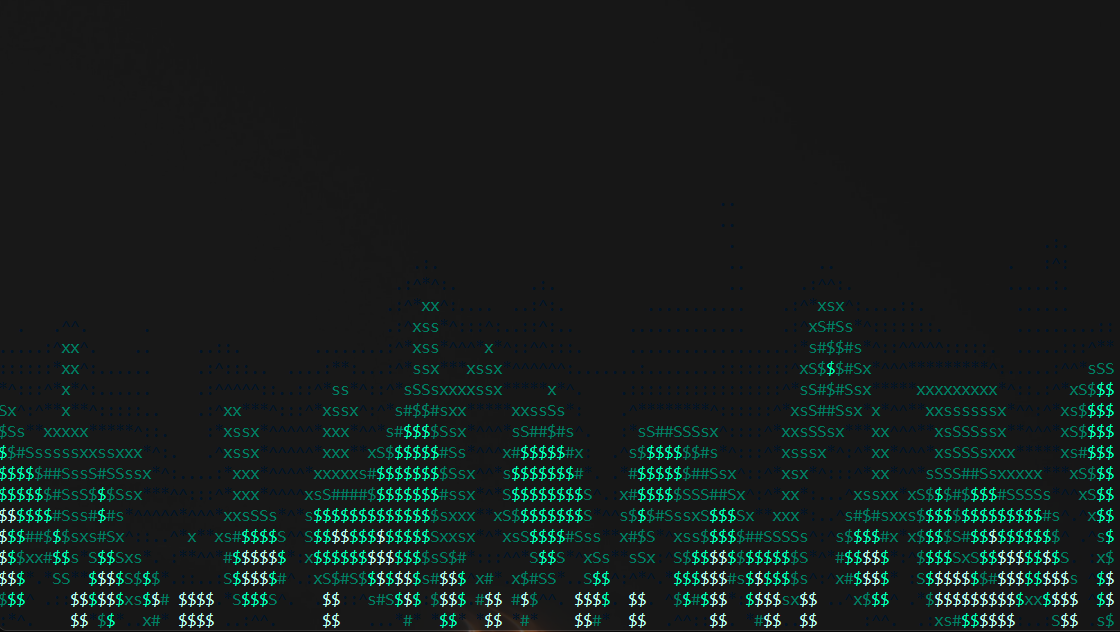 | shifting green-teal northern lights |
| `blue` | 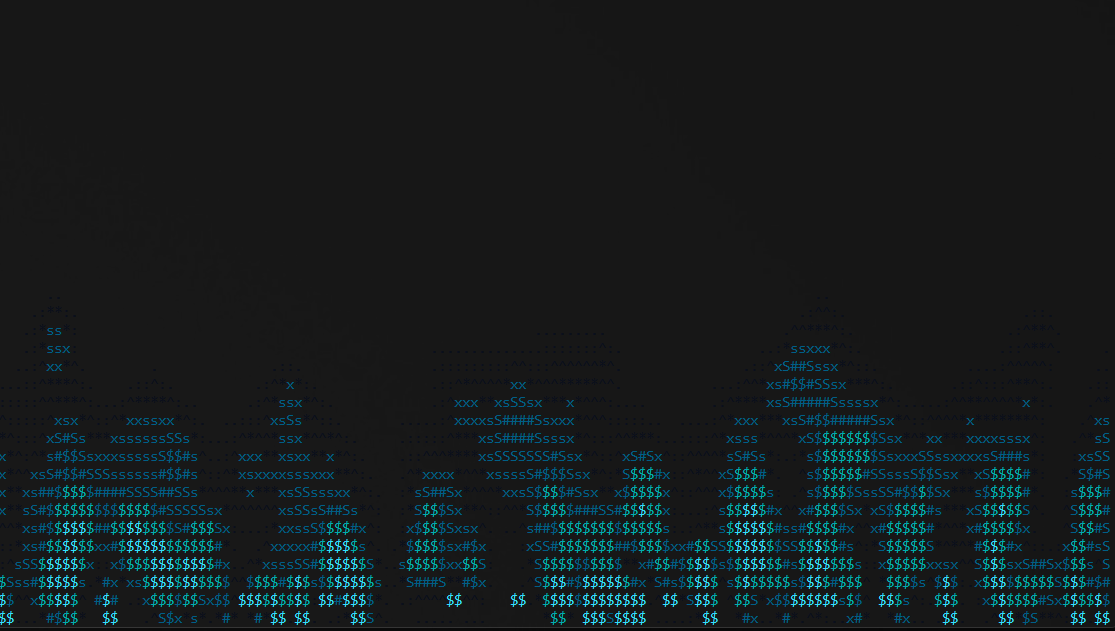 | blue neon fire |
| `classic` | 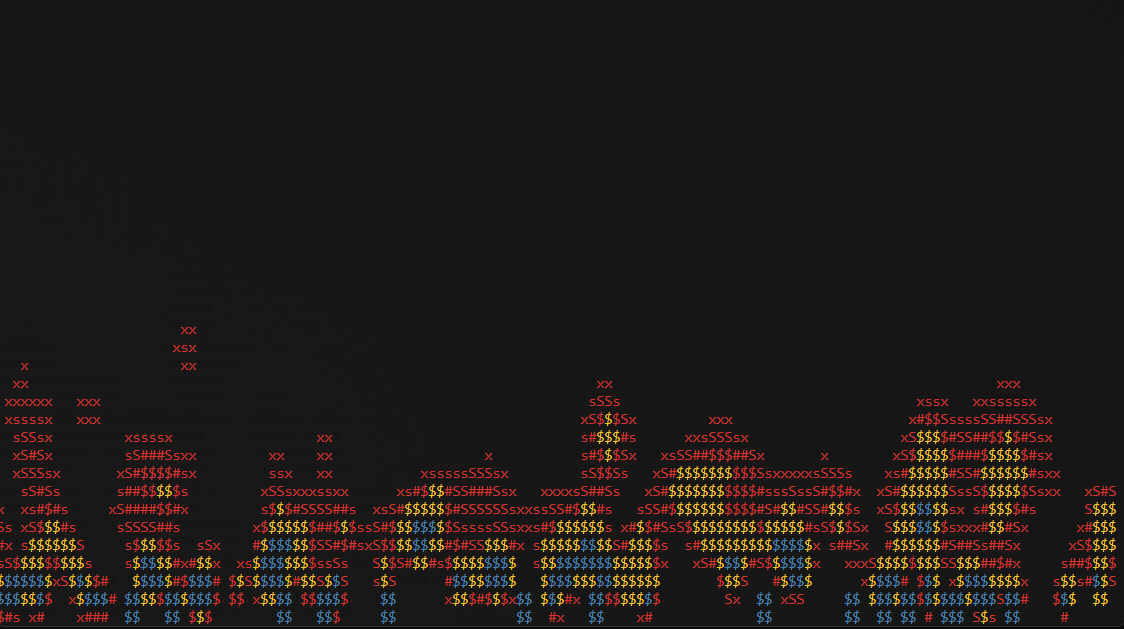 | alternative classic fire |
| `copper` | 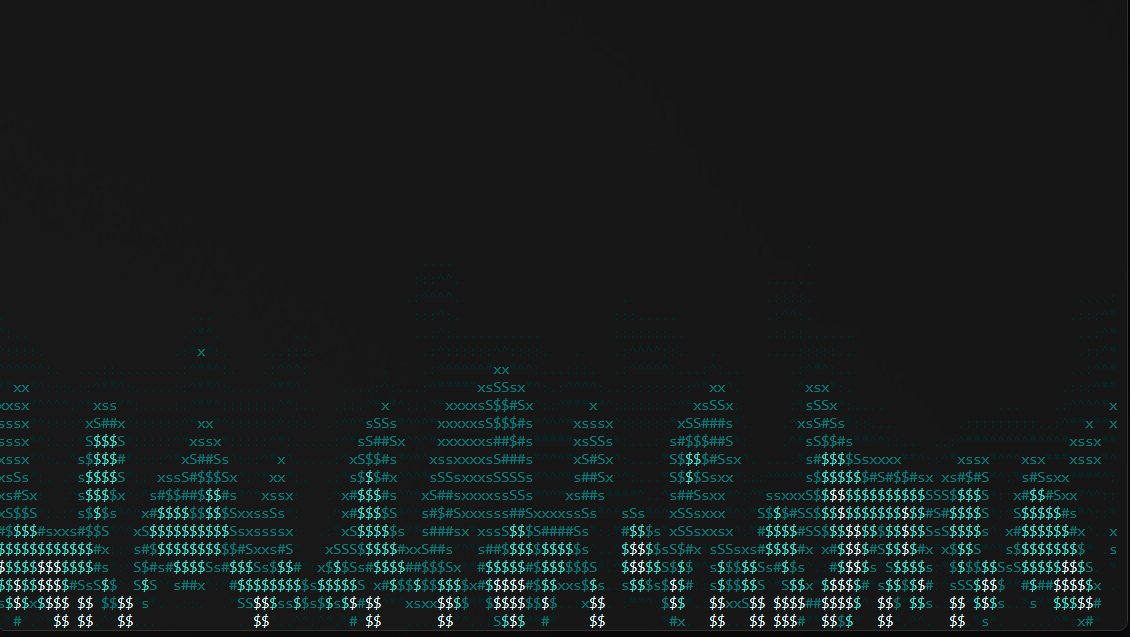 | turquoise copper-oxide flame |
| `crimson` | 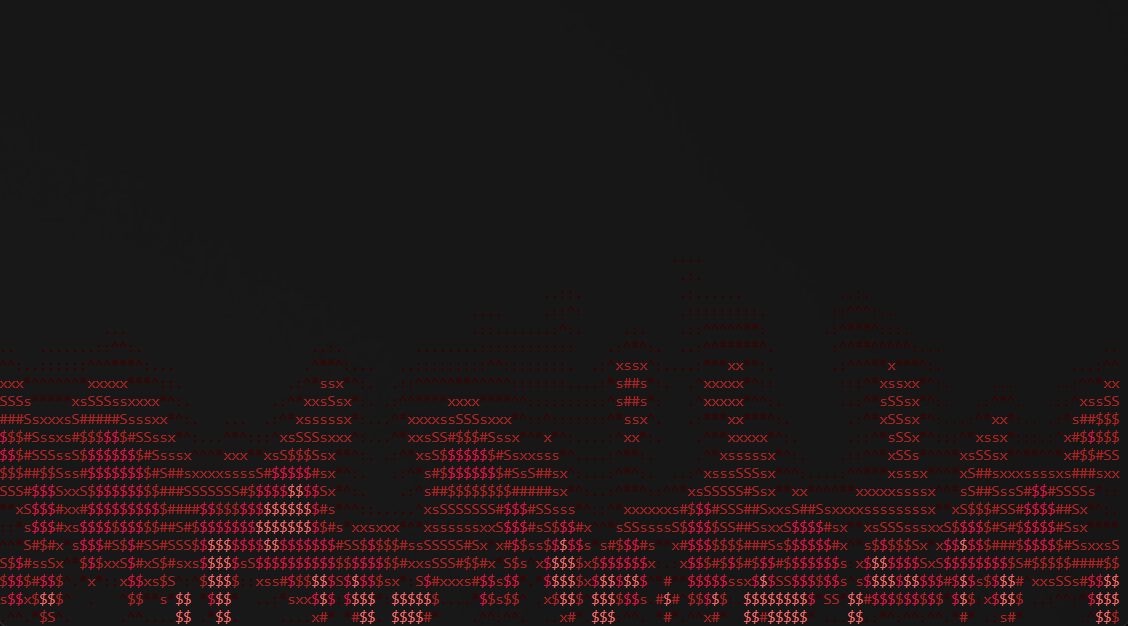 | aggressive crimson-red fire |
|`dusk` | 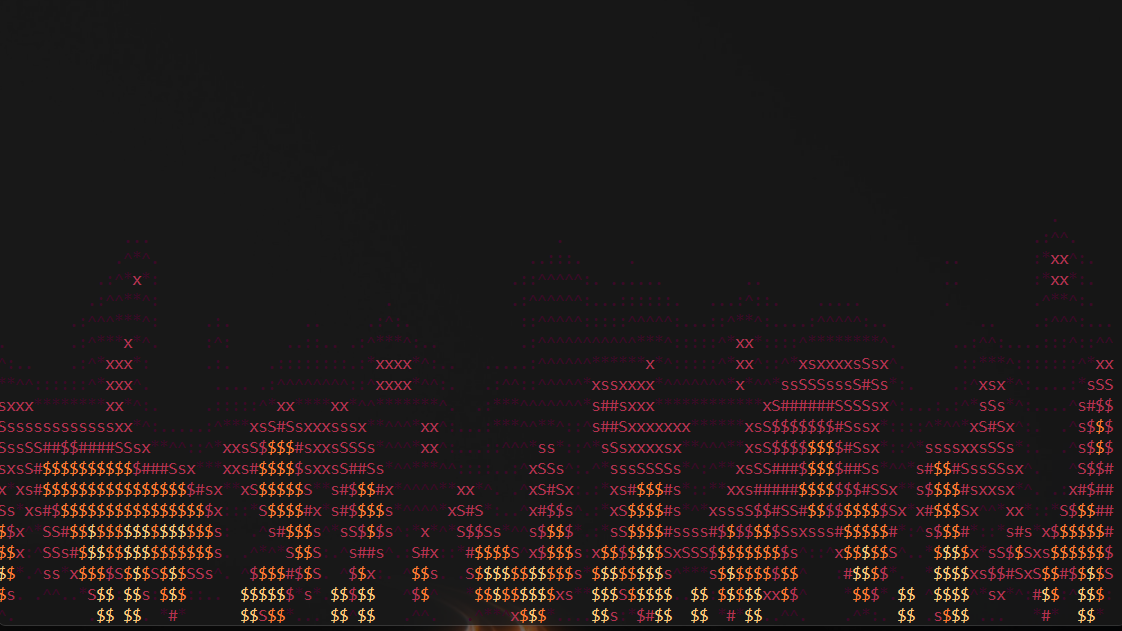 | warm orange-purple sunset fire |
| `ember` | 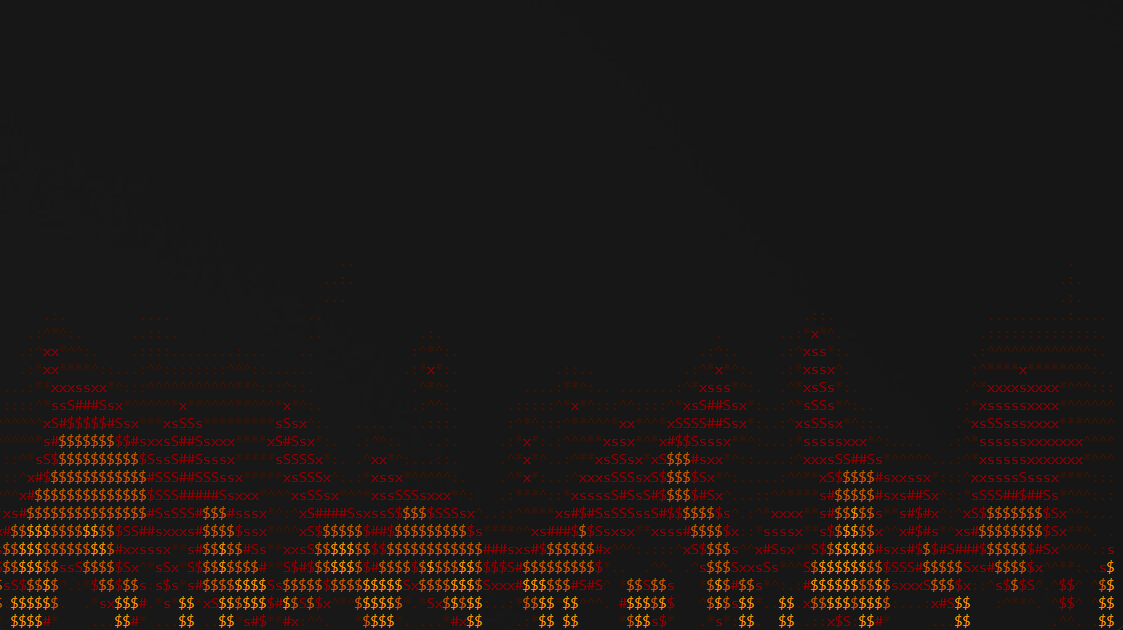 | glowing amber coals |
| `emerald` | 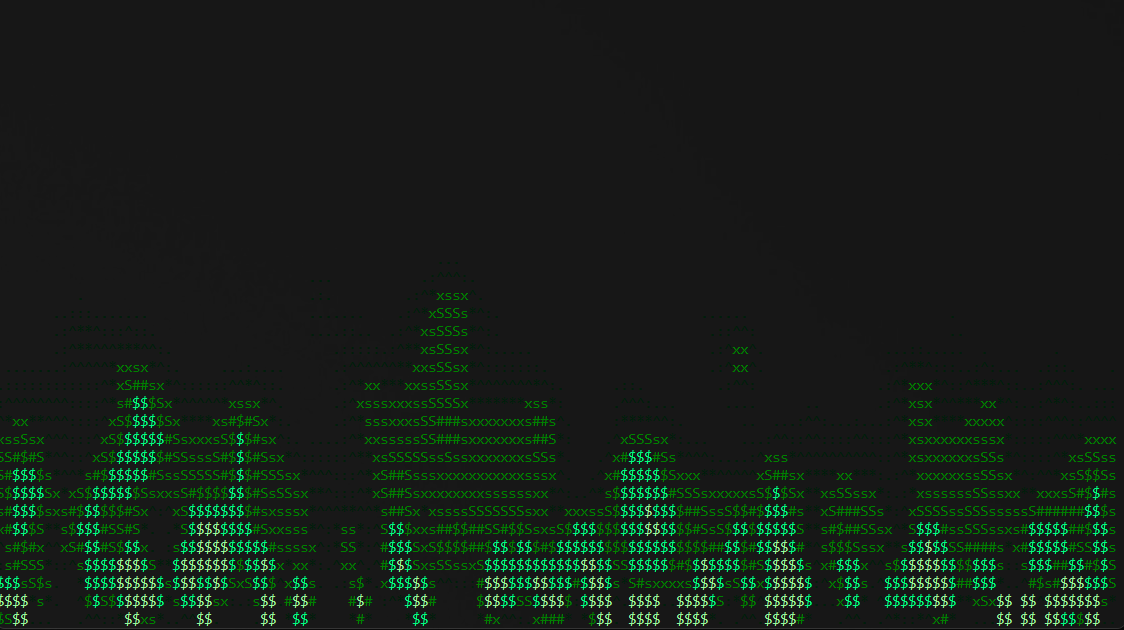 | deep emerald chemical fire |
| `forest` | 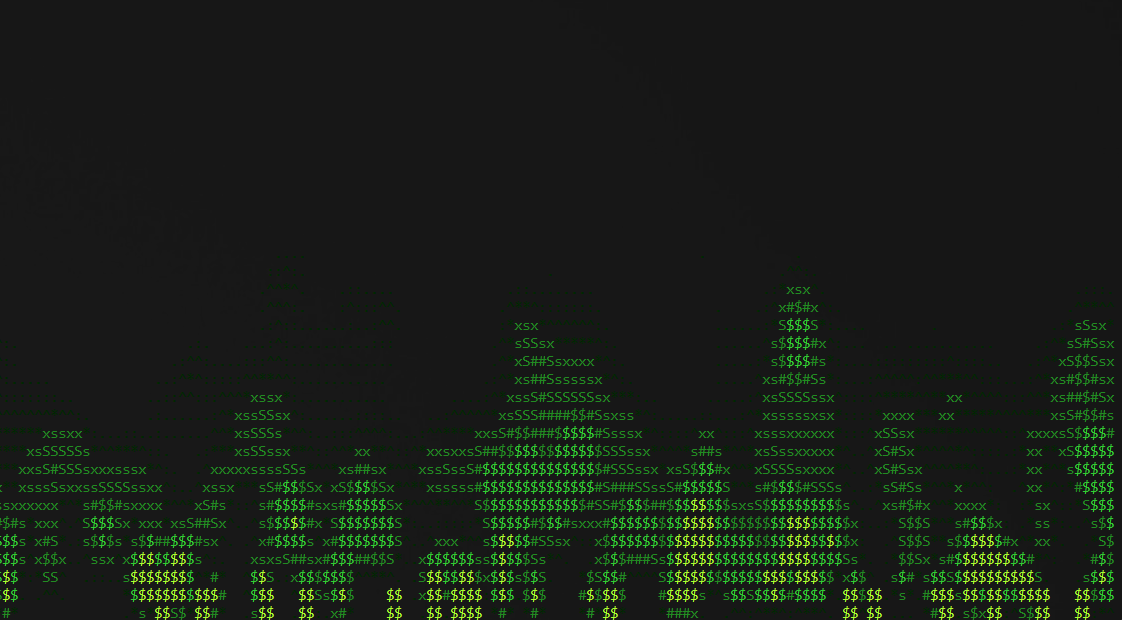 | mystical green fire |
| `frost` | 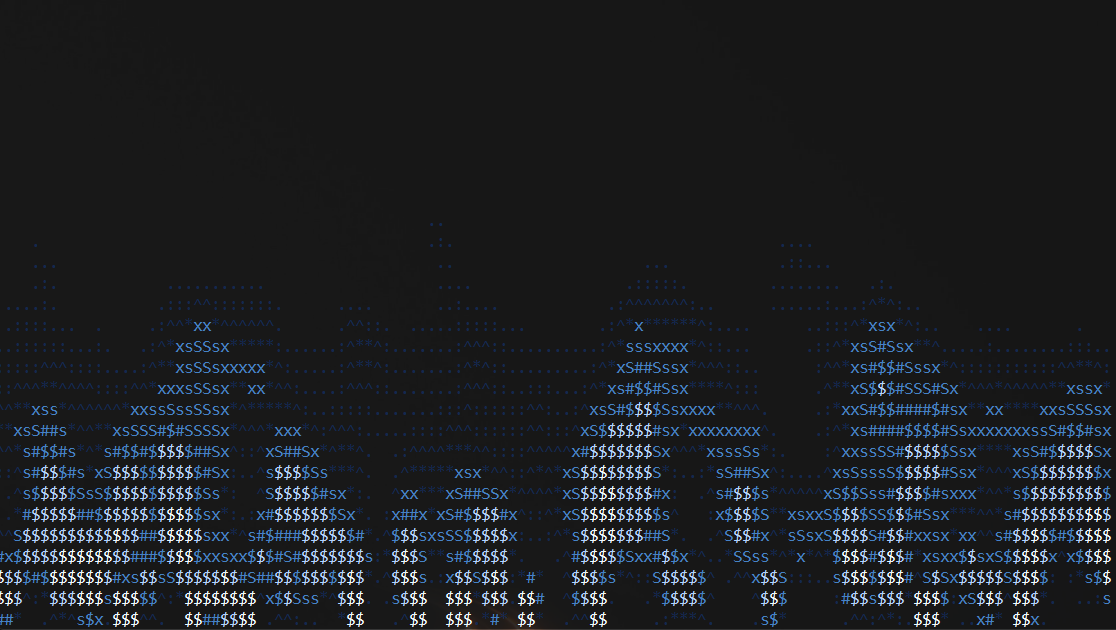 | cold blue-white icy fire |
| `ghost` | 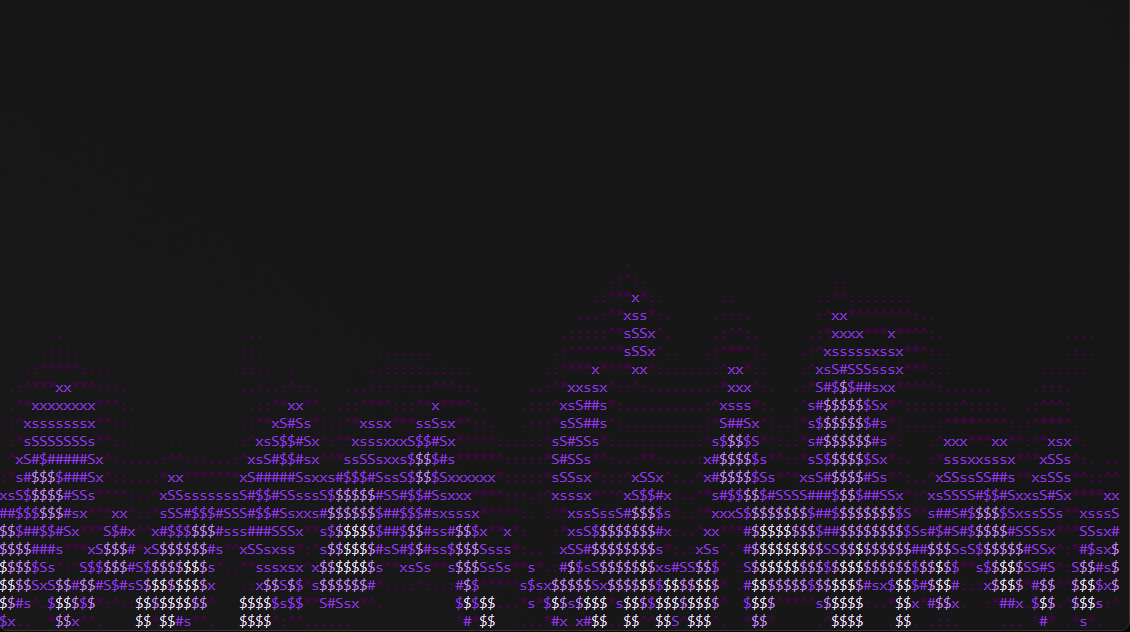 | ethereal violet magic flame |
| `gold` | 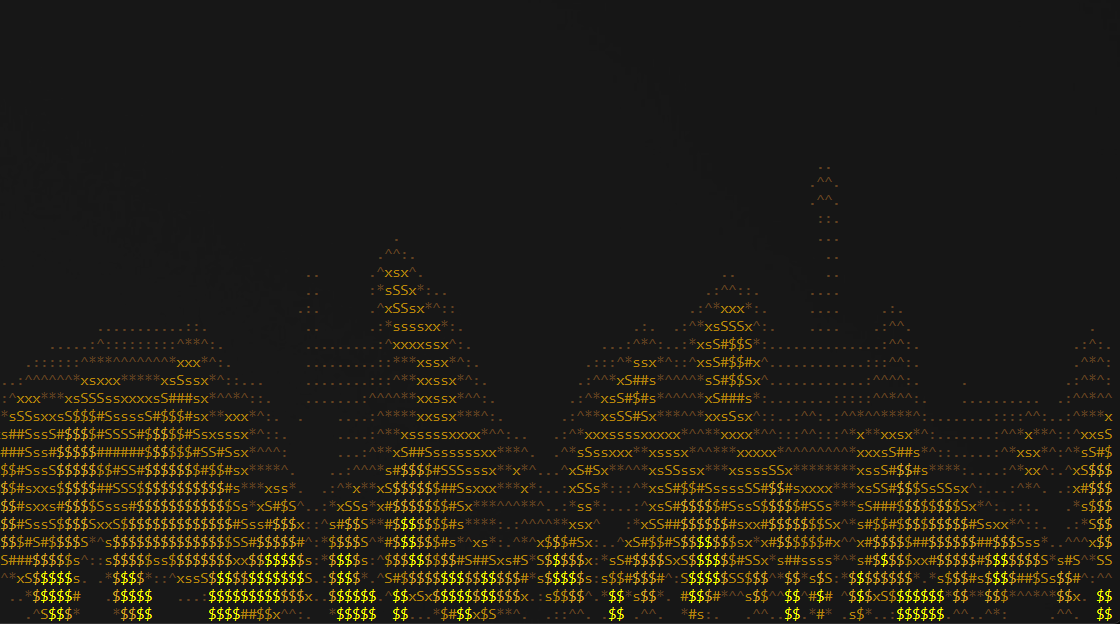 | luxury metallic golden shimmer |
| `ice` | 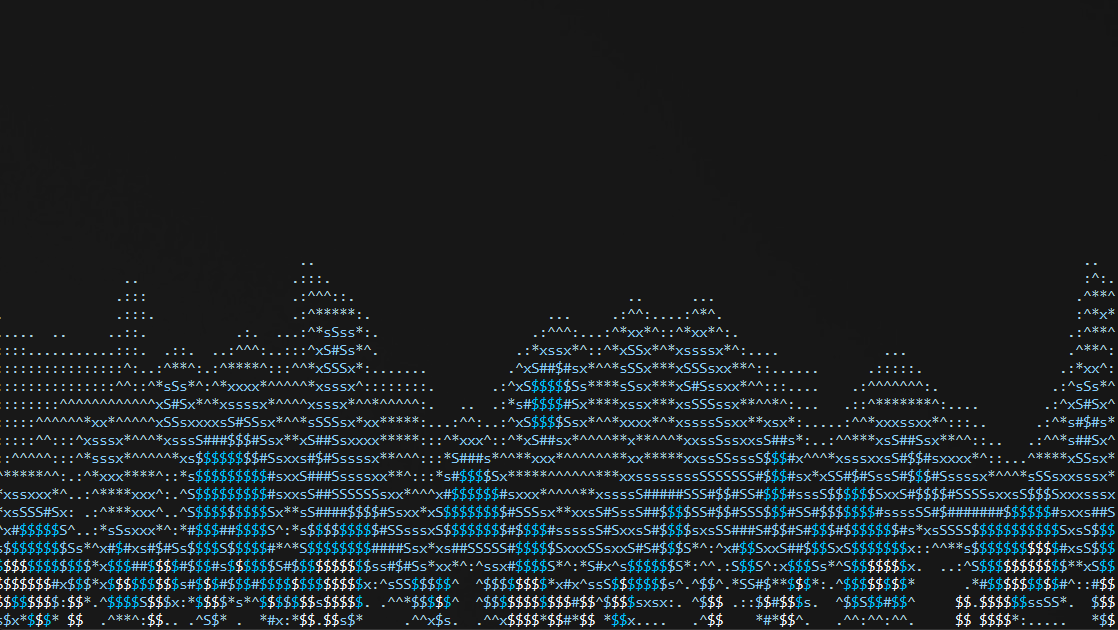 | ice fire |
| `magma` | 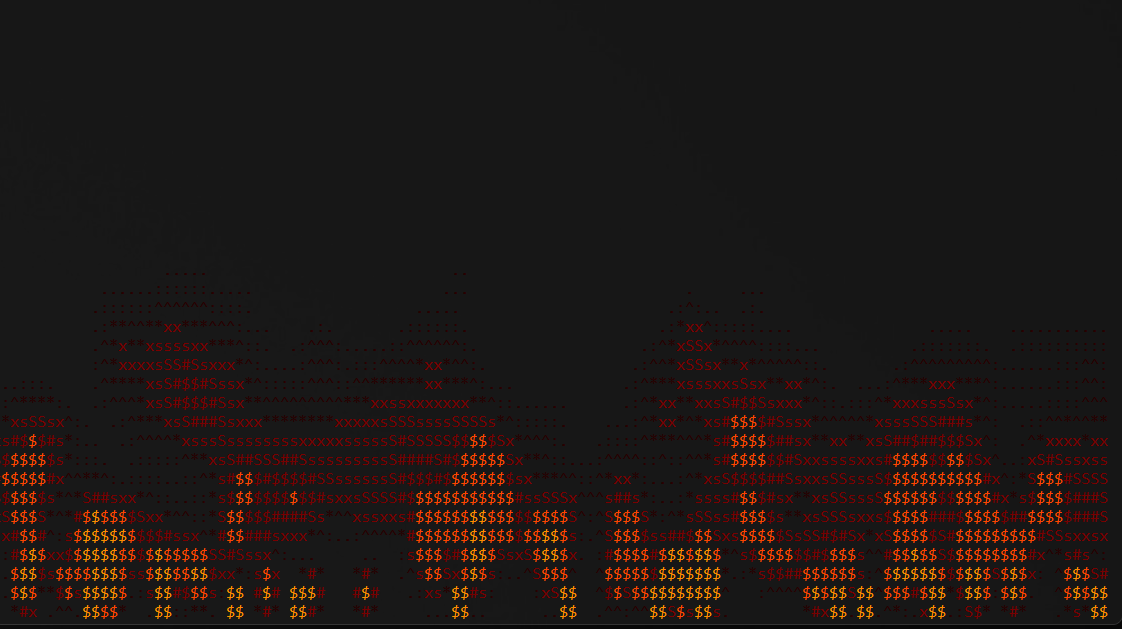 | viscous glow of molten lava |
| `nebula` | 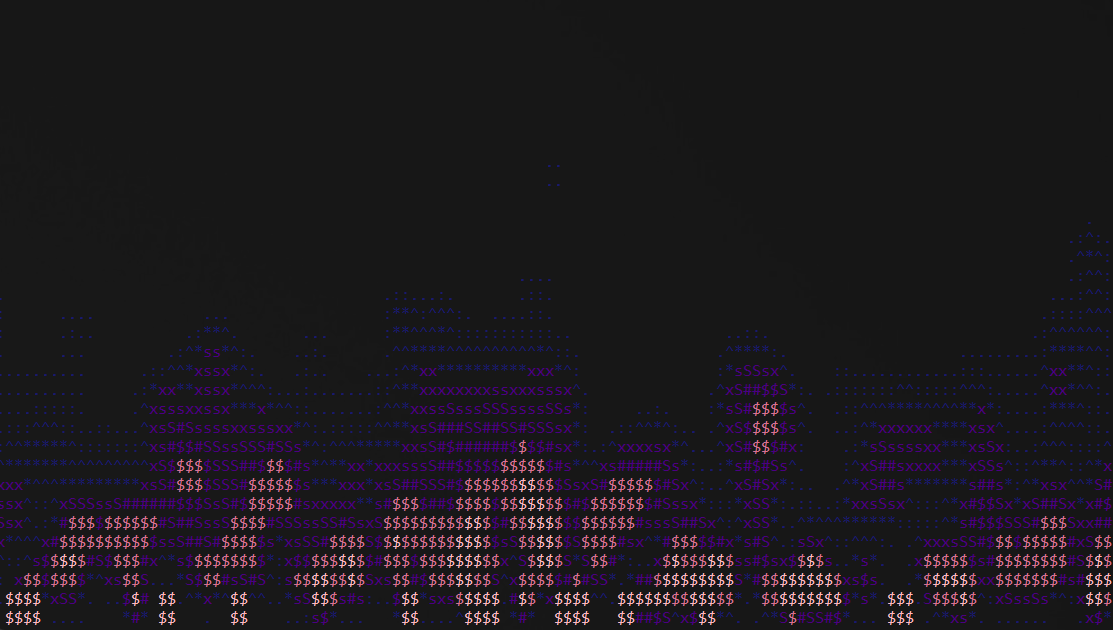 | cosmic pink & blue fire |
| `pink` | 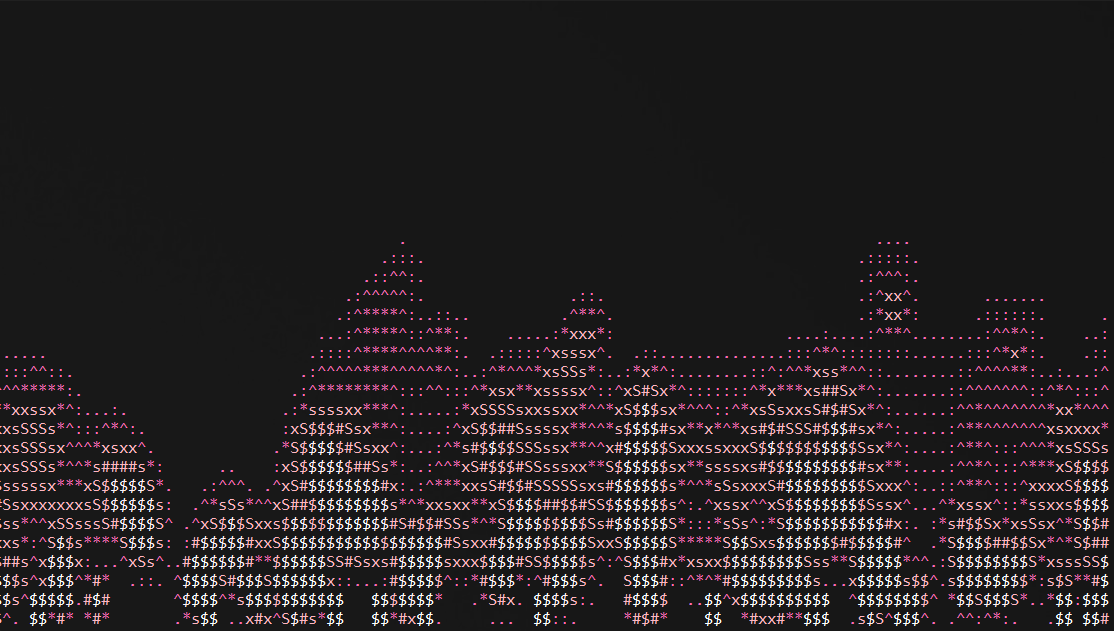 | pink neon fire |
| `plasma` | 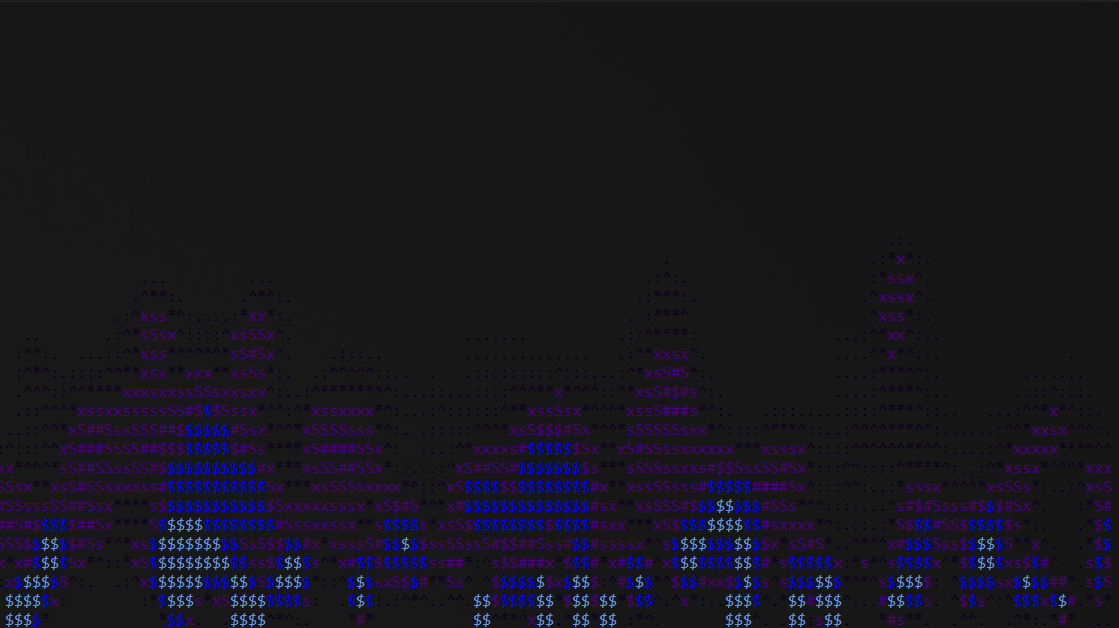 | electric indigo plasma |
| `rainbow` | 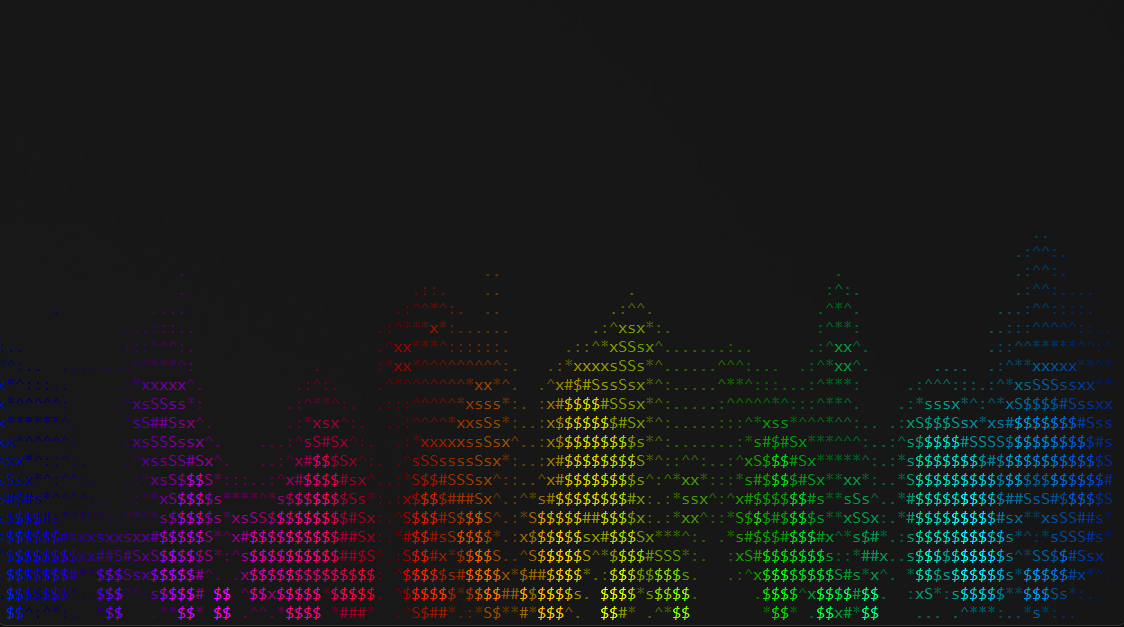 | multicolor spectrum fire |
| `sakura` | 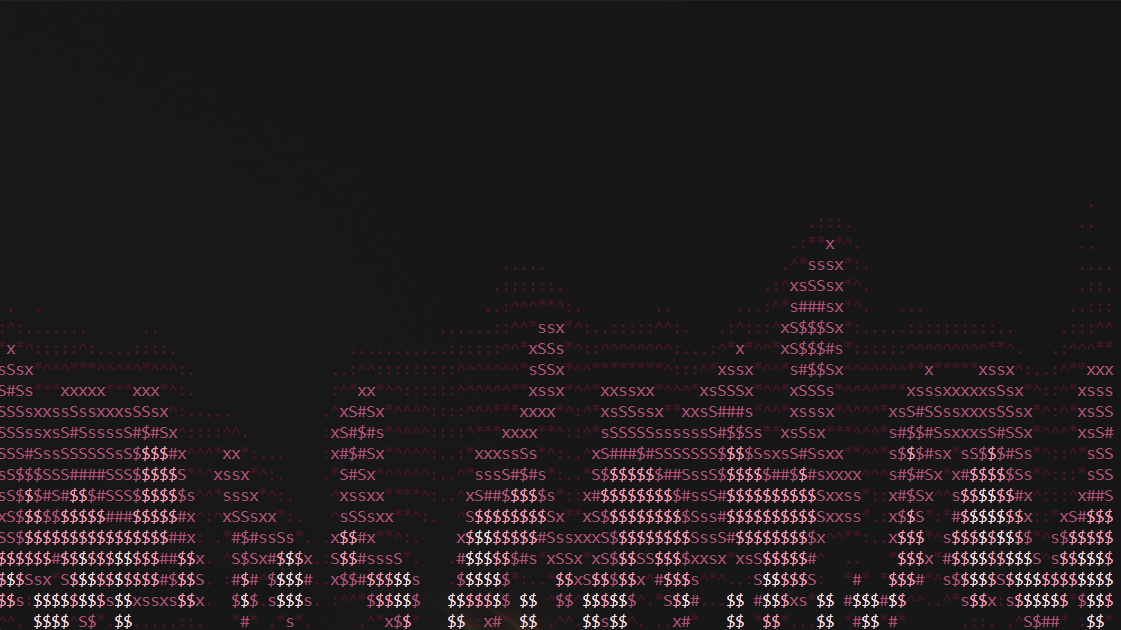 | soft pink cherry blossom fire |
| `solar` | 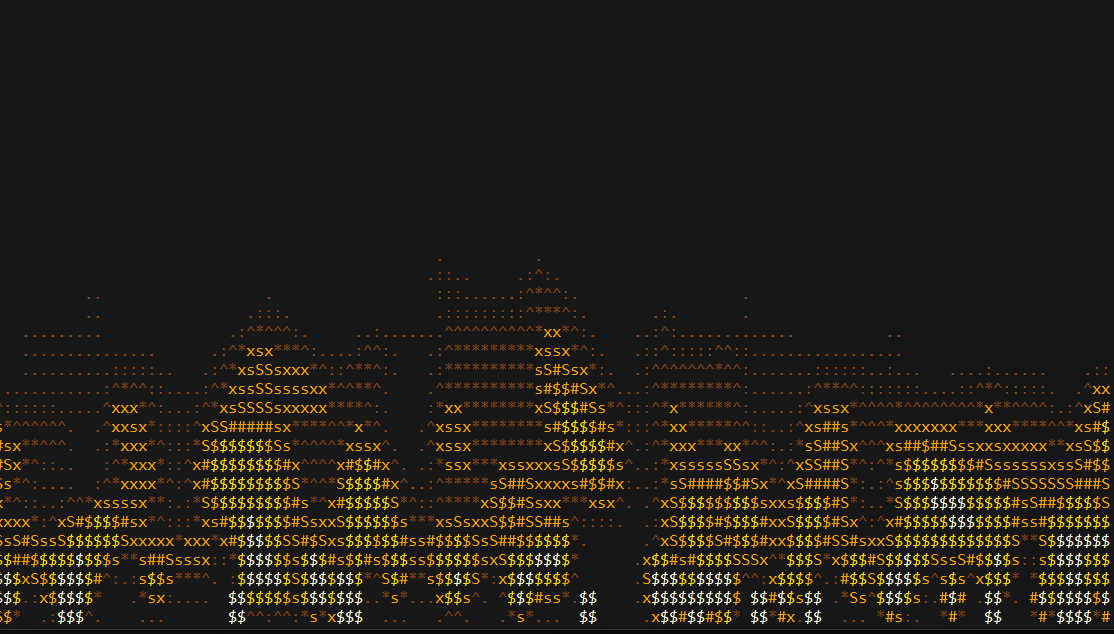 | blinding white-hot solar flares |
| `std` | 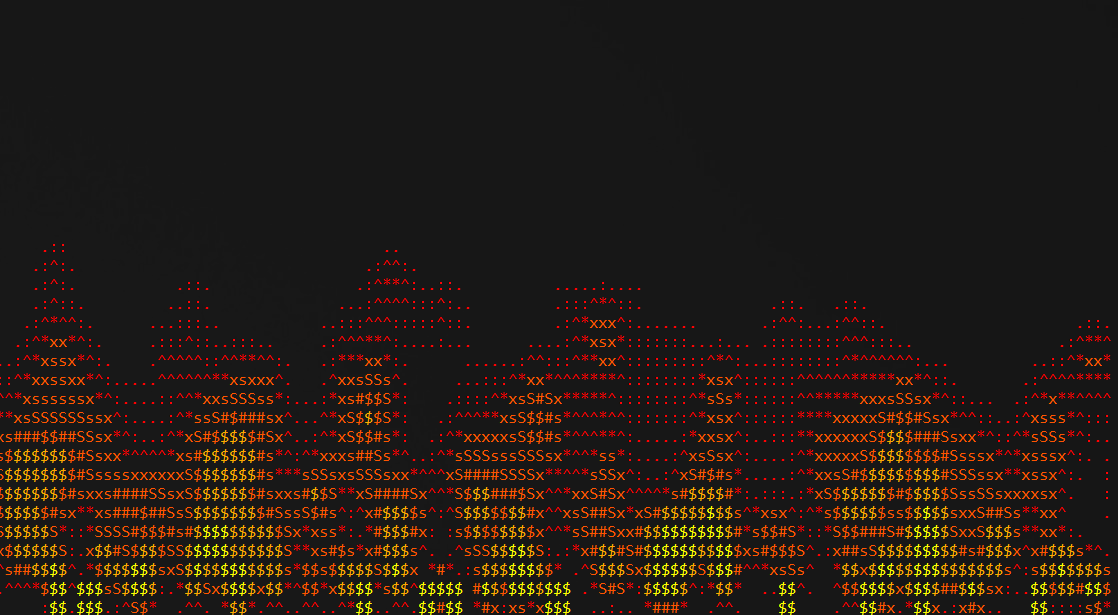 | classic fire |
| `sulfur` | 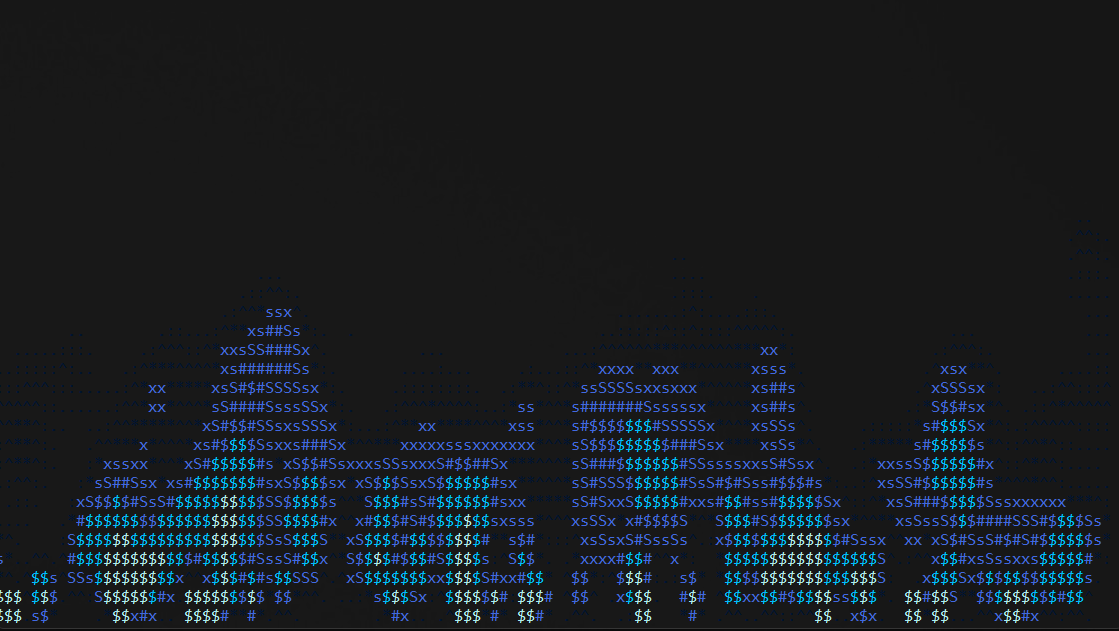 | ghostly blue flame |
| `custom` | — | use a user-defined theme |
> Custom Theme Format:
```
custom:#hex.#hex.#hex.#hex
```
> Provide 1 to 4 HEX colors separated by dots (e.g., custom:\#ff0000.\#00ff00)
### 💡 Example Commands
```bash
fire-cli -f 60
fire-cli --theme copper --fps 45
fire-cli -t custom:#ff0055.#ffcc00.#ffffff
```
### ⌨️ Controls
* **ESC** or **Ctrl+C** — Exit the program.
---
<a name="captures"></a>
## 📷 Captures
### 🔹 Screenshots
<p align="center">
<img width="800" alt="Fire CLI Screenshot" src="https://raw.githubusercontent.com/horizonwiki/fire/main/.github//images/example.png" />
</p>
### 🔹 Screencasts
<p align="center">
<img width="800" alt="Fire CLI Screencast" src="https://raw.githubusercontent.com/horizonwiki/fire/main/.github//images/example.gif" />
</p>
## 📄 License
This software is provided under the Apache License 2.0.