# fault Proxy CLI
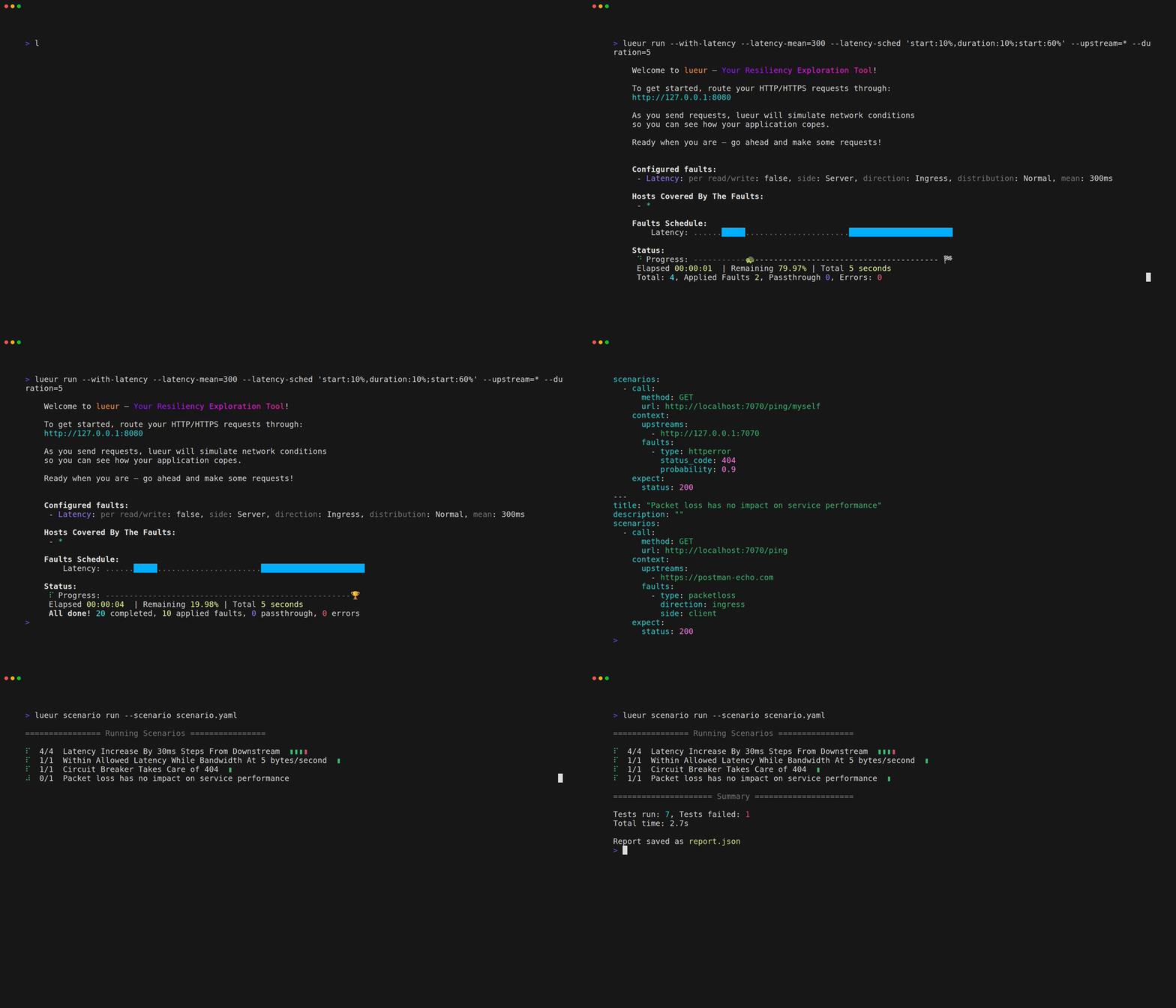
fault is here to help you uncover and address resiliency issues early in your
development cycle. By easily injecting network faults into your application’s
daily workflows, fault encourages you to shift resiliency concerns to the left,
long before reaching production. The result: more confident engineering teams
and applications that gracefully handle the unexpected.
At its core, fault acts as a local proxy you can route traffic through, giving
you fine-grained control over conditions like latency, jitter, and faults.
Rather than waiting until late-stage testing or worse, customer reports, you
can quickly see how your application responds when the network isn’t perfect.
**Why fault?**
- **Speed:** Quickly stand up a local test environment with minimal setup.
- **Simplicity:** Just a few commands let you inject latency or run complex
scenarios. No steep learning curve required.
- **Extensibility:** Tweak parameters, plug into automated tests, and integrate
with your existing CI/CD pipelines.
- **Insight:** Generate structured reports that help pinpoint issues and
identify ways to improve resiliency.
## Install
### Using built binaries
fault is distributed as built bianries on GitHub. Please refer to the
[documentation](https://fault-project.com/how-to/install/).
### Using cargo
The fault proxy is installed as follows
```bash
cargo +nightly install fault-cli
```
If you want to enable ebpf support (highly experimental and likely broken):
```bash
cargo +nightly install fault-cli --features stealth
```
In that case you will also need to install the
[fault ebpf programs](https://crates.io/crates/fault-ebpf-programs).
## Run
Once installed, you can start a latency fault inkjection proxy (for instance):
```bash
fault run --with-latency --latency-mean 300 --latency-direction ingress --upstream localhost:9090
```
This is will inject `300ms` (mean) latency on network coming back from the
host `localhost:9090`.