<div align="center">
# ⚡ eweb-tauri
**Transform any website into a native desktop/mobile app with one command**
**Ultra lightweight: ~3MB vs Electron's 150MB+**
[](https://crates.io/crates/eweb-tauri)
[](https://crates.io/crates/eweb-tauri)
[](https://opensource.org/licenses/MIT)
[](https://www.rust-lang.org)
</div>
---
## 🎯 Why eweb-tauri?
| 📦 App Size | **~3 MB** | ~150 MB |
| 💾 Memory Usage | **~30 MB** | ~100+ MB |
| 🚀 Startup Time | **Instant** | 2-5 seconds |
| 📱 Mobile Support | ✅ iOS & Android | ❌ |
| 🔒 Security | System WebView | Bundled Chromium |
---
## ✨ Features
- 🚀 **One Command** - Generate & build in single command
- 📱 **Cross-Platform** - Windows, macOS, Linux, iOS, Android
- 🎨 **Auto Icons** - Generate all icon sizes from URL or file
- ⚡ **Ultra Light** - 50x smaller than Electron apps
- 🦀 **Pure Rust** - Fast, safe, no Node.js required
- 🔧 **Zero Config** - Works out of the box
---
## 📦 Installation
```bash
cargo install eweb-tauri
```
### Prerequisites
- [Rust](https://rustup.rs/) 1.70+
- [Tauri Prerequisites](https://tauri.app/start/prerequisites/)
- For Android: Android SDK + NDK (see [Android Setup](#-android-setup))
---
## 🚀 Quick Start
### One Command Build
```bash
# Linux desktop app
eweb-tauri https://github.com -n MyApp -p linux
# Android app
eweb-tauri https://github.com -n MyApp -p android
# Just generate project (build later)
eweb-tauri https://github.com -n MyApp
```
### Full Example
```bash
eweb-tauri "https://docker-gpu.aws.xin/" \
-n "Docker-Monitor" \
-i "https://example.com/icon.png" \
-p linux
```
---
## ⚙️ Options
| `--name` | `-n` | App name |
| `--icon` | `-i` | Icon path or URL |
| `--output` | `-o` | Output directory |
| `--platform` | `-p` | Build platform (see below) |
| `--help` | `-h` | Show help |
| `--version` | `-V` | Show version |
### Platform Options (`-p`)
| `linux` | Linux | .deb, .rpm, .AppImage | Linux |
| `mac` | macOS | .app, .dmg | macOS |
| `windows` | Windows | .exe, .msi | Windows |
| `android` | Android | .apk, .aab | Any (with SDK) |
| `ios` | iOS | .ipa | macOS + Xcode |
> ⚠️ **Note**: Desktop builds require the target OS. Cross-compilation is not supported for desktop platforms.
---
## 📊 Size Comparison
| .deb | 2.8 MB | ~150 MB | **98%** |
| .rpm | 2.8 MB | ~150 MB | **98%** |
| .apk | 20 MB | N/A | ✅ Mobile! |
| .aab | 11 MB | N/A | ✅ Mobile! |
---
## 📱 Android Setup
### 1. Install Android SDK
```bash
# Ubuntu/Debian
sudo apt install openjdk-17-jdk
# Download command line tools
mkdir -p ~/Android/Sdk
cd ~/Android/Sdk
wget https://dl.google.com/android/repository/commandlinetools-linux-11076708_latest.zip
unzip commandlinetools-linux-11076708_latest.zip
mkdir -p cmdline-tools/latest
mv cmdline-tools/{bin,lib} cmdline-tools/latest/
```
### 2. Install SDK Components
```bash
export ANDROID_HOME=~/Android/Sdk
export PATH=$PATH:$ANDROID_HOME/cmdline-tools/latest/bin
```
### 3. Add Rust Targets
```bash
rustup target add aarch64-linux-android armv7-linux-androideabi x86_64-linux-android i686-linux-android
```
### 4. Set Environment Variables
```bash
export ANDROID_HOME=~/Android/Sdk
export NDK_HOME=$ANDROID_HOME/ndk/27.0.12077973
export JAVA_HOME=/usr/lib/jvm/java-17-openjdk-amd64
```
### 5. Build!
```bash
eweb-tauri https://example.com -n MyApp -p android
```
---
## 📁 Generated Project Structure
```
<app>-tauri/
├── src/
│ └── index.html
└── src-tauri/
├── Cargo.toml
├── tauri.conf.json
├── build.rs
├── capabilities/
├── icons/
└── src/
├── main.rs # Desktop entry
└── lib.rs # Mobile entry
```
---
## 🛠️ Tech Stack
- **Rust** - Systems programming language
- **Tauri 2.0** - Cross-platform app framework
- **clap** - CLI argument parsing
- **image** - Icon processing
- **reqwest** - HTTP client
---
## 📋 Changelog
### v0.1.1 (2024-12-21)
- ✅ Add `lib.rs` for Android/iOS mobile support
- ✅ Fix mobile build configuration
### v0.1.0 (2024-12-21)
- 🎉 Initial release
- ✅ One-command project generation
- ✅ Auto icon generation from URL
- ✅ Cross-platform support
- ✅ Published to crates.io
---
## 📄 License
[MIT](LICENSE) © neosun100
---
## ⭐ Star History
[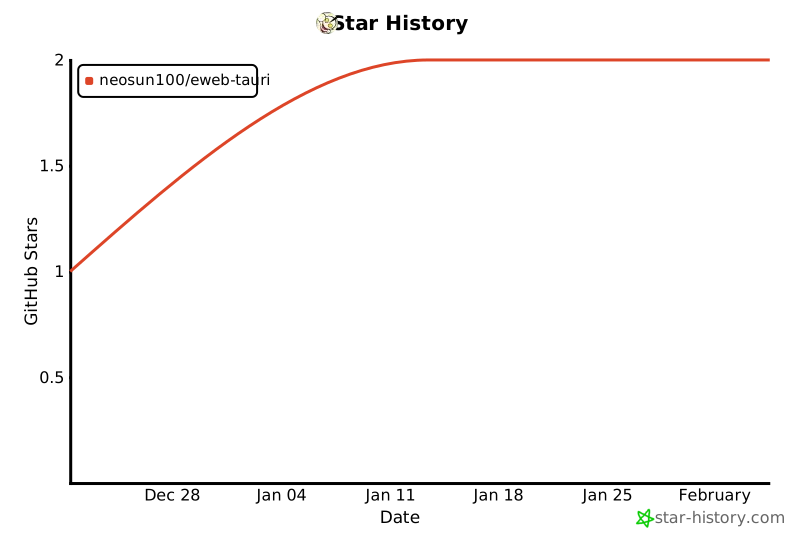](https://star-history.com/#neosun100/eweb-tauri)
---
## 📱 Follow Us
<div align="center">

</div>
---
<div align="center">
**If this project helps you, please give it a ⭐!**
Made with ❤️ and 🦀 Rust
</div>