1
2
3
4
5
6
7
8
9
10
11
12
13
14
15
16
17
18
19
20
21
22
23
24
25
26
27
28
29
30
31
32
33
34
35
36
37
38
39
40
41
42
43
44
45
46
47
48
49
50
51
52
53
//! # Embedded Graphics Web Simulator
//!
//! 
//!
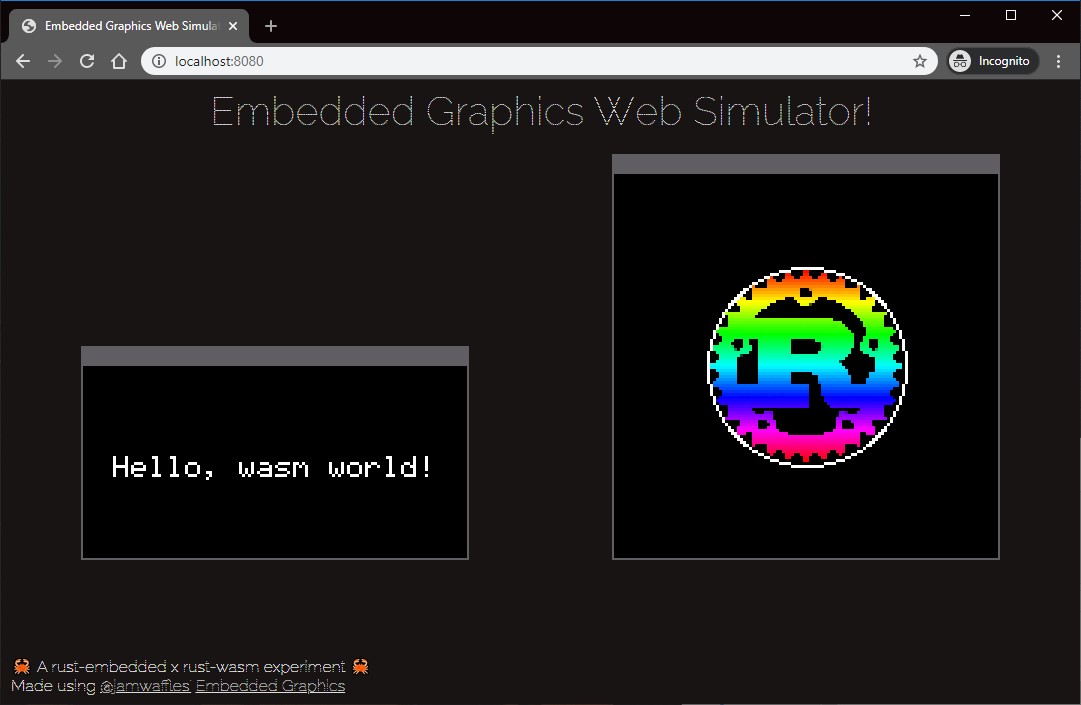
//! The Web Simulator allows you to use a browser to test embedded-graphics code and run graphics.
//! There is no need to install SDL and its development libraries for running the project.
//!
//! # Setup
//! This library is intended to be used in Rust + Webassembly projects.
//! Check the examples which illustrate how to use the library.
//! Look at the [examples](https://github.com/embedded-graphics/simulator/tree/master/examples) in the Embedded Graphics Simulator project for inspiration.
//! You can use wasm-pack to create a ready to go project and add this library as a dependency.
//!
//! ```rust,no_run
//! use embedded_graphics_web_simulator::{
//!display::WebSimulatorDisplay, output_settings::OutputSettingsBuilder,
//!};
//!use wasm_bindgen::prelude::*;
//!use web_sys::console;
//!
//!use embedded_graphics::{
//! image::Image,
//! pixelcolor::{ Rgb565},
//! prelude::*,
//! primitive_style,
//!};
//!use tinybmp::Bmp;
//!
//!
//!// This is like the `main` function, except for JavaScript.
//!#[wasm_bindgen(start)]
//!pub fn main_js() -> Result<(), JsValue> {
//! // This provides better error messages in debug mode.
//! // It's disabled in release mode so it doesn't bloat up the file size.
//! #[cfg(debug_assertions)]
//! console_error_panic_hook::set_once();
//!
//! let output_settings = OutputSettingsBuilder::new().scale(3).build();
//! let mut display = WebSimulatorDisplay::new((128, 128), &output_settings);
//!
//! // Load the BMP image
//! let bmp = Bmp::from_slice(include_bytes!("./assets/rust-pride.bmp")).unwrap();
//! let image: Image<Bmp, Rgb565> = Image::new(&bmp, Point::new(32, 32));
//! image
//! .draw(&mut display)
//! .unwrap_or_else(|_| console::log_1(&"Couldn't draw image".into()));
//!
//! Ok(())
//!}
//! ```