




Ditherlib is a Rust library for non-destructive image effects and dithering. Apply an effect to a whole image, a polygon, or a custom mask, then combine effects in an ordered pipeline when one pass is not enough.
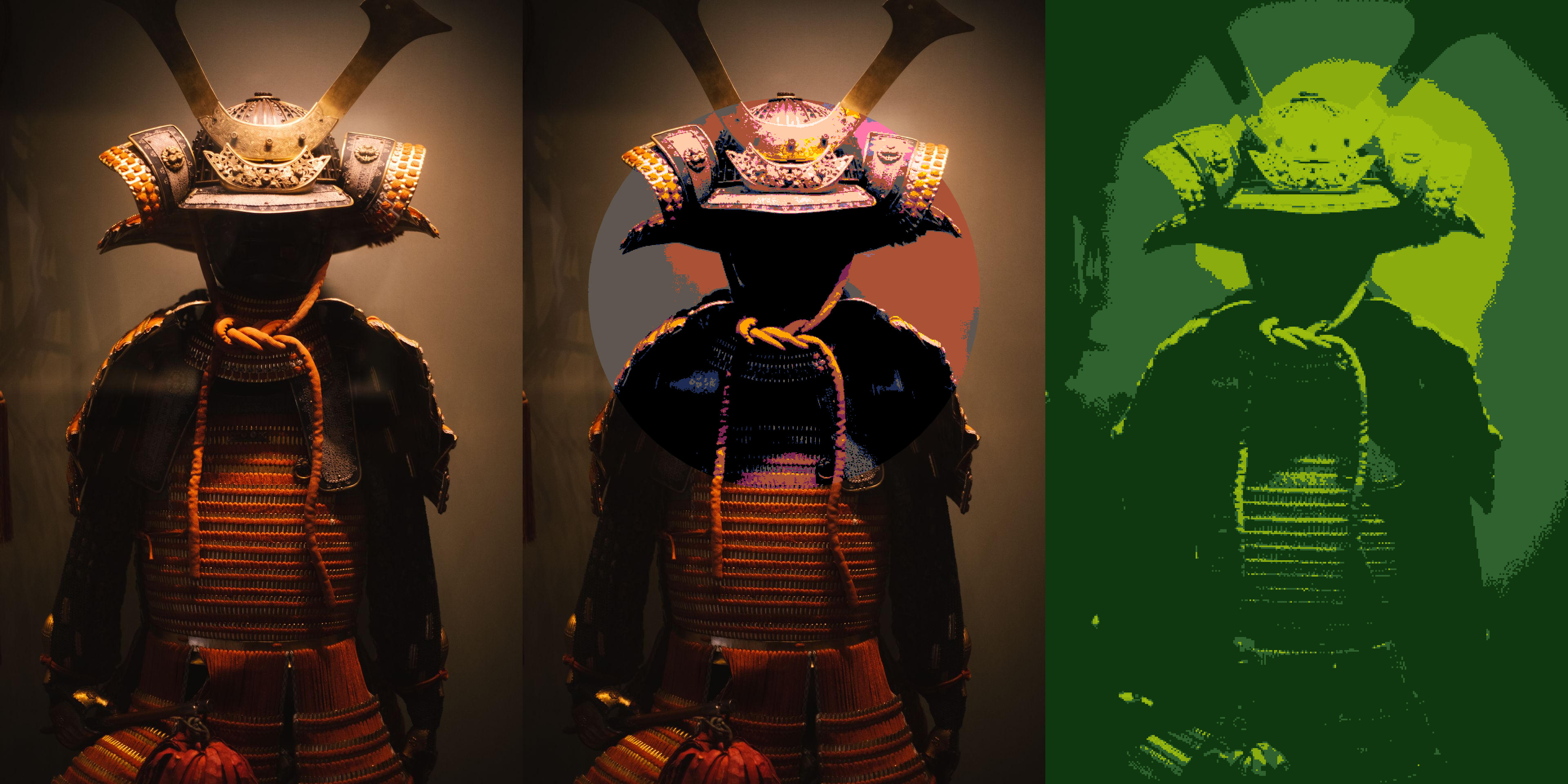
Table of contents
- Installation
- Quick start
- Core concepts
- Effect catalogue
- Palettes
- Selections
- Pipelines
- Codec features
- Examples
- Benchmarks
- Minimum supported Rust version
- Errors
- Licence
Installation
Or add Ditherlib directly to Cargo.toml:
[]
= "1"
JPEG and PNG support are enabled by default. See Codec features to select other formats.
Quick start
Read an image, apply a black-and-white threshold, and write the result:
use ;
The quick_start example
is the runnable version.
Core concepts
SourceImageowns immutable RGBA8 source pixels. Load one withread, or construct one from decoded pixels withSourceImage::from_rgba8.- An
Effectdescribes one transformation. Effects can be reused across renders and configured through builder methods. - A
Selectionlimits an effect to the whole image, an anti-aliased polygon, or a custom coverage mask. Rendererapplies effects and returns an ownedRenderedImage. Reusing a renderer also reuses its internal working buffers.Pipelineapplies several selected effects in order. Every render begins from the unchanged source image.
The prelude
collects common imports. Specific imports remain available under their effect
families, such as effects::dither::diffusion::ErrorDiffusion.
Effect catalogue
| Effect | Purpose |
|---|---|
Greyscale |
Convert RGB pixels to greyscale while preserving alpha. |
Blur |
Apply Gaussian blur with a configurable sigma. |
Threshold |
Map sampled logical pixels directly to a palette. |
OrderedDither |
Dither with Bayer, artistic, blue-noise, or custom threshold maps. |
NoiseDither |
Apply deterministic white-noise or blue-noise dithering. |
Halftone |
Render a palette through geometric print-style screens. |
ColourHalftone |
Screen RGB or CMYK channels independently. |
ErrorDiffusion |
Use one of fourteen diffusion presets or a custom kernel. |
OstromoukhovDither |
Apply tone-adaptive variable-coefficient diffusion. |
RiemersmaDither |
Diffuse error along a Hilbert curve. |
Threshold, ordered, noise, error-diffusion, Ostromoukhov, and Riemersma effects share logical-pixel sizing, grid offsets, and sampling controls. The API documentation covers every parameter and validation rule.
Palettes
Palette includes black-and-white, greyscale, Game Boy, CGA, PICO-8, and
monochrome presets. You can also supply custom colours or derive a palette from
a source image:
use ;
Palette matching supports gamma-encoded RGB, linear RGB, and Oklab colour
spaces, with full-colour or luminance-only matching. See the
palettes example
for built-in, custom, derived, and perceptual palettes.
Selections
Use Selection::All for the whole image, Selection::Polygon for an
anti-aliased geometric region, or Selection::Mask for custom per-pixel
coverage. Polygons can be rectangles, centred squares, regular polygons, or
arbitrary validated vertices.
The selections example
shows whole-image and polygon rendering.
Pipelines
A pipeline applies effects in insertion order, so each step receives the result of the previous step:
use ;
use ;
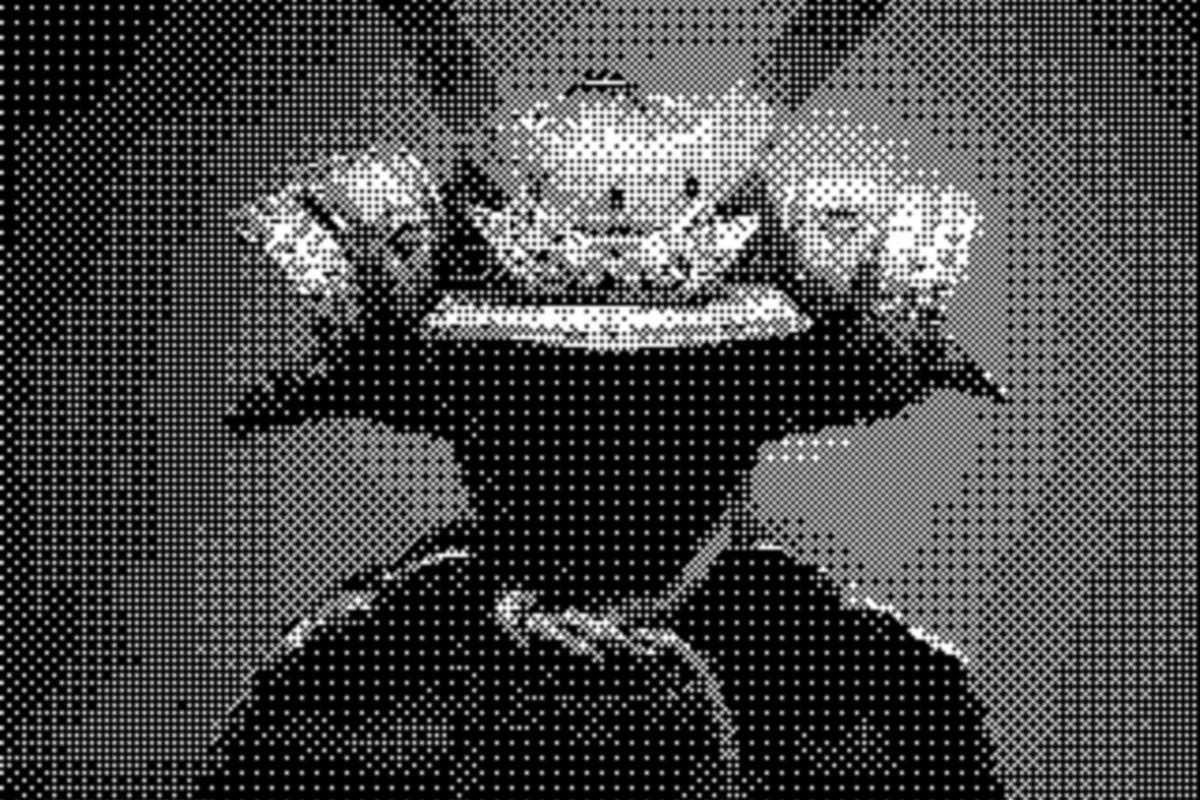
See the runnable pipeline example.
Codec features
The default jpeg and png features can be replaced with any supported image
codecs:
[]
= { = "1", = false, = ["png", "webp"] }
Available features are avif, bmp, dds, exr, ff, gif, hdr, ico,
jpeg, png, pnm, qoi, tga, tiff, and webp. Processing algorithms
compile without codec features when images are supplied through
SourceImage::from_rgba8.
Examples
Every example accepts an input path and output directory:
| Example | Demonstrates |
|---|---|
quick_start |
Reading, thresholding, rendering, and writing. |
ordered_dither |
Ordered dithering with custom logical pixels. |
error_diffusion |
Floyd-Steinberg, Ostromoukhov, and Riemersma. |
halftone |
Monochrome and colour halftones. |
palettes |
Built-in, custom, derived, and perceptual palettes. |
selections |
Whole-image and polygon selections. |
pipeline |
A multi-effect rendering pipeline. |
comparison |
A visual overview of the major algorithm families. |
Benchmarks
The Criterion suite covers every effect and configuration family across deterministic in-memory fixtures. See the benchmark guide for the complete matrix, measurement boundaries, HTML reports, and baseline workflow.
Minimum supported Rust version
Ditherlib requires Rust 1.88 or newer.
Errors
Fallible operations return ditherlib::Result<T>. DitherError::kind()
provides stable ErrorKind categories for matching, while the error display
and source retain diagnostic detail. JPEG output discards alpha because the
format does not support transparency.
Licence
Licensed under the Apache License 2.0.
Example image attribution is recorded in the assets documentation.