
danger-write-0.1.3 is not a library.
danger-write
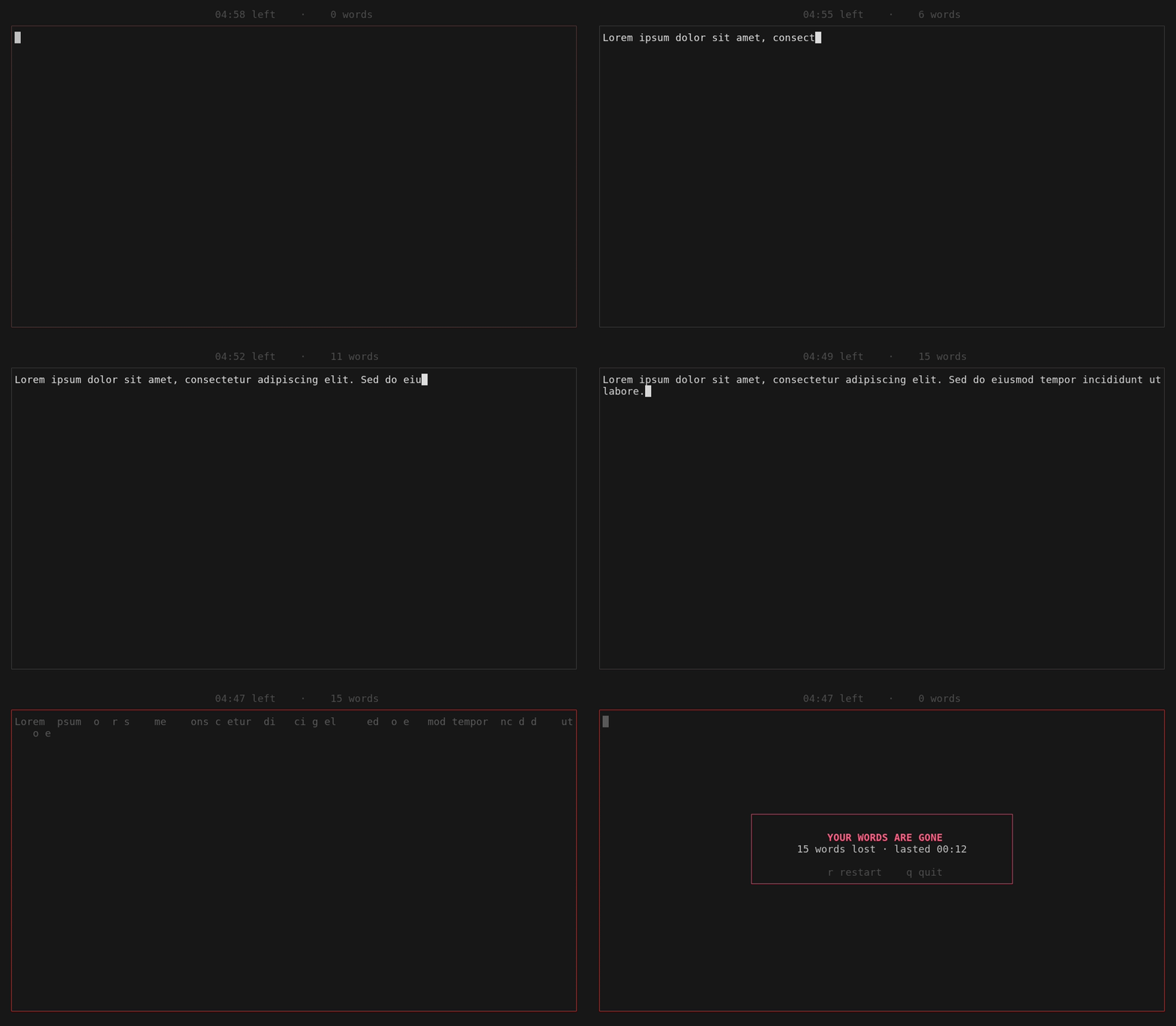
A writing app that forces you to keep writing. If you stop typing for too long, the words you've written fade out and are erased. Reach your goal (a time limit or a word count) to survive and copy your text.
Install
Or build from source:
Usage
Options
| Flag | Description |
|---|---|
-t, --time <MINUTES> |
Survive by writing for this long (default: 5) |
-w, --words <N> |
Survive by reaching this many words |
-i, --idle <SECONDS> |
Idle time before your words are erased (default: 3) |
-h, --help |
Show help |
Keys
- While writing: just type.
Ctrl+Cto quit. - After you win:
cto copy your text to the clipboard,qto quit. - After you fail:
rto restart,qto quit.
Clipboard
Copying uses whatever clipboard tool is available: wl-copy, xclip, or
xsel on Linux, pbcopy on macOS, clip on Windows. On Linux you may need to
install one (e.g. wl-clipboard); macOS and Windows work out of the box.