# cargo-instruments
Easily generate [Instruments] traces for your rust crate.
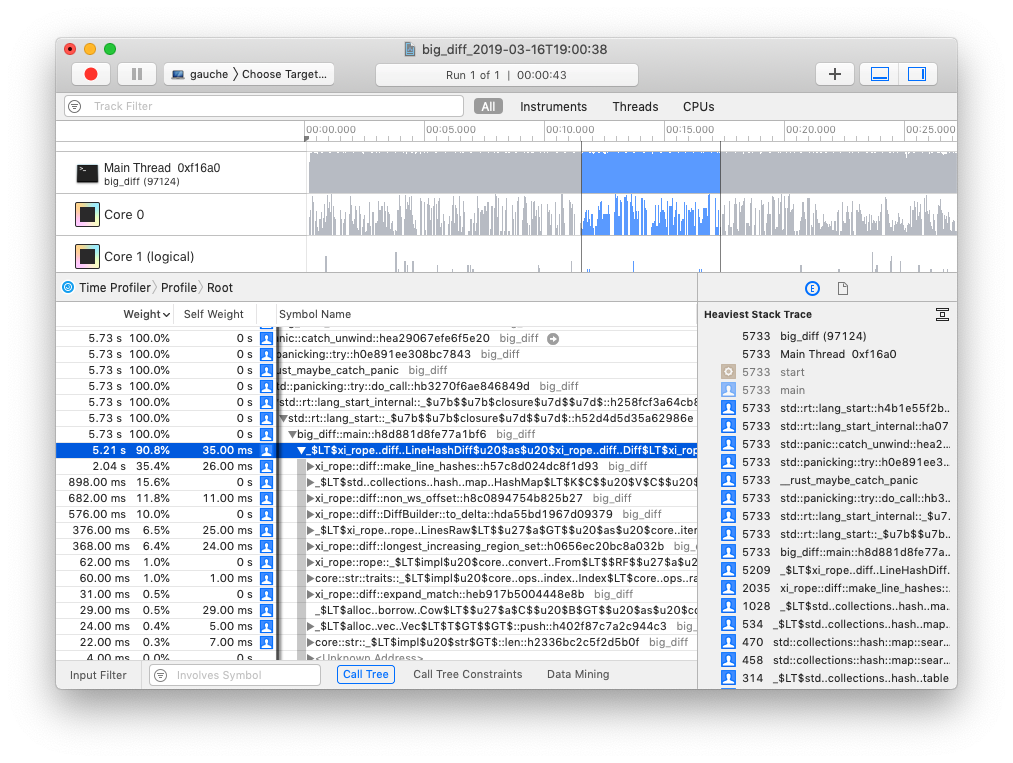
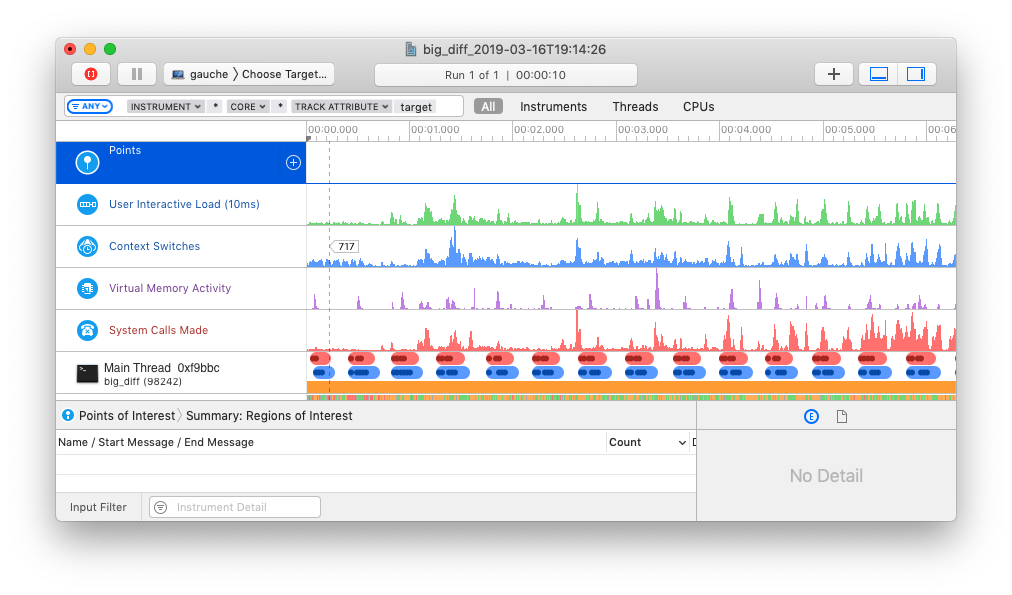
`cargo-instruments` is glue between cargo and Xcode's bundled profiling suite.
It allows you to easily profile any binary in your crate, generating files
that can be viewed in the Instruments app.
## Installation
First, ensure that you are running macOS, with Cargo, Xcode, and the Xcode Command Line
Tools installed; then install with **`cargo install cargo-instruments`**.
## Use
### basic usage
`cargo-instruments` requires a binary target to run. By default, it will try to
build the current crate's `main.rs`. You can specify an alternative binary by
using the `--bin` or `--example` flags.
_Generate a new trace file_ (by default saved in `/target/instruments`)
```sh
$ cargo instruments [-t template] [--bin foo | --example bar] [--out out_file]
```
_Open the file in Instruments.app_ (or pass `--open` to open automatically)
```sh
$ open target/instruments/my_bin_YYYY-MM-DD-THH:MM:SS.trace
```
### Templates
Instruments has the concept of 'templates', which describe sets of dtrace probes
that can be enabled. `cargo-instruments` will use the "[Time Profiler][Time
Profiler]", which collects CPU core and thread use.
### examples
```sh
# View all args and options
$ cargo instruments --help
```
```sh
# profile the main binary with the Allocations template
$ cargo instruments -t alloc
```
```sh
# profile examples/my_example.rs, with the default template,
# for 10 seconds, and open the trace when finished
$ cargo instruments --example my_example --limit 10000 --open
```
## Resources
[Instruments Help][Instruments]
### WWDC videos
The best source of information about Instruments is likely the various WWDC
sessions over the years:
- [Profiling in Depth](https://developer.apple.com/videos/play/wwdc2015/412/)
- [Using Time Profiler in Instruments](https://developer.apple.com/videos/play/wwdc2016/418/)
- [System Trace in Depth](https://developer.apple.com/videos/play/wwdc2016/411/)
- [Creating Custom Instruments](https://developer.apple.com/videos/play/wwdc2018/410/)
[Instruments]: https://help.apple.com/instruments/mac/10.0/
[Time Profiler]: https://help.apple.com/instruments/mac/10.0/#/dev44b2b437