
A simple [Nostr](https://nostr.how) client with a [gemini](https://geminiprotocol.net) interface.
The beauty of the Nostr protocol combined with the simplicity of Gemini.
- Remote signer (bunker)
- Encrypted private messages (NIP-17)
- Polls
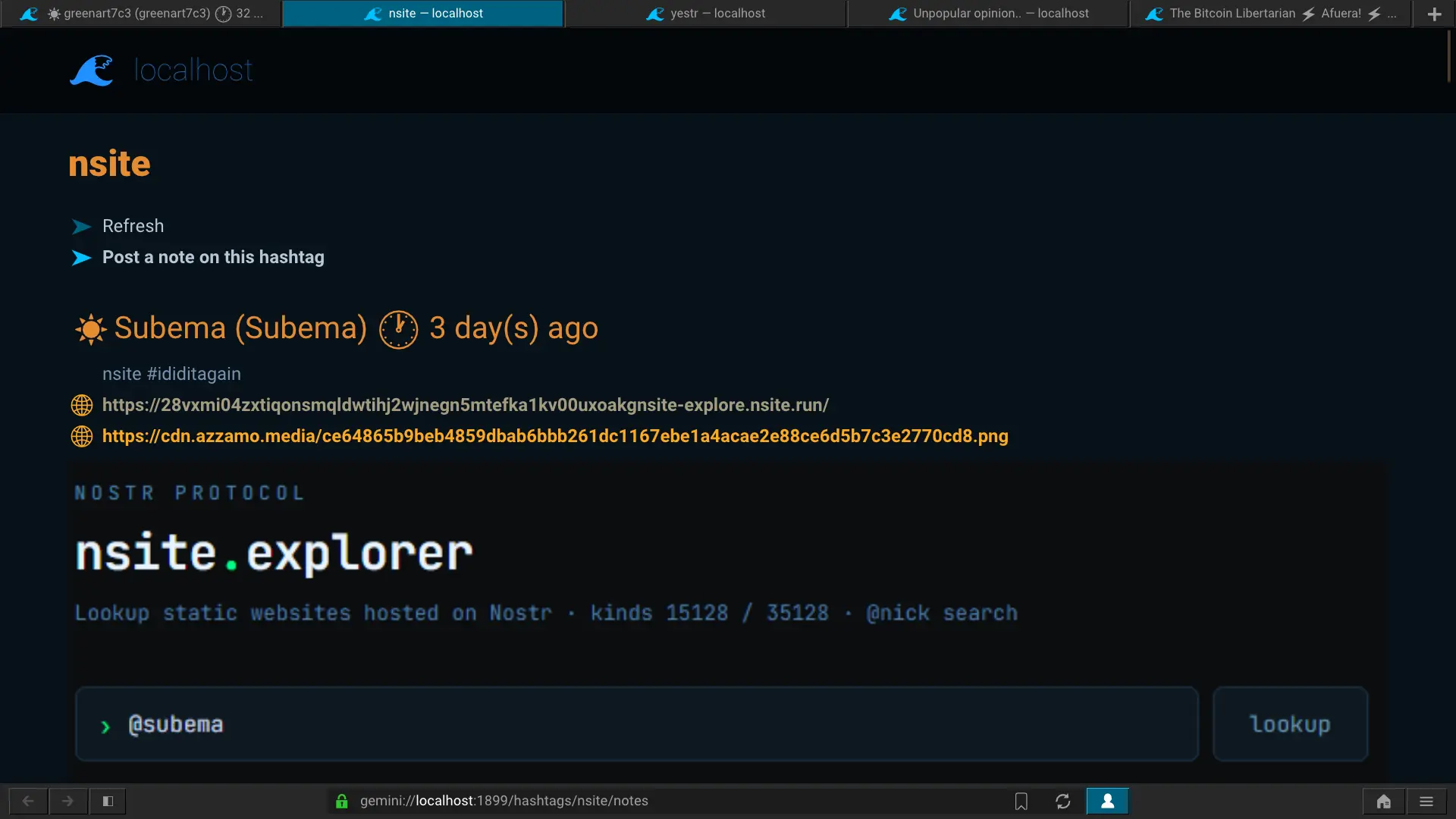
- Hashtags browser
- [Nsite](https://nsite.run) browser
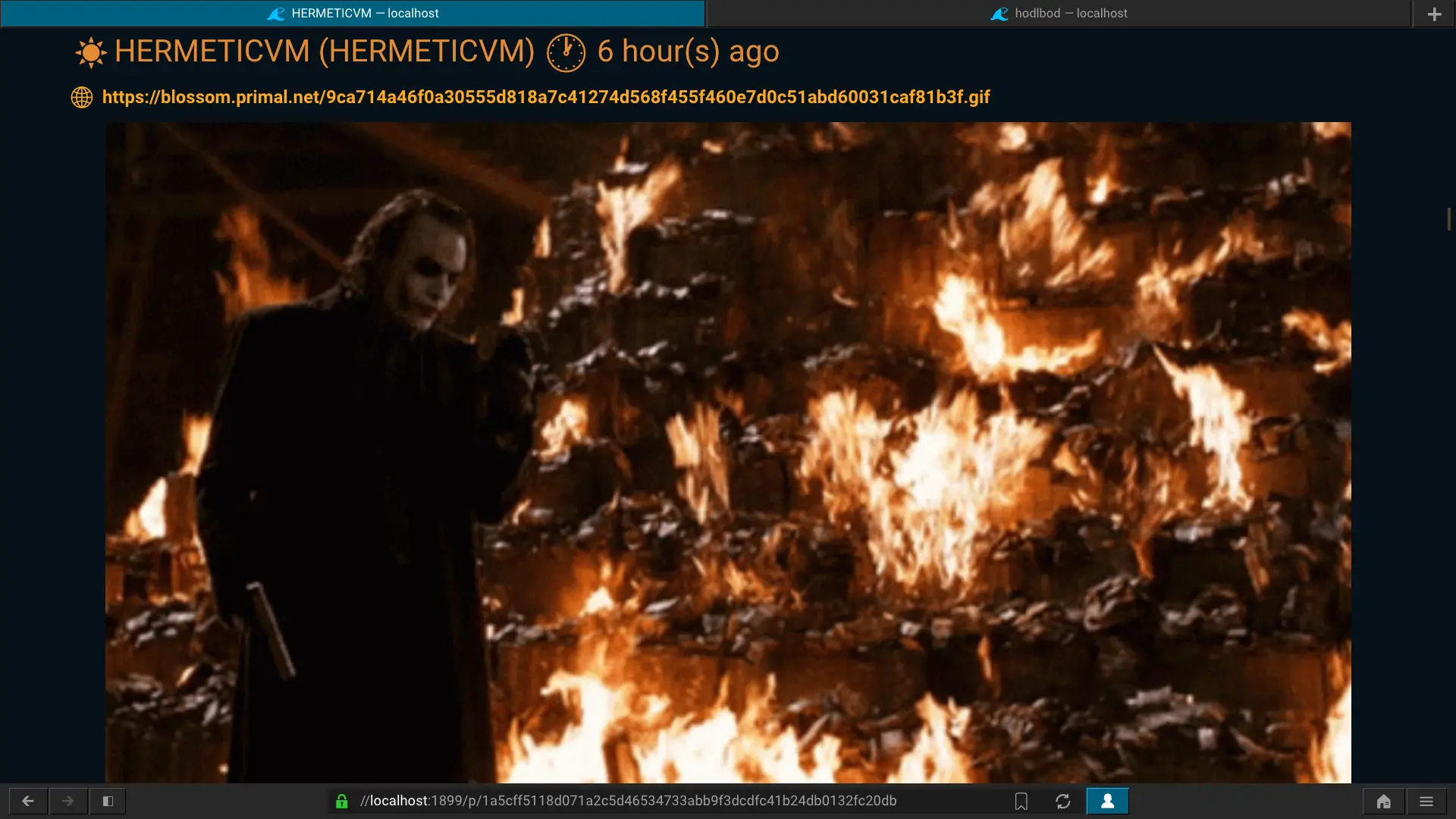
- Note drafts with Titan. Upload files and include them in your notes.
- Long-form notes rendering (markdown => gemtext)
- Supports file uploads to blossom servers ([Titan](https://communitywiki.org/wiki/Titan) => [Blossom](https://github.com/hzrd149/blossom))
*caracal* is written in Rust and uses the [rust-nostr](https://rust-nostr.org) SDK.


## Install
### Cargo
```sh
cargo install caracal
```
### GitLab
You can download the latest binary release for Linux
[here](https://gitlab.com/cipres/caracal/-/releases/continuous-master/downloads/caracal).
```sh
curl -L -o ~/.local/bin/caracal https://gitlab.com/cipres/caracal/-/releases/continuous-master/downloads/caracal
chmod +x ~/.local/bin/caracal
```
### AppImage
There's also an AppImage that bundles both *caracal* and *Lagrange* (when you run it,
you will automatically land on the homepage). You can download
it [here](https://gitlab.com/cipres/caracal/-/releases/continuous-master/downloads/caracal-x86_64.AppImage).
```sh
curl -L -o caracal-x86_64.AppImage https://gitlab.com/cipres/caracal/-/releases/continuous-master/downloads/caracal-x86_64.AppImage
chmod +x ./caracal-x86_64.AppImage
./caracal-x86_64.AppImage
```
## Usage
To use *caracal*, you'll need to use a Gemini browser like
[Lagrange](https://gmi.skyjake.fi/lagrange/).
Start *caracal*, open Lagrange and go to [gemini://localhost](gemini://localhost).
You should see a page telling you that you need to use a X509 Gemini certificate.
From Lagrange, create an identity by selecting
*New identity for domain* in the identities controller menu (top-right corner).
Lagrange will then always use this certificate to access caracal.
*caracal* maps your Gemini identity to your Nostr identity, therefore you can
have multiple Nostr identities by creating different Gemini certificates and
switching between them.
### Remote signer (Nostr Connect)
If you want to use a remote signer (bunker), create an identity in Lagrange
(*New identity for domain*), click on *More*, and set the *Organization*
field's value to **nostr**. After creating the identity, activate it and you will
be prompted for the *Nostr Bunker URI*. Copy-paste your bunker URI and send it.
You should now be connected to the remote signer.
### Web content
To show embedded images in nostr notes, you just need to run a web-to-gemini
proxy like [levior](https://gitlab.com/cipres/levior) and
[configure](https://gitlab.com/cipres/levior#lagrange) Lagrange to use the proxy.
### Drafts
*caracal* supports writing and editing note drafts using the
[titan](https://communitywiki.org/wiki/Titan) protocol. Click on *New draft*
in the homepage and you should get a Titan dialog window from Lagrange. Be sure
to select the correct identity.
Once you've uploaded your draft, you can edit it by just pressing *Ctrl+e*.
You can attach files to your note by clicking on *Upload file* in the note.
Files are uploaded to a Blossom server.
Just click on *Post note* when you're ready to send it.
## Donations
Monero: 46CAwqF4zwjL3Pe1oxtr2AGbmzLFY4rp6eAGkiDbAfYnYCAx8C47dex2XGb6VqXDUoYEZmemLzKxT1wkjFU6ebk23DensvR