# cachefetch
cachefetch is very fast, configurable CLI fetch tool thats shows your cache file sizes in your disk.
[](https://crates.io/crates/cachefetch)
[](https://github.com/ErenayDev/cachefetch/actions/workflows/ci.yml)
[](https://wakatime.com/badge/user/1e0ec045-1710-4978-8b0d-7fc3982a2b32/project/6fc0e200-1eaa-40a3-867a-2e5838e6f6d2)
## Preview
<img src="assets/cachefetch.png" />
## Benchmark
| System Detection | ~6.3 μs | Detecting OS and loading cache paths |
| Full Cache Scan | ~199 ms | Complete scan of all cache directories |
#### Ran on Micron 256GB NVmE SSD
## Installation
<a href="https://repology.org/project/rust%3Acachefetch/versions">
<img src="https://repology.org/badge/vertical-allrepos/rust%3Acachefetch.svg?columns=2" alt="Packaging status" align="right">
</a>
### Arch Linux / AUR
Just a placeholder now. Coming soon..
### Nix / NixOS
Just a placeholder now. Coming soon..
### Prebuilt Binaries
You can download prebuilt binaries for **Linux**, **Windows** and **macOS** from the [Releases page](https://github.com/ErenayDev/cachefetch/releases).
| **Generic Linux** | `.tar.gz` | The most universal build. Extract and run the binary. |
| **Debian / Ubuntu** | `.deb` | Install using `dpkg`. |
| **Fedora / CentOS / openSUSE** | `.rpm` | For all RPM-based systems. |
| **Windows** | `.exe` or `.zip` | The standalone **`.exe`** is ready to run. The **`.zip`** contains the executable. |
| **macOS** | `.tar.gz` | Extract and run the binary. |
Or you can directly install prebuilt binary with [binstall](https://github.com/cargo-bins/cargo-binstall).
```bash
cargo binstall cachefetch
```
### From Source
Requires **Rust** and **Cargo**:
```bash
git clone https://github.com/ErenayDev/cachefetch.git
cd cachefetch
cargo install --path .
```
After installation, you can run `cachefetch` in your terminal.
## Configuration
Just a placeholder now. Coming soon..
## Star History
[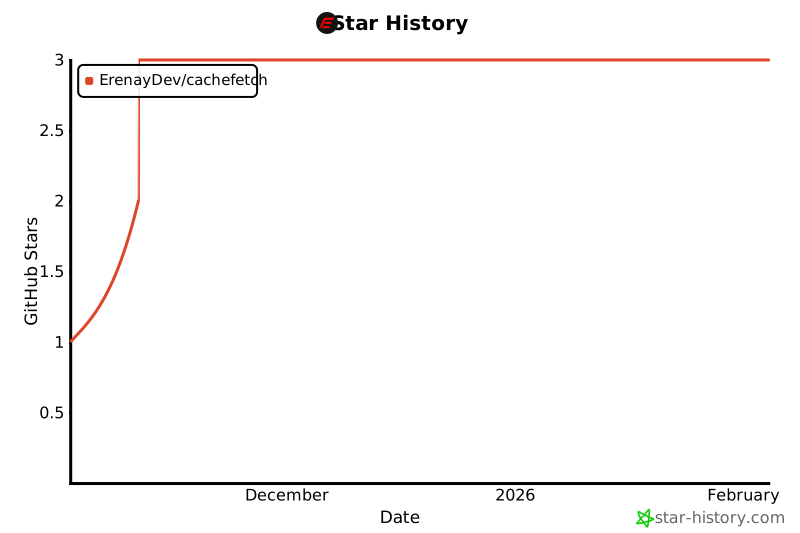](https://www.star-history.com/#ErenayDev/cachefetch&type=date&legend=top-left)
## Contributing
Contributions are welcome! Here is how can you:
1. **Fork** this repository.
2. **Clone** your fork locally:
```bash
git clone https://github.com/YOUR_USERNAME/cachefetch.git
cd cachefetch
```
3. **Create a branch** for your changes:
```bash
git checkout -b feature/my-feature
```
4. **Make changes** and **commit**:
```bash
git add .
git commit -m "Add my feature"
```
5. **Push** your branch:
```bash
git push origin feature/my-feature
```
6. **Open a Pull Request** on [GitHub](https://github.com/ErenayDev/cachefetch/compare)!
---
Created with 🩵 by [ErenayDev](https://erenaydev.com.tr)