# byteblitz
<p align="center">
<img src="assets/logo.png" width="700" height="auto">
</p>
<p align="center" style="font-weight: bold;">
a command-line tool for viewing the binary content of files in different formats.
</p>
<p align="center">
<a href="https://github.com/noahra/byteblitz"><img alt="GitHub Release" src="https://img.shields.io/github/v/release/noahra/byteblitz"></a>
<a href="https://github.com/noahra/byteblitz"><img alt="GitHub Actions Workflow Status" src="https://img.shields.io/github/actions/workflow/status/noahra/byteblitz/release.yml">
</a>
<a href="https://github.com/noahra/byteblitz"><img alt="GitHub License" src="https://img.shields.io/github/license/noahra/byteblitz">
</a>
</p>
<br>
## Installation
On macOS/Linux, if you are using [Homebrew](https://brew.sh/)
```bash
brew install noahra/homebrew-byteblitz/byteblitz
```
On Windows, if you are using [Scoop](https://scoop.sh)
```bash
scoop bucket add scoop-byteblitz https://github.com/noahra/scoop-byteblitz && scoop install byteblitz
```
On Arch Linux (AUR)
```bash
yay -S byteblitz
```
## Usage
```bash
byteblitz <file>
```
If you want to view values (values larger than a single byte) in little endian format you can use the following environment variable.
```bash
LITTLE_ENDIAN=1 byteblitz <file>
```
## byteblitz in action ✨
You can switch between different formats.
<br><br>

<br><br>
You can scroll through the values inside the file.
<br><br>
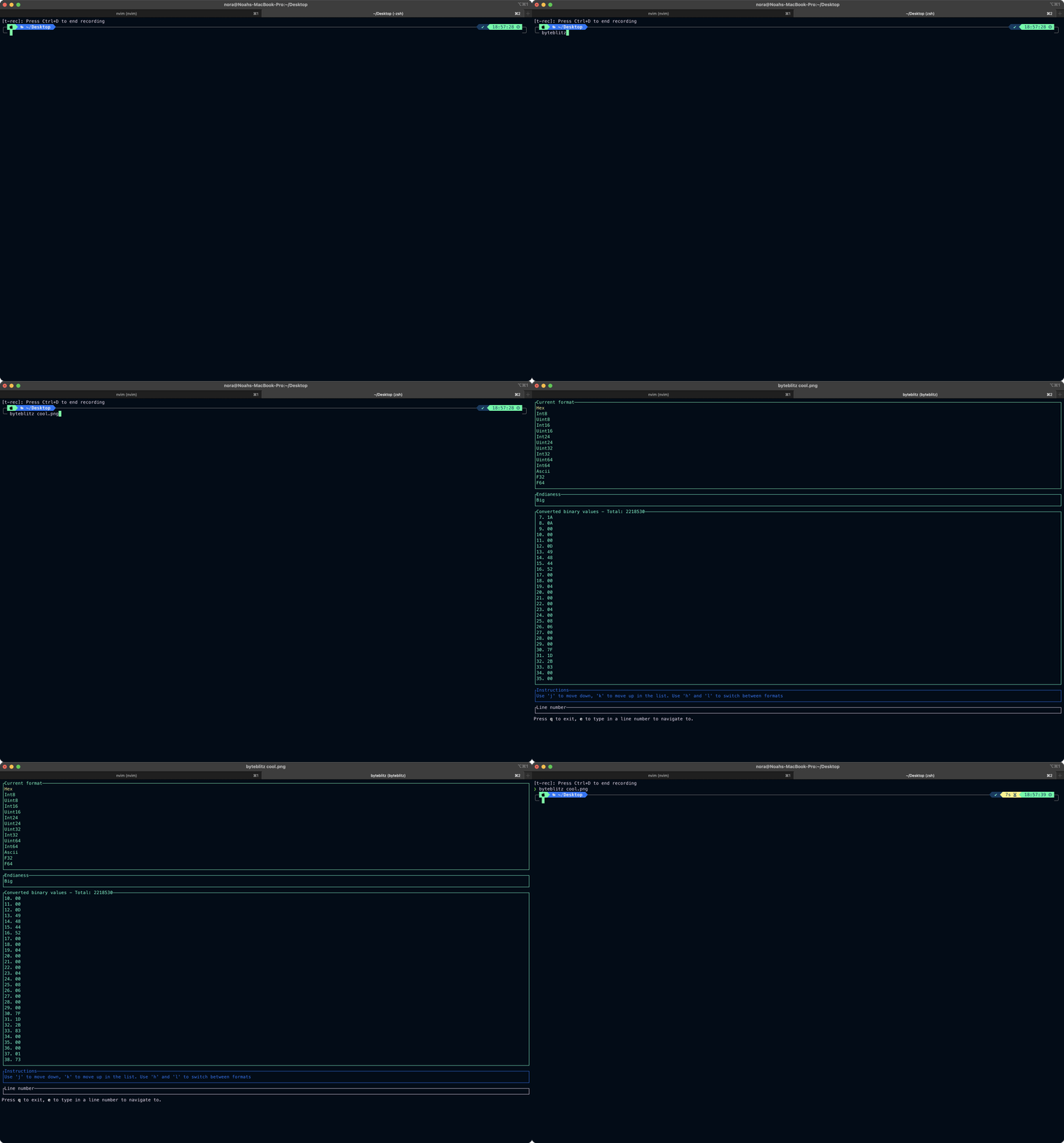
You can even interpret values in little-endian format
<br><br>
