# Quickstart
## Embedded graphics simulator
To run examples, you'll need to follow the instructions in the [embedded-graphics-simulator](https://github.com/embedded-graphics/simulator)
README to install sdl2.
## Add dependencies
```toml
# Cargo.toml
[dependencies]
buoyant = "0.5"
embedded-graphics = "0.8"
embedded-graphics-simulator = "0.7.0"
```
## Hello World
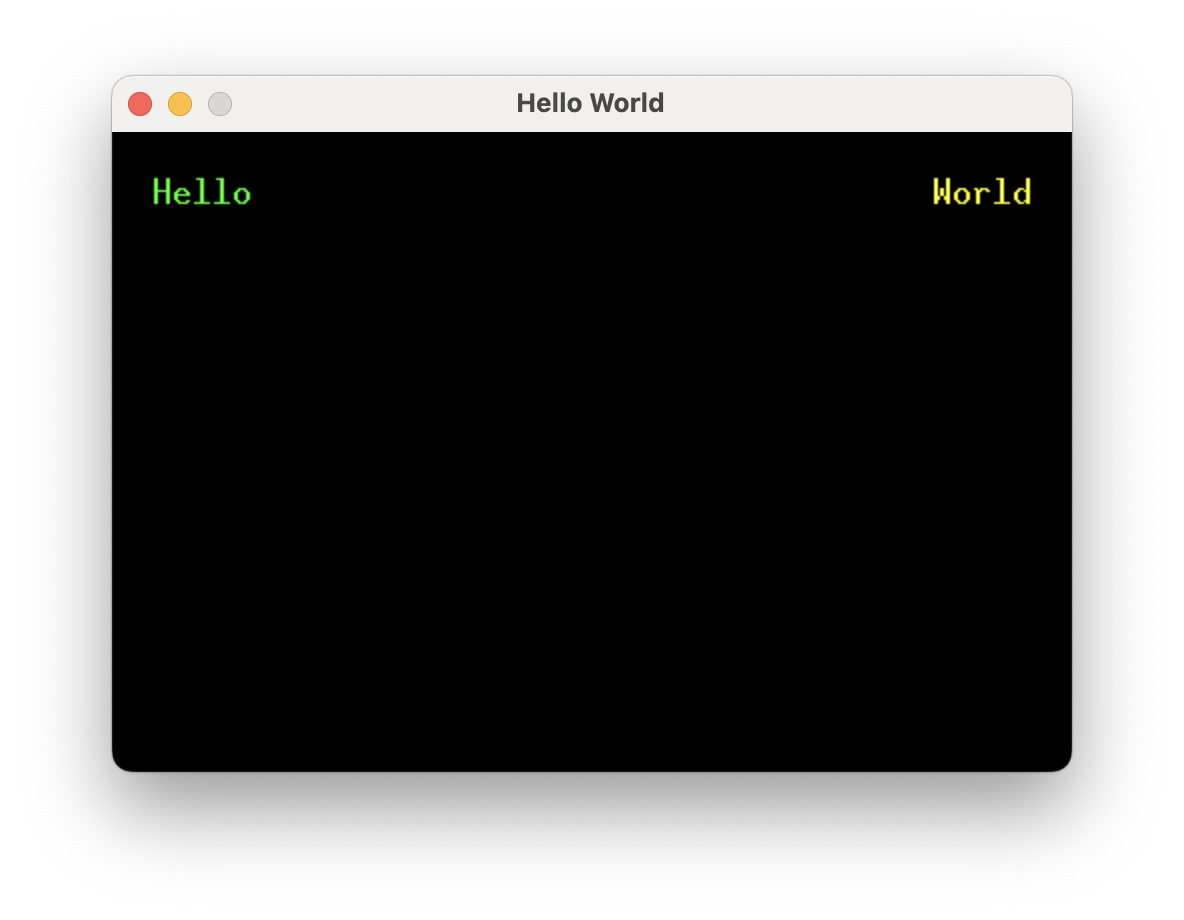
Running this example will result in the words "Hello" (green) and "World" (yellow)
separated by as much space as possible, with 20 pixels of padding around the edges.
```rust,no_run
# extern crate buoyant;
# extern crate embedded_graphics;
# extern crate embedded_graphics_simulator;
#
{{#include quickstart.rs:all}}
```
This is more or less the bare minimum to get a window up and running with the simulator.
A window and a display framebuffer are created. `display` conforms to
`embedded_graphics::DrawTarget<Color = Rgb888>` and is what you'll render content into.
The framebuffer is cleared to the background color, the view is rendered, and finally the
framebuffer is displayed.
> `AsDrawable::as_drawable` is doing all the heavy lifting here. It takes care of laying
> out the view within the provided size and then rendering it to the draw target.
## View Body
```rust
# extern crate buoyant;
# extern crate embedded_graphics;
#
# use buoyant::view::prelude::*;
# use embedded_graphics::{mono_font::ascii::FONT_10X20, pixelcolor::Rgb888, prelude::*};
#
{{#include quickstart.rs:view}}
```
The view body returned from this function simply encodes the structure and relationships between
elements, along with holding references to resources like text and fonts. Note it has no notion
of size or position.
This is an example of a component view. Unlike SwiftUI where views are types, Buoyant components
are functions (sometimes on types). You can take this view and compose it with other views
the same way built-in components like `Text` are used.
Because embedded-graphics displays come in a wide variety of color spaces, component views
must also specify a color space. Often it's useful to alias this to make migration to another
screen easy, with e.g. `type color_space = Rgb888`.