# Stacks
## Adjacent layout
`HStack` and `VStack` are the primary tools you'll use to arrange views side-by-side in Buoyant.
Both stacks can contain a heterogeneous set of views and can be nested inside other stacks.
```rust,no_run
# extern crate buoyant;
# extern crate embedded_graphics;
# extern crate embedded_graphics_simulator;
# use embedded_graphics::{pixelcolor::Rgb888, prelude::*};
# use embedded_graphics_simulator::{OutputSettings, SimulatorDisplay, Window};
#
# const BACKGROUND_COLOR: Rgb888 = Rgb888::CSS_DARK_SLATE_GRAY;
# const DEFAULT_COLOR: Rgb888 = Rgb888::WHITE;
#
# fn main() {
# let mut window = Window::new("Example", &OutputSettings::default());
# let mut display: SimulatorDisplay<Rgb888> = SimulatorDisplay::new(Size::new(480, 320));
#
# display.clear(BACKGROUND_COLOR).unwrap();
#
# view()
# .as_drawable(display.size(), DEFAULT_COLOR)
# .draw(&mut display)
# .unwrap();
#
# window.show_static(&display);
# }
#
use buoyant::view::prelude::*;
fn view() -> impl View<Rgb888> {
HStack::new((
Circle.foreground_color(Rgb888::CSS_CORAL),
Rectangle
.corner_radius(25)
.foreground_color(Rgb888::CSS_DARK_ORCHID),
))
}
```
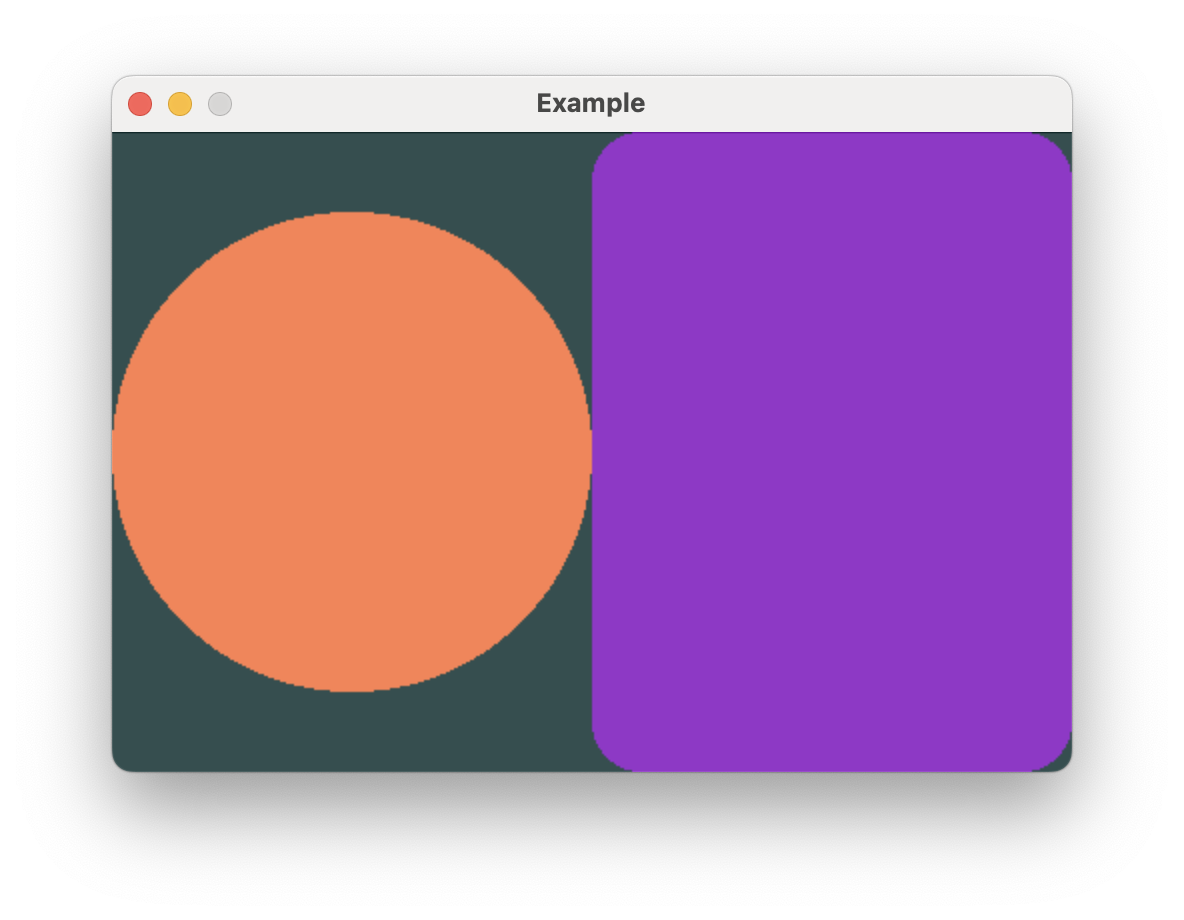
In this example, you can see ``HStack`` fairly offers both views half the available width.
``Rectangle`` greedily takes all the offered space on both axes, while ``Circle`` only takes
space greedily on the shorter axis to retain its square aspect ratio.
## Arranging views on top of each other
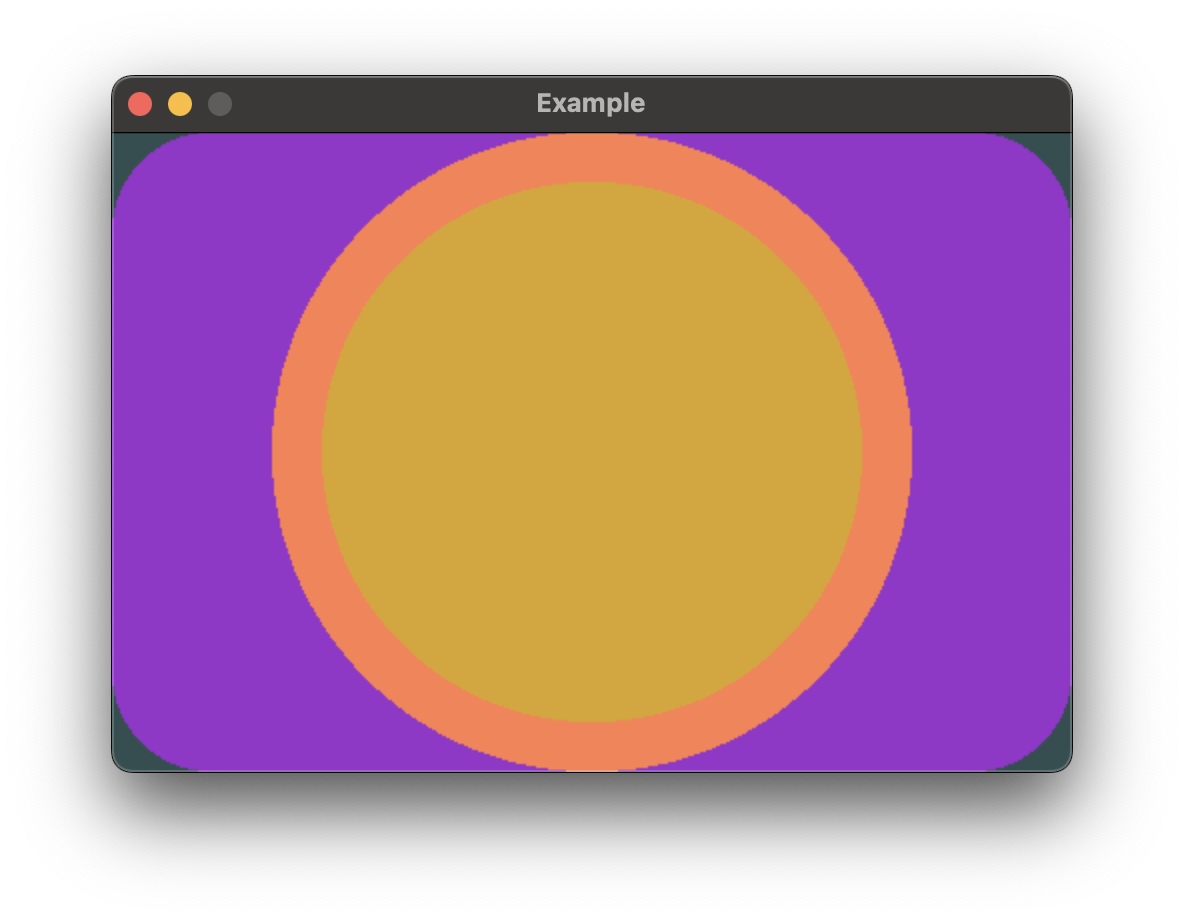
`ZStack` can be used to overlay views on top of each other. Like `HStack` and `VStack`,
it can contain a heterogeneous set of views.
```rust,no_run
# extern crate buoyant;
# extern crate embedded_graphics;
# extern crate embedded_graphics_simulator;
# use embedded_graphics::{pixelcolor::Rgb888, prelude::*};
# use embedded_graphics_simulator::{OutputSettings, SimulatorDisplay, Window};
#
# const BACKGROUND_COLOR: Rgb888 = Rgb888::CSS_DARK_SLATE_GRAY;
# const DEFAULT_COLOR: Rgb888 = Rgb888::WHITE;
#
# fn main() {
# let mut window = Window::new("Example", &OutputSettings::default());
# let mut display: SimulatorDisplay<Rgb888> = SimulatorDisplay::new(Size::new(480, 320));
#
# display.clear(BACKGROUND_COLOR).unwrap();
#
# view()
# .as_drawable(display.size(), DEFAULT_COLOR)
# .draw(&mut display)
# .unwrap();
#
# window.show_static(&display);
# }
#
use buoyant::view::prelude::*;
fn view() -> impl View<Rgb888> {
ZStack::new((
Rectangle
.corner_radius(50)
.foreground_color(Rgb888::CSS_DARK_ORCHID),
Circle.foreground_color(Rgb888::CSS_CORAL),
Circle
.foreground_color(Rgb888::CSS_GOLDENROD)
.padding(Edges::All, 25),
))
}
```
The `.padding()` modifier is useful here to create space around the topmost yellow circle.
## Combining Stacks
Stacks can be nested to create complex layouts.

```rust,no_run
# extern crate buoyant;
# extern crate embedded_graphics;
# extern crate embedded_graphics_simulator;
# use embedded_graphics::{pixelcolor::Rgb888, prelude::*};
# use embedded_graphics_simulator::{OutputSettings, SimulatorDisplay, Window};
#
# const BACKGROUND_COLOR: Rgb888 = Rgb888::CSS_DARK_SLATE_GRAY;
# const DEFAULT_COLOR: Rgb888 = Rgb888::WHITE;
#
# fn main() {
# let mut window = Window::new("Example", &OutputSettings::default());
# let mut display: SimulatorDisplay<Rgb888> = SimulatorDisplay::new(Size::new(480, 320));
#
# display.clear(BACKGROUND_COLOR).unwrap();
#
# view()
# .as_drawable(display.size(), DEFAULT_COLOR)
# .draw(&mut display)
# .unwrap();
#
# window.show_static(&display);
# }
#
use buoyant::view::prelude::*;
fn view() -> impl View<Rgb888> {
HStack::new((
VStack::new((
Circle.foreground_color(Rgb888::CSS_GOLDENROD),
Circle.foreground_color(Rgb888::CSS_GHOST_WHITE),
)),
ZStack::new((
Rectangle
.corner_radius(50)
.foreground_color(Rgb888::CSS_DARK_ORCHID),
Rectangle
.corner_radius(25)
.foreground_color(Rgb888::CSS_CORAL)
.padding(Edges::All, 25),
)),
))
}
```
> Stack conformance to the necessary traits is macro-derived up to stacks of 10 views