1
2
3
4
5
6
7
8
9
10
11
12
13
14
15
16
17
18
19
20
21
22
23
24
25
26
27
28
29
30
31
32
33
34
35
36
37
38
39
40
41
42
43
44
45
46
47
48
49
50
51
52
53
54
55
56
57
58
59
60
61
62
63
64
65
66
67
68
69
70
71
72
73
74
75
76
77
78
79
80
81
82
83
84
85
86
87
88
89
90
91
92
93
94
95
96
97
98
99
100
101
102
103
104
105
106
107
108
109
110
111
112
113
114
115
116
117
118
119
120
121
122
123
124
125
126
127
128
129
130
131
132
133
134
135
136
137
138
139
140
141
142
143
144
145
146
147
148
149
150
151
152
153
154
155
156
157
158
159
160
161
162
163
164
165
166
167
168
169
170
171
172
173
174
175
176
177
178
179
180
181
182
183
184
185
186
//! [](https://crates.io/crates/building-blocks)
//! [](https://docs.rs/building-blocks)
//! [](./LICENSE)
//! [](https://crates.io/crates/building-blocks)
//! [](https://discord.gg/CnTNjwb)
//!
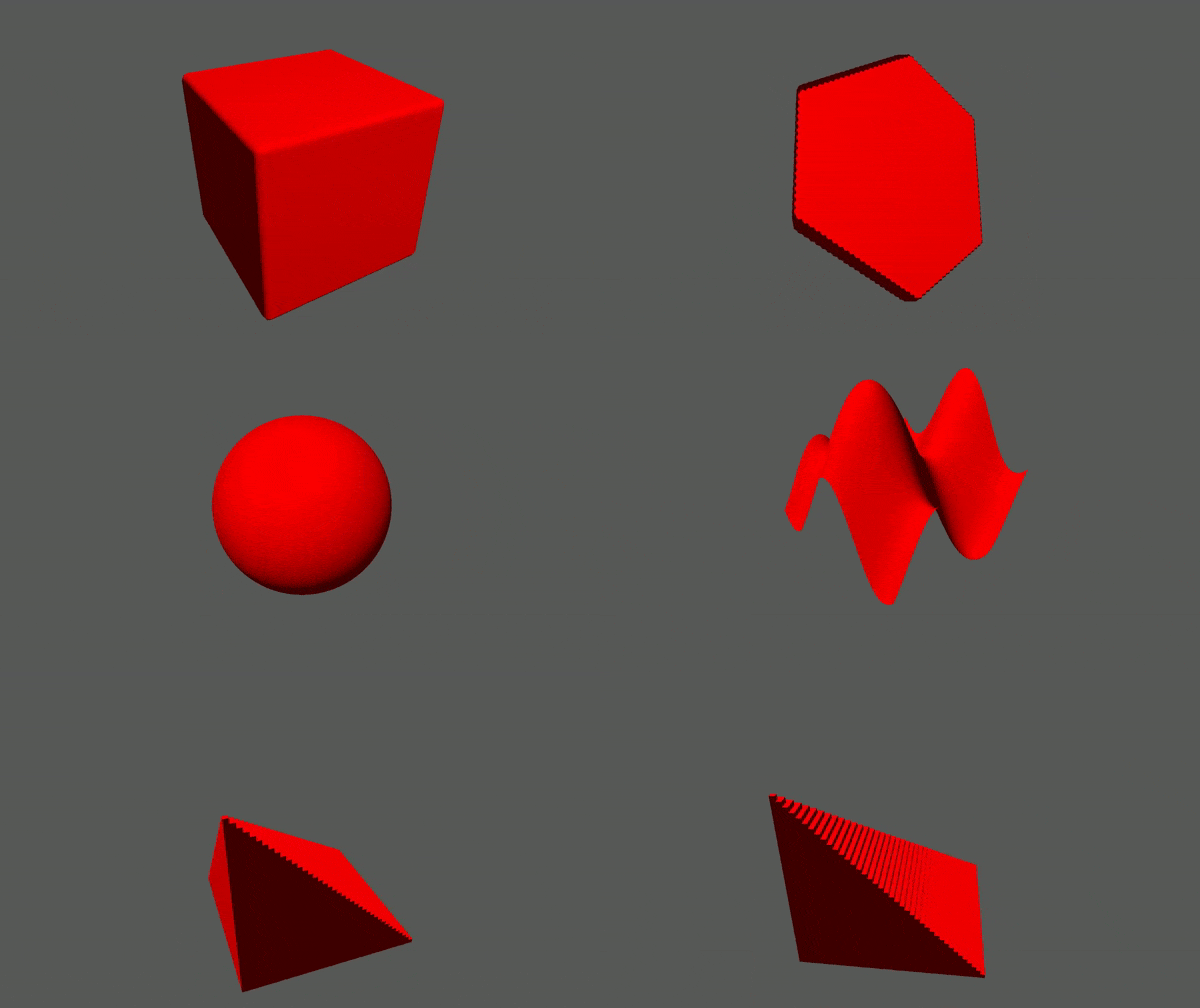
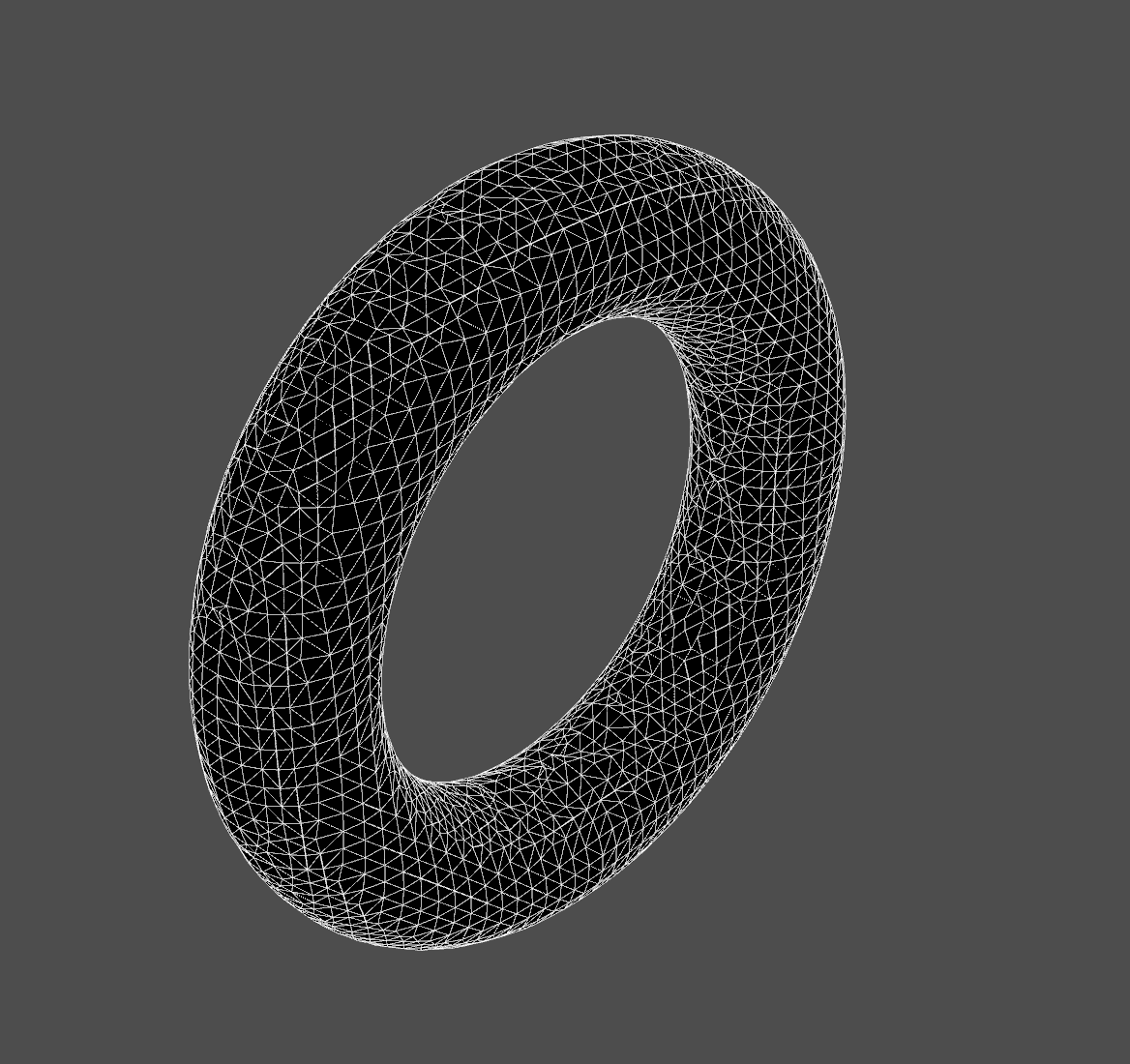
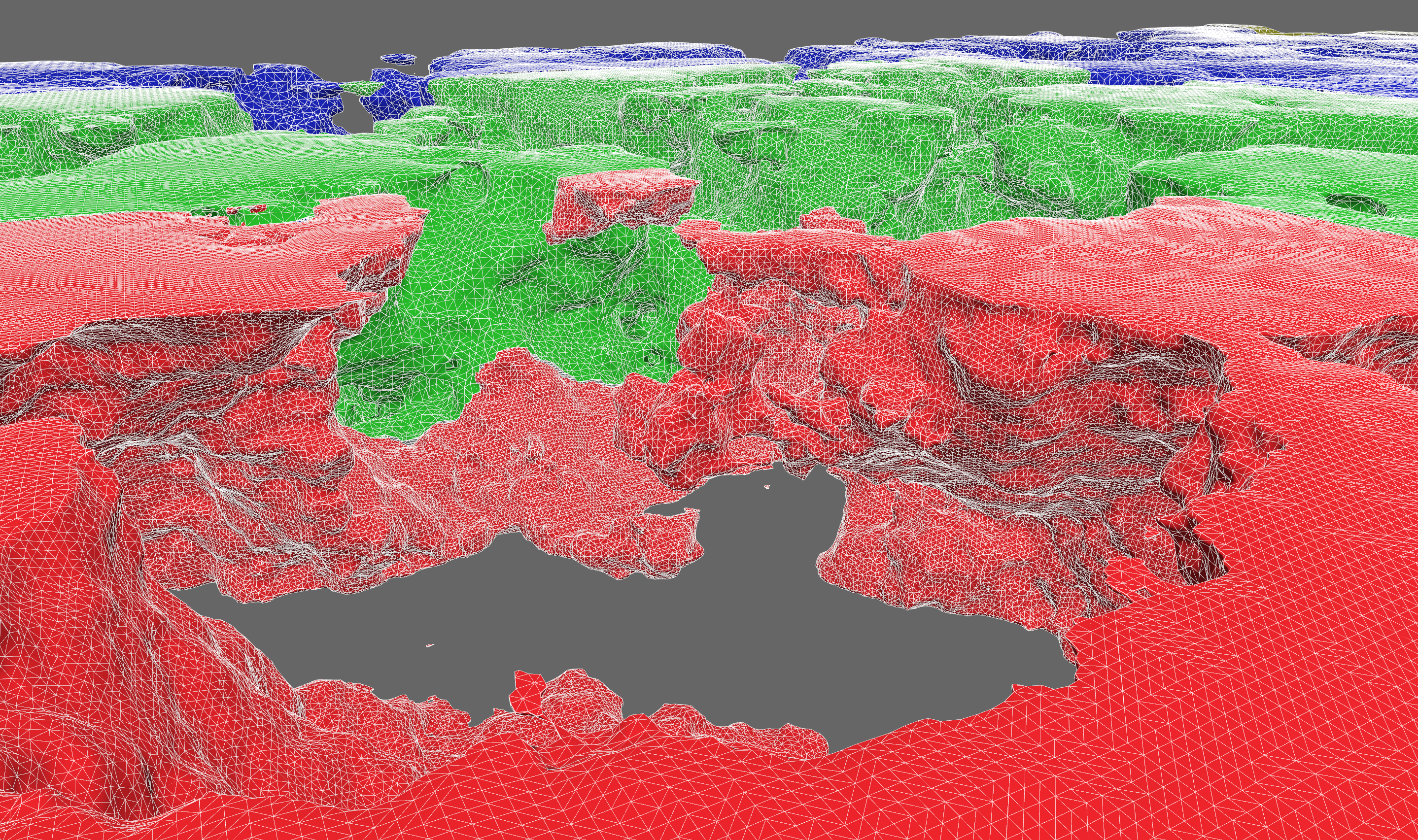
//! Building Blocks is a voxel library for real-time applications.
//!
//! 
//!
//! 
//!
//! 
//!
//! We focus on generally useful data structures and algorithms. Features include:
//!
//! - 2D and 3D data storage
//! - structure-of-arrays (SoA) storage of multiple data channels per spatial dimension
//! - a [`ChunkMap`](crate::storage::chunk::map) with generic chunk storage
//! - chunk caching, compression, and serialization
//! - [`OctreeSet`](crate::storage::octree::set) hierarchical bitset of voxel points
//! - mesh generation
//! - Surface Nets isosurface extraction
//! - Minecraft-style greedy meshing
//! - height maps
//! - spatial queries
//! - sparse traversal and search over octrees
//! - ray casting and sphere casting against octrees with [`ncollide3d`](https://www.ncollide.org/)
//! - Amanatides and Woo ray grid traversal
//! - pathfinding
//! - level of detail
//! - `ChunkMap` can downsample chunks into lower resolutions within the same storage
//! - dynamic 3D clipmap for keeping high detail close to a focal point
//! - multiresolution Surface Nets (TODO)
//! - procedural generation
//! - sampling signed distance fields
//! - constructive solid geometry with [`sdfu`](https://docs.rs/sdfu)
//!
//! # Short Code Example
//!
//! The code below samples a [signed distance field](https://en.wikipedia.org/wiki/Signed_distance_function) and generates a
//! mesh from it.
//!
//! ```
//! use building_blocks::{
//! core::sdfu::{Sphere, SDF},
//! prelude::*,
//! mesh::{SurfaceNetsBuffer, surface_nets},
//! };
//!
//! let center = Point3f::fill(25.0);
//! let radius = 10.0;
//! let sphere_sdf = Sphere::new(radius).translate(center);
//!
//! let extent = Extent3i::from_min_and_shape(Point3i::ZERO, Point3i::fill(50));
//! let mut samples = Array3x1::fill_with(extent, |p| sphere_sdf.dist(Point3f::from(p)));
//!
//! let mut mesh_buffer = SurfaceNetsBuffer::default();
//! let voxel_size = 2.0; // length of the edge of a voxel
//! surface_nets(&samples, samples.extent(), voxel_size, &mut mesh_buffer);
//! ```
//!
//! # Learning
//!
//! ## Design and Architecture
//!
//! There is a terse [design doc](https://github.com/bonsairobo/building-blocks/blob/main/DESIGN.md) that gives an overview of
//! design decisions made concerning the current architecture. You might find this useful as a high-level summary of the most
//! important pieces of code.
//!
//! ## Docs and Examples
//!
//! The current best way to learn about the library is to read the documentation and examples. For the latest stable docs, look
//! [here](https://docs.rs/building_blocks/latest/building_blocks). For the latest unstable docs, clone the repo and run
//!
//! ```sh
//! cargo doc --open
//! ```
//!
//! There is plentiful documentation with examples. Take a look in the `examples/` directory to see how Building Blocks can be
//! used in real applications.
//!
//! ### Getting Started
//!
//! This library is organized into several crates. The most fundamental are:
//!
//! - [**core**](crate::core): lattice point and extent data types
//! - [**storage**](crate::storage): storage for lattice maps, i.e. functions defined on `Z^2` and `Z^3`
//!
//! Then you get extra bits of functionality from the others:
//!
//! - [**mesh**](crate::mesh): 3D mesh generation algorithms
//! - [**search**](crate::search): search algorithms on lattice maps
//!
//! To learn the basics about lattice maps, start with these doc pages:
//!
//! - [point](https://docs.rs/building_blocks_core/latest/building_blocks_core/point/struct.PointN.html)
//! - [extent](https://docs.rs/building_blocks_core/latest/building_blocks_core/extent/struct.ExtentN.html)
//! - [array](https://docs.rs/building_blocks_storage/latest/building_blocks_storage/array/index.html)
//! - [access traits](https://docs.rs/building_blocks_storage/latest/building_blocks_storage/access/index.html)
//! - [chunk map](https://docs.rs/building_blocks_storage/latest/building_blocks_storage/chunk_map/index.html)
//! - [transform map](https://docs.rs/building_blocks_storage/latest/building_blocks_storage/transform_map/index.html)
//! - [fn map](https://docs.rs/building_blocks_storage/latest/building_blocks_storage/func/index.html)
//! - [octrees](https://docs.rs/building_blocks_storage/latest/building_blocks_storage/octree/index.html)
//!
//! ## Benchmarks
//!
//! To run the benchmarks (using the "criterion" crate), go to the root of a crate and run `cargo bench`. As of version 0.5.0,
//! all benchmark results are posted in the release notes.
//!
//! # Configuration
//!
//! ## LTO
//!
//! It is highly recommended that you enable link-time optimization when using building-blocks. It will improve the performance
//! of critical algorithms like meshing by up to 2x. Just add this to your Cargo.toml:
//!
//! ```toml
//! [profile.release]
//! lto = true
//! ```
//!
//! ## Cargo Features
//!
//! Building Blocks is organized into several crates, some of which are hidden behind features, and some have features
//! themselves, which get re-exported by the top-level crate. Some features are enabled by default. You can avoid taking
//! unnecessary dependencies by declaring `default-features = false` in your `Cargo.toml`:
//!
//! ```toml
//! [dependencies.building-blocks]
//! version = "0.6"
//! default-features = false
//! features = ["foo", "bar"]
//! ```
//!
//! ### Math Type Conversions
//!
//! The `PointN` types have conversions to/from [`glam`](https://docs.rs/glam), [`nalgebra`](https://nalgebra.org/), and
//! [`mint`](https://docs.rs/mint) types by enabling the corresponding feature.
//!
//! ### Compression Backends and WASM
//!
//! Chunk compression supports two backends out of the box: `Lz4` and `Snappy`. They are enabled with the "lz4" and "snappy"
//! features. "lz4" is the default, but it relies on a C++ library, so it's not compatible with WASM. But Snappy is pure Rust,
//! so it can! Just use `default-features = false` and add "snappy" to you `features` list.
//!
//! ### VOX Files
//!
//! ".VOX" files are supported via the [`dot_vox`](https://docs.rs/dot_vox/) crate. Enable the `dot_vox` feature to expose the
//! generic `encode_vox` function and `Array3x1::decode_vox` constructor.
//!
//! ### Images
//!
//! Arrays can be converted to `ImageBuffer`s and constructed from `GenericImageView`s from the [`image`](https://docs.rs/image)
//! crate. Enable the `image` feature to expose the generic `encode_image` function and `From<Im> where Im: GenericImageView`
//! impl.
//!
//! ### Signed Distance Field Utilities (sdfu)
//!
//! The [`sdfu`](https://docs.rs/sdfu) crate provides convenient APIs for constructive solid geometry operations. By enabling
//! this feature, the `PointN` types will implement the `sdfu::mathtypes` traits in order to be used with these APIs. The `sdfu`
//! crate also gets exported under `building_blocks::core::sdfu`.
//!
//! # Development
//!
//! We prioritize work according to the [project board](https://github.com/bonsairobo/building-blocks/projects/1).
//!
//! If you'd like to make a contribution, please first read the **[design
//! philosophy](https://github.com/bonsairobo/building-blocks/blob/main/DESIGN.md)** and **[contribution
//! guidelines](https://github.com/bonsairobo/building-blocks/blob/main/CONTRIBUTING.md)**.
// TODO: when cargo-readme supports intra-doc links, replace URLs above
pub use building_blocks_core as core;
pub use building_blocks_storage as storage;
pub use building_blocks_mesh as mesh;
pub use building_blocks_search as search;