# building-blocks
[](https://crates.io/crates/building-blocks)
[](https://docs.rs/building-blocks)
[](./LICENSE)
[](https://crates.io/crates/building-blocks)
[](https://discord.gg/CnTNjwb)
Building Blocks is a voxel library for real-time applications.
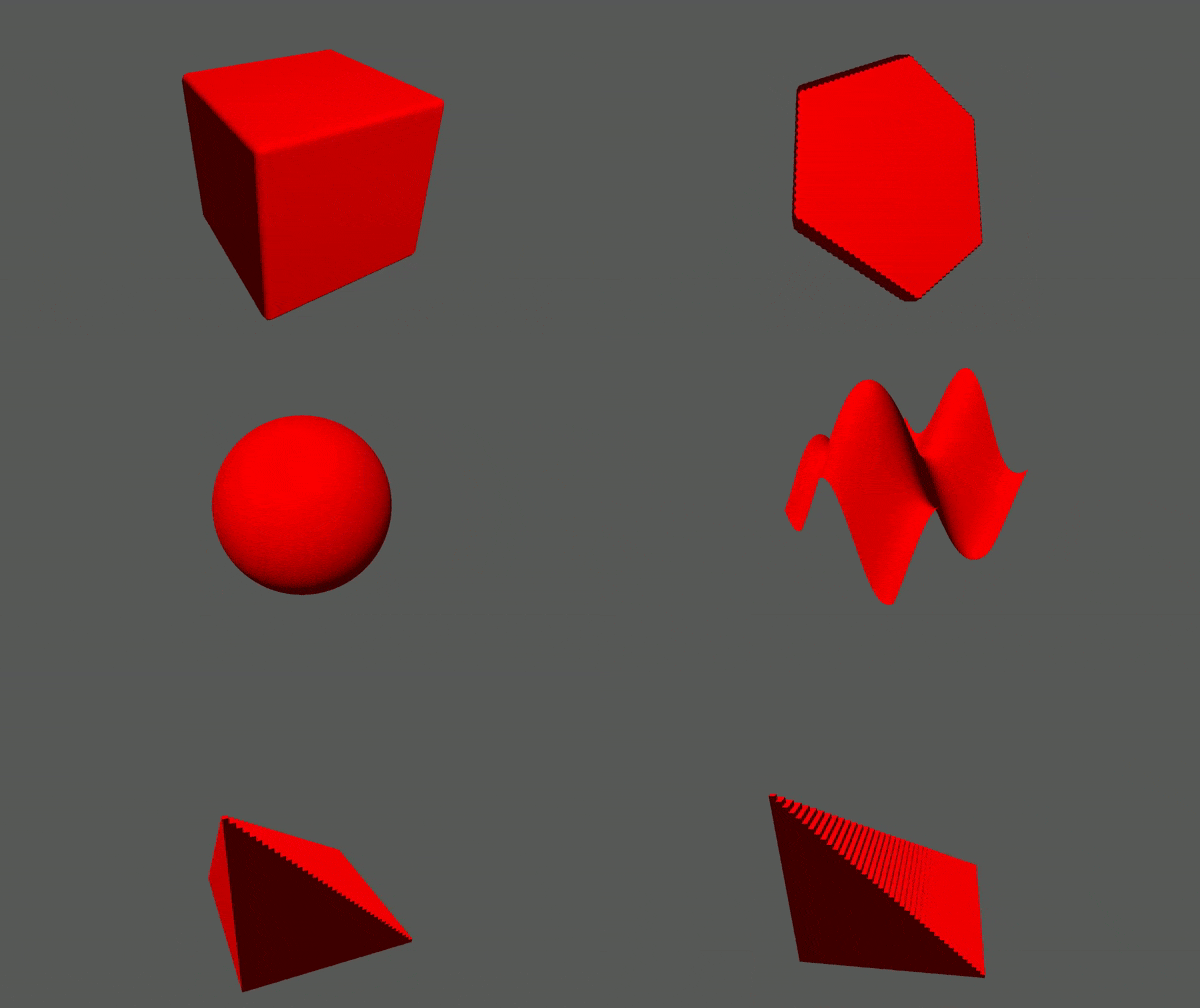
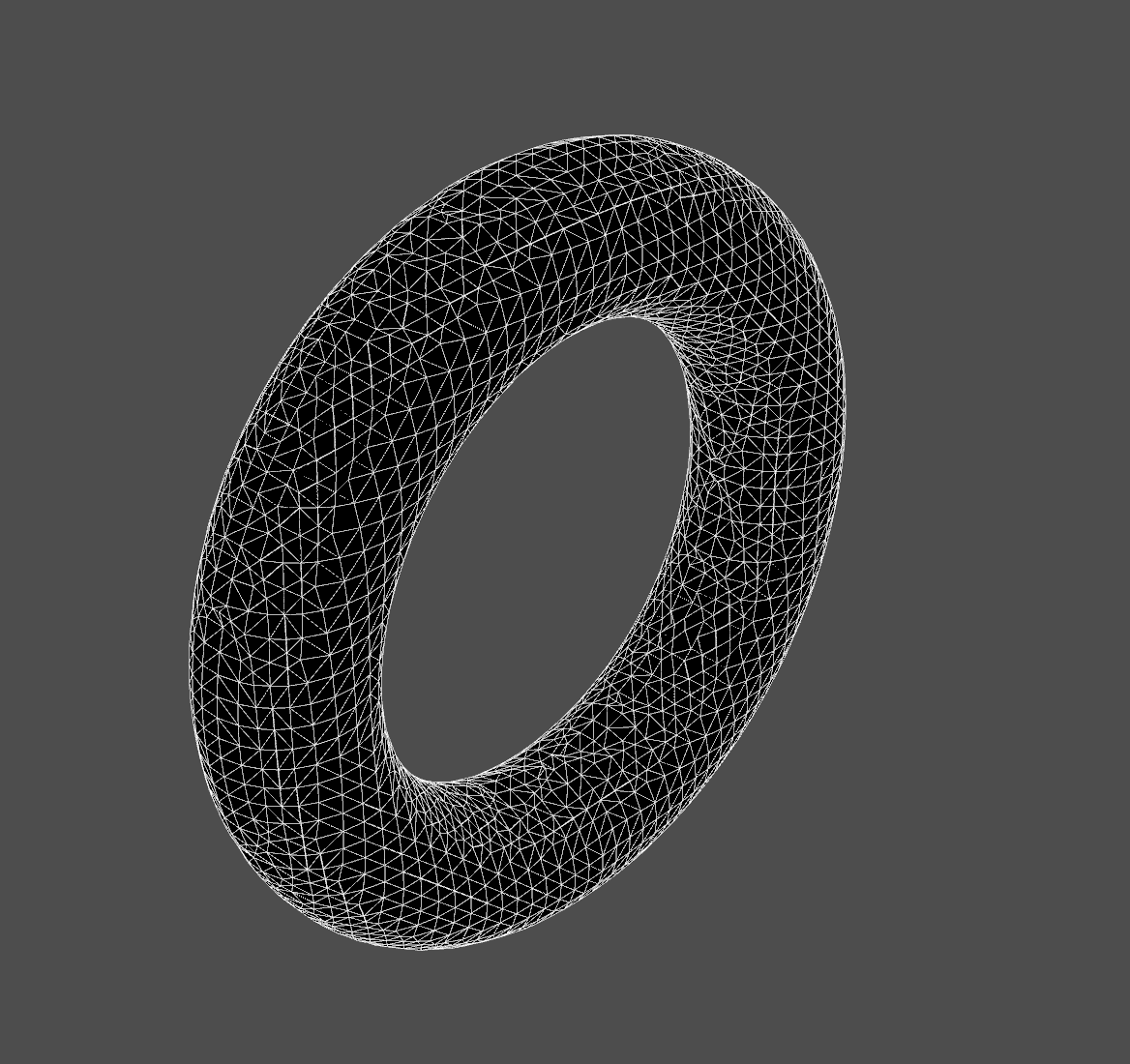
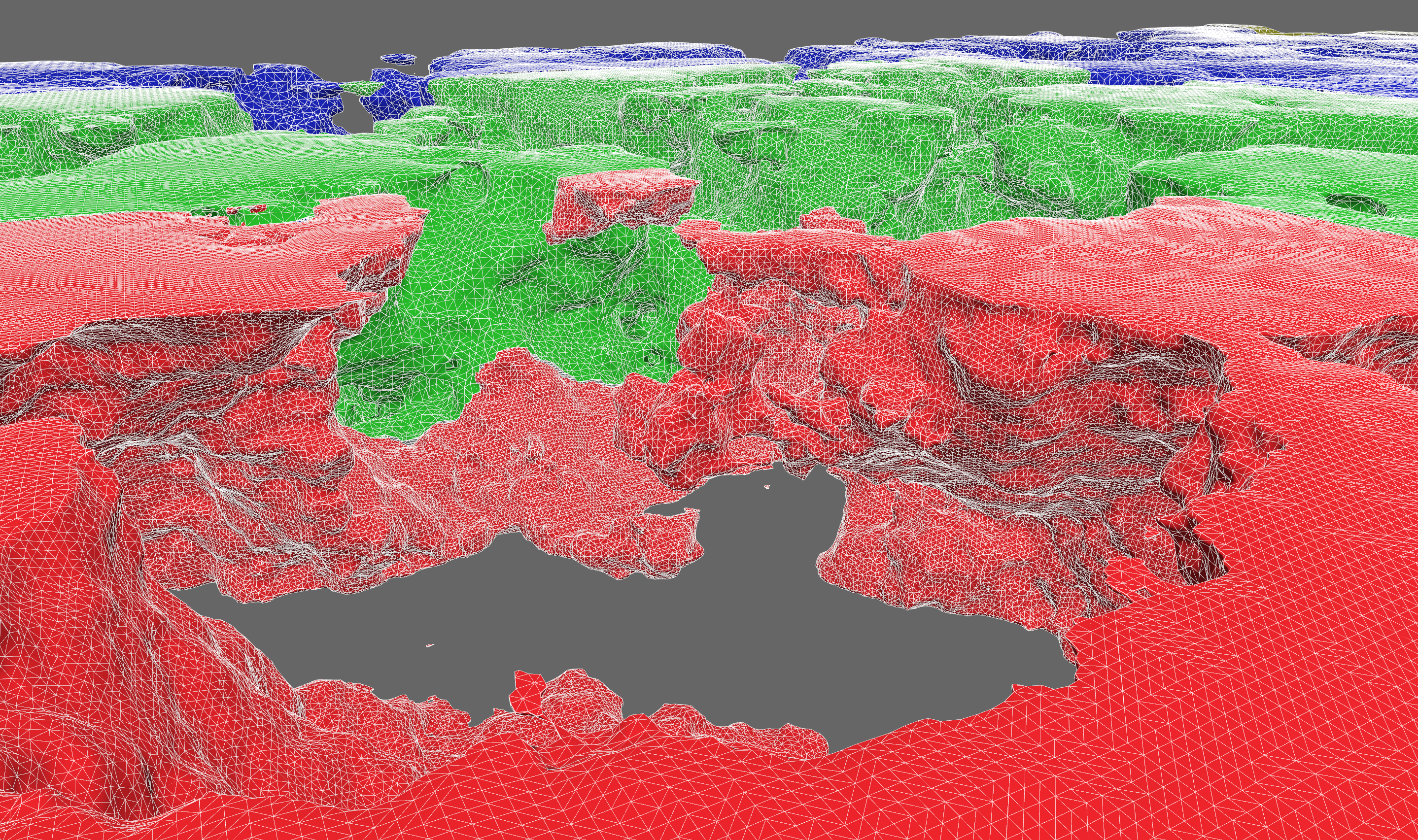
We focus on generally useful data structures and algorithms. Features include:
- 2D and 3D data storage
- structure-of-arrays (SoA) storage of multiple data channels per spatial dimension
- a [`ChunkMap`](crate::storage::chunk::map) with generic chunk storage
- chunk caching, compression, and serialization
- [`OctreeSet`](crate::storage::octree::set) hierarchical bitset of voxel points
- mesh generation
- Surface Nets isosurface extraction
- Minecraft-style greedy meshing
- height maps
- spatial queries
- sparse traversal and search over octrees
- ray casting and sphere casting against octrees with [`ncollide3d`](https://www.ncollide.org/)
- Amanatides and Woo ray grid traversal
- pathfinding
- level of detail
- `ChunkMap` can downsample chunks into lower resolutions within the same storage
- dynamic 3D clipmap for keeping high detail close to a focal point
- multiresolution Surface Nets (TODO)
- procedural generation
- sampling signed distance fields
- constructive solid geometry with [`sdfu`](https://docs.rs/sdfu)
## Short Code Example
The code below samples a [signed distance field](https://en.wikipedia.org/wiki/Signed_distance_function) and generates a
mesh from it.
```rust
use building_blocks::{
core::sdfu::{Sphere, SDF},
prelude::*,
mesh::{SurfaceNetsBuffer, surface_nets},
};
let center = Point3f::fill(25.0);
let radius = 10.0;
let sphere_sdf = Sphere::new(radius).translate(center);
let extent = Extent3i::from_min_and_shape(Point3i::ZERO, Point3i::fill(50));
let mut samples = Array3x1::fill_with(extent, |p| sphere_sdf.dist(Point3f::from(p)));
let mut mesh_buffer = SurfaceNetsBuffer::default();
let voxel_size = 2.0; // length of the edge of a voxel
surface_nets(&samples, samples.extent(), voxel_size, &mut mesh_buffer);
```
## Learning
### Design and Architecture
There is a terse [design doc](https://github.com/bonsairobo/building-blocks/blob/main/DESIGN.md) that gives an overview of
design decisions made concerning the current architecture. You might find this useful as a high-level summary of the most
important pieces of code.
### Docs and Examples
The current best way to learn about the library is to read the documentation and examples. For the latest stable docs, look
[here](https://docs.rs/building_blocks/latest/building_blocks). For the latest unstable docs, clone the repo and run
```sh
cargo doc --open
```
There is plentiful documentation with examples. Take a look in the `examples/` directory to see how Building Blocks can be
used in real applications.
#### Getting Started
This library is organized into several crates. The most fundamental are:
- [**core**](crate::core): lattice point and extent data types
- [**storage**](crate::storage): storage for lattice maps, i.e. functions defined on `Z^2` and `Z^3`
Then you get extra bits of functionality from the others:
- [**mesh**](crate::mesh): 3D mesh generation algorithms
- [**search**](crate::search): search algorithms on lattice maps
To learn the basics about lattice maps, start with these doc pages:
- [point](https://docs.rs/building_blocks_core/latest/building_blocks_core/point/struct.PointN.html)
- [extent](https://docs.rs/building_blocks_core/latest/building_blocks_core/extent/struct.ExtentN.html)
- [array](https://docs.rs/building_blocks_storage/latest/building_blocks_storage/array/index.html)
- [access traits](https://docs.rs/building_blocks_storage/latest/building_blocks_storage/access/index.html)
- [chunk map](https://docs.rs/building_blocks_storage/latest/building_blocks_storage/chunk_map/index.html)
- [transform map](https://docs.rs/building_blocks_storage/latest/building_blocks_storage/transform_map/index.html)
- [fn map](https://docs.rs/building_blocks_storage/latest/building_blocks_storage/func/index.html)
- [octrees](https://docs.rs/building_blocks_storage/latest/building_blocks_storage/octree/index.html)
### Benchmarks
To run the benchmarks (using the "criterion" crate), go to the root of a crate and run `cargo bench`. As of version 0.5.0,
all benchmark results are posted in the release notes.
## Configuration
### LTO
It is highly recommended that you enable link-time optimization when using building-blocks. It will improve the performance
of critical algorithms like meshing by up to 2x. Just add this to your Cargo.toml:
```toml
[profile.release]
lto = true
```
### Cargo Features
Building Blocks is organized into several crates, some of which are hidden behind features, and some have features
themselves, which get re-exported by the top-level crate. Some features are enabled by default. You can avoid taking
unnecessary dependencies by declaring `default-features = false` in your `Cargo.toml`:
```toml
[dependencies.building-blocks]
version = "0.6"
default-features = false
features = ["foo", "bar"]
```
#### Math Type Conversions
The `PointN` types have conversions to/from [`glam`](https://docs.rs/glam), [`nalgebra`](https://nalgebra.org/), and
[`mint`](https://docs.rs/mint) types by enabling the corresponding feature.
#### Compression Backends and WASM
Chunk compression supports two backends out of the box: `Lz4` and `Snappy`. They are enabled with the "lz4" and "snappy"
features. "lz4" is the default, but it relies on a C++ library, so it's not compatible with WASM. But Snappy is pure Rust,
so it can! Just use `default-features = false` and add "snappy" to you `features` list.
#### VOX Files
".VOX" files are supported via the [`dot_vox`](https://docs.rs/dot_vox/) crate. Enable the `dot_vox` feature to expose the
generic `encode_vox` function and `Array3x1::decode_vox` constructor.
#### Images
Arrays can be converted to `ImageBuffer`s and constructed from `GenericImageView`s from the [`image`](https://docs.rs/image)
crate. Enable the `image` feature to expose the generic `encode_image` function and `From<Im> where Im: GenericImageView`
impl.
#### Signed Distance Field Utilities (sdfu)
The [`sdfu`](https://docs.rs/sdfu) crate provides convenient APIs for constructive solid geometry operations. By enabling
this feature, the `PointN` types will implement the `sdfu::mathtypes` traits in order to be used with these APIs. The `sdfu`
crate also gets exported under `building_blocks::core::sdfu`.
## Development
We prioritize work according to the [project board](https://github.com/bonsairobo/building-blocks/projects/1).
If you'd like to make a contribution, please first read the **[design
philosophy](https://github.com/bonsairobo/building-blocks/blob/main/DESIGN.md)** and **[contribution
guidelines](https://github.com/bonsairobo/building-blocks/blob/main/CONTRIBUTING.md)**.
License: MIT