# Fast, robust, powerful, user-friendly pkgsrc builder
[](https://crates.io/crates/bob)
[](https://docs.rs/bob)
[](https://github.com/jperkin/bob)
Bob is a comprehensive utility for building pkgsrc packages in parallel inside
sandboxes.
Bob is designed to be an easy-to-use and complete replacement for build tools
such as pbulk, pkg\_chk, or pkg\_rolling-replace, while providing a modern
intuitive interface and many additional features for local pkgsrc development,
bulk build reporting and publishing, and failure analysis.
## Screencasts
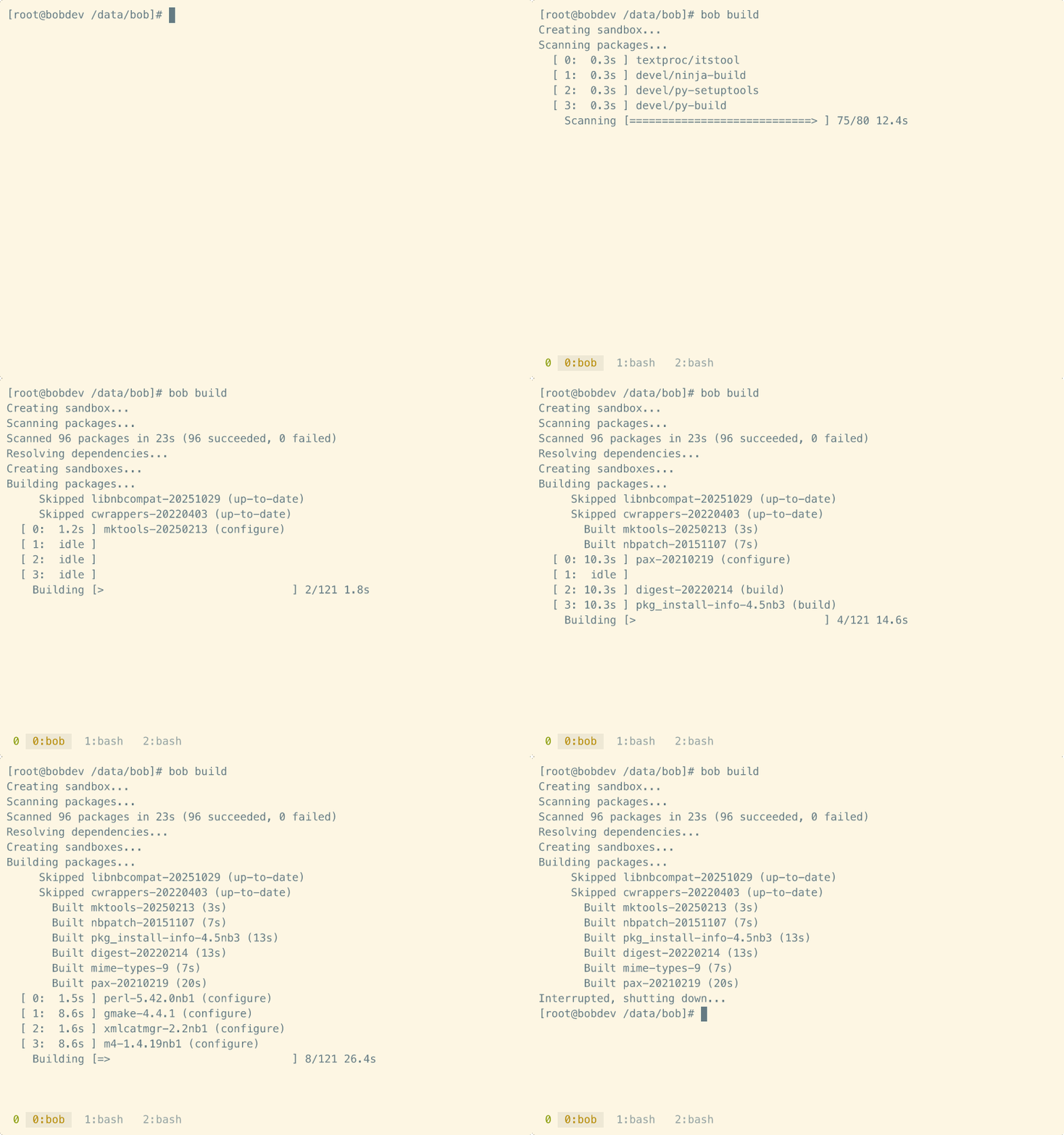
- Example build session
[](https://asciinema.org/a/763171)
- Live build log viewer
[](https://asciinema.org/a/763316)
## Features
- [x] Powerful, fast, and robust, while remaining easy to use.
- [x] Native, customisable sandbox implementations for common operating systems.
- [x] Parallel scan and build processes inside concurrent sandboxes.
- [x] Dynamic `MAKE_JOBS` and `WRKOBJDIR` scheduler for optimal performance.
- [x] [Ratatui](https://ratatui.rs)-based user interface.
- [x] Simple, flexible, and extendable Lua-based configuration.
- [x] Easily support multiple branch builds or different OS targets.
Bob works out-of-the-box on NetBSD, Linux, macOS[^1], and illumos.
## Getting Started
There are two ways to install bob. The preferred method is to install using
cargo so that bob is kept independent of the pkgsrc installation that you may
be building for. However there is also a package available for users who
prefer to only use software installed via pkgsrc.
### Install via cargo
Cargo-installed bob uses an XDG directory layout by default:
| `~/.cargo/bin/bob` | The `bob` binary |
| `~/.config/bob/config.lua` | Default configuration file |
| `~/.local/share/bob/` | Database, build state, and logs |
Install the binary using cargo:
```
$ cargo install bob
```
Then create a default configuration file using `bob init`:
```
$ bob init
Created ~/.config/bob/config.lua
```
### Install via pkgsrc
Bob installed using pkgsrc uses a standard pkgsrc layout, for example:
| `/usr/pkg/bin/bob` | The `bob` binary |
| `/usr/pkg/etc/bob/config.lua` | Default configuration file |
| `/var/db/bob/` | Database, build state, and logs |
The package installs a default `config.lua` ready to edit, so `bob init` is not
required.
### Customise
The defaults are designed to work out of the box, but you are likely to want to
change some things, for example which packages to build, enable an unprivileged
build user, or add any additional mount points required.
On non-NetBSD systems you will also need a pkgsrc bootstrap kit, with the
absolute path set in the `pkgsrc.bootstrap` config option.
For a complete example, have a look at
<https://github.com/jperkin/bob/blob/main/examples/smartos-trunk.lua>. This is
the exact configuration file used to publish the daily SmartOS trunk builds.
### Build
When you are happy with the configuration:
```
$ bob build
```
will proceed to build all of the packages you have requested. At the end of a
successful build run bob will automatically create a `pkg_summary` file, so if
you have configured [pkgin](https://github.com/NetBSDfr/pkgin) to look there, a
full upgrade to the latest pkgsrc packages is as simple as:
```
$ bob build && pkgin upgrade
```
During the build phase you can press 'v' to toggle between the default inline
progress bars and a full-screen paned layout that shows live build logs to
track progress.
Bob handles interruptions gracefully, and automatically cleans up sandboxes,
etc. If the build is interrupted, you can resume with `bob build`, and bob
will continue from where it left off.
After a build has completed, and some time later you wish to update pkgsrc to
build updated packages, you will first need to run:
```
$ bob clean
```
to clear the previous database state, before running a new `bob build`.
## Design Goals
There are two main methods currently used to update a pkgsrc installation.
Update-in-place using tools such as `pkg_chk` or `pkg_rolling-replace`. These
tools operate directly on the target host, upgrading packages in turn. These
are the simplest to set up and use, and thus reasonably popular, but have some
major drawbacks:
* Upgrading in place means that if a build error is encountered, the
system may be left in a degraded state until the issue is fixed.
* Building directly on the system may end up finding tools and libraries on
the host system that wouldn't be found otherwise, which may mask issues that
would be exposed when building in a clean environment.
* Only one build can happen at a time, and dependency issues aren't discovered
until build time.
Bulk builds using `pbulk` allow packages to be built inside clean sandboxes,
and with the appropriate patches mean that builds can be performed in parallel.
These solve a number of the problems with update-in-place builds, but do have
their own drawbacks:
* Historically pbulk has been notoriously difficult to set up and configure,
and any runtime problems can be very hard to diagnose.
* A separate pkgsrc prefix (e.g. `/usr/pbulk`) is required to hold pbulk and
associated tools.
* Support for concurrent builds and sandbox configuration is left to external
patches and the user to configure manually, and it can be very easy to
accidentally trash your system.
Bob combines these methods into a best-of-both approach:
* Automatically set up build sandboxes, hiding away all of the complexity
involved trying to support multiple operating systems.
* Perform a pbulk-style scan of the requested packages to ensure all of the
dependencies are correct.
* Build packages inside sandboxes, using a directed acyclic graph to perform
builds in the correct order, and take advantage of parallel builds where
possible.
* Provide a very flexible configuration interface for local customisation.
Bob doesn't stop there though, and also provides many unique features such as
easily spinning up pkgsrc development sandboxes, significant improvements to
bulk build reports including diffs to previous builds, built-in build history,
and much, much more.