
blitzkit
In which I develop a wrapper around wgpu-rs to create a graphics development engine in rust.
2d and 3d. I've got a few games built on it so far.
I hand built this engine, and I built my versions of pong and snake using it. After those two I started working with AI to take it further. Most of the 3d mechanics were already there. (Thanks past me)
Feel free to follow along!
There's a guide at blitzkit.jva.lol.
Games built on it
The arcade is, well, an arcade. It has the games built with this engine in a room to explore them.
- pong
- snake
- tessera
- marble first 3d game here
- slider second. fly through a tunnel, try to thread through the rings
- starry third. a sliding tile puzzle of starry night
- lantern fourth. a dark maze
- securitysweep fifth, a searchlight game
- carom sixth, one player game of marbles
- poolhall seventh, pool
- cairn eighth, a tower of blocks to take apart
- cascada ninth, dominoes to stand up and push over
The examples below live in this repo. The games are their own repos.
Examples
Each one has its command below. Pressing escape is how to quit.
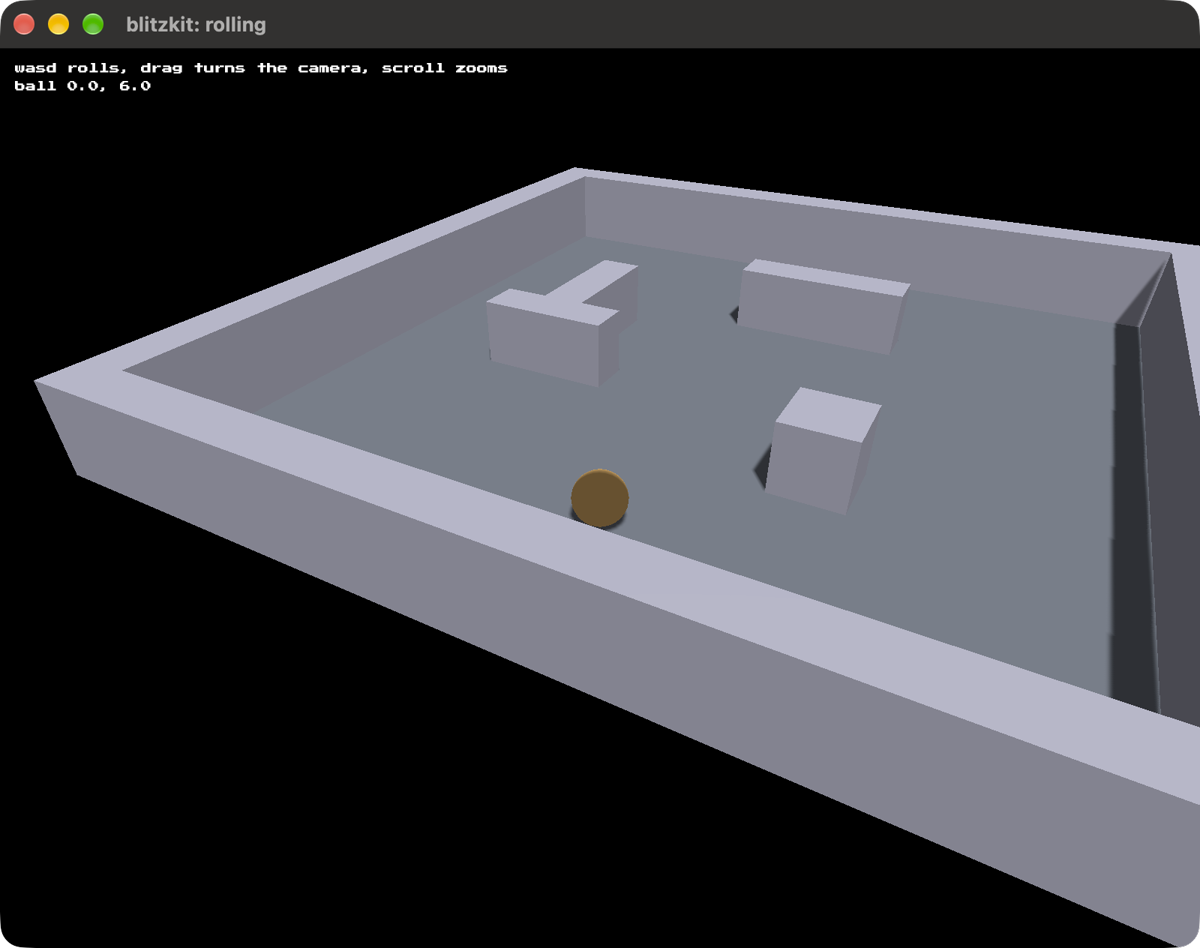
rolling, the collision detection. Roll a ball round a walled room with WASD or the arrow keys. It slides along the walls instead of going through them, and settles into corners.
cargo run --release --example rolling
WASD or the arrow keys roll the ball and the camera follows it. Move the mouse to
swing the camera around, and scroll to zoom.
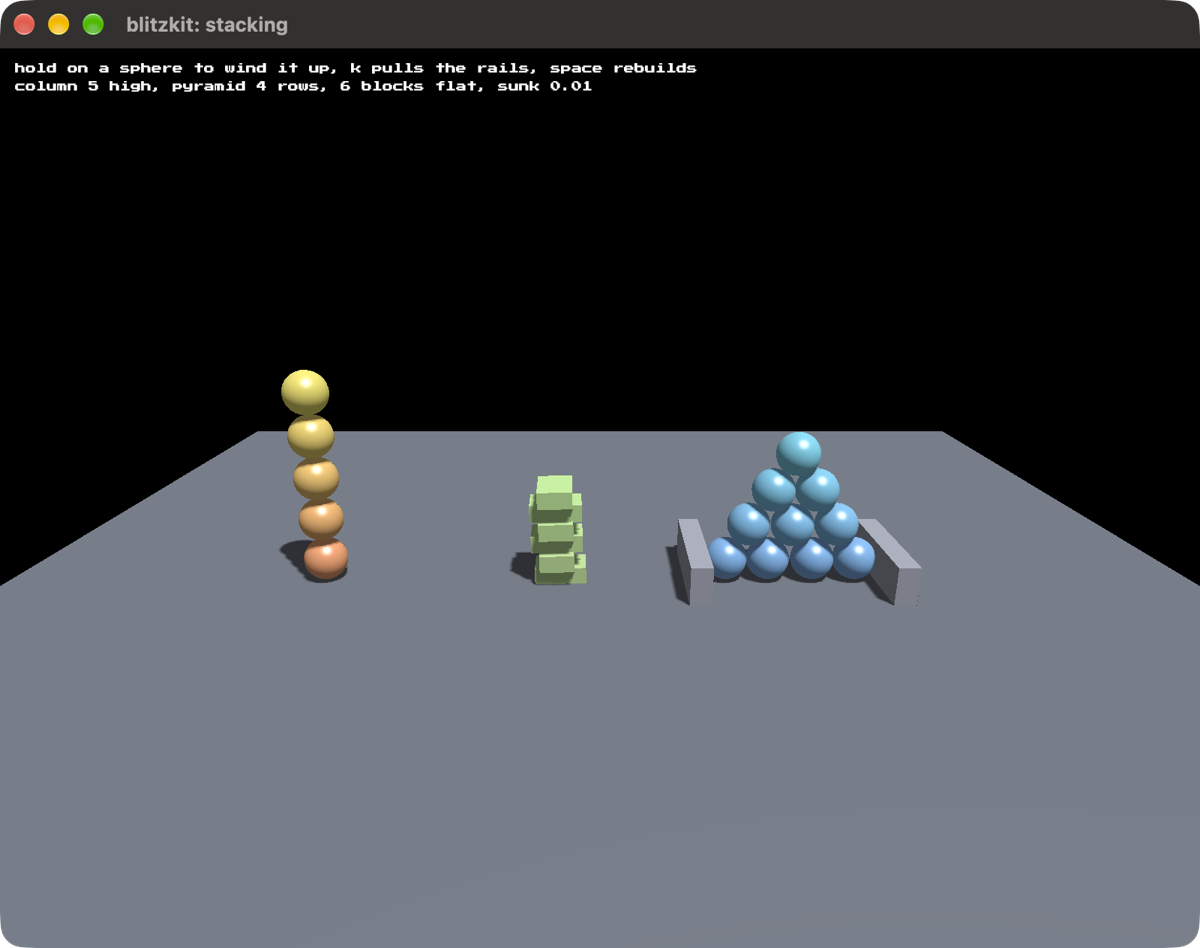
stacking, bodies holding each other up. A column of spheres five high, a pyramid of them four rows deep, and a heap of blocks dropped on top of each other, all standing there instead of sinking through. The readout counts each pile and says how far the lowest body has gone below where it should rest.
cargo run --release --example stacking
Hold the left button on a sphere to wind it up, let go to shove it
away from the camera. That is how to knock the column over. The longer the hold
the harder the shove, up to bright red and out of the frame. Aim is taken when
you let go, so wind it up first and then point it. K pulls the rails out from
either side of the pyramid and puts them back. Space builds the whole thing
again. Drag with the right button to turn the camera, scroll to zoom.
The rails are there because loose spheres will not hold a pyramid up on their own: each ball sitting in a valley shoves the two beneath it apart, and only the floor's grip resists. Pulling them is the quickest way to see it. Four rows slump into two and the pile spreads into a loose mound, while the column at the far end stands there untouched.
Push one off the edge and it is gone for good rather than falling for ever, which is what it did until the readout was found reporting a sphere eight thousand units down.
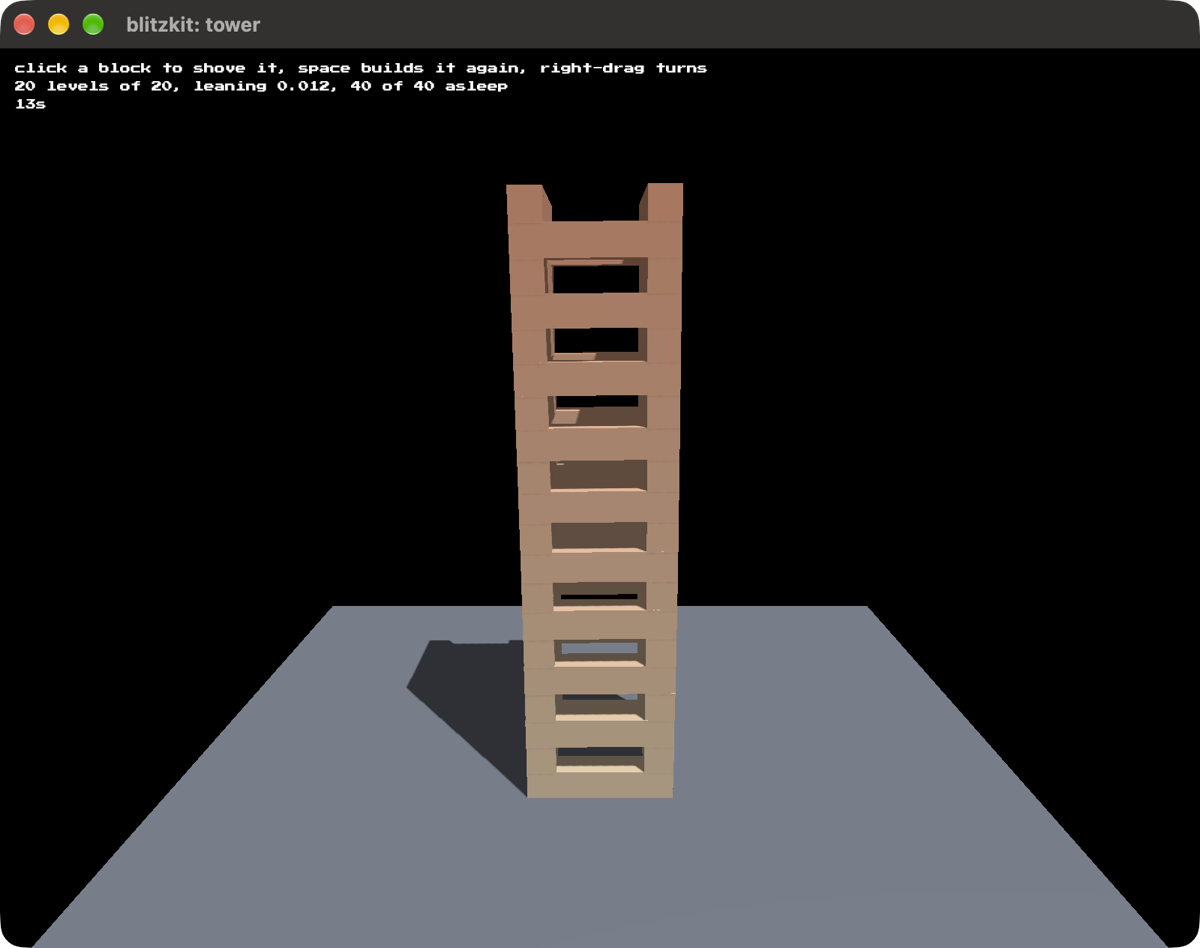
tower, a stack that stays up. Cairn's tower: two blocks a level laid at the outer edges, turned a quarter turn each level, twenty levels of them and hollow all the way up. The thing worth watching is that nothing happens. It settles in about a second and a half, falls asleep, and then stops costing anything at all.
cargo run --release --example tower
Click a block to shove it and find out what was leaning on it, space builds it again, dragging with the right button turns the camera, and scrolling zooms.
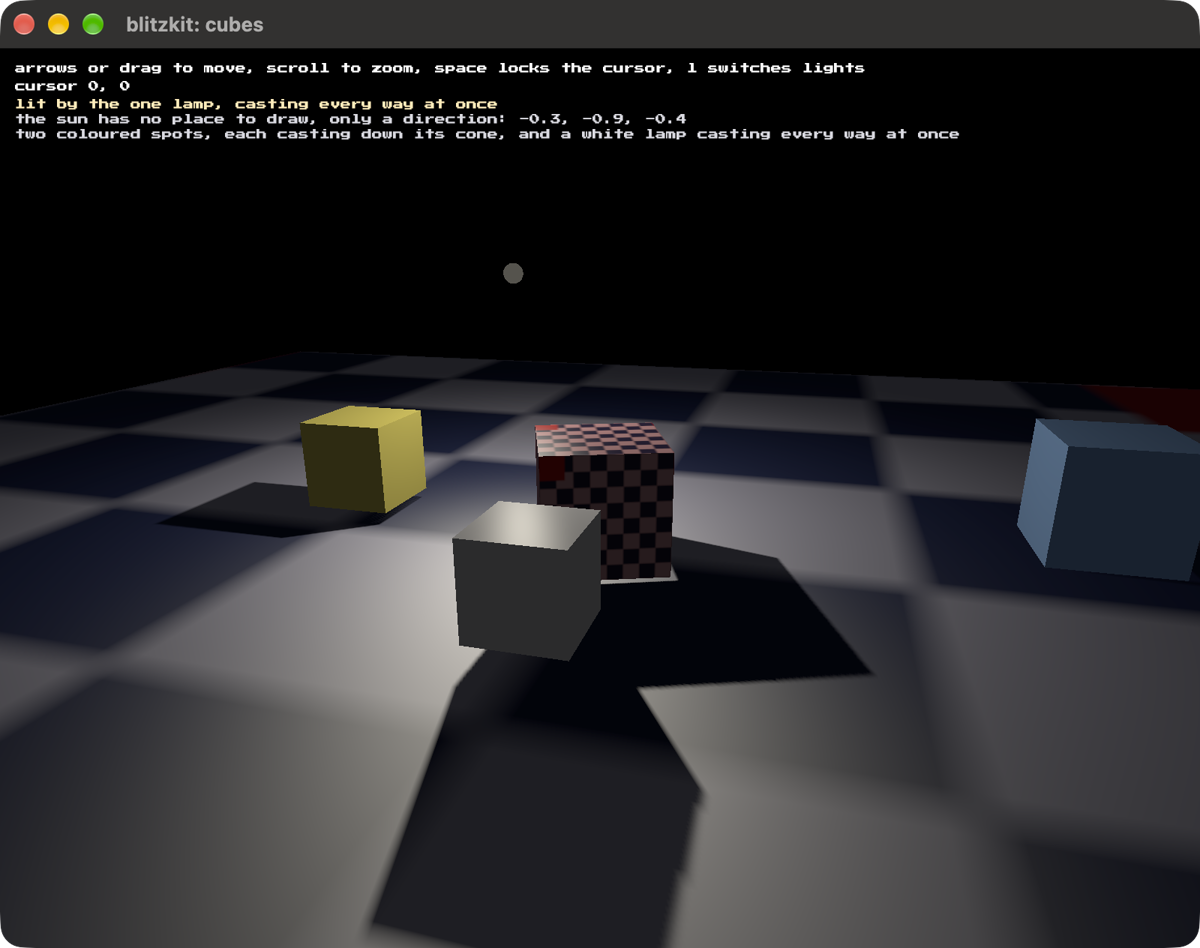
cubes, A demonstration of more sophisticated lighting. L takes you through the different modes one at a time. The sun is placed infinitely away so it has a direction with no defined position. There's nothing to draw for it, and turning it off is the only way to see what it was doing. The spots cast down their cones; the lamp casts every way at once.
cargo run --release --example cubes
Same controls, the arrow keys. Using the mouse works as well. Play around.
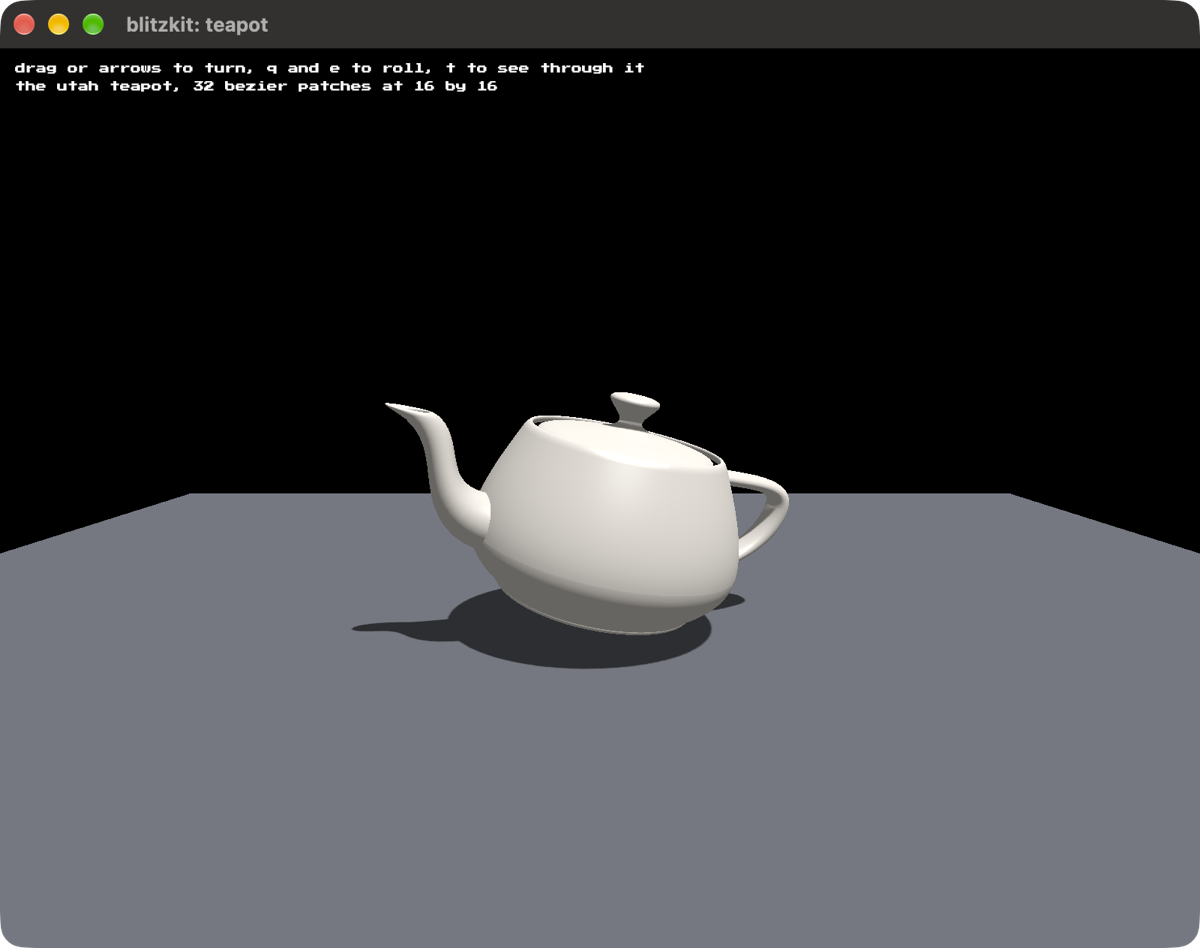
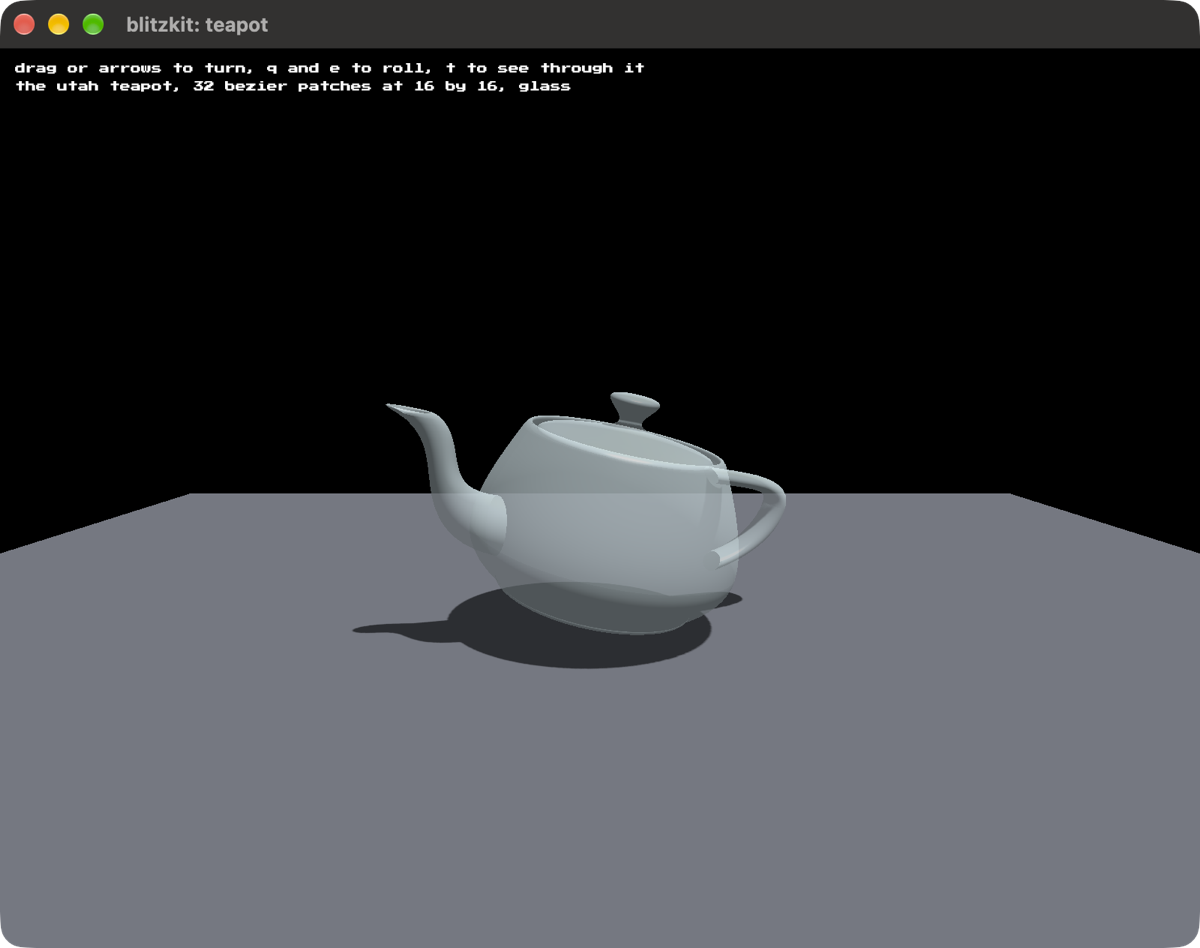
teapot, the Utah teapot, from the points Newell measured off a real one in 1975. Pressing T makes it translucent.
cargo run --release --example teapot
Drag to turn it any way at all, or use the arrows. Press Q and E to roll it. Press T to make it translucent. Scroll to move closer or further. Press R to put it back where it started. And press space to lock the cursor.
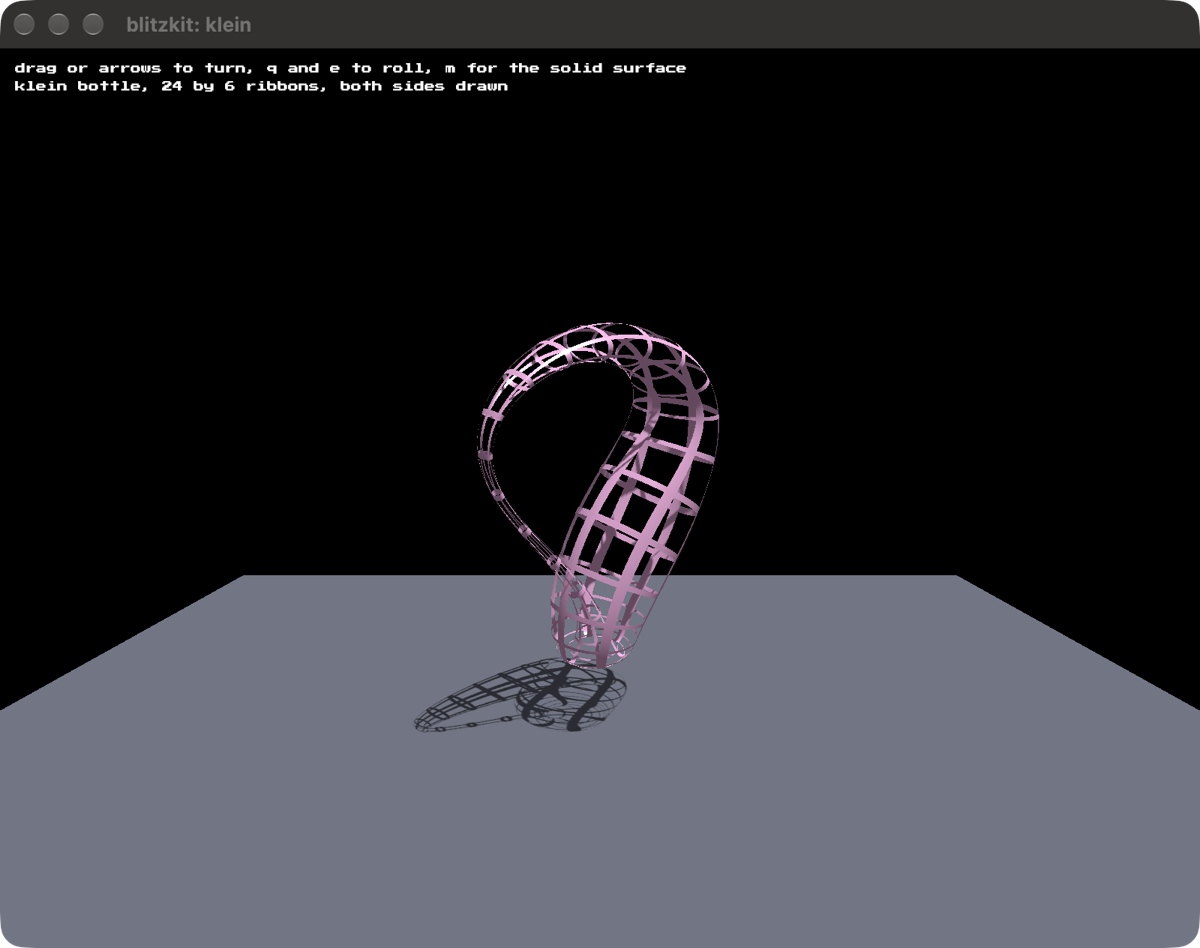
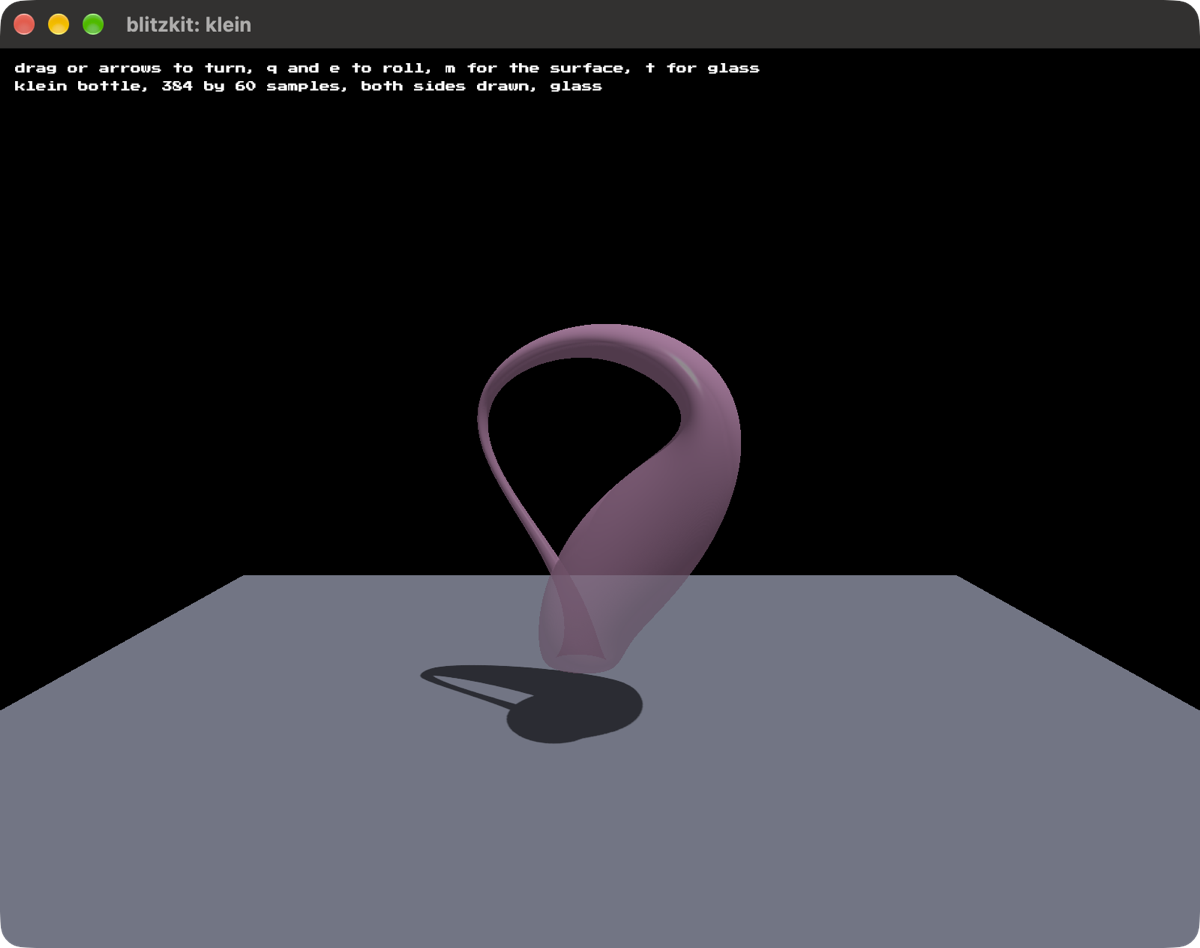
klein, a Klein bottle you can spin any way you like. M for the solid surface, T for glass.
cargo run --release --example klein
The same controls as the teapot, plus M to swap the wire mesh for the solid surface.
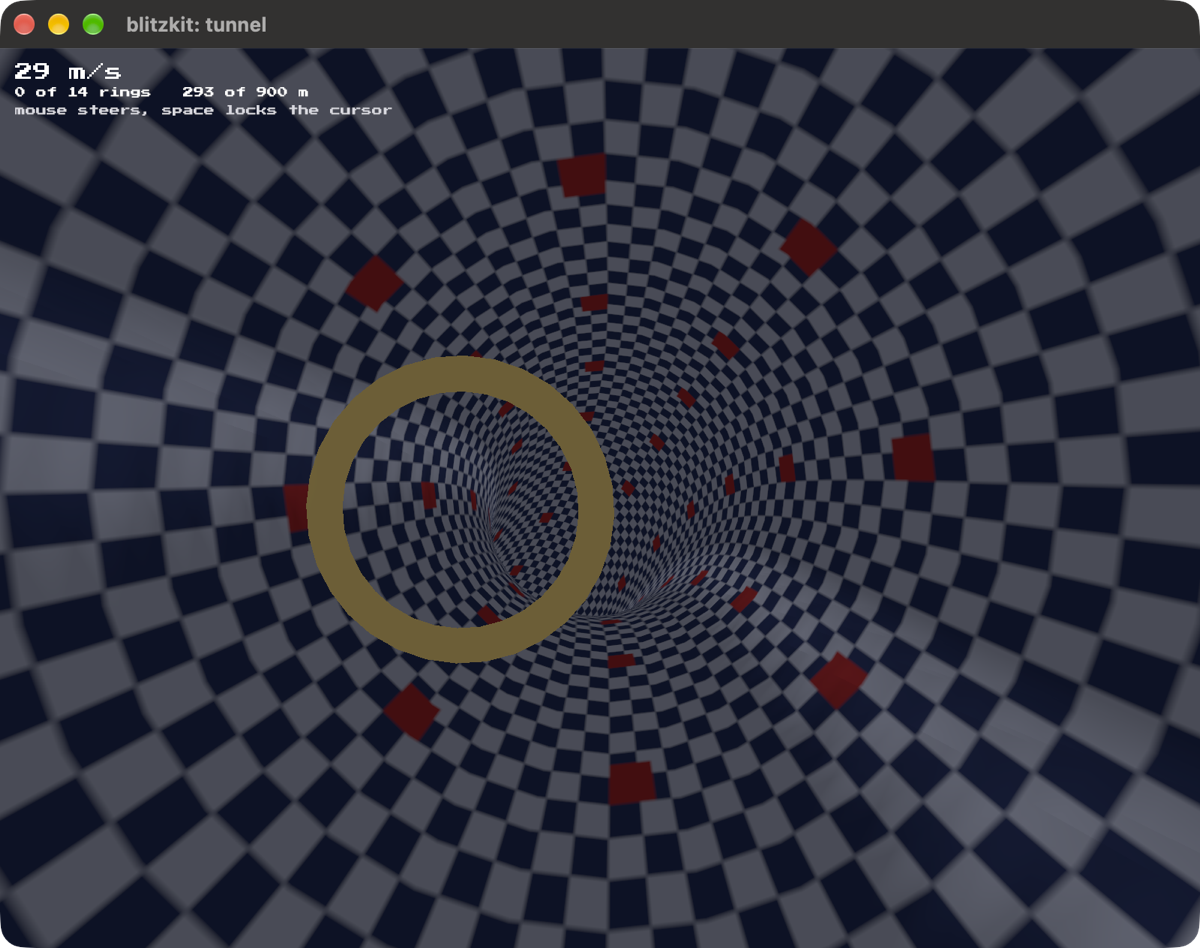
tunnel, a checkered tunnel that wanders, and rings to fly through.
cargo run --release --example tunnel
Steer with the mouse. It flies itself. It gets faster the further you get, and brushing the wall costs you speed. Press space to lock the cursor. Press R to start over.
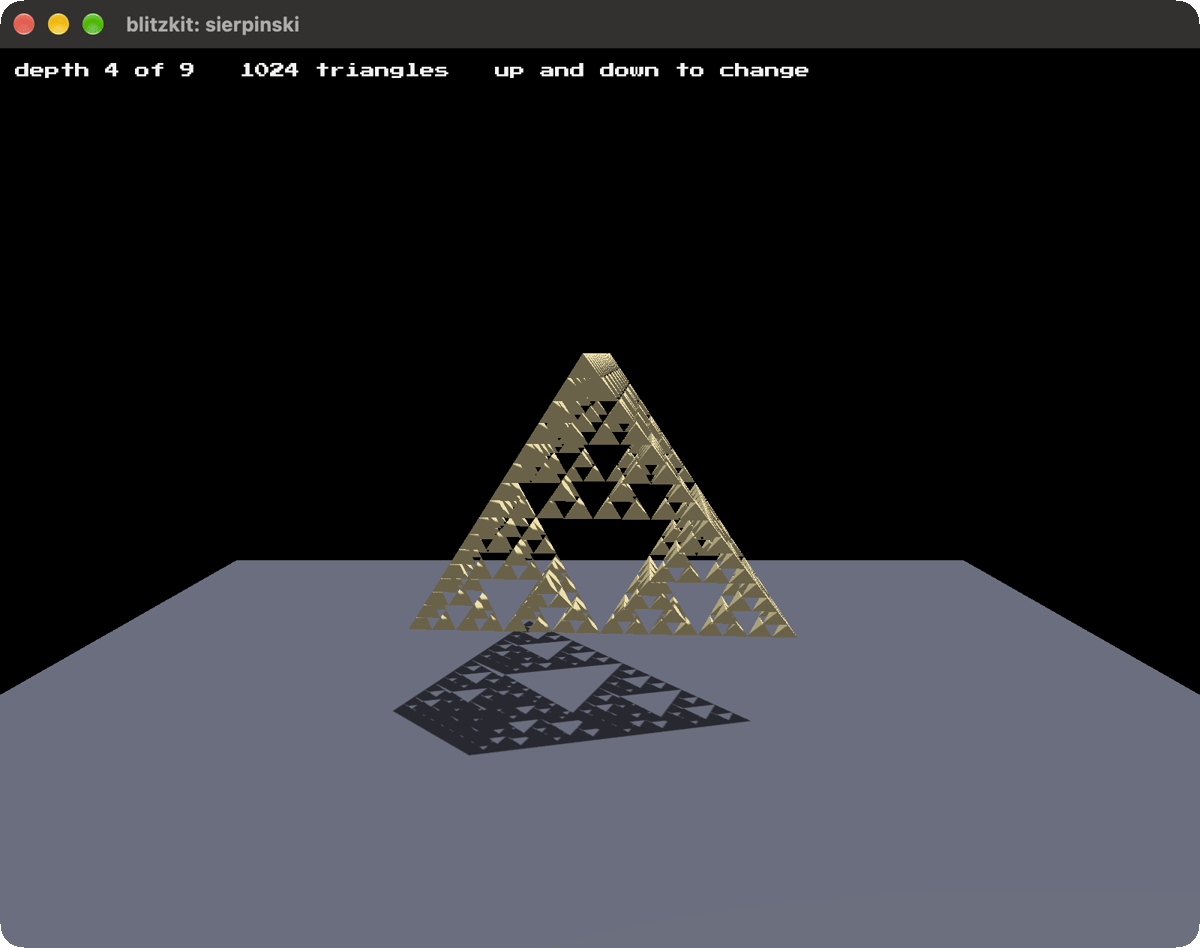
sierpinski, If you know, you know.
cargo run --release --example sierpinski
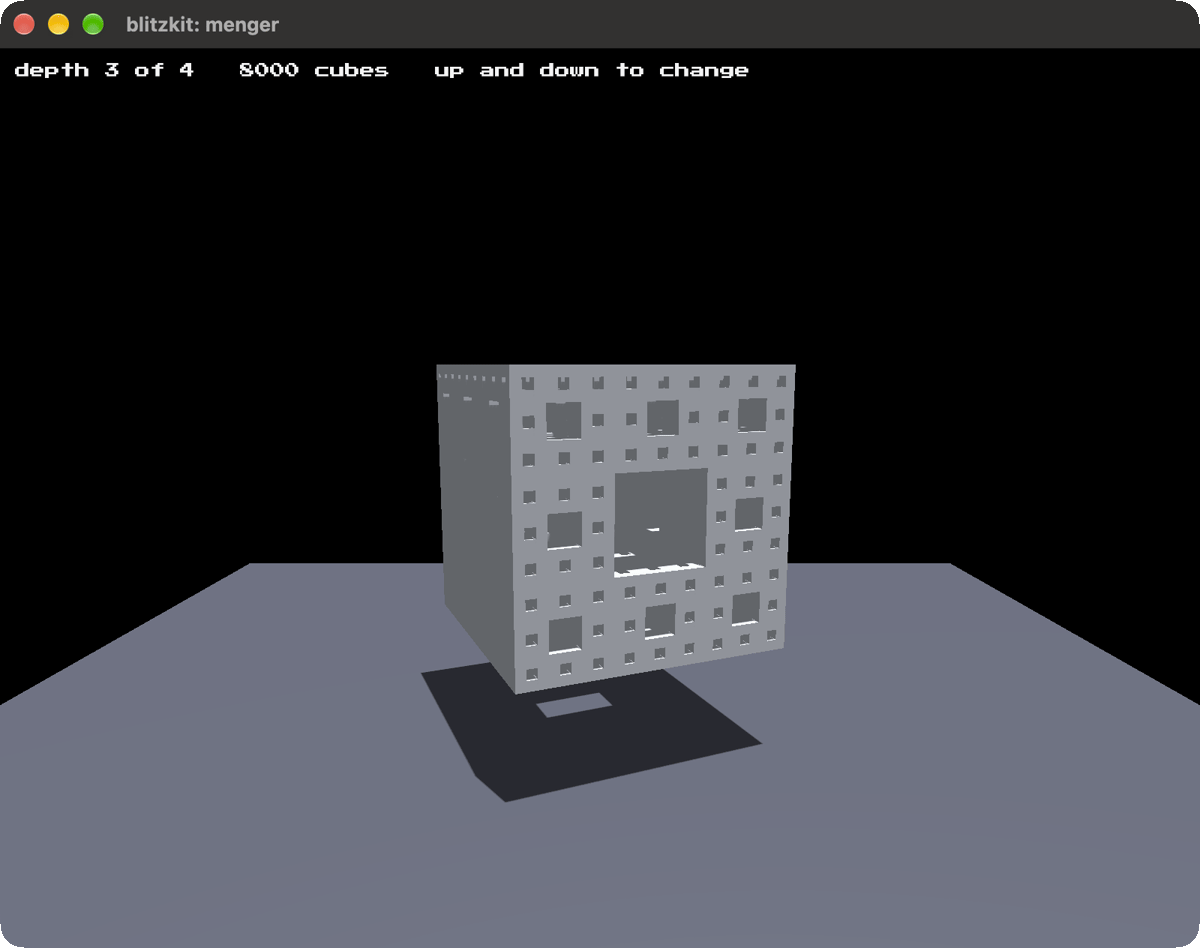
menger, Another fractal example.
cargo run --release --example menger
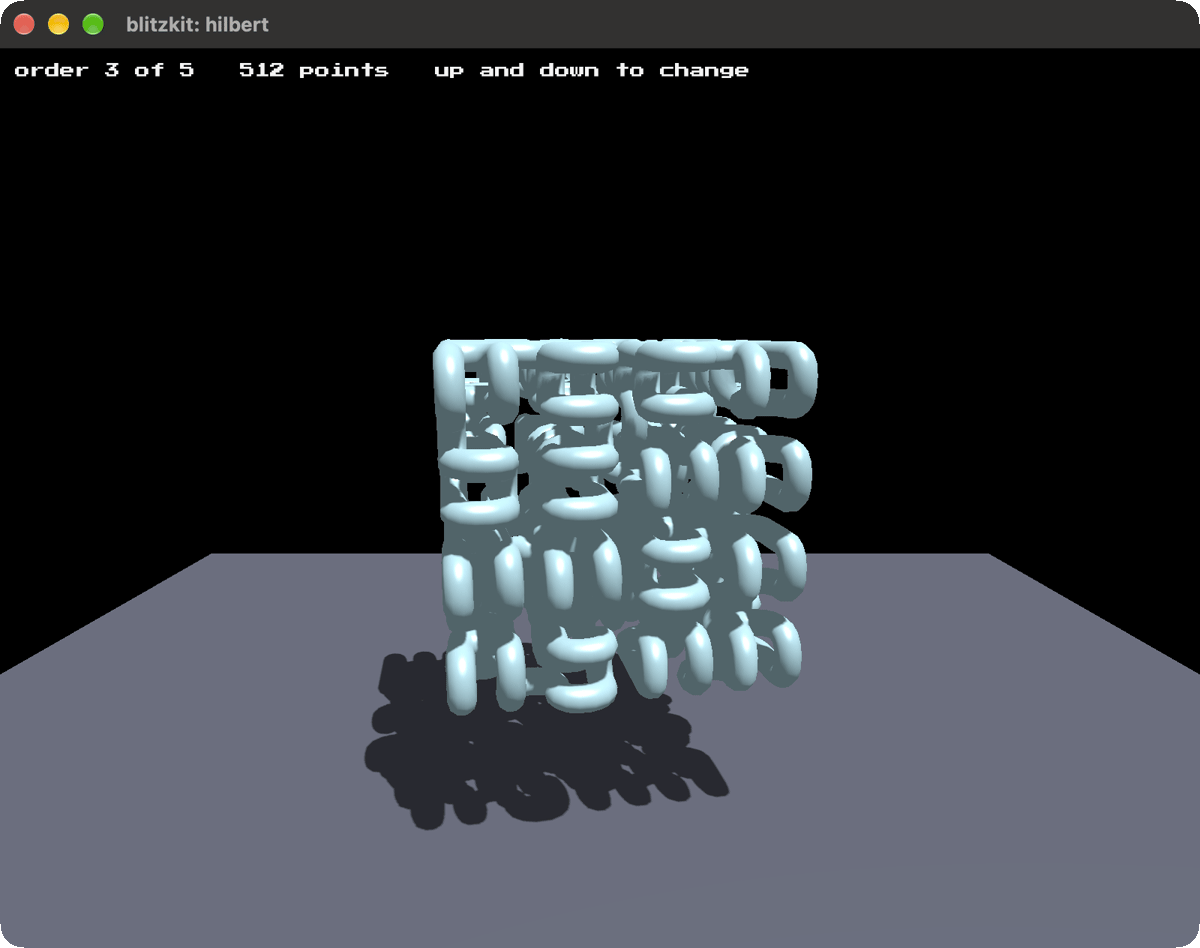
hilbert, I didn't know what this was until I got into this space of weird 3d geometries. I just think it's neat.
cargo run --release --example hilbert
License
MIT or Apache-2.0, whichever suits you.
The font, Press Start 2P, isn't mine. It's under the SIL Open Font License 1.1,
and that license travels with it in res/fonts/OFL.txt.
I asked AI to draft this for me. I've edited it. Any surviving AI smells are my oversight.