<p align="center">
<img src="https://raw.githubusercontent.com/Eoin-McMahon/Blindfold/master/assets/banner.png" alt="banner" style="width:100%;height:20%;">
<br>
Logo courtesy of <a href="https://www.instagram.com/do.graphics/">Dominic Houston-Watt</a>
</p>

[](https://github.com/Eoin-McMahon/Blindfold/blob/master/license.txt)
[](https://github.com/Eoin-McMahon/Blindfold/stargazers)
## ✨ Features
* Pulls .gitignore templates from gitignore.io.
* Clean and simple CLI
* Suggestion system to help correct potential typos
* Allows for the combination of any number of different templates all into one gitignore
## 📦 Installation
NOTE: Rust must be installed on your system for this to work. (<a href="https://www.rust-lang.org/learn/get-started">Install Rust</a>)
### Download from crates.io
```bash
cargo install bliss
```
### Build from source
* Clone the repository and cd into it
* Once in the top level directory of the repo run the command:
```console
foo@bar:~$ cargo install --path ./
```
This will install the binary and add it to your path. Once installed you can use the tool as shown in the examples below.
## ⚙️ Demo:
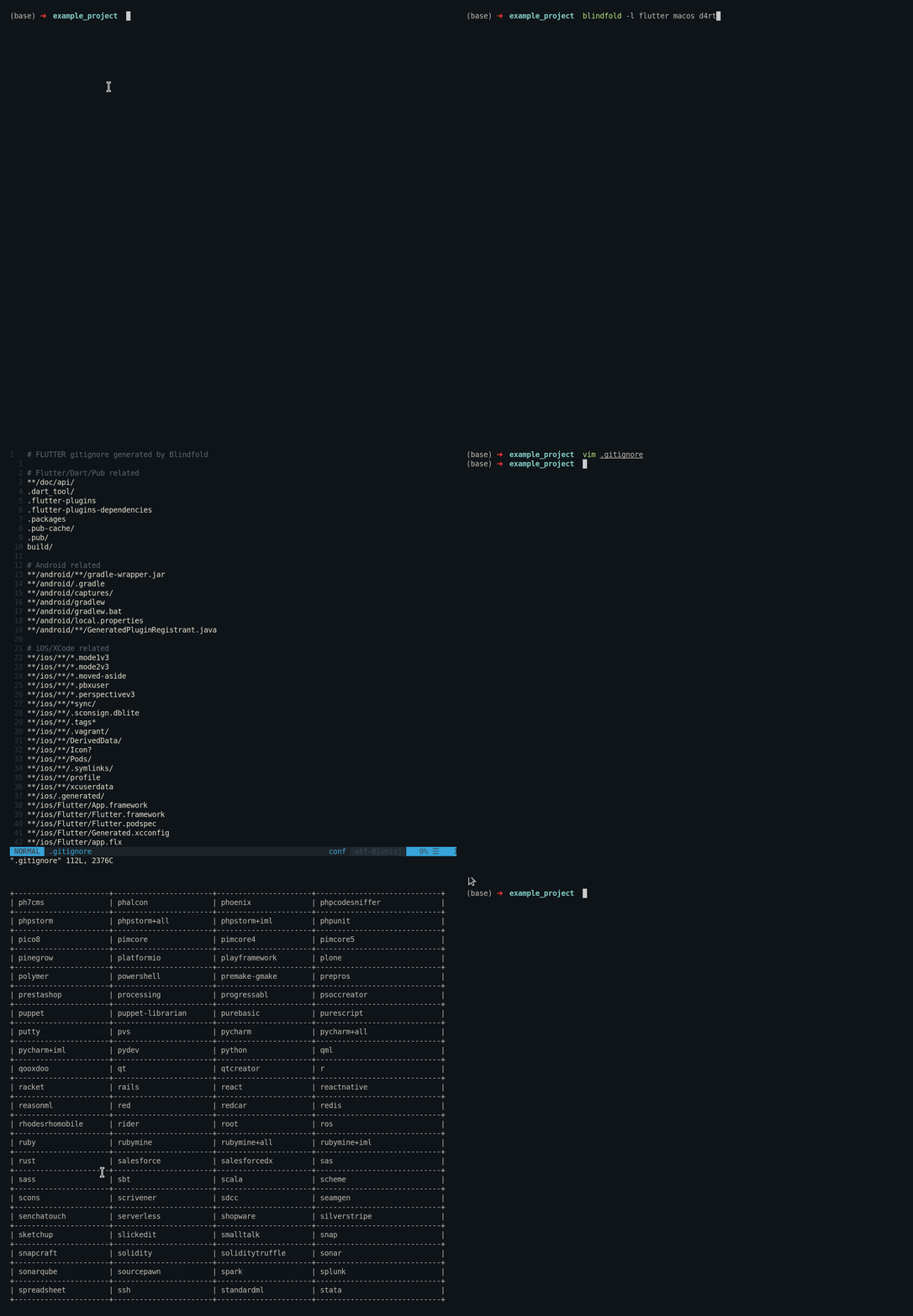
## 🔧 Examples of use:
```console
// generates a single gitignore file for both dart and flutter in ./src/.gitignore
foo@bar:~$ blindfold --lang dart flutter
```
```console
// you can specify a specific destination to store the gitignore file using the dest argument
foo@bar:~$ blindfold --lang rust --dest ./src/
```
```console
// arguments can also be written in shorthand
foo@bar:~$ blindfold -l rust -d ./src/
```
```console
// shows full list of available templates
foo@bar:~$ blindfold list
```
```console
// There is a help screen that can be shown which details the subcommands and arguments to supply to the program
foo@bar:~$ blindfold -h
```