## Bevy UI Text Input
Text input crate for Bevy UI using cosmic text.
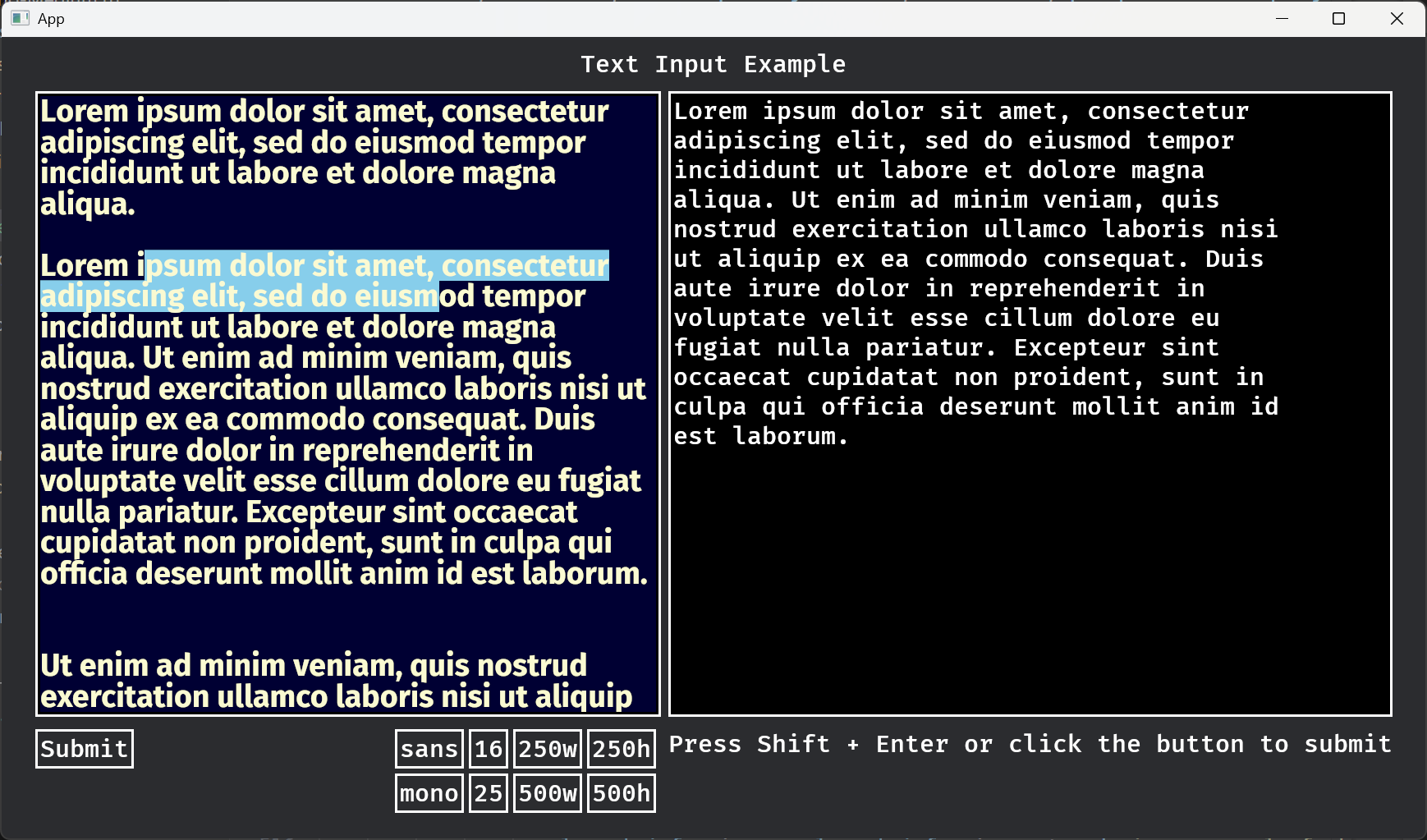
#### Basic usage
Spawn a `TextInputNode` component to create a text input:
```
commands
.spawn((
TextInputNode::default(),
Node {
width: Val::Px(500.),
height: Val::Px(250.),
..default()
},
))
```
The size has to be set using `Node`, there isn't any support for responsive sizing yet.
The active text input is set using the `InputFocus` resource. Inputs can also be set to activate on clicks.
There are a couple of examples, `text_input` is the most complete:
```
cargo run --example text_input
```
#### Features
* Undo and redo
* Text selection with keyboard and mouse
* Overwrite and insert edit modes
* Horizontally scrolling single line input
* Validated integer, decimal and hexadecimal input modes
* Vertical and horizontal scrolling
* Cut, copy, and paste with clipboard support
* Display prompt when empty
* Keyboard navigation supports page up & down, home & End, next & previous word, buffer start & end and scroll up & down
* Mouse wheel scrolling
* Max characters limit
* Double-click and triple-click to select words and paragraphs respectively
#### Problems + Bugs
* Scrolling can be glitchy if the line height isn't an exact divisor of the input box.
* The plugin can't access any existing `FontAtlasSet`s from `bevy_text` and has to create its own atlases for any fonts it uses.
#### Not supported (at least yet)
* IME
* Responsive sizing
* Rich text
* Syntax highlighting
* World UI
* Text2d
* Onscreen keyboard
* Clipboard on android
#### Compatibility
| 0.17 | 0.6 |
| 0.16 | 0.5 |
